

FocuSee is an AI-powered auto-editing screen recorder that turns raw screen captures into polished, share-ready videos with automatic zoom, cursor tracking, and audio enhancement for Windows and Mac.
Best FocuSee Alternatives & Competitors 2026
A popular AI Screen Recorder tool with 38.2K monthly visits. We've analyzed 20 similar AI tools to help you compare features, popularity, and ratings. Find the perfect alternative for your needs.
Quick Comparison
(Top 5 by Traffic)| Tool | Visits | Top Market | Growth | Rating | Insight | Description |
|---|---|---|---|---|---|---|
 FocuSeeCurrent | 38.2K | 🇺🇸 United States16.7% | -42.1% | - | 📉Traffic Decline Significant traffic drop recently. Check for alternatives. | FocuSee is an AI-powered auto-editing screen recorder that turns raw screen captures into polished, share-ready videos with automatic zoom, cursor tracking, and audio enhancement for Windows and Mac. |
 Loom | 16.6M | 🇺🇸 United States43.0% | -4.5% | - | 🚀Super High Traffic Over 10M monthly visits. A market leader with extremely high user trust. | Loom is a user-friendly screen recorder that simplifies video creation, editing, and sharing for individuals and teams. |
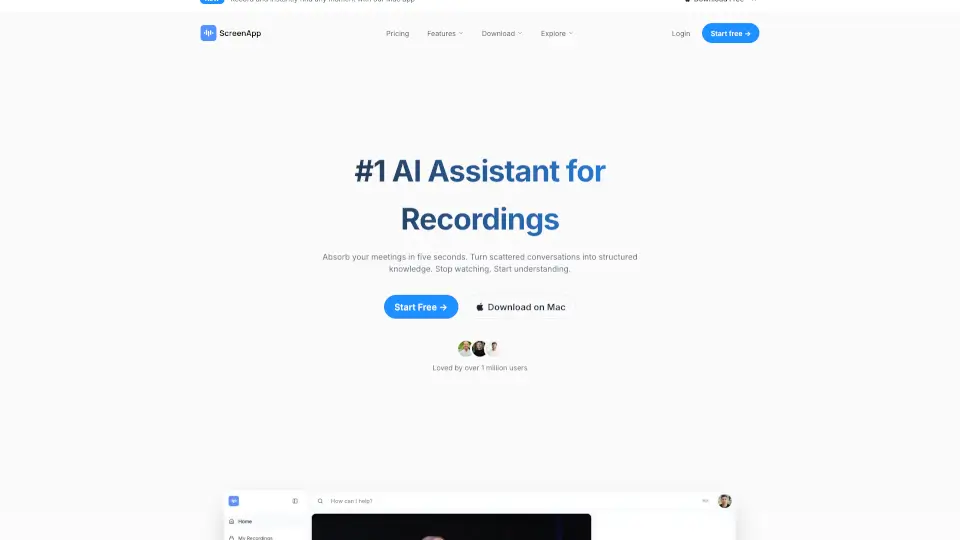
 Screenapp | 1.8M | 🇮🇳 India10.7% | +15.2% | - | 📈High Traffic Over 1M monthly visits. Widely recognized and stable choice. | ScreenApp is an AI notetaker that transforms audio and video into searchable transcripts, smart summaries, and actionable insights—boosting productivity for professionals, educators, and teams. |
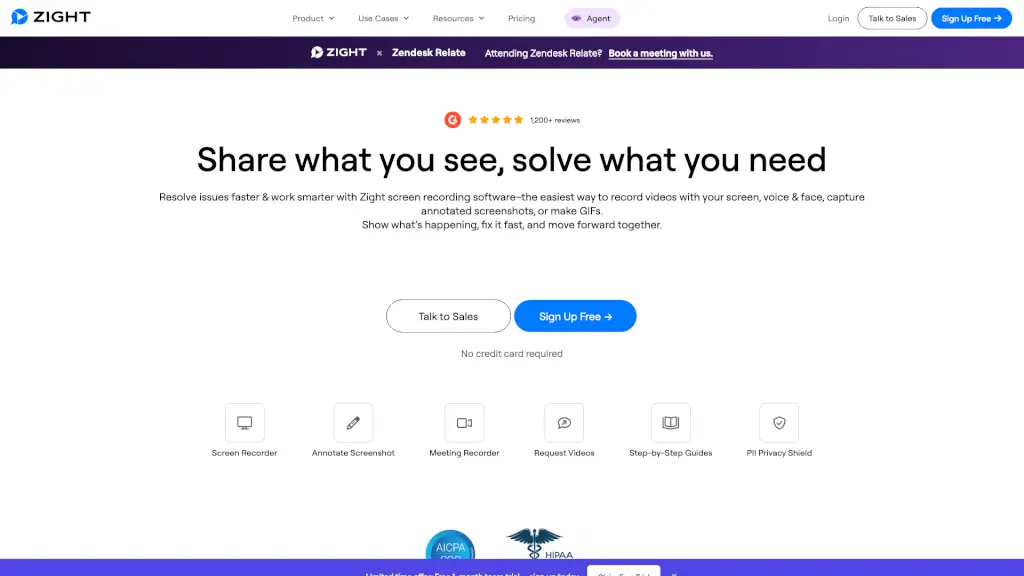
 Zight | 345.7K | 🇺🇸 United States38.8% | -12.9% | - | ⭐Medium Scale 100K-1M monthly visits. Growing tool with active development. | Zight is an all-in-one screen recording and visual communication platform that helps teams capture, annotate, and share videos, screenshots, and GIFs instantly—with AI-powered summaries and enterprise-grade security. |
 Flonnect | 264.2K | 🇮🇳 India18.6% | -6.5% | - | ⭐Medium Scale 100K-1M monthly visits. Growing tool with active development. | Flonnect is a free, AI-powered screen recorder and video creation tool that helps anyone make professional videos fast—perfect for tutorials, demos, meetings, and more. |
 Tella | 246.3K | 🇺🇸 United States14.0% | -5.2% | - | ⭐Medium Scale 100K-1M monthly visits. Growing tool with active development. | Tella is the easiest screen recorder for Mac & Windows, perfect for demos, tutorials, and courses. With AI-powered editing and 4K exports, it’s like having a pro editor in your pocket. |
Data based on traffic metrics from August 2026
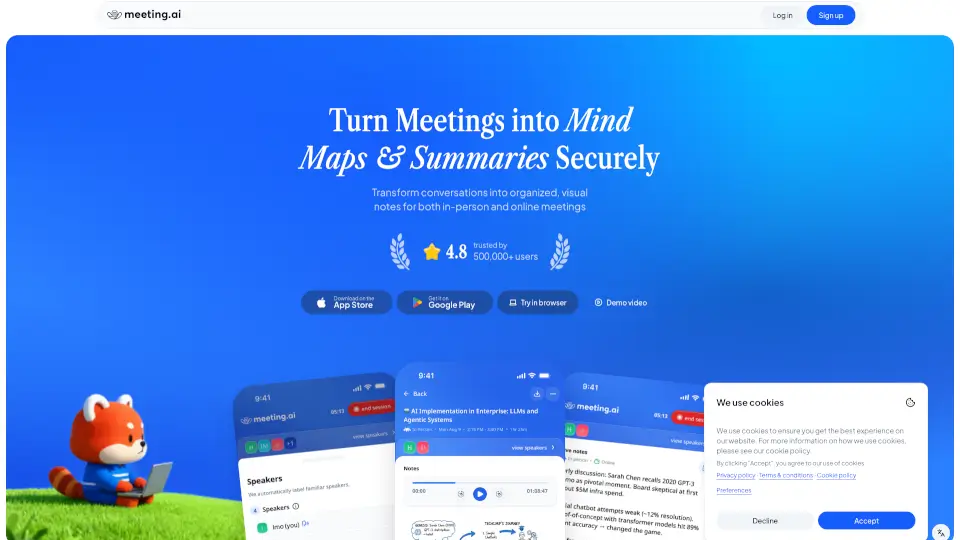
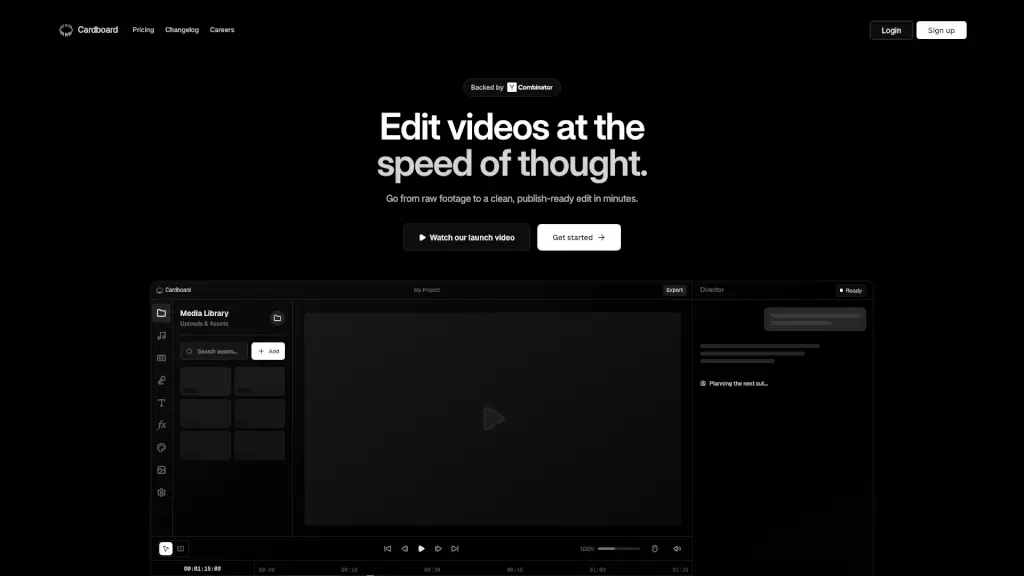
Closest Match
Tools that are functionally closest to FocuSee, ranked by semantic similarity and category relevance.




Similar Traffic Scale
Alternatives with comparable monthly traffic to FocuSee, useful for comparing peers at a similar market stage.


Fast Growing Alternatives
Similar tools with stronger recent traffic growth, highlighting alternatives that may be gaining momentum.




Top 20 Alternatives to FocuSee
Sorted by Similarity


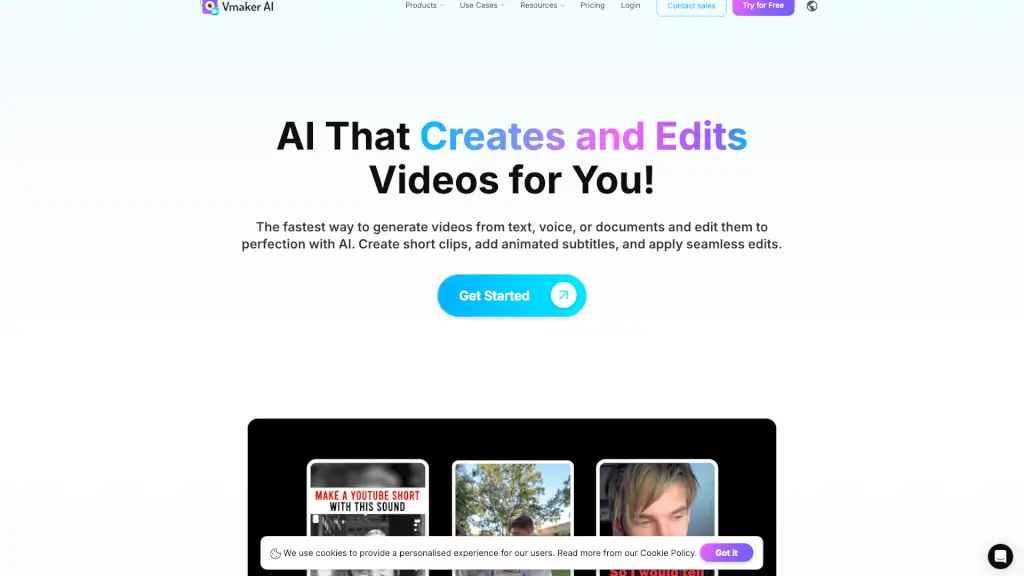
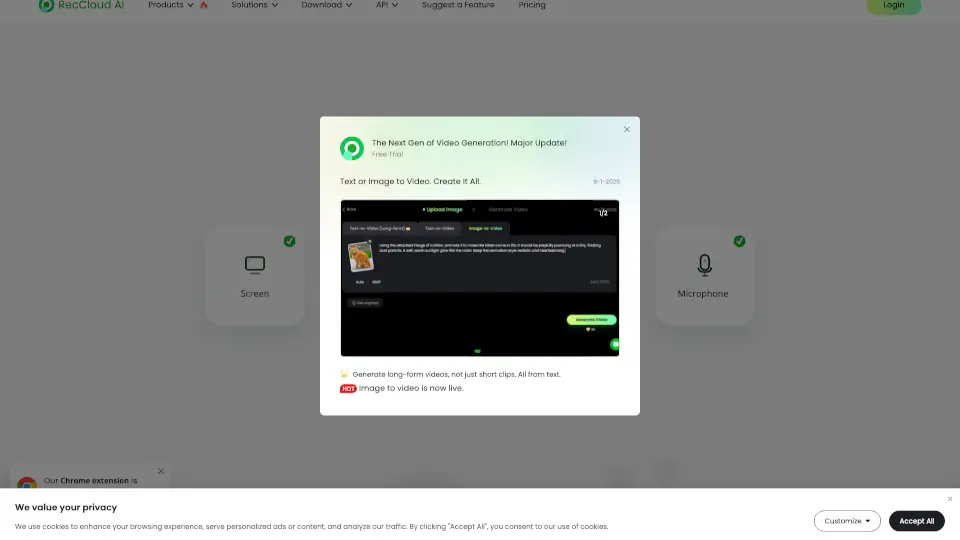

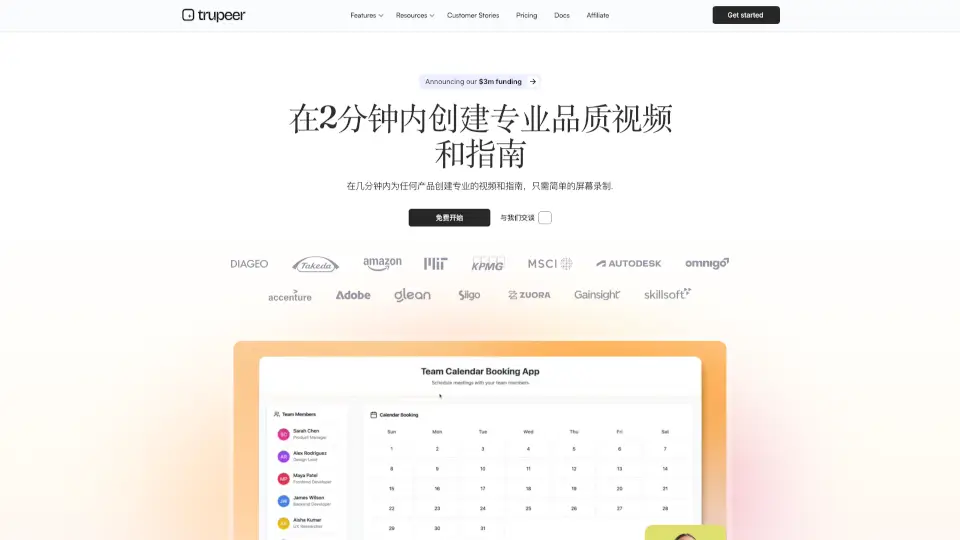
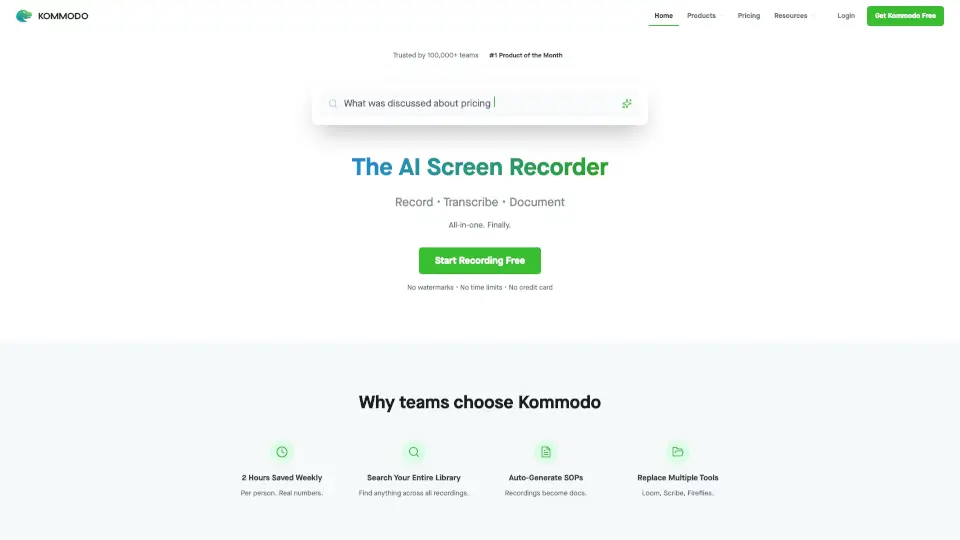

Frequently Asked Questions
How we find and rank alternatives to FocuSee
Semantic AlgorithmPowered by SimilarWebNo Paid Placements
We generate a semantic embedding (vector) for every AI tool in our database. Alternatives are found by first narrowing candidates to tools in the same categories, then ranking by cosine similarity score. Only tools with a similarity score ≥ 0.52 make the cut — ensuring every recommendation is genuinely related, not just popular in the same broad category.
The full list (up to 20 tools) is ordered by semantic similarity — the most functionally similar tools appear first. "Quick Comparison" goes one step further: it takes the top candidates from that list and re-ranks them by monthly traffic, giving you a fast snapshot of the most widely-used options right now.
Quick Comparison has fewer slots and adds a traffic threshold on top of similarity. A tool can be highly similar to the one you are looking at but still have lower monthly traffic than other candidates — it stays in the full list where you can still discover and evaluate it.
Monthly visits, growth rates, and regional distribution data are sourced from SimilarWeb via our licensed API. SimilarWeb is the industry-standard web analytics service used by analysts, investors, and product teams worldwide. The data month is displayed at the bottom of the Quick Comparison table.
Similarity relationships are recalculated periodically as new tools are added to our database. Traffic metrics (visits, growth rate, top market) are refreshed monthly from SimilarWeb. The exact data month is always shown at the bottom of the Quick Comparison table so you know how fresh the numbers are.
No. The order of results is determined entirely by our similarity algorithm and third-party traffic data. We do not sell placement positions in alternative lists or Quick Comparison tables. If a tool is listed here, it earned its place through data — not through advertising spend.
Traffic data (visits, growth, top market) sourced from SimilarWeb licensed API · Similarity scores computed by our in-house vector engine