
What is Loom?
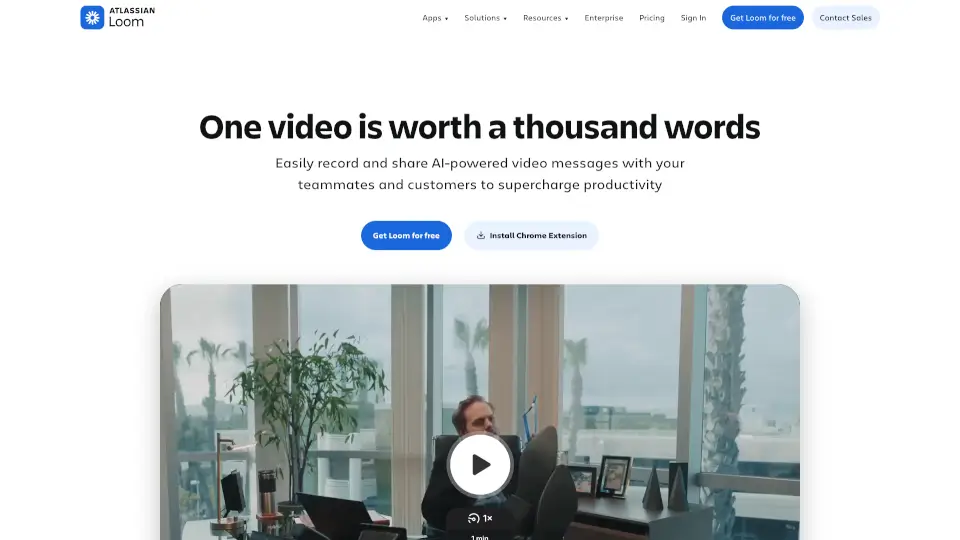
Loom is a free screen recording tool for Mac and PC that’s trusted by over 21 million users. It’s designed to make recording, editing, and sharing videos super easy, whether you’re working solo or with a team. With AI-powered features, Loom helps you create professional videos in no time.
What are the features of Loom?
- Screen and Camera Recording: Record your screen and camera simultaneously with just a few clicks.
- AI-Powered Enhancements: Automatically improve your videos and turn scripts into docs or reports.
- Easy Editing: Trim and edit videos directly from the transcript, making it as simple as editing text.
- Seamless Sharing: Share or embed videos across platforms like Google Workspace, Slack, and more.
- Advanced Security: Enterprise-grade security with SSO, SCIM, and custom data retention policies.
What are the use cases of Loom?
- Sales: Personalize pitches with video outreach to close deals faster.
- Engineering: Add visual context to code to speed up development.
- Customer Support: Troubleshoot issues over video for quicker resolutions.
- Design: Share ideas and provide feedback visually to enhance designs.
How to use Loom?
- Download Loom: Install the Chrome extension, desktop app, or mobile app.
- Start Recording: Click to record your screen, camera, or both.
- Edit Your Video: Trim or rewind while recording for the perfect take.
- Share: Send your video via email, Slack, or embed it in your workflow.