
Zight logo

Zight

5.0
(0 Reviews)
United States38.11%

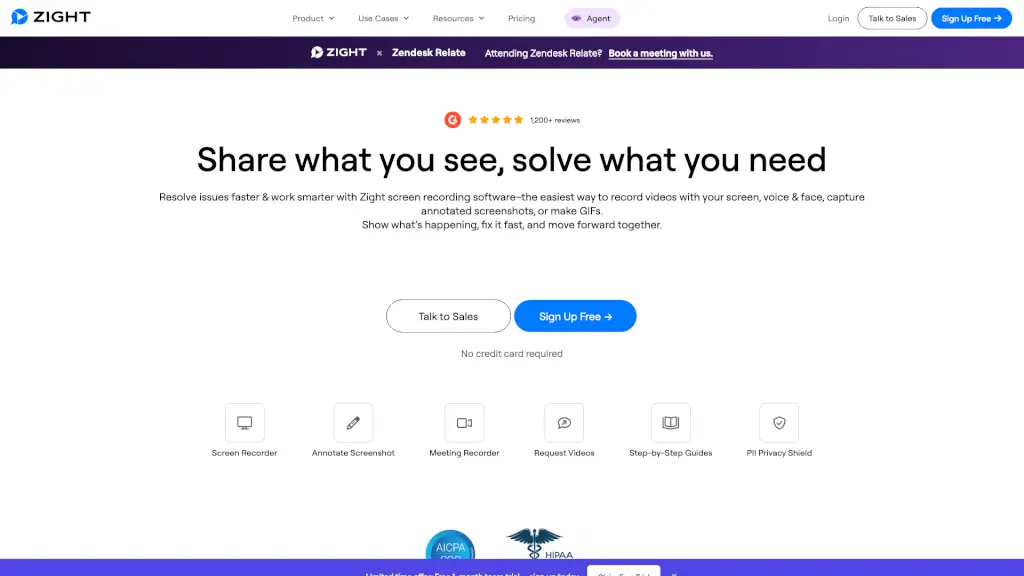
Zight is an all-in-one screen recording and visual communication platform that helps teams capture, annotate, and share videos, screenshots, and GIFs instantly—with AI-powered summaries and enterprise-grade security.

Verified by SeekTool
Social Media:
Zight

Zight Product Information

What is Zight?

Tired of typing long explanations or scheduling endless meetings just to show someone what you mean? Zight (formerly CloudApp) is a smart, all-in-one screen recording and visual communication tool that lets you capture your screen, record videos with voice and face, snap annotated screenshots, or create GIFs—then share them instantly with a link. Whether you're troubleshooting a bug, onboarding a new teammate, or showing a client how something works, Zight turns complex ideas into clear visuals in seconds.

Built for teams and individuals alike, Zight works across Mac, Windows, Chrome, and iOS, stores everything securely in the cloud, and even uses AI to auto-generate summaries, step-by-step guides, and transcriptions. With over 5 million users and 1,200+ glowing reviews, it’s trusted by professionals in tech, healthcare, education, sales, and more to reduce meetings, boost productivity, and communicate faster—without the clutter.

What are the features of Zight?

  • Screen & Webcam Recorder: Capture your full screen, a window, or both—with microphone and camera—then save directly to the cloud.
  • AI-Powered Summaries: Automatically turn recordings into step-by-step guides, bug reports, SOPs, or meeting notes using smart AI analysis.
  • Annotated Screenshots: Take screenshots and instantly add arrows, text, blur sensitive info, or highlight key areas—no extra editing tools needed.
  • GIF Maker: Create short, looping GIFs to explain quick actions or UI interactions without sending a full video.
  • Request Video Feature: Ask teammates or customers to send you a screen recording with one click—perfect for support tickets or feedback.
  • Enterprise-Grade Security: SOC 2 Type II certified and HIPAA compliant, with features like PII Privacy Shield, redaction, and admin controls.
  • Seamless Integrations: Works smoothly with Slack, Zendesk, Jira, Confluence, Intercom, Microsoft Teams, and more.
  • Cross-Platform Access: Use desktop apps (Mac/Windows), Chrome extension, or mobile (iOS)—all synced to your cloud library.

What are the use cases of Zight?

  • Customer Support Teams: Replace back-and-forth emails with a 30-second screen recording to resolve issues faster and boost satisfaction.
  • Software Engineers: Share precise bug reproductions with dev teams using annotated videos or Smart Actions–cutting debugging time dramatically.
  • Sales & Onboarding: Send personalized walkthroughs of your product to prospects or new hires using branded videos with auto-generated chapters.
  • Designers & Product Managers: Give visual feedback on mockups or prototypes by linking annotated screenshots directly in Slack or Jira.
  • Educators & Trainers: Create reusable tutorial GIFs or video guides for students (like CDL training or WordPress edits) that they can replay anytime.
  • Remote Teams: Skip status meetings by sharing async updates via short screen recordings with AI-generated summaries.

How to use Zight?

  • Install & Launch: Download the free app for Mac, Windows, or Chrome, or use the web version—no setup required.
  • Capture Instantly: Press your custom keyboard shortcut (or click the app icon) to start a screen recording, screenshot, or GIF.
  • Edit On-the-Fly: Use built-in tools to blur PII, add arrows, trim clips, or crop before saving.
  • Share with One Click: Copy the auto-generated link or drag-and-drop your file into Slack, email, or any chat app.
  • Use AI Features: After recording, let Zight auto-create a title, transcript, summary, or step-by-step guide—editable with one click.
  • Organize & Reuse: Find past captures easily in your cloud library, and reuse popular videos (like recurring client tutorials) without re-recording.

Do you like this tool?

Upvote to help others discover it!

Zight Alternatives

Screenapp

Screenapp

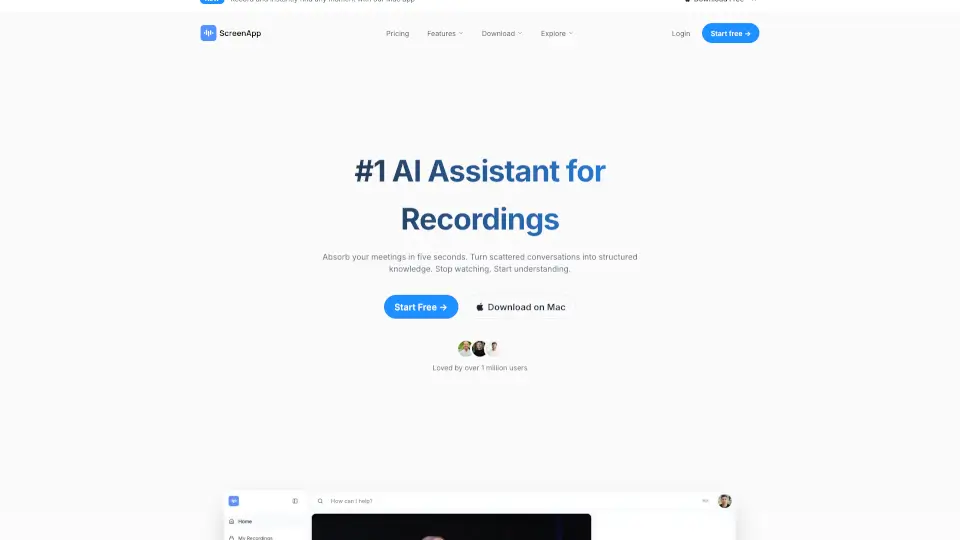
ScreenApp is an AI notetaker that transforms audio and video into searchable transcripts, smart summaries, and actionable insights—boosting productivity for professionals, educators, and teams.

US
9.15%
1.5M
5.0
Loom

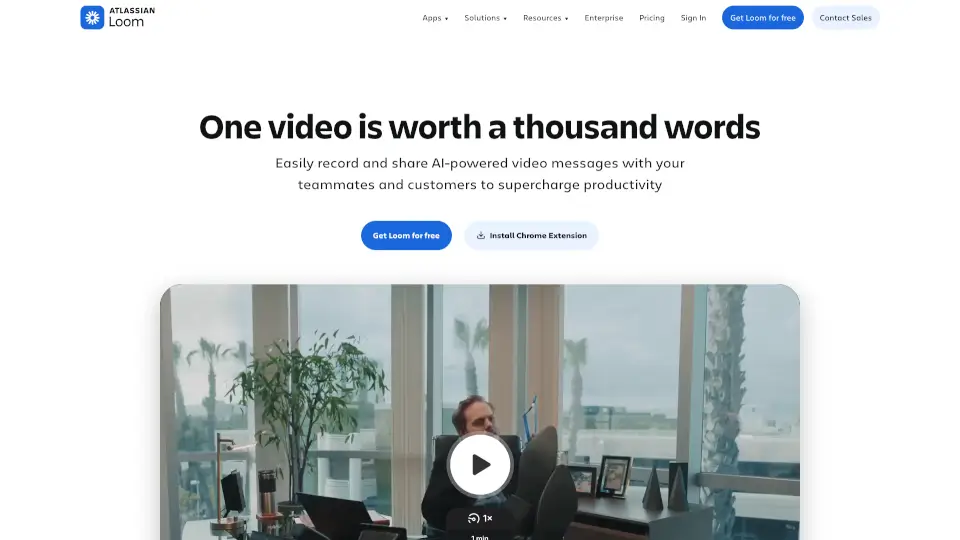
Loom

Loom is a user-friendly screen recorder that simplifies video creation, editing, and sharing for individuals and teams.

US
42.91%
17.4M
5.0
Gyazo

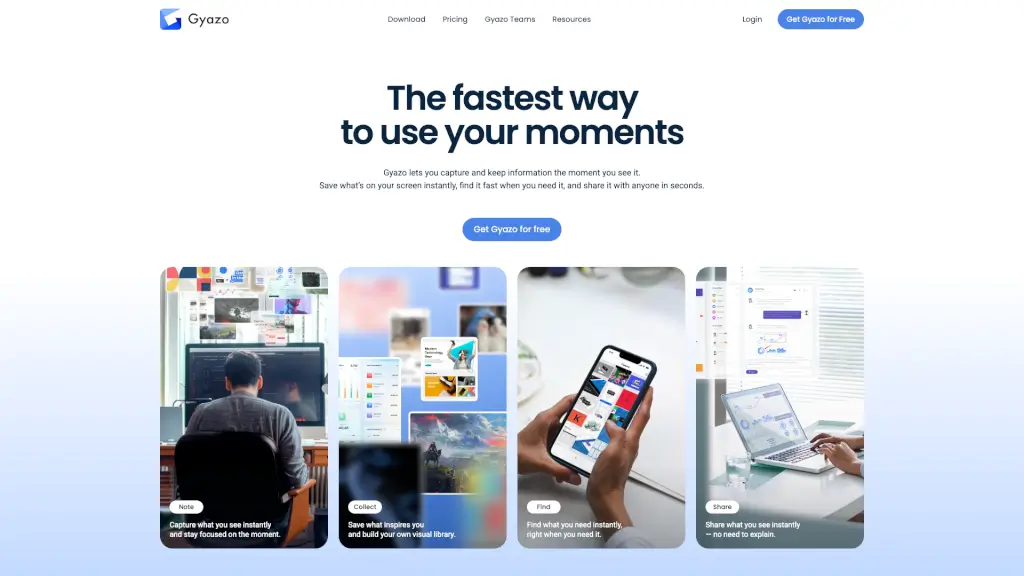
Gyazo

Gyazo is the fastest way to capture, organize, and share screenshots and screen recordings with instant cloud links and smart search.

US
38.58%
11.6M
5.0
Berrycast

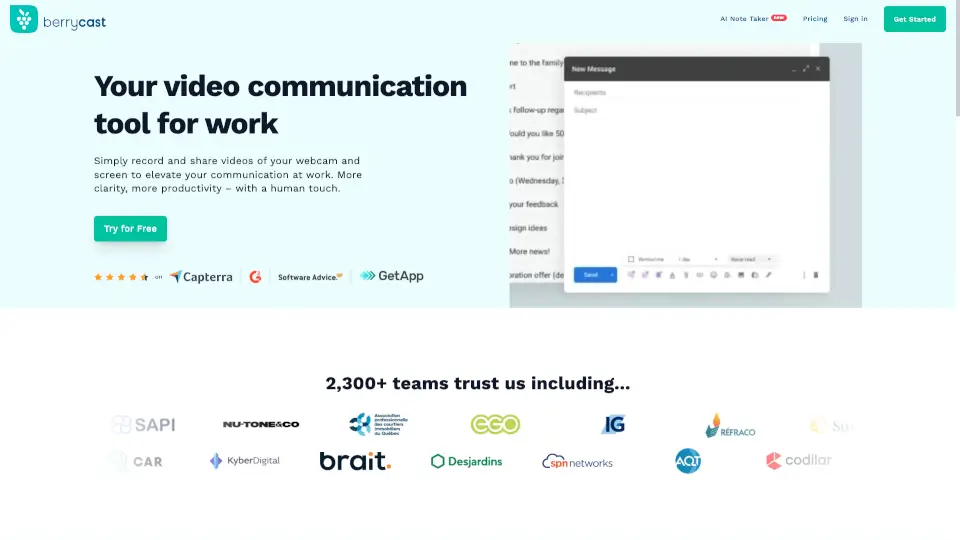
Berrycast

Berrycast is the best free screen recorder for Windows and Mac, combining easy video messaging with AI-powered transcripts and summaries for clearer, faster work communication.

CO
13.90%
32.6K
4.0
TechSmith

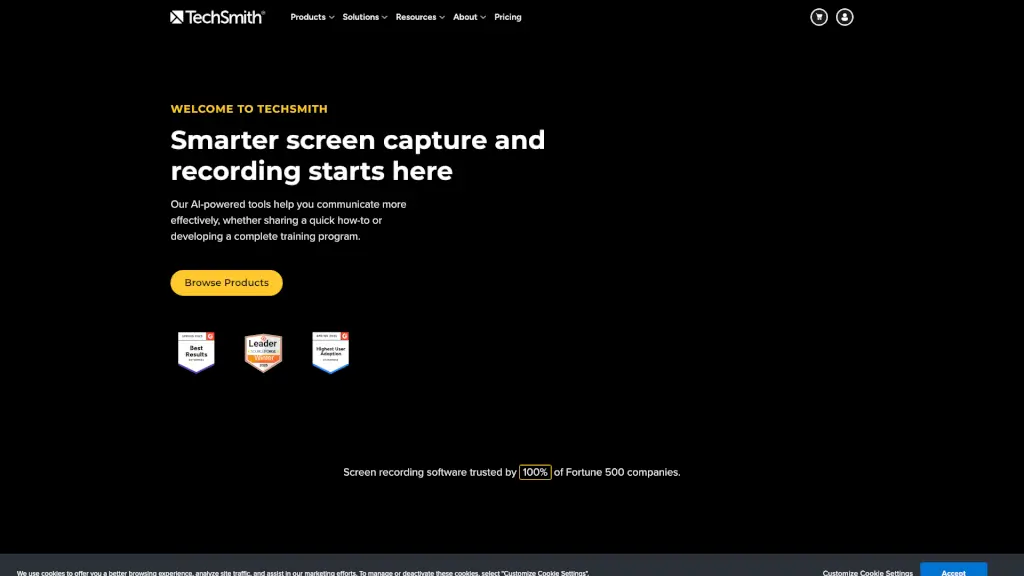
TechSmith

TechSmith's Snagit and Camtasia make screen recording and capture easy and effective, helping you create and share high-quality content.

US
44.61%
945.7K
5.0
FocuSee

FocuSee

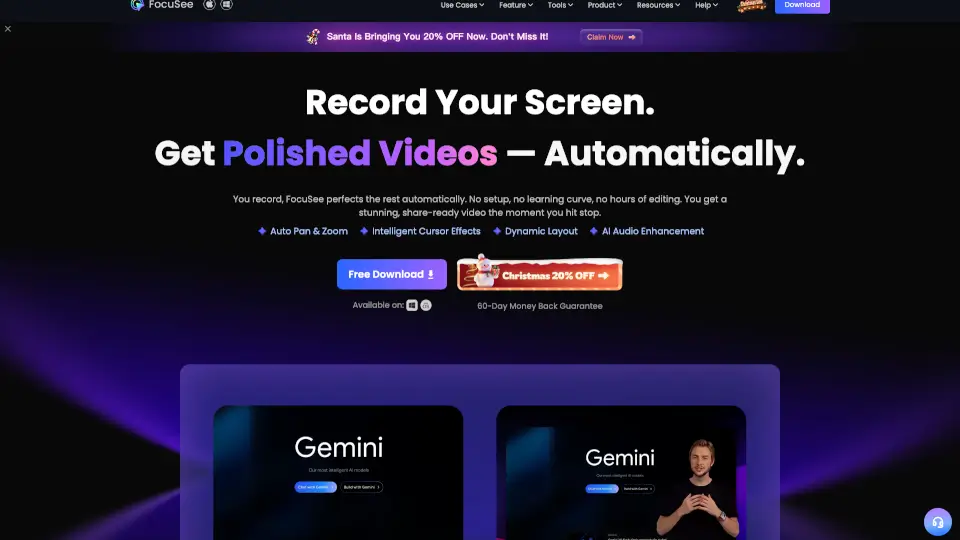
FocuSee is an AI-powered auto-editing screen recorder that turns raw screen captures into polished, share-ready videos with automatic zoom, cursor tracking, and audio enhancement for Windows and Mac.

IN
20.08%
66.1K
5.0
Komodo

Komodo

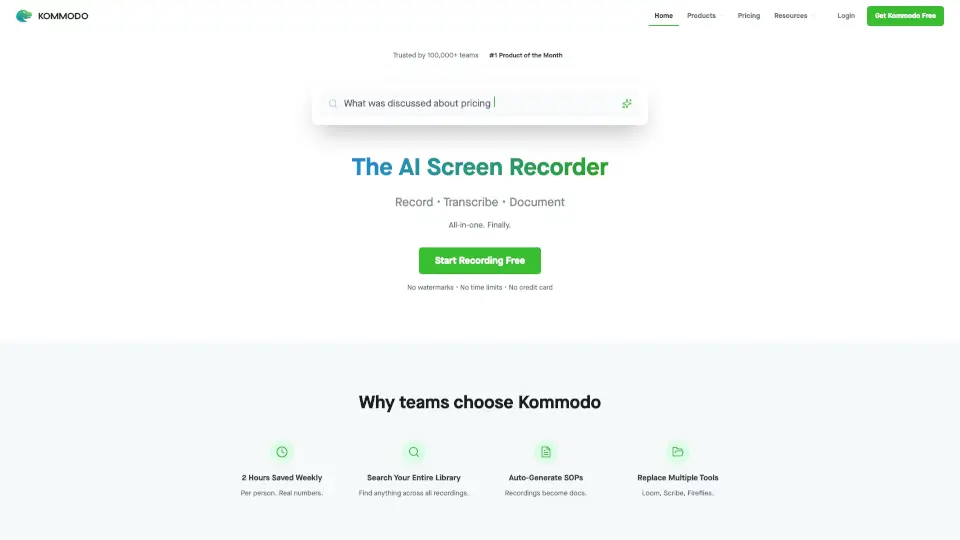
Kommodo is an AI screen recorder that automatically transcribes recordings, generates meeting summaries, and creates step-by-step guides, trusted by 100,000+ users with no watermarks or time limits.

US
37.99%
19.9K
4.0
Canvid AI Screen Recorder

Canvid AI Screen Recorder

Canvid makes screen recording easy and fun, perfect for anyone looking to create engaging videos.

US
18.45%
46.8K
4.0

Zight Related Other Categories

Zight Traffic Analysis

💡 Insights

Medium Scale
100K-1M monthly visits. Growing tool with active development.
📉
Traffic Decline
Significant traffic drop recently. Check for alternatives.
👍
Good Experience
Bounce rate of 41%. Users are willing to explore features.
🎯
Strong Brand
74% direct traffic. High user loyalty.
  • Monthly Visits

    396.95K

  • Bounce Rate

    40.88%

  • Pages Per Visit

    2.31

  • Visit Duration

    00:01:37

  • Global Rank

    133696

  • Country Rank

    74901

Visits Over Time

Traffic Sources

Direct74.30%
Search Organic11.42%
Referrals6.04%
Social Organic5.58%
Mail1.94%
Display Ads0.32%
Gen Ai0.20%
Search Paid0.14%
Social Paid0.06%
Affiliate0.00%

Top Keywords

1
zight
CPC$0.27
5.29KTraffic
2
image splitter
CPC$0.30
460Traffic
3
online video cutter
CPC$0.43
450Traffic
4
8mb
400Traffic
5
mkv to mp4
CPC$0.36
360Traffic

Top Regions

RegionPercentage
United States
United States
38.11%
Spain
Spain
6.16%
Bosnia and Herzegovina
4.75%
Costa Rica
Costa Rica
4.32%
Germany
Germany
3.37%
Low
High

Powered by SimilarWeb

Zight FAQ

Is Zight free to use?

Yes! Zight offers a free plan for Mac, Windows, and Chrome with core features like screen recording, screenshots, GIFs, and cloud storage. Paid plans unlock AI features, longer recordings, branding, and advanced security.

Does Zight work on Chromebooks?

Absolutely! The Chrome extension lets Chromebook users record and share without downloading software—ideal for schools or remote teams.

Can I blur or hide sensitive information in my recordings?

Yes! Zight includes a PII Privacy Shield with one-click blur/redact tools for screenshots and videos to protect passwords, names, or financial data.

How does Zight’s AI help me?

Zight’s AI auto-generates titles, transcripts, video summaries, and step-by-step guides from your recordings—saving hours of manual note-taking or documentation.

Can I request a video from someone who doesn’t have Zight?

Yes! Use the “Request Video” feature to send a link—recipients can record and send a video right from their browser, no account needed.

Is Zight secure for enterprise use?

Yes. Zight is SOC 2 Type II certified and HIPAA compliant, with features like SSO, user roles, audit logs, and data encryption to meet strict business requirements.

Can I brand my shared videos or landing pages?

Yes! Paid plans let you add your company logo, colors, and custom domain to shared links and video player pages for a professional touch.

What file types can I convert with Zight?

Zight’s Digital Toolkit supports quick conversions like MP4 to MP3, WEBM to MP4, MOV to MP4, and URL shortening—all in one place.

Zight Reviews

0

0

0 Reviews
Sign Into leave a review

Recent Reviews

No reviews yet

Zight Embed

Use website badges to drive community support for SeekTool.ai. They are easy to embed in your homepage or footer.

Light
Dark
Zight - Featured on SeekTool.aiZight - Featured on SeekTool.ai
How to install?