
TechSmith logo

TechSmith

5.0
(0 Reviews)
United States44.61%

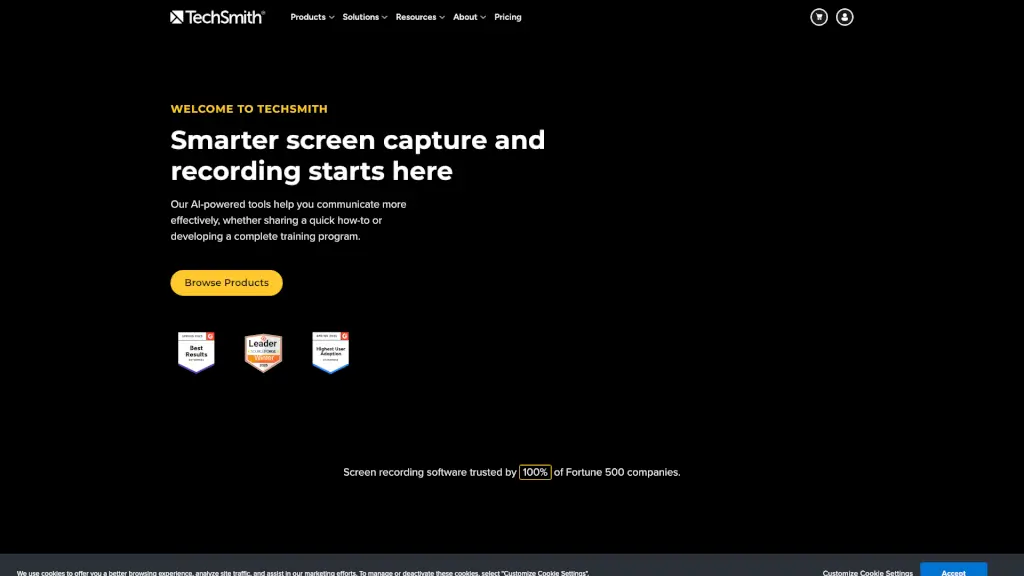
TechSmith's Snagit and Camtasia make screen recording and capture easy and effective, helping you create and share high-quality content.

Verified by SeekTool
Social Media:
TechSmith

TechSmith Product Information

What is TechSmith?

TechSmith is your go-to for screen recording and screen capture, making it super easy to create and share images and videos. Whether you're a student, teacher, or professional, TechSmith's tools like Snagit and Camtasia help you communicate more effectively. With features like AI-powered editing and seamless sharing, you can create high-quality content that engages and informs.

What are the features of TechSmith?

  • AI Video Background Noise Removal: Automatically remove background noise from your recordings for clearer audio.
  • Custom Cursor: Customize the appearance of your cursor to make it stand out in your videos.
  • Multitrack Screen Recorder: Record multiple screens or applications at once, perfect for complex tutorials.
  • AI Image Simplifier: Simplify complex images with AI, making them easier to understand.
  • Text-Based Video Editing: Edit your videos by working directly with the text, making the process faster and more intuitive.
  • AI Smart Redact: Automatically redact sensitive information from your screenshots and videos.
  • Quick Share Screen Recorder: Quickly record and share your screen with just a few clicks.

What are the use cases of TechSmith?

  • Creating Tutorials and Training Videos: Use Camtasia to create detailed, step-by-step tutorials for students or employees.
  • Documenting Processes: Capture and annotate screenshots to create clear, visual documentation.
  • Team Communication: Replace long emails with quick, visual updates using Snagit.
  • Customer Education: Make engaging how-to videos to help customers understand your product better.
  • Software Demonstrations: Show off the features of your software with high-quality screen recordings.
  • Remote Learning: Teachers can create and share video lessons to keep students engaged even when they're not in the classroom.
  • Marketing and Sales: Create compelling product demos and marketing videos to showcase your offerings.

How to use TechSmith?

  • Install and Set Up: Download and install Snagit or Camtasia from the TechSmith website. Follow the on-screen instructions to set up your account.
  • Record Your Screen: Open the application and select the area of your screen you want to record. You can choose to record the entire screen, a specific window, or a custom region.
  • Add Annotations and Effects: After recording, use the built-in tools to add text, arrows, and other annotations to highlight important points.
  • Edit with AI Tools: Utilize AI features like background noise removal and smart redact to enhance the quality of your content.
  • Share Your Content: Once you’re happy with your recording, share it directly from the application via email, cloud storage, or social media.
TechSmith Contact Email:

support@techsmith.com

Do you like this tool?

Upvote to help others discover it!

TechSmith Alternatives

Camtasia

Camtasia

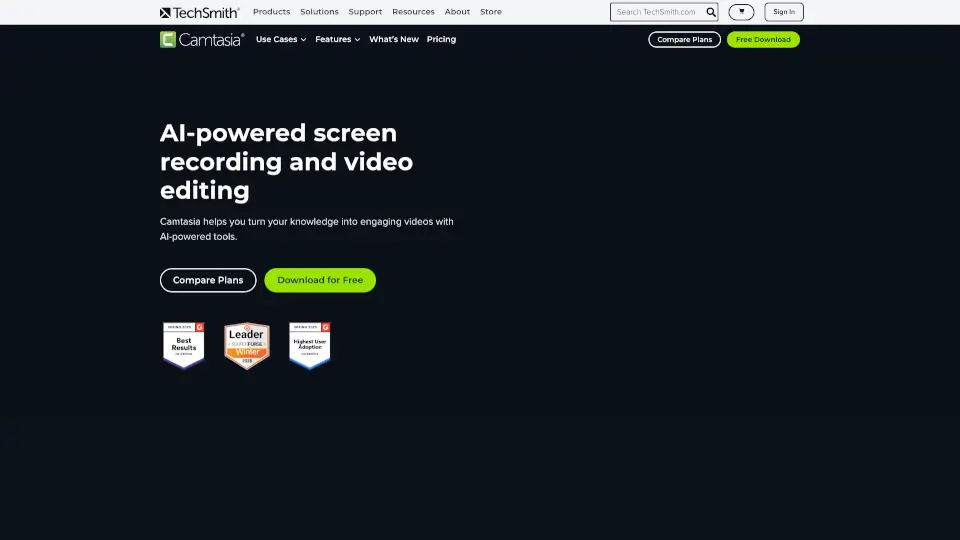
Camtasia makes video creation simple with AI tools, multitrack recording, and drag-and-drop editing—ideal for tutorials, training, and demos. Try it free!

US
44.61%
945.7K
5.0
Camtasia online

Camtasia online

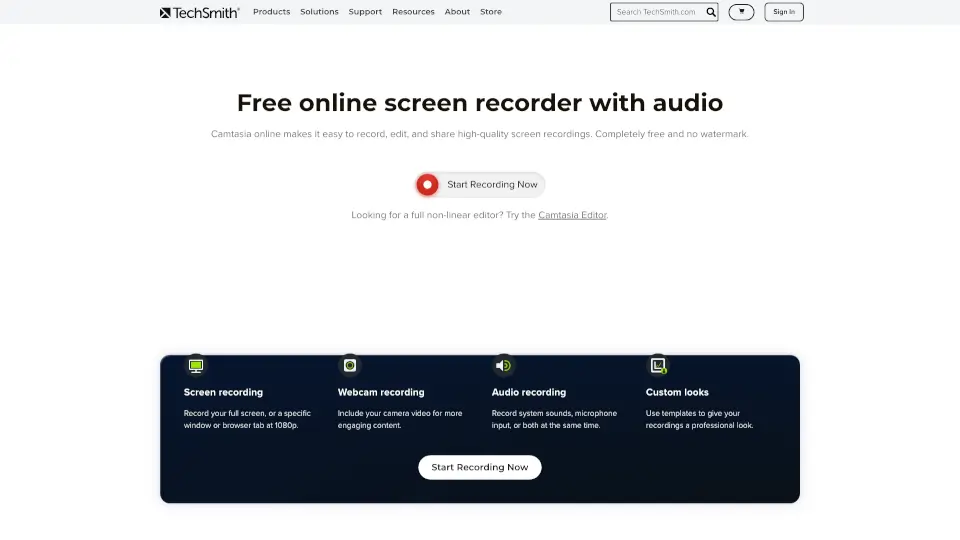
TechSmith’s Camtasia online is a free, browser-based screen recorder for Mac and Windows. Record, edit, and share videos with no watermarks or limits.

US
44.61%
945.7K
5.0
Berrycast

Berrycast

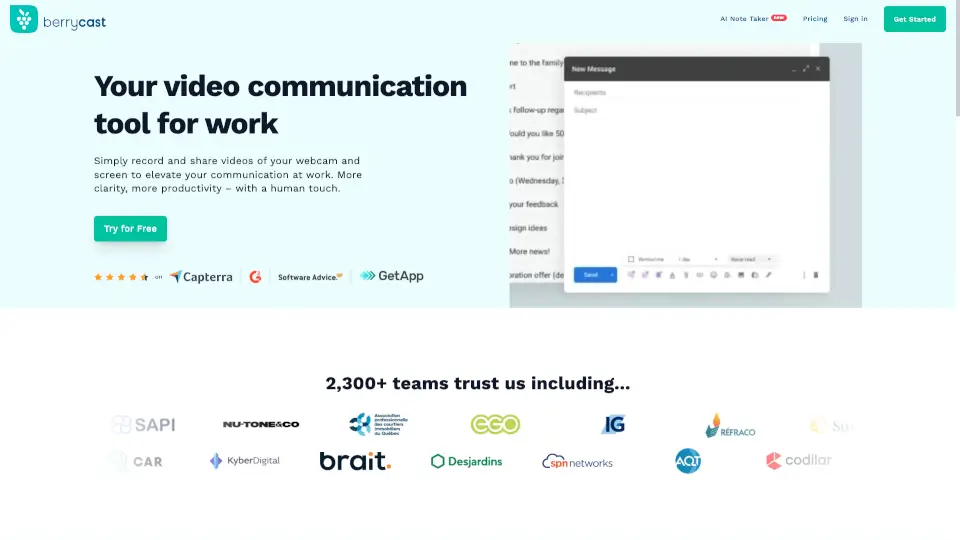
Berrycast is the best free screen recorder for Windows and Mac, combining easy video messaging with AI-powered transcripts and summaries for clearer, faster work communication.

CO
13.90%
32.6K
4.0
Loom

Loom

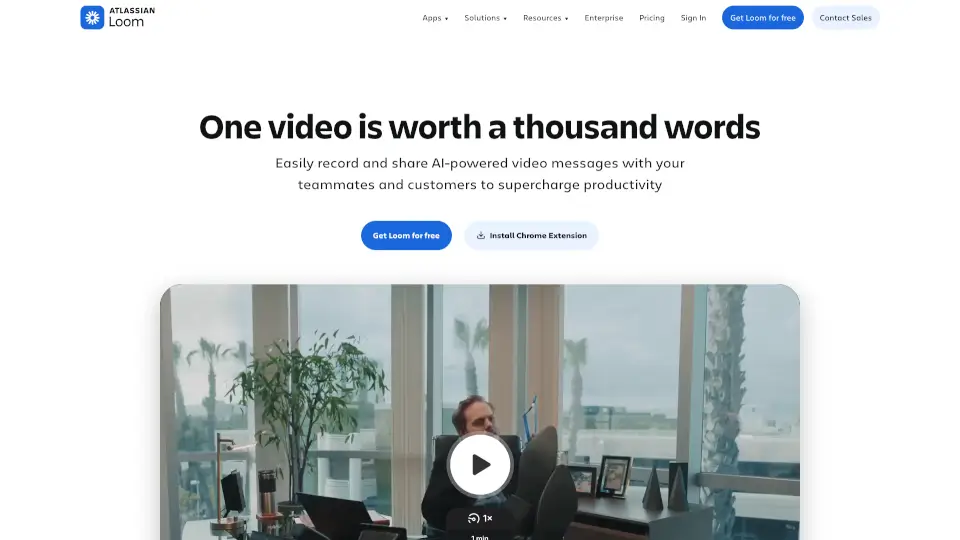
Loom is a user-friendly screen recorder that simplifies video creation, editing, and sharing for individuals and teams.

US
42.91%
17.4M
5.0
Zight

Zight

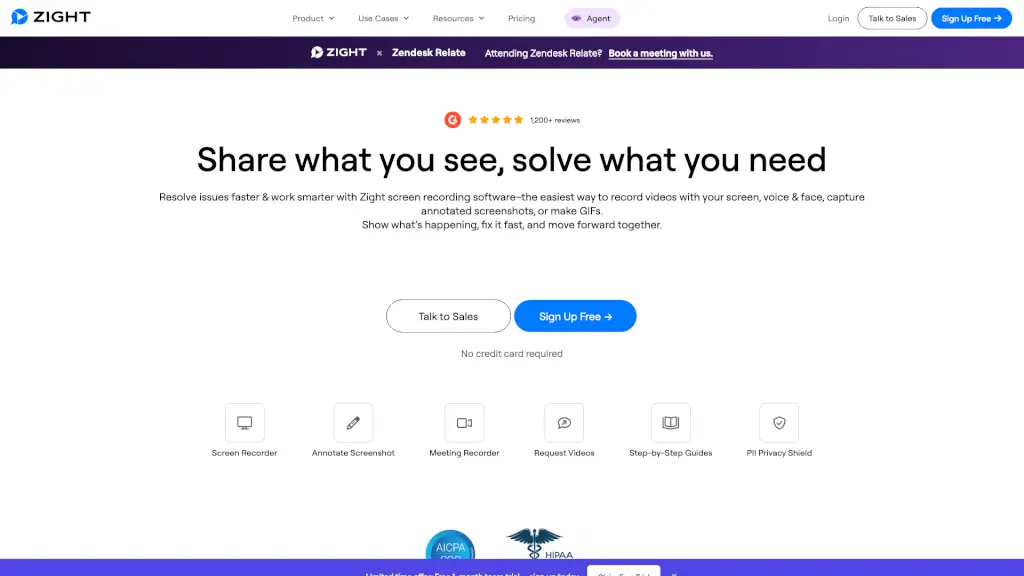
Zight is an all-in-one screen recording and visual communication platform that helps teams capture, annotate, and share videos, screenshots, and GIFs instantly—with AI-powered summaries and enterprise-grade security.

US
38.11%
397.0K
5.0
Screenapp

Screenapp

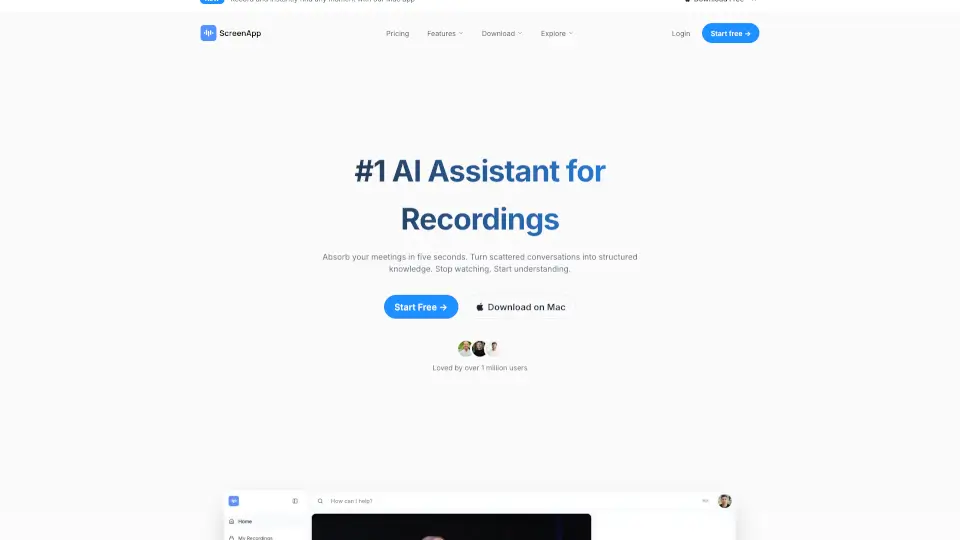
ScreenApp is an AI notetaker that transforms audio and video into searchable transcripts, smart summaries, and actionable insights—boosting productivity for professionals, educators, and teams.

US
9.15%
1.5M
5.0
Canvid AI Screen Recorder

Canvid AI Screen Recorder

Canvid makes screen recording easy and fun, perfect for anyone looking to create engaging videos.

US
18.45%
46.8K
4.0
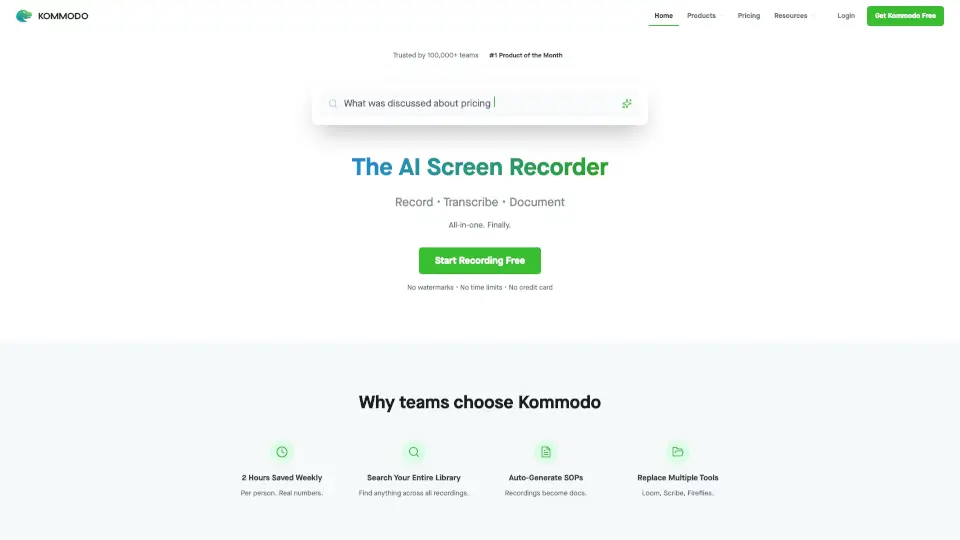
Komodo

Komodo

Kommodo is an AI screen recorder that automatically transcribes recordings, generates meeting summaries, and creates step-by-step guides, trusted by 100,000+ users with no watermarks or time limits.

US
37.99%
19.9K
4.0

TechSmith Related Other Categories

TechSmith Traffic Analysis

💡 Insights

Medium Scale
100K-1M monthly visits. Growing tool with active development.
➡️
Stable
Traffic remains stable, indicating a mature product.
👍
Good Experience
Bounce rate of 41%. Users are willing to explore features.
🌍
United States Dominant
45% users from United States. Optimized for this market.
  • Monthly Visits

    945.65K

  • Bounce Rate

    40.52%

  • Pages Per Visit

    3.56

  • Visit Duration

    00:02:02

  • Global Rank

    51355

  • Country Rank

    22094

Visits Over Time

Traffic Sources

Direct38.56%
Search Organic35.64%
Search Paid7.48%
Referrals6.77%
Mail3.74%
Social Organic3.53%
Display Ads1.55%
Social Paid1.11%
Gen Ai1.03%
Affiliate0.60%

Top Keywords

1
camtasia
CPC$4.93
35.66KTraffic
2
snagit
CPC$4.95
22.70KTraffic
3
techsmith
CPC$4.42
7.13KTraffic
4
camtasia studio
CPC$3.15
2.92KTraffic
5
snag it
CPC$4.26
2.85KTraffic

Top Regions

RegionPercentage
United States
United States
44.61%
India
India
8.44%
Germany
Germany
3.26%
Canada
Canada
2.85%
United Kingdom
United Kingdom
2.84%
Low
High

Powered by SimilarWeb

TechSmith FAQ

Can I use TechSmith for free?

Yes, TechSmith offers free trials for both Snagit and Camtasia. You can try out the full features before deciding to purchase.

How do I remove background noise from my recordings?

In Camtasia, you can use the AI video background noise removal feature. Simply select the audio track and apply the noise reduction effect.

Is there a way to customize the cursor in my recordings?

Yes, in Camtasia, you can customize the cursor’s appearance, size, and color to make it more visible and engaging in your videos.

Can I edit my videos by working with the text?

Absolutely! Audiate, a part of the TechSmith suite, allows you to edit your videos by working directly with the text, making the process much faster and more intuitive.

How do I redact sensitive information in my screenshots and videos?

Use the AI smart redact feature in Snagit to automatically detect and blur sensitive information, ensuring your content is secure and compliant.

Can I record multiple screens at once?

Yes, Camtasia supports multitrack screen recording, allowing you to record multiple screens or applications simultaneously, which is great for complex tutorials.

Does TechSmith offer any educational resources?

Yes, TechSmith provides a variety of learning resources, including tutorials, webinars, and a blog, to help you get the most out of their tools.

How can I share my recordings quickly?

Snagit and Camtasia both have quick share options, allowing you to share your recordings via email, cloud storage, or social media with just a few clicks.

TechSmith Reviews

0

0

0 Reviews
Sign Into leave a review

Recent Reviews

No reviews yet

TechSmith Embed

Use website badges to drive community support for SeekTool.ai. They are easy to embed in your homepage or footer.

Light
Dark
TechSmith - Featured on SeekTool.aiTechSmith - Featured on SeekTool.ai
How to install?