
TechSmith logo

TechSmith

0
5.0
(0 Reviews)
United States43.54%

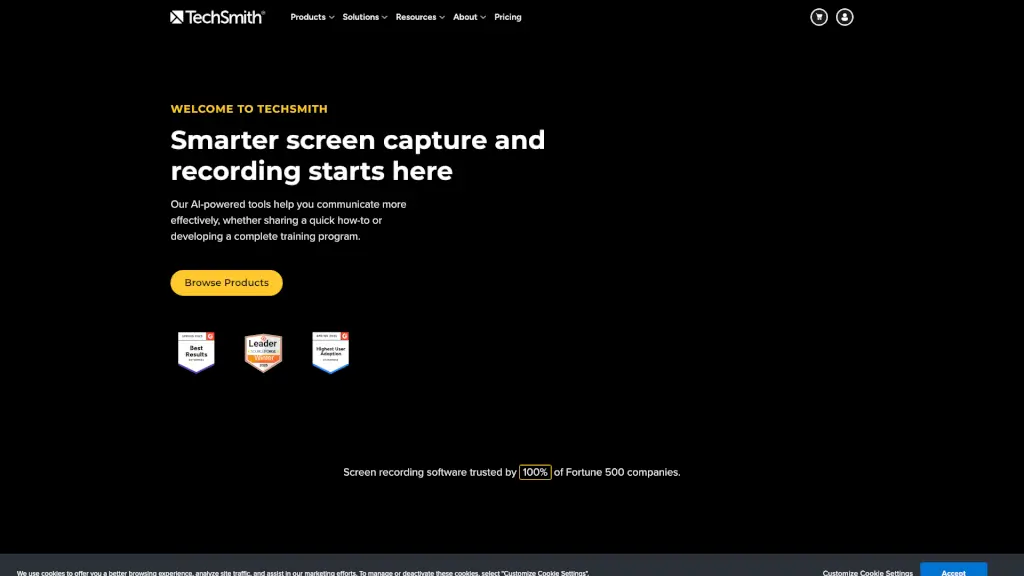
TechSmith's Snagit and Camtasia make screen recording and capture easy and effective, helping you create and share high-quality content.

Added on: 2026.04.28 · Updated on: 2026.04.28
Social Media:
Visit Site
View Alternatives
TechSmith

TechSmith Product Information

What is TechSmith?

TechSmith is your go-to for screen recording and screen capture, making it super easy to create and share images and videos. Whether you're a student, teacher, or professional, TechSmith's tools like Snagit and Camtasia help you communicate more effectively. With features like AI-powered editing and seamless sharing, you can create high-quality content that engages and informs.

What are the features of TechSmith?

  • AI Video Background Noise Removal: Automatically remove background noise from your recordings for clearer audio.
  • Custom Cursor: Customize the appearance of your cursor to make it stand out in your videos.
  • Multitrack Screen Recorder: Record multiple screens or applications at once, perfect for complex tutorials.
  • AI Image Simplifier: Simplify complex images with AI, making them easier to understand.
  • Text-Based Video Editing: Edit your videos by working directly with the text, making the process faster and more intuitive.
  • AI Smart Redact: Automatically redact sensitive information from your screenshots and videos.
  • Quick Share Screen Recorder: Quickly record and share your screen with just a few clicks.

What are the use cases of TechSmith?

  • Creating Tutorials and Training Videos: Use Camtasia to create detailed, step-by-step tutorials for students or employees.
  • Documenting Processes: Capture and annotate screenshots to create clear, visual documentation.
  • Team Communication: Replace long emails with quick, visual updates using Snagit.
  • Customer Education: Make engaging how-to videos to help customers understand your product better.
  • Software Demonstrations: Show off the features of your software with high-quality screen recordings.
  • Remote Learning: Teachers can create and share video lessons to keep students engaged even when they're not in the classroom.
  • Marketing and Sales: Create compelling product demos and marketing videos to showcase your offerings.

How to use TechSmith?

  • Install and Set Up: Download and install Snagit or Camtasia from the TechSmith website. Follow the on-screen instructions to set up your account.
  • Record Your Screen: Open the application and select the area of your screen you want to record. You can choose to record the entire screen, a specific window, or a custom region.
  • Add Annotations and Effects: After recording, use the built-in tools to add text, arrows, and other annotations to highlight important points.
  • Edit with AI Tools: Utilize AI features like background noise removal and smart redact to enhance the quality of your content.
  • Share Your Content: Once you’re happy with your recording, share it directly from the application via email, cloud storage, or social media.
TechSmith Contact Email:

[email protected]

Do you like this tool?

Upvote to help others discover it!

TechSmith Alternatives

Camtasia

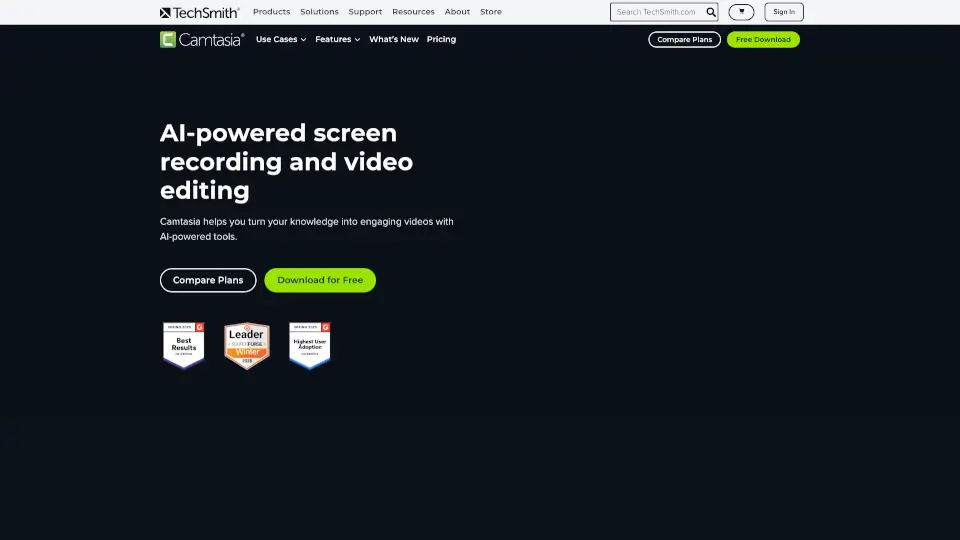
Camtasia makes video creation simple with AI tools, multitrack recording, and drag-and-drop editing—ideal for tutorials, training, and demos. Try it free!

US
43.54%
|
1.1M
|
5.0
Camtasia online

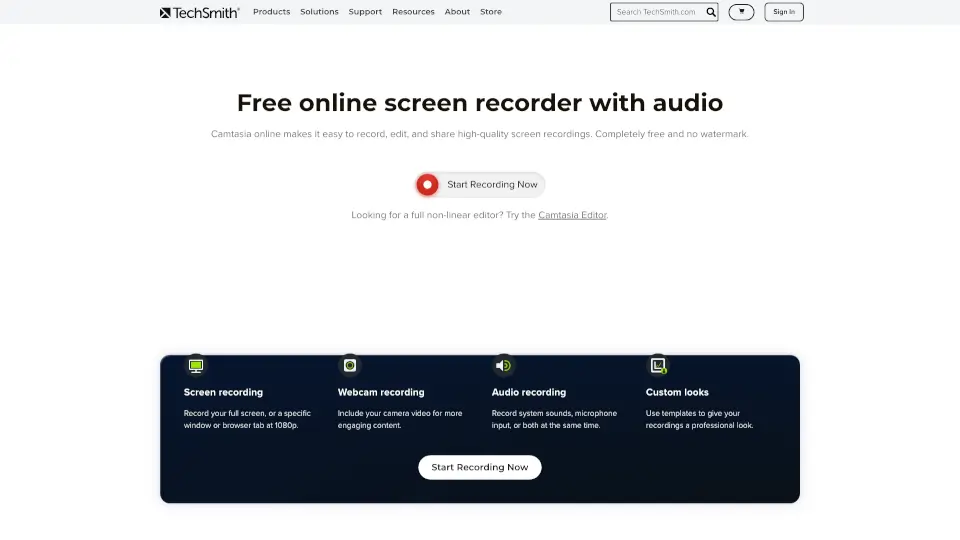
TechSmith’s Camtasia online is a free, browser-based screen recorder for Mac and Windows. Record, edit, and share videos with no watermarks or limits.

US
43.54%
|
1.1M
|
5.0
Loom

Loom is a user-friendly screen recorder that simplifies video creation, editing, and sharing for individuals and teams.

US
41.17%
|
20.1M
|
5.0
Canvid AI Screen Recorder

Canvid makes screen recording easy and fun, perfect for anyone looking to create engaging videos.

US
20.31%
|
40.2K
|
4.0
RecCloud

RecCloud Online Screen Recorder is a versatile, no-download solution for all your recording needs, offering a range of AI-powered tools for enhanced media creation.

BR
10.32%
|
522.6K
|
5.0
Komodo

Komodo offers unlimited screen recording and editing, making it easy to create high-quality videos for any purpose.

US
45.24%
|
4.3K
|
3.0
Tella

Tella is the easiest screen recorder for Mac & Windows, perfect for demos, tutorials, and courses. With AI-powered editing and 4K exports, it’s like having a pro editor in your pocket.

US
10.30%
|
283.5K
|
5.0
FocuSee

FocuSee is an AI-powered screen recorder that automates the editing process, making it easy to create professional-looking videos. With features like auto-zoom, AI virtual avatars, and automatic subtitle generation, FocuSee saves you time and effort while delivering high-quality results. Perfect for product demos, tutorials, and marketing videos, FocuSee is a must-have tool for creators and educators.

VN
17.95%
|
78.7K
|
5.0
TechSmith Related Other Categories

TechSmith Traffic Analysis

💡 Insights

📈
High Traffic
Over 1M monthly visits. Widely recognized and stable choice.
➡️
Stable
Traffic remains stable, indicating a mature product.
👍
Good Experience
Bounce rate of 43%. Users are willing to explore features.
🌍
United States Dominant
44% users from United States. Optimized for this market.
  • Monthly Visits

    1.07M

  • Bounce Rate

    43.34%

  • Pages Per Visit

    3.67

  • Visit Duration

    00:02:10

  • Global Rank

    44019

  • Country Rank

    19300

Visits Over Time

Traffic Sources

Search45.48%
Direct37.03%
Referrals6.38%
Social4.97%
Mail3.65%
Paid1.22%

Top Keywords

1
camtasia
CPC$2.55
47.32KTraffic
2
snagit
CPC$2.47
37.10KTraffic
3
techsmith
CPC$6.69
8.88KTraffic
4
snagit download
CPC$3.22
4.41KTraffic
5
7starhd
CPC$0.49
4.10KTraffic

Top Regions

RegionPercentage
United States
United States
43.54%
India
India
8.38%
Germany
Germany
2.80%
United Kingdom
United Kingdom
2.69%
Canada
Canada
2.49%
Low
High

TechSmith FAQ

Can I use TechSmith for free?

How do I remove background noise from my recordings?

Is there a way to customize the cursor in my recordings?

Can I edit my videos by working with the text?

How do I redact sensitive information in my screenshots and videos?

Can I record multiple screens at once?

Does TechSmith offer any educational resources?

How can I share my recordings quickly?

TechSmith Reviews

0

0

0 Reviews

Write a Review

0

Login to leave a review
Sign In

Recent Reviews

No reviews yet

TechSmith Embed

Use website badges to drive community support for SeekTool.ai. They are easy to embed in your homepage or footer.

Light
Dark
TechSmith - Featured on SeekTool.aiTechSmith - Featured on SeekTool.ai
How to install?

Looking for TechSmith Alternatives?

Compare top AI tools similar to TechSmith. Find the best option for your needs.

View Alternatives

Reviews

0.0

Share your experience with this tool...

Trending

Featured

Subscribe to our AI Newsletter

Get the top AI stories delivered to your inbox weekly.