
What is Screenapp?
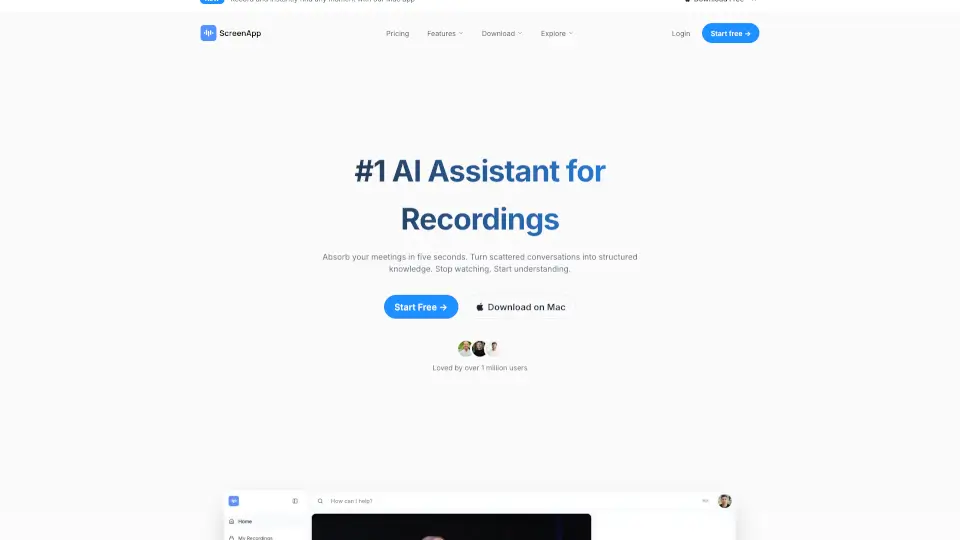
ScreenApp is an all-in-one AI tool that turns your screen recordings, meetings, lectures, and videos into searchable notes, accurate transcripts, and smart summaries—all automatically. Whether you're a student trying to keep up with online classes, a remote worker drowning in Zoom calls, or a content creator repurposing video material, ScreenApp saves you hours by doing the heavy lifting for you.
Unlike basic recorders, ScreenApp uses advanced AI to understand context, extract key points, and organize information so you can focus on what matters—without rewatching hours of footage. It’s built for real-world use: fast, intuitive, and designed to boost productivity from day one.
What are the features of Screenapp?
- AI-Powered Transcription: Automatically converts spoken audio from videos or screen recordings into accurate, editable text—with speaker identification and timestamps.
- Smart Summarization: Generates concise, readable summaries that highlight decisions, action items, and key takeaways from long recordings.
- Screen & Webcam Recording: Capture your screen, camera, or both simultaneously with one click—no extra software needed.
- Searchable Video Notes: Click any word in the transcript to jump directly to that moment in the video.
- Multi-Language Support: Transcribes and summarizes content in multiple languages, making it great for global teams and learners.
- Secure Cloud Storage: All recordings and transcripts are stored safely in your private dashboard, accessible from any device.
- Team Collaboration: Share clips, notes, or full sessions with colleagues without sending large video files.
What are the use cases of Screenapp?
- A remote team records a 60-minute sprint planning meeting and instantly gets a summary of action items and decisions—no manual note-taking required.
- A college student records a 2-hour online lecture and uses the transcript to study, searching for specific topics like “mitosis” or “supply chain models.”
- A YouTuber repurposes long-form interview footage into short social media clips using timestamped transcripts and AI highlights.
- A customer support manager reviews recorded onboarding calls to train new hires, using summaries to identify common user questions.
- A researcher captures webinar content and exports clean transcripts for qualitative analysis or citation.
- A solopreneur records client discovery calls and shares summarized next steps directly from ScreenApp—keeping projects moving smoothly.
How to use Screenapp?
- Go to https://screenapp.io and sign up for a free account—no credit card needed to start.
- Click “Record” to capture your screen, webcam, or both; ScreenApp works right in your browser (Chrome recommended).
- After recording, wait a few minutes while AI processes your video into a transcript and summary—check your dashboard.
- Use the transcript editor to fix any minor errors or highlight key quotes.
- Click any word in the transcript to jump to that exact moment in the video for quick review.
- Share your session via a secure link or export the transcript as PDF, TXT, or SRT for subtitles.