
What is MeetGeek?
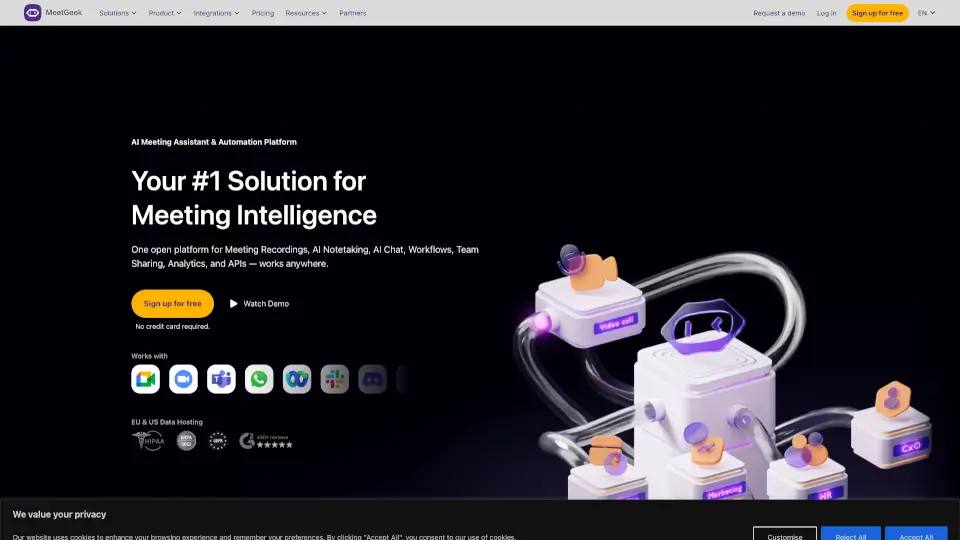
MeetGeek is your all-in-one AI meeting assistant that records, transcribes, and summarizes every conversation—online or offline—so you never miss a key detail again. Whether you're hopping on Zoom, Google Meet, Microsoft Teams, or chatting in person, MeetGeek works automatically with no setup required and zero bot needed for most meetings.
Designed for individuals and teams alike, it turns chaotic calls into organized, searchable insights. From sales reps tracking objections to HR teams streamlining interviews, MeetGeek helps you act on meeting intelligence, not just capture it—all while keeping your data secure and private.
What are the features of MeetGeek?
- Automatic Meeting Recording & Transcription: Joins your calendar meetings across Zoom, Google Meet, and Teams to record and transcribe in real time.
- AI-Powered Meeting Summaries: Detects meeting type (sales call, interview, team sync) and generates context-aware notes with action items, decisions, and key takeaways.
- Offline & Mobile Recording: Use the iOS or Android app to record in-person conversations, phone calls, or interviews—then instantly access transcripts in your dashboard.
- Team Collaboration Tools: Share meeting notes, create folders, tag discussions, and use global search to break down information silos.
- Smart Integrations: Sync notes directly to Slack, Notion, Salesforce, HubSpot, Jira, and 7,000+ apps via Zapier or the Public API.
- Voice Agents & AI Chat: New AI Voice Agents can join as virtual participants, and you can chat with your meeting data using ChatGPT or Claude via the MCP Server.
- Enterprise-Grade Security: Offers EU/US data hosting, SOC 2 Type II compliance, HIPAA support, and end-to-end encryption—so your conversations stay private.
What are the use cases of MeetGeek?
- Sales teams capturing prospect objections and syncing call insights to their CRM to close deals faster.
- HR professionals recording interviews and sharing key candidate moments with hiring managers to cut decision time by 40%.
- Customer Success managers building a searchable library of client feedback to spot churn risks and boost retention.
- Startup founders running lean team meetings and replacing follow-up syncs with AI summaries—freeing up 45% more productive hours.
- Educators recording online classes and providing students with accurate transcripts and highlights for review.
- Agencies documenting client calls and automatically creating tasks in Notion or ClickUp based on action items.
How to use MeetGeek?
- Install the free Chrome Extension to record browser-based meetings on any platform (including Webex or Discord).
- Connect your calendar so MeetGeek auto-joins scheduled meetings on Zoom, Google Meet, or Teams.
- Download the iOS or Android app to record offline conversations—just tap record and let AI handle the rest.
- Customize or choose from dozens of meeting templates (e.g., sales discovery, user interview) for tailored summaries.
- Set up integrations with Slack or Notion to auto-share notes after every meeting.
- Use AI Chat to ask questions like “What were the action items from yesterday’s standup?” and get instant answers.