What is mymeet.ai?
mymeet.ai is your friendly AI assistant for meetings that joins your calls, records everything, and automatically creates clear summaries, action items, and transcripts. Think of it as a super-efficient note-taker that works in over 100 languages, so you never miss a detail or forget who needs to do what. It helps you turn long conversations into organized, shareable reports without the hassle.
What are the features of mymeet.ai?
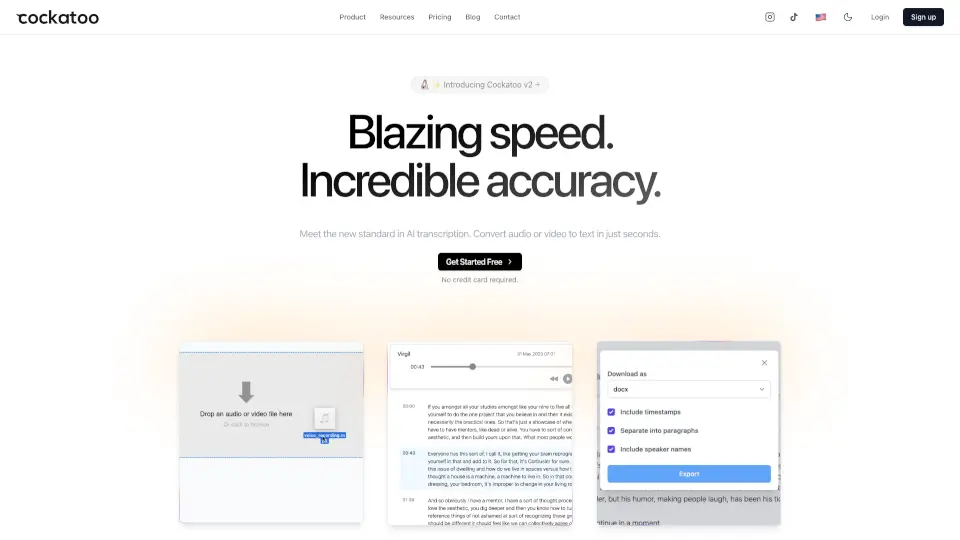
- Accurate Meeting Transcription: Get highly reliable, synced transcripts with speaker labels. Jump straight to any moment without replaying the full recording.
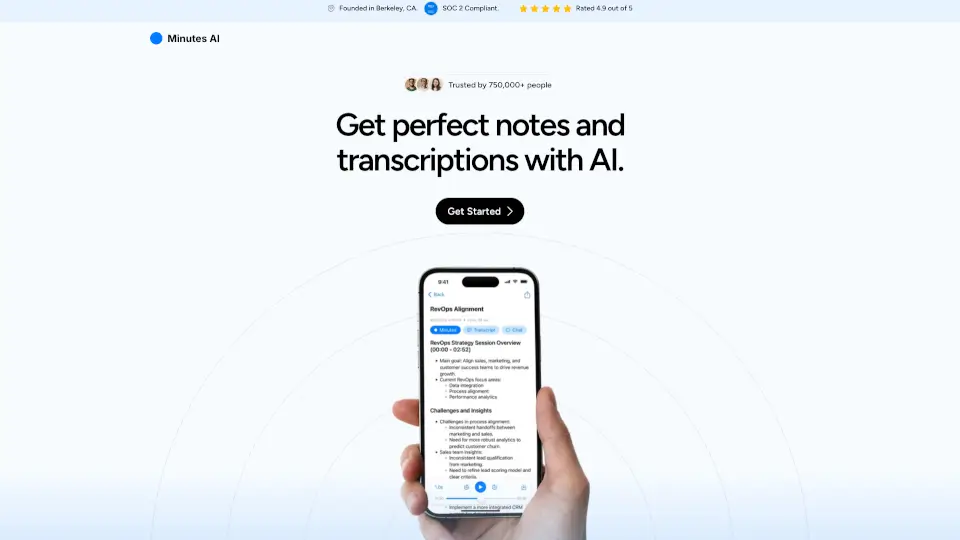
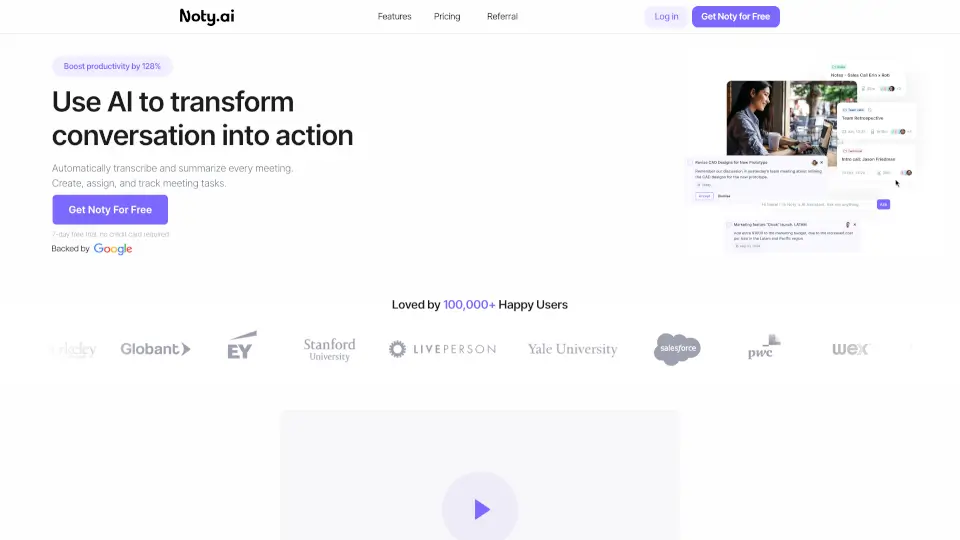
- AI-Powered Summaries & Action Items: Automatically receive key points, decisions, deadlines, and assigned tasks. No more manual note-taking.
- Customizable AI Templates: Use over 10 pre-built templates or create your own to evaluate team performance, track sales calls, or manage projects.
- Smart Integrations: Works with 10+ video conferencing platforms, plus Telegram, your CRM, and calendars for automatic meeting capture.
- AI Chat for Meetings: Ask any question about your meeting and get answers that compile updates, blockers, and decisions in one place.
- Multi-Language Support: Generate reports, transcripts, and summaries in over 100 different languages.
What are the use cases of mymeet.ai?
- Sales Teams: Record sales calls and automatically get a detailed report with key objections, customer pain points, and next steps to share with the whole team.
- Remote Teams: Never miss a thing from async catch-ups. The bot joins automatically, and you can scan the summary instead of watching the whole replay.
- Project Managers: Track action items and deadlines across multiple meetings. Use templates to see which tasks are stalled and who needs a nudge.
- Recruiters & HR: Transcribe and analyze interviews. Create custom templates to evaluate candidate responses consistently.
- Journalists & Content Creators: Record interviews and instantly get a clean transcript with speaker labels, saving hours of manual typing.
- Managers & Team Leads: Use AI Chat to ask "What were the main blockers discussed last week?" and get a compiled answer without searching through notes.
How to use mymeet.ai?
- Add Your Meetings: Upload a recording directly or invite the mymeet.ai bot to your video call. Connect your calendar for automatic capture.
- Let the AI Work: The bot records, transcribes, and processes the conversation. In minutes, you get a structured transcript with chapters and speaker labels.
- Get Insights Instantly: Review the AI-generated summary, action items, and key points. Use ready-made templates to filter for what matters to you.
- Ask Follow-Up Questions: Use the AI Chat feature to ask for specifics like "What were the deadlines for the Q3 project?" or "Draft a follow-up email based on this call."
- Share the Results: Export reports as DOCX, PDF, or Markdown, or share a simple link with your team so everyone stays aligned.