

What is Zoom AI Companion?
ZoomMate is your AI teammate built right into Zoom Workplace. Unlike basic chatbots, it doesn’t just answer questions—it learns from your conversations, understands your work context, and takes action to get real tasks done. Whether you’re running meetings, managing projects, or juggling daily workflows, ZoomMate helps turn talk into results.
Powered by advanced AI with memory, reasoning, and automation capabilities, ZoomMate connects to your Zoom data and third-party tools like Salesforce, Google Drive, and Jira. It remembers your preferences, tracks project history, and even drafts follow-ups, creates slides, or updates records—so you spend less time on busywork and more time moving forward.
What are the features of Zoom AI Companion?
- AI Teammate with Memory: Remembers your past interactions, team dynamics, and project context to deliver personalized, relevant help without repetitive prompts.
- Autonomous Task Execution: Doesn’t just suggest—completes actions like sending emails, generating documents, updating CRMs, or creating meeting agendas.
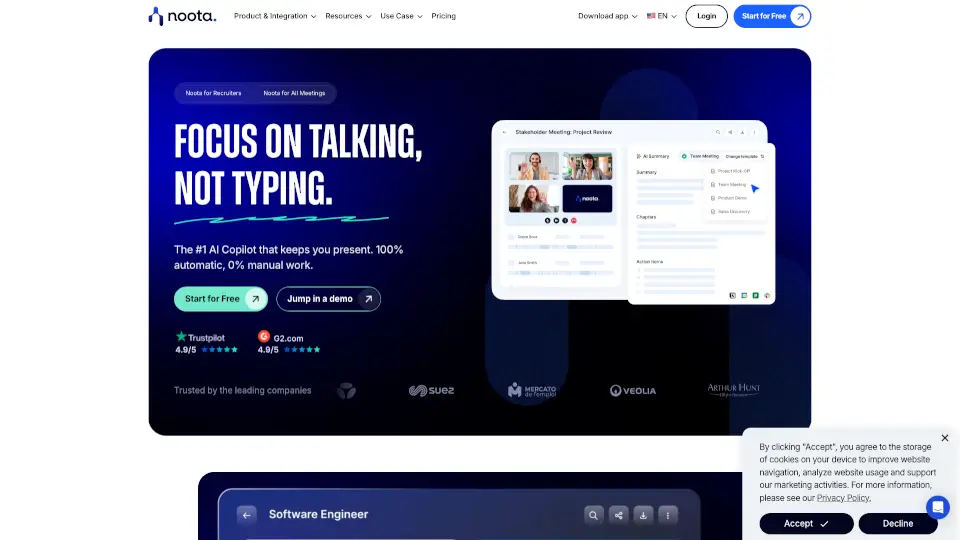
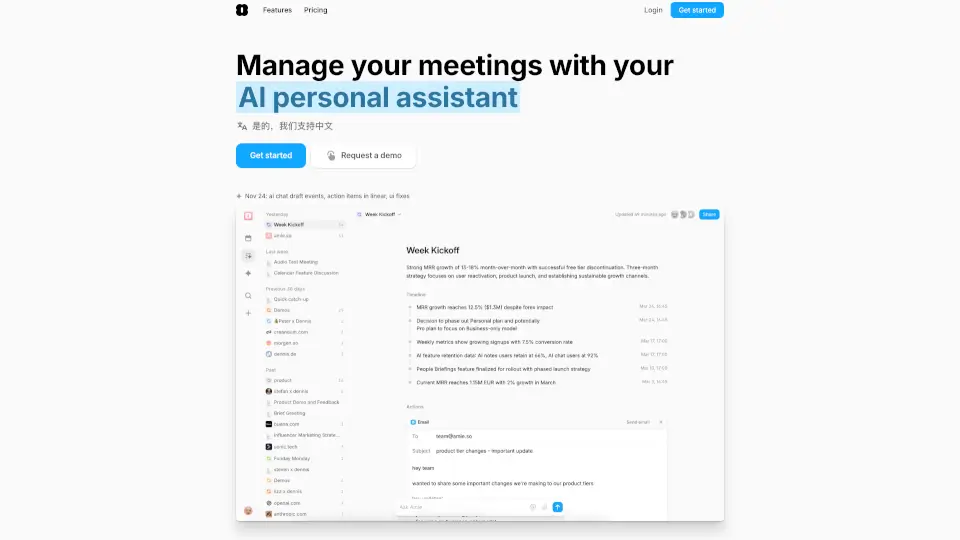
- Smart Meeting Assistant (My Notes): Automatically records, summarizes, and extracts action items from any virtual or in-person meeting—with unlimited notes on paid plans.
- Custom AI Agents: Build or use pre-built AI agents for roles like sales, IT, or marketing that live in Zoom Chat and respond when @mentioned.
- Workflow Automation: Use templates or create custom workflows that trigger automatically—like weekly reports, approval chains, or daily briefings.
- Cross-App & Web Search: Searches your Zoom chats, recordings, files, and connected apps—and even the live web—to pull context-aware answers.
- AI Productivity Suite: Instantly turns conversations into polished deliverables using Slides, Sheets, Paper, and Canvas.
- Third-Party Integrations: Works seamlessly with Microsoft, Google, Salesforce, ServiceNow, Atlassian, and more for end-to-end automation.
What are the use cases of Zoom AI Companion?
- Post-Meeting Follow-Up: After a client call, ZoomMate auto-generates a summary, drafts a follow-up email, creates a slide deck, and logs notes in Salesforce.
- Daily Work Briefing: Every morning, get a personalized update with key action items, recent messages, and industry news based on your projects.
- IT Incident Response: Ask “Which tickets need urgent attention?” and ZoomMate scans ServiceNow, chat logs, and past incidents to prioritize issues with sources.
- Project Kickoff Management: Capture meeting insights with My Notes, then auto-create status reports, task lists, and stakeholder updates using AI agents.
- Automated Reporting: Set up a weekly workflow that pulls data from meetings and apps to generate performance dashboards or team summaries.
- Research & Content Creation: Ask ZoomMate to research a topic, then instantly turn findings into a professional report (Paper) or presentation (Slides).
How to use Zoom AI Companion?
- Get a ZoomMate License: Upgrade to a paid Zoom Workplace plan that includes ZoomMate (starting at $0/month for limited features).
- Enable Integrations: Connect tools like Google Drive, Salesforce, or Jira in Zoom settings so ZoomMate can access and act on your data.
- Use @Mentions in Chat: Type “@ZoomMate” in any Zoom chat or channel to ask questions, delegate tasks, or request summaries.
- Create Custom Workflows: Go to the Workflow Builder to design multi-step automations (e.g., “After every sales meeting, update CRM and send proposal”).
- Review AI Usage: Monitor your AI credits (2,200/month per user on paid plans) in your account dashboard to manage usage.
- Start with Templates: Browse pre-built workflows and AI agents in Zoom Marketplace to quickly automate common tasks.