
Qu'est-ce que JotMe ?
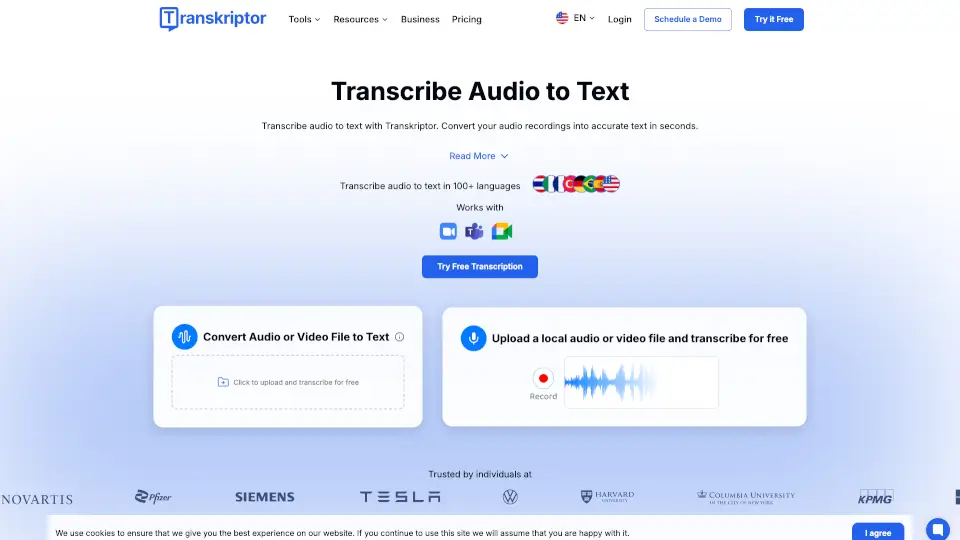
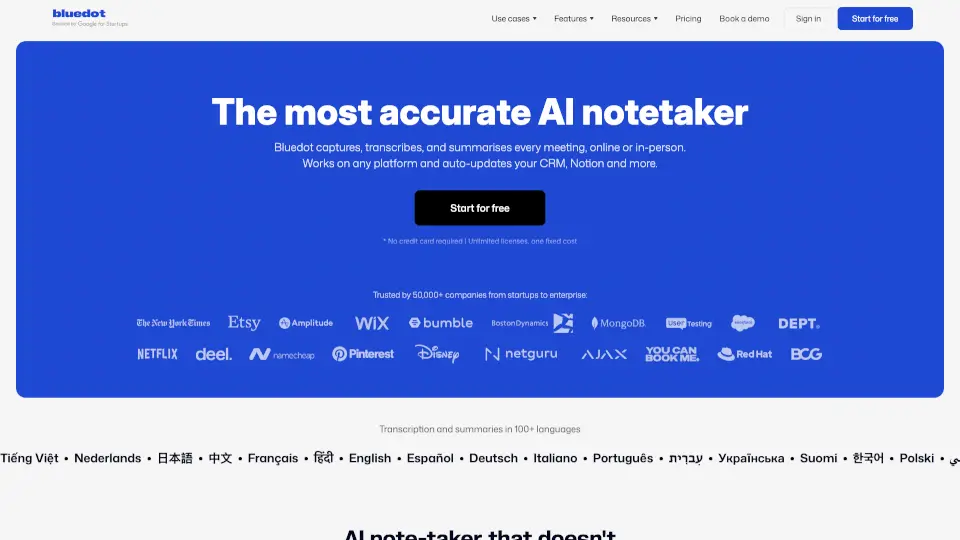
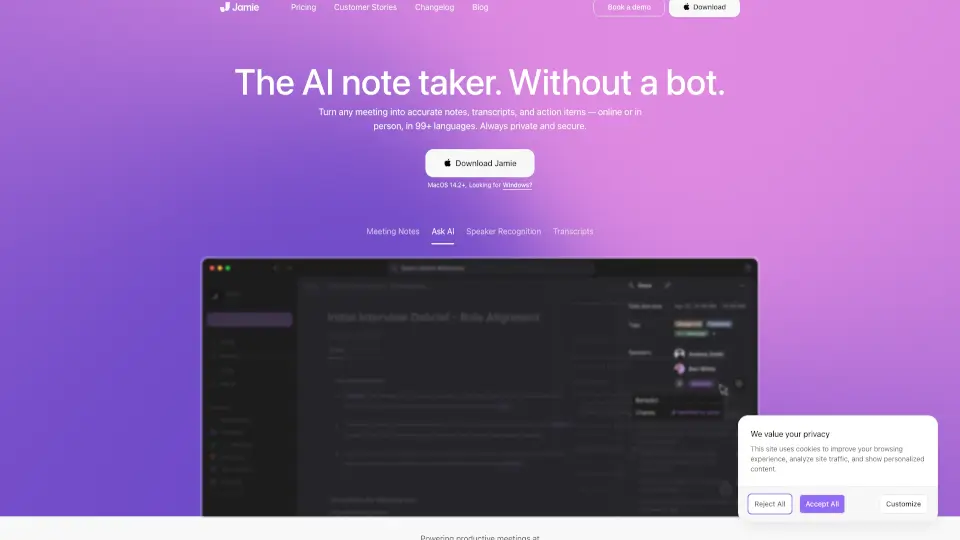
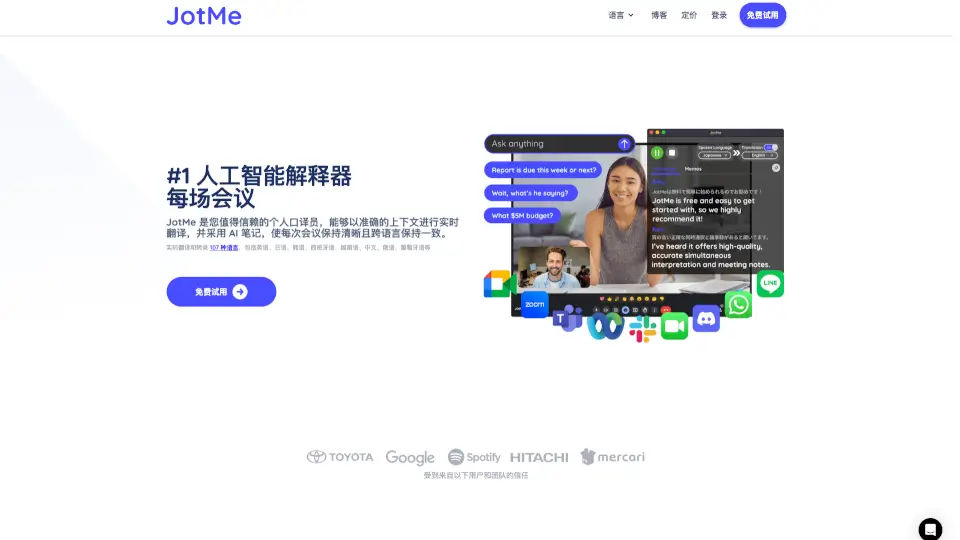
JotMe est un assistant IA en temps réel pour vos réunions. Imaginez avoir quelqu'un de intelligent à vos côtés pendant vos réunions, qui répond à vos questions, traduit en contexte et capture vos idées en temps réel. JotMe prend en charge 107 langues et est disponible en tant qu'application de bureau et extension Chrome. Que vous soyez en réunion multilingue ou que vous avez besoin d'aide pour suivre, JotMe est là pour vous.
Quelles sont les caractéristiques de JotMe ?
- Transcription en Temps Réel : Obtenez un compte-rendu précis de vos réunions.
- Traduction Contextuelle : Comprenez toutes les langues parlées, y compris le japonais, le chinois, le coréen, l'espagnol, le portugais, le français et bien plus encore.
- Prise de Notes Intelligente : Laissez l'IA résumer vos réunions avec des notes claires et des prochains pas à suivre.
- Détection de Langue : La transcription s'adapte automatiquement à la langue parlée.
- Enregistrement Audio : Sauvegardez vos réunions pour une consultation ultérieure.
- Compatibilité : Fonctionne sur Mac, Windows et dans les réunions Google Meet.
Quels sont les cas d'utilisation de JotMe ?
- Réunions Multilingues : JotMe assure une collaboration fluide, quelle que soit la langue parlée.
- Capture des Actions : Identifiez rapidement les prochains pas à suivre sans avoir à relancer qui que ce soit.
- Soutien pour les Non-Natifs : Simplifiez les réunies complexes avec des traductions en temps réel et des transcriptions précises.
Comment utiliser JotMe ?
- Téléchargez l'application de bureau (Mac/Windows) ou installez l'extension Chrome.
- Sélectionnez la langue de votre réunion.
- Laissez JotMe s'occuper de la transcription, la traduction et la prise de notes pendant votre réunion.
- Accédez à vos notes, transcriptions et enregistrements après la réunion.
Email de contact JotMe :
Questions fréquentes sur JotMe :
Q : Quelles langues JotMe prend-il en charge ? A : JotMe prend en charge 107 langues, y compris l'anglais, le japonais, le chinois, le coréen, l'espagnol, le portugais, le français et bien plus encore.
Q : JotMe fonctionne-t-il sur toutes les plateformes de réunions ? A : JotMe est optimisé pour Google Meet et prend en charge les réunions sur Mac et Windows via l'application de bureau.
Q : Puis-je essayer JotMe gratuitement ? A : Oui, JotMe propose un forfait gratuit avec des minutes de transcription et de traduction limitées.
Q : Quelles sont les options de tarification ? A : JotMe propose trois forfaits : Gratuit, Pro (9 $/mois) et Premium (15 $/mois), chacun avec des fonctionnalités et des minutes supplémentaires.