
What is Notebook AI?
Notebook AI is your smart, AI-powered note-taking assistant built into Zoho Notebook. It helps you capture ideas, record meetings, and organize notes effortlessly. Whether you’re a student, professional, or just someone who loves neat notes, Notebook AI makes writing, summarizing, and managing your content simple and fast.
What are the features of Notebook AI?
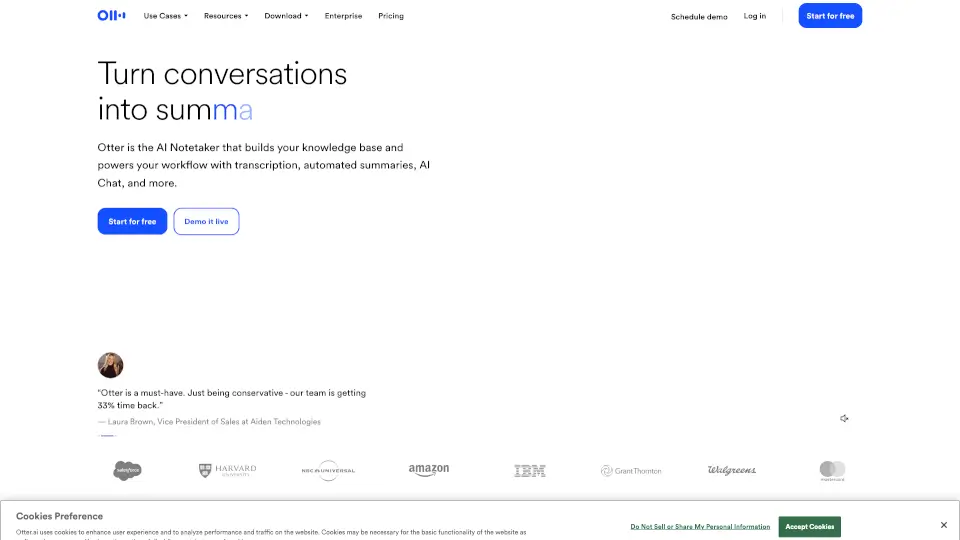
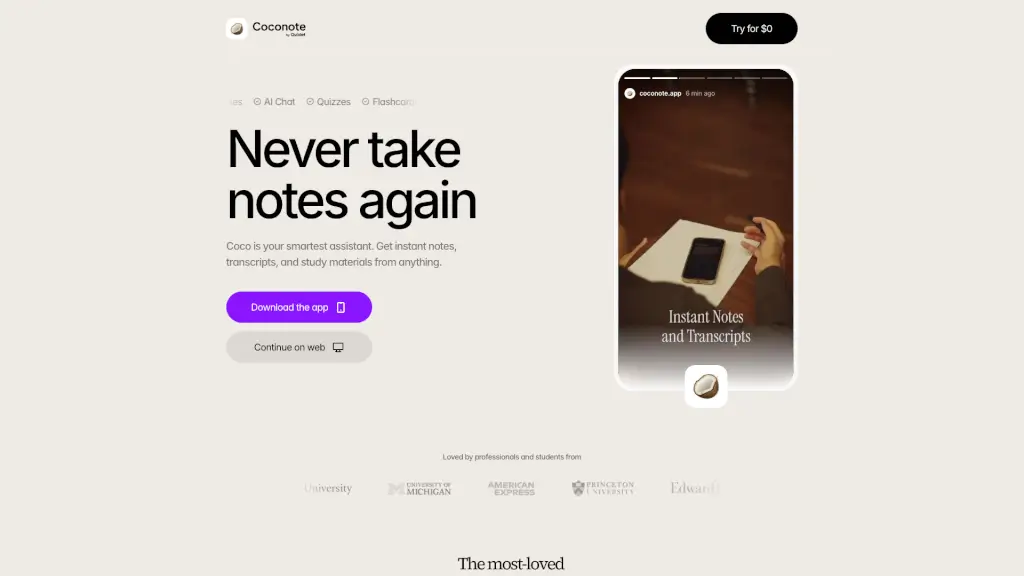
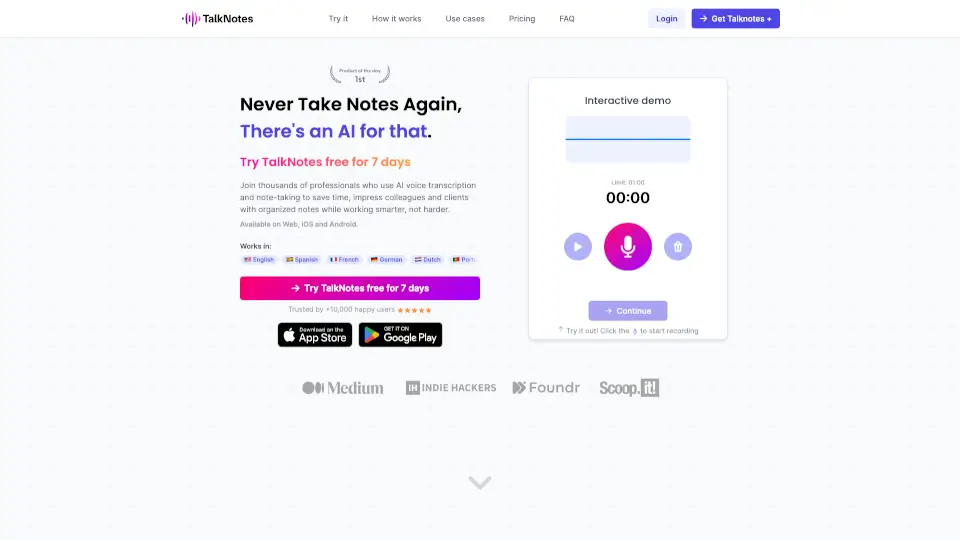
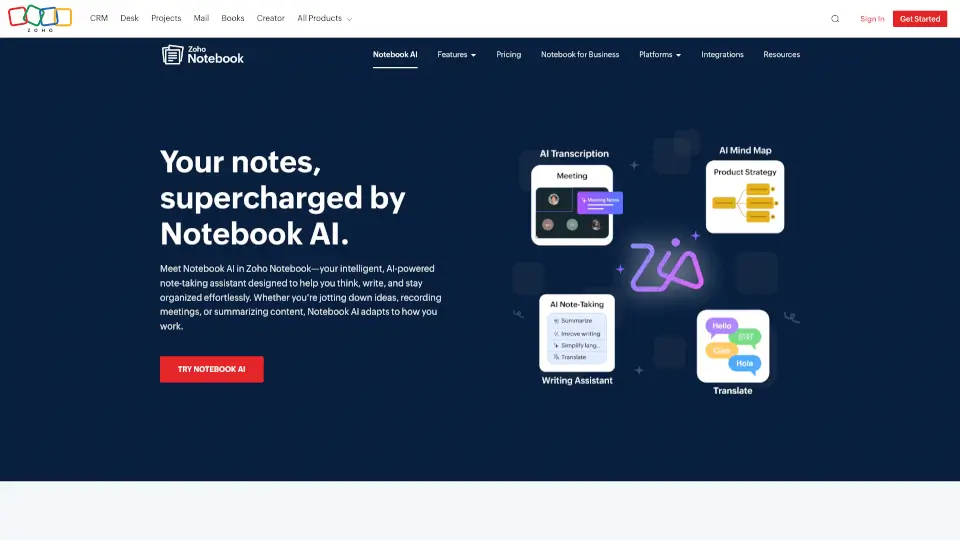
- AI Meeting Notes & Transcription: Record or upload audio and get accurate, real-time transcripts for meetings, lectures, podcasts, and more.
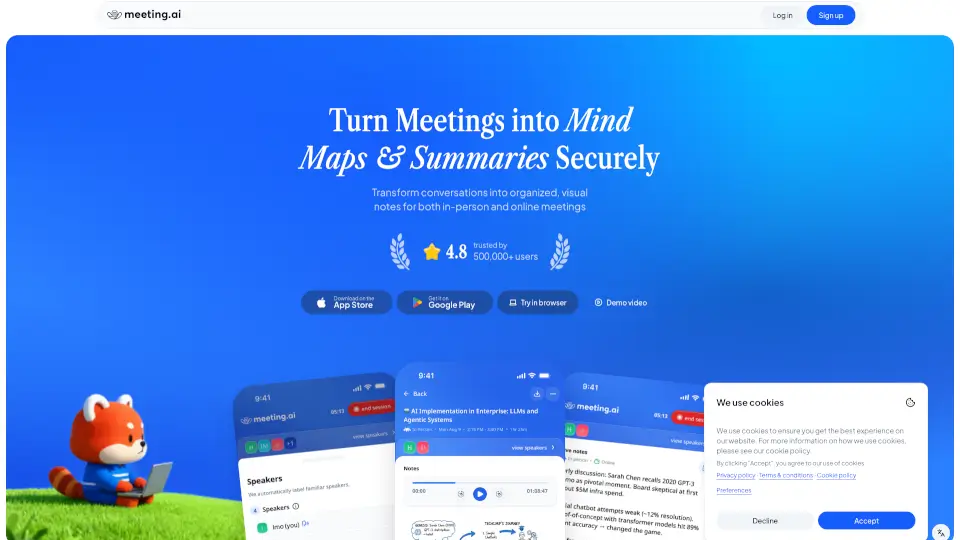
- AI Mind Maps: Turn messy notes into clear, visual mind maps to help you plan projects or brainstorm ideas.
- AI Notes Generator: Quickly create summaries, outlines, or to-do lists from your thoughts, with support for images, tables, and code blocks.
- Enhanced Grammar Checker: Improve clarity, tone, and inclusivity while eliminating errors and redundancy.
- Plagiarism Checker: Ensure your notes and writing are original and authentic.
- Language Translation: Translate your notes instantly to break language barriers.
- Handwriting & Shape Recognition: Automatically clean up your handwritten notes and shapes, even offline.
- Smart Search & Voice Commands: Find notes, transcripts, or summaries instantly using filters or voice.
- Auto-record Meetings on Mac: Transcribe meetings live without needing extra bots or apps.
What are the use cases of Notebook AI?
- Students taking lecture notes and creating study guides.
- Professionals recording and summarizing meetings or interviews.
- Writers and content creators organizing ideas and improving drafts.
- Teams collaborating with shared notes, mind maps, and checklists.
- Anyone needing quick translations or polished writing.
How to use Notebook AI?
- Start recording or upload audio/video files to get transcripts.
- Use AI Mind Maps to organize long notes visually.
- Generate summaries or outlines with the AI notes generator.
- Check grammar and plagiarism before finalizing your notes.
- Translate notes on the go to connect with a wider audience.
- Use voice commands or filters to quickly find what you need.