
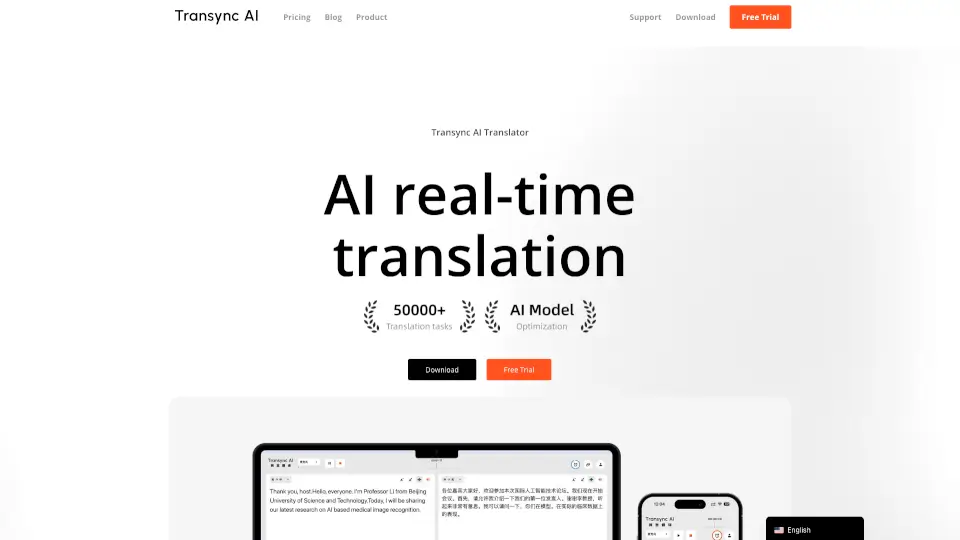
What is Transync AI?
Transync AI is a powerful tool that brings real-time translation to your multilingual meetings, making it easy for everyone to understand each other. With support for 60 languages, it offers high accuracy and low latency, ensuring smooth and efficient communication. Whether you're in a business meeting, an online class, or traveling abroad, Transync AI helps break down language barriers, making every conversation seamless and natural.
What are the features of Transync AI?
- Real-Time Translation: Translates conversations in real-time with near-zero latency.
- AI Voice Broadcast: Reads out the translated content in a natural, human-like voice.
- Auto Meeting Summaries: Automatically generates meeting minutes and summaries.
- Dual-Screen Display: Shows translations on a split screen for better readability.
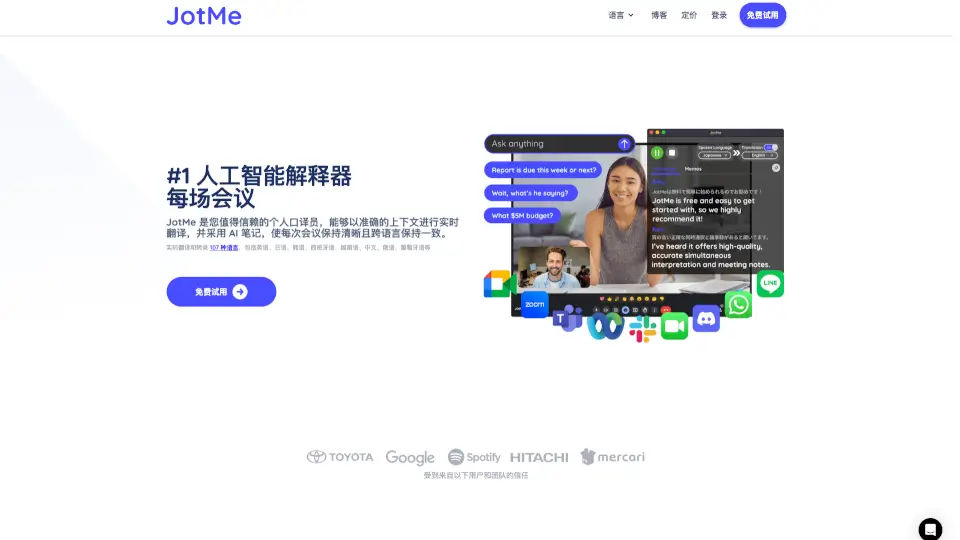
- Multi-Platform Support: Works seamlessly with popular meeting platforms like Zoom, Microsoft Teams, and Google Meet.
- High Accuracy and Low Latency: Ensures fast and accurate translations.
- Privacy and Security: Provides enterprise-grade protection for your data.
What are the use cases of Transync AI?
- Online Business Meetings: Facilitate smooth communication in international business meetings.
- Foreign Trade Communication: Help in negotiating and communicating with foreign partners.
- Study Abroad Lectures: Assist international students in understanding lectures in their native language.
- Travel Scenarios: Make ordering food or asking for directions in a foreign country easier.
- Exhibitions and Conferences: Enable effective communication at multilingual events.
- Face-to-Face Meetings: Translate conversations in real-time during in-person meetings.
How to use Transync AI?
- Sign Up and Download: Register for a free trial and download the Transync AI app.
- Join a Meeting: Open your preferred meeting platform (e.g., Zoom, Microsoft Teams).
- Start Translating: Click the Transync AI icon to start real-time translation.
- Select Languages: Choose the source and target languages for translation.
- Use Dual-Screen Display: View translations on a split screen for better readability.
- Generate Summaries: After the meeting, automatically generate and save meeting minutes.