What is 百度AI同传助手?
Meet Baidu Translate, your go-to solution for seamless and accurate translations. Whether you're a student, professional, or just someone who loves exploring different languages, Baidu Translate has got you covered. With support for over 203 languages, it offers a wide range of translation options, from simple text to entire documents and even images. The platform leverages advanced AI and deep learning technologies to provide high-quality, contextually accurate translations, making it the perfect tool for anyone looking to break down language barriers.
What are the features of 百度AI同传助手?
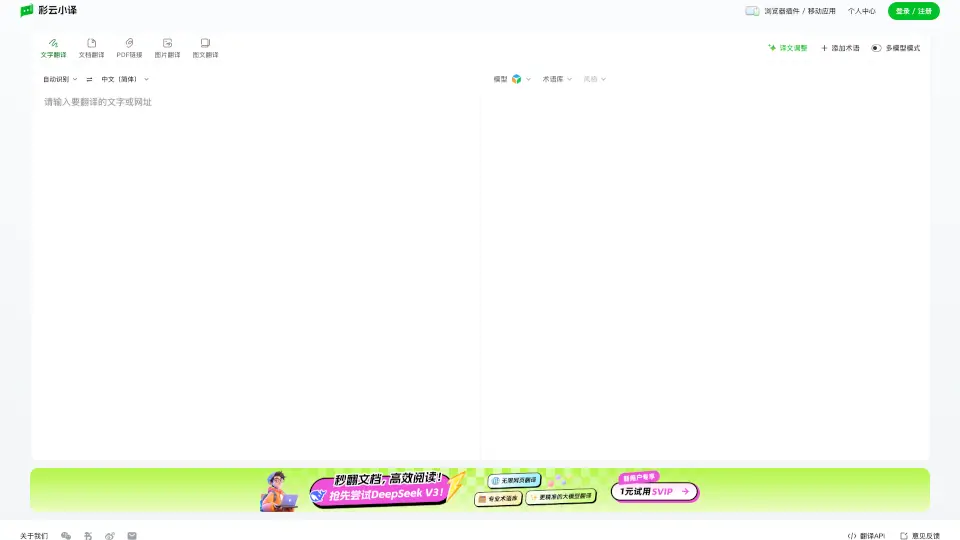
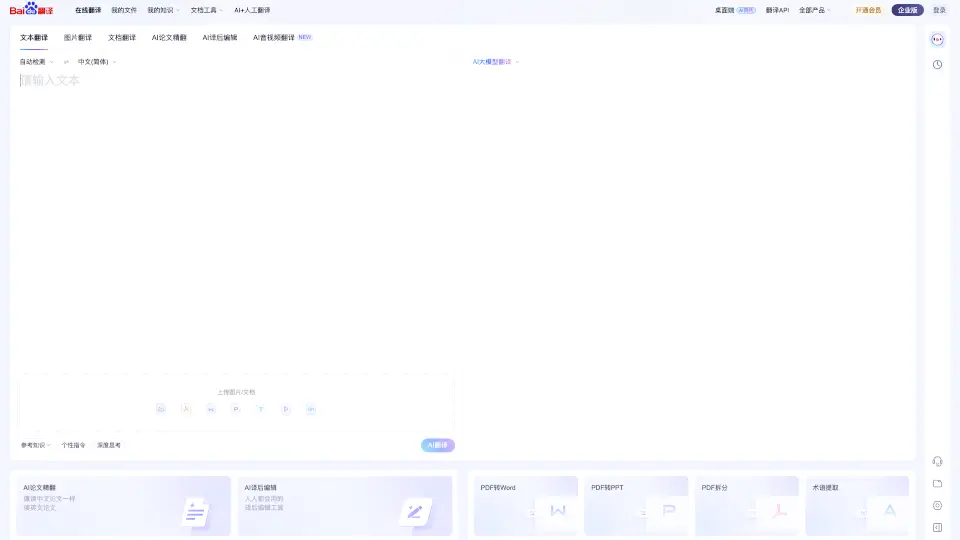
- Text TranslationQuickly translate text in over 203 languages.
- Document TranslationTranslate entire documents while maintaining their format.
- Image TranslationTranslate text within images, making it easy to understand signs, menus, and more.
- AI-Powered TranslationUtilize state-of-the-art AI models for more accurate and natural translations.
- PDF ToolsConvert PDFs to Word, PPT, and split them into smaller files.
- AI + Human TranslationCombine the speed of AI with the accuracy of human translators for the best results.
- AI Video TranslationTranslate and subtitle videos, making them accessible in multiple languages.
What are the use cases of 百度AI同传助手?
- Academic ResearchTranslate academic papers and research articles for better understanding.
- Business CommunicationFacilitate international business by translating emails, contracts, and presentations.
- Travel AssistanceTranslate menus, signs, and travel documents when traveling abroad.
- Content CreationTranslate blog posts, social media content, and website copy to reach a global audience.
- Educational MaterialsTranslate textbooks, lecture notes, and other educational resources.
- Personal UseTranslate personal documents, letters, and messages to communicate with friends and family in different languages.
How to use 百度AI同传助手?
- Upload TextEnter the text you want to translate in the provided box.
- Select LanguagesChoose the source and target languages from the dropdown menus.
- TranslateClick the "Translate" button to get your translation instantly.
- Upload DocumentsFor document translation, upload your file and select the desired output format.
- Use Image TranslationTake a photo or upload an image, and let Baidu Translate extract and translate the text.
- Utilize PDF ToolsConvert, split, and edit PDFs using the built-in tools for better document management.