
What is Screenpipe?
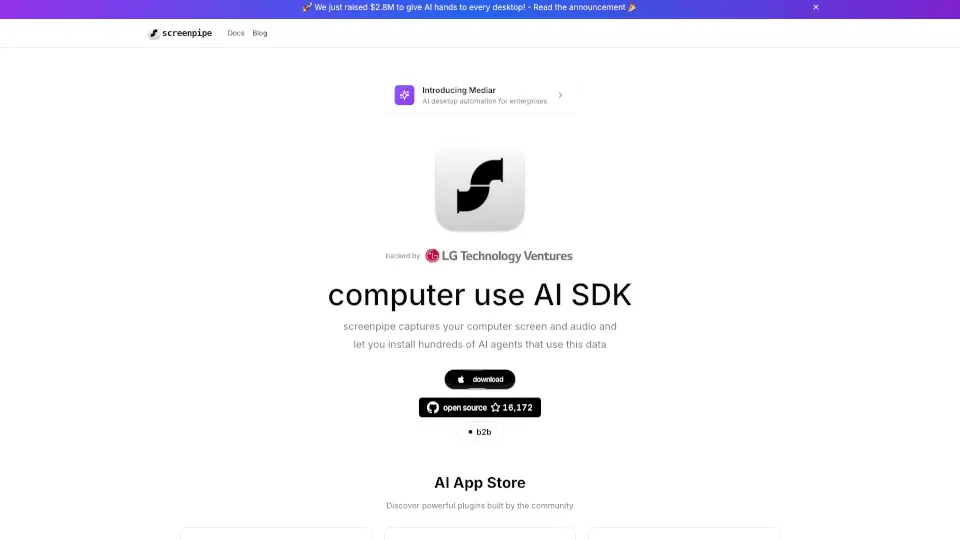
Screenpipe is your all-in-one AI app store that captures, searches, and analyzes your desktop and audio activities 24/7. It’s cross-platform, open-source, and 100% local, making it perfect for both personal and professional use. Whether you’re looking to boost productivity, manage meetings, or even handle taxes, Screenpipe has got you covered.
What are the features of Screenpipe?
- 24/7 Desktop & Audio Capture: Securely records all your screen and audio activities.
- AI-Powered Search: Quickly find, review, and summarize your digital history.
- Local LLM Integration: Works with local AI models for enhanced privacy.
- Customizable Plugins: Discover and use community-built plugins for specific needs.
- Real-Time Analysis: Get insights and logs from your screen and mic activities instantly.
What are the use cases of Screenpipe?
- Productivity Tools: Analyze and optimize your workflows.
- Meeting Assistants: Automate meeting notes and summaries.
- Tax Management: Capture and log financial documents automatically.
- Social Media Automation: Grow your followers with AI-driven posts.
- LinkedIn Outreach: Automate personalized messages for networking.
How to use Screenpipe?
- Download & Install: Get the app from the official website.
- Explore Plugins: Browse the AI App Store for plugins that suit your needs.
- Customize Settings: Adjust preferences for screen and audio capture.
- Start Recording: Enable 24/7 recording to begin capturing activities.
- Analyze & Search: Use the search and analysis tools to review your data.