
Screenapp logo

Screenapp

9
5.0
(0 Reviews)
美国14.67%

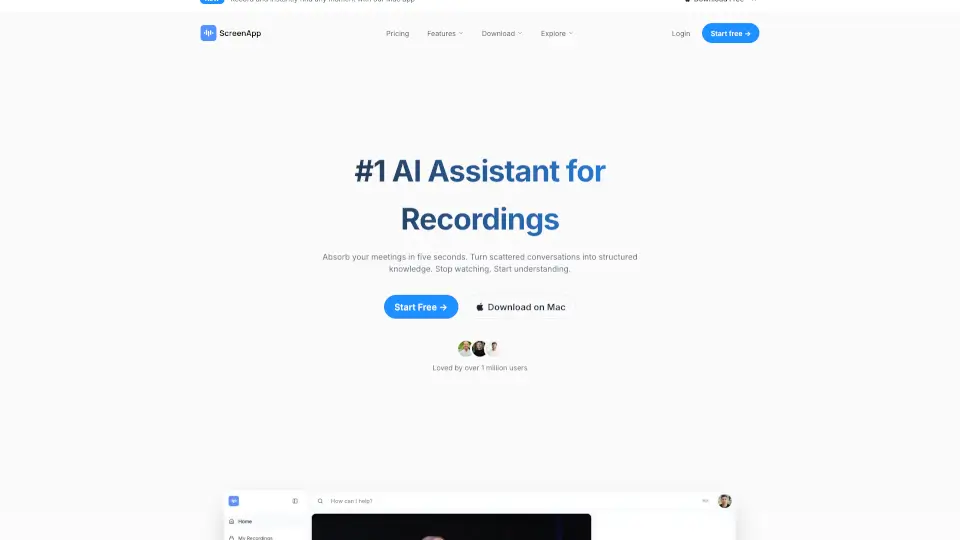
ScreenApp is an AI notetaker that transforms audio and video into searchable transcripts, smart summaries, and actionable insights—boosting productivity for professionals, educators, and teams.

SeekTool 已驗證
社交媒體:

Screenapp 產品信息

What is Screenapp?

ScreenApp is an all-in-one AI tool that turns your screen recordings, meetings, lectures, and videos into searchable notes, accurate transcripts, and smart summaries—all automatically. Whether you're a student trying to keep up with online classes, a remote worker drowning in Zoom calls, or a content creator repurposing video material, ScreenApp saves you hours by doing the heavy lifting for you.

Unlike basic recorders, ScreenApp uses advanced AI to understand context, extract key points, and organize information so you can focus on what matters—without rewatching hours of footage. It’s built for real-world use: fast, intuitive, and designed to boost productivity from day one.

What are the features of Screenapp?

  • AI-Powered Transcription: Automatically converts spoken audio from videos or screen recordings into accurate, editable text—with speaker identification and timestamps.
  • Smart Summarization: Generates concise, readable summaries that highlight decisions, action items, and key takeaways from long recordings.
  • Screen & Webcam Recording: Capture your screen, camera, or both simultaneously with one click—no extra software needed.
  • Searchable Video Notes: Click any word in the transcript to jump directly to that moment in the video.
  • Multi-Language Support: Transcribes and summarizes content in multiple languages, making it great for global teams and learners.
  • Secure Cloud Storage: All recordings and transcripts are stored safely in your private dashboard, accessible from any device.
  • Team Collaboration: Share clips, notes, or full sessions with colleagues without sending large video files.

What are the use cases of Screenapp?

  • A remote team records a 60-minute sprint planning meeting and instantly gets a summary of action items and decisions—no manual note-taking required.
  • A college student records a 2-hour online lecture and uses the transcript to study, searching for specific topics like “mitosis” or “supply chain models.”
  • A YouTuber repurposes long-form interview footage into short social media clips using timestamped transcripts and AI highlights.
  • A customer support manager reviews recorded onboarding calls to train new hires, using summaries to identify common user questions.
  • A researcher captures webinar content and exports clean transcripts for qualitative analysis or citation.
  • A solopreneur records client discovery calls and shares summarized next steps directly from ScreenApp—keeping projects moving smoothly.

How to use Screenapp?

  • Go to https://screenapp.io and sign up for a free account—no credit card needed to start.
  • Click “Record” to capture your screen, webcam, or both; ScreenApp works right in your browser (Chrome recommended).
  • After recording, wait a few minutes while AI processes your video into a transcript and summary—check your dashboard.
  • Use the transcript editor to fix any minor errors or highlight key quotes.
  • Click any word in the transcript to jump to that exact moment in the video for quick review.
  • Share your session via a secure link or export the transcript as PDF, TXT, or SRT for subtitles.
Screenapp Contact Email:

[email protected]

喜歡這個工具嗎?

按讚幫助更多人發現它!

Screenapp 替代方案

Otter.ai

Otter.ai 是一款強大的 AI 會議記錄 助手,能將您的每次對話轉化為可搜尋的知識庫,大幅提升團隊協作與工作效率。

US
62.50%
|
6.6M
|
5.0
Meeting.ai

Meeting.ai 是一款 AI 助力会议记录工具,支持线上线下会议的自动转录和总结,节省时间,提升效率。适合学生、市场人员和企业用户。 ---

ID
53.94%
|
65.5K
|
5.0
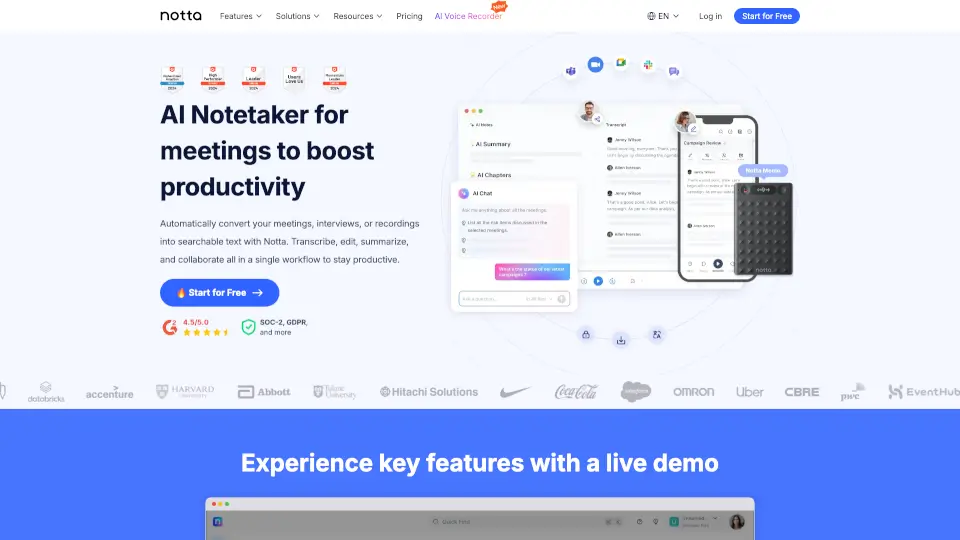
Notta

Notta 是一款支援 58 種語言的 AI 會議記錄工具,能自動轉錄、摘要並生成行動計畫與視覺化內容,讓會議成果一目了然。

JP
71.07%
|
2.6M
|
5.0
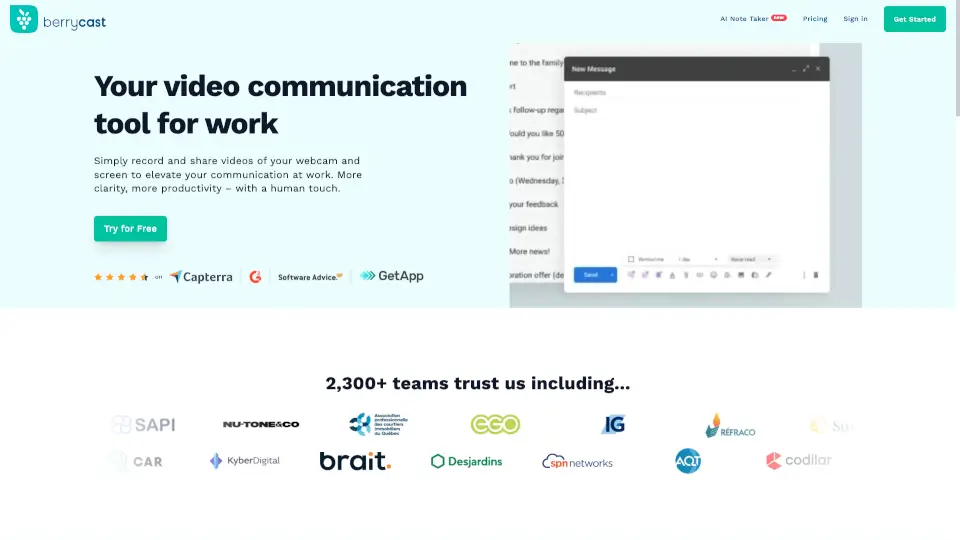
Berrycast

Berrycast 是一款免費且支援 AI 摘要的螢幕錄影工具,讓你在 Windows 與 Mac 上輕鬆製作專業影片訊息,提升工作效率與溝通清晰度。

IN
23.01%
|
34.4K
|
4.0
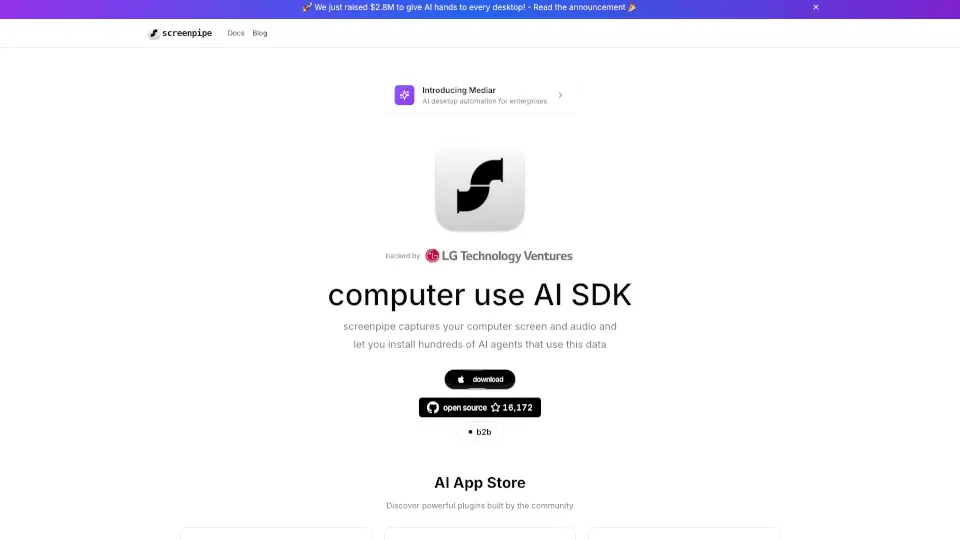
Screenpipe

screenpipe 是一個強大的 AI 應用商店,專為 24/7 桌面活動記錄而設計,幫助你更好地管理數位生活,提升工作效率。

US
10.98%
|
33.0K
|
4.0
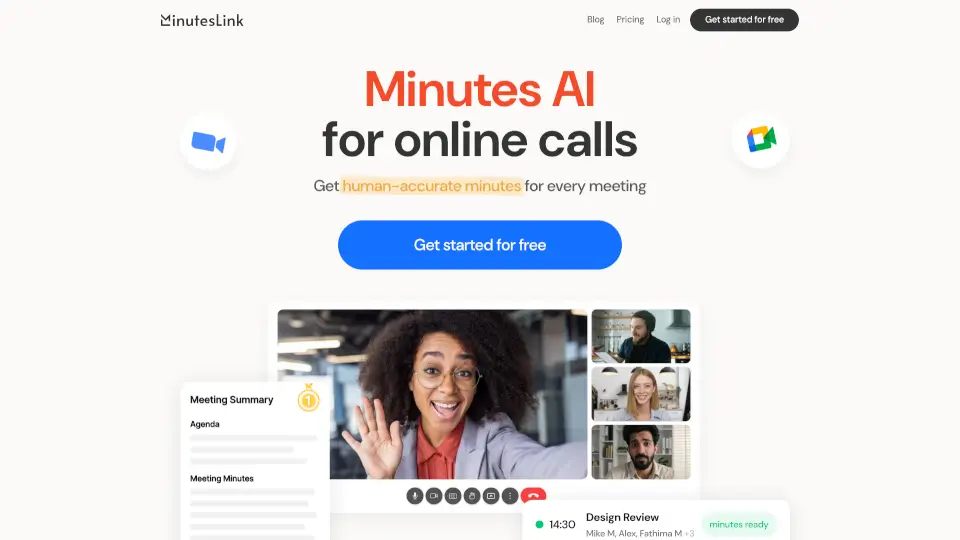
MinutesLink

MinutesLink 是一款高效、精準的AI會議筆記工具,幫助你輕鬆管理會議紀錄,提升工作效率。

US
26.70%
|
23.0K
|
4.0
MeetGeek

MeetGeek 是一款全自動 AI 會議助理,能記錄、轉錄、摘要各類會議並整合工作流,提升團隊效率與協作透明度。

US
17.17%
|
208.7K
|
5.0
Transkriptor

Transkriptor 是一款支援 100+ 語言、具備 99% 準確度的 AI 語音轉文字工具,能自動生成摘要、行動事項與多語翻譯,大幅提升會議與內容處理效率。

BR
12.95%
|
767.0K
|
5.0

Screenapp 相關其他類別

Screenapp 流量分析

💡 數據洞察

📈
高流量工具
月訪問量過百萬,已獲得廣泛市場認可,適合追求穩定性的使用者。
📉
流量下滑
近期流量明顯下降,建議關注是否有更好的替代方案。
💎
使用者黏性極高
跳出率僅 34%,平均瀏覽 3.8 頁,說明產品體驗優秀。
🌐
全球化分佈
使用者分佈較均衡,產品具有國際化特點。
  • 月訪問量

    1.30M

  • 跳出率

    34.22%

  • 頁面瀏覽量

    3.81

  • 訪問時長

    00:01:01

  • 全球排名

    35341

  • 國家排名

    13221

訪問量趨勢

流量來源

SearchOrganic71.32%
直接訪問20.60%
引薦鏈接3.76%
SocialOrganic2.11%
GenAi1.74%
郵件營銷0.23%
DisplayAds0.15%
Affiliate0.04%
SocialPaid0.04%
SearchPaid0.00%

熱門關鍵詞

1
download video
CPC$0.21
25.72K流量
2
screenapp
CPC$1.06
11.52K流量
3
tiktok mp3
CPC$0.71
5.94K流量
4
link to mp4
CPC$2.40
5.68K流量
5
video downloader
CPC$0.22
5.00K流量

熱門地區

地區百分比
美国
美国
14.67%
印度
印度
9.00%
巴西
巴西
6.03%
俄罗斯
俄罗斯
4.64%
西班牙
西班牙
3.59%

資料來自 SimilarWeb

Screenapp 常見問題

Does ScreenApp work with Zoom, Google Meet, or Teams recordings?

Yes! You can either record directly in ScreenApp during your call, or upload pre-recorded video files (MP4, MOV, etc.) for transcription and summarization.

How accurate is the AI transcription?

ScreenApp uses state-of-the-art speech recognition with >90% accuracy in clear audio conditions. Background noise or heavy accents may affect results slightly, but you can edit transcripts anytime.

Is my data private and secure?

Absolutely. ScreenApp encrypts all recordings and transcripts, and only you (or people you share with) can access your content. They don’t sell or use your data for training.

Can I use ScreenApp offline?

No—ScreenApp is a web-based tool that requires an internet connection to record, process, and store your sessions in the cloud.

What languages does ScreenApp support?

ScreenApp supports transcription and summarization in English, Spanish, French, German, Portuguese, Italian, and several other major languages.

How long does processing take?

Typically 1–5 minutes per 30 minutes of video, depending on length and server load. You’ll get an email when your transcript and summary are ready.

Is there a free plan?

Yes! ScreenApp offers a free tier with limited monthly recording minutes—perfect for students or light users. Paid plans unlock more storage, faster processing, and team features.

Screenapp 評論

0

0

0 評論
登錄to leave a review

最新評論

暫無評論

Screenapp 定價

免費方案

免費開始
$0/月
  • 3 次 AI 點數
  • 每月 1 次轉錄
  • 3 次錄音
  • 每次錄音 45 分鐘
  • AI 筆記和摘要

成長方案

免費開始
$30/月
  • 每月 30 次 AI 點數
  • 每月 30 次轉錄
  • 每月 30 次錄音
  • 每次錄音 2 小時
  • AI 筆記和摘要
  • AI 模板

商業方案

免費開始
$69/月
  • 無限 AI 生成
  • 無限轉錄
  • 無限錄音
  • 每次錄音 3 小時
  • AI 筆記和摘要
  • AI 模板
  • 會議機器人
  • API 和 Webhooks

免費方案

免費開始
$0/月
  • 3 次 AI 點數
  • 每月 1 次轉錄
  • 3 次錄音
  • 每次錄音 45 分鐘
  • AI 筆記和摘要

成長方案

免費開始
$14/月
  • 每年 360 次 AI 點數
  • 每年 360 次轉錄
  • 每年 360 次錄音
  • 每次錄音 2 小時
  • AI 筆記和摘要
  • AI 模板

商業方案

免費開始
$34/月
  • 無限 AI 生成
  • 無限轉錄
  • 無限錄音
  • 每次錄音 3 小時
  • AI 筆記和摘要
  • AI 模板
  • 會議機器人
  • API 和 Webhooks

Screenapp 嵌入

使用網站徽章為SeekTool.ai提供社群支持。它們很容易嵌入到您的首頁或頁腳中。

淺色
深色
Screenapp - Featured on SeekTool.aiScreenapp - Featured on SeekTool.ai
如何安裝?

正在尋找 Screenapp 的替代品?

比較類似 Screenapp 的頂級 AI 工具。找到最適合您需求的選項。

查看替代品

評論

0.0

分享您對這個工具的體驗...

Trending

Featured

訂閱我們的 AI 通訊

每週精選最值得關注的 AI 故事,直接發送至您的郵箱。