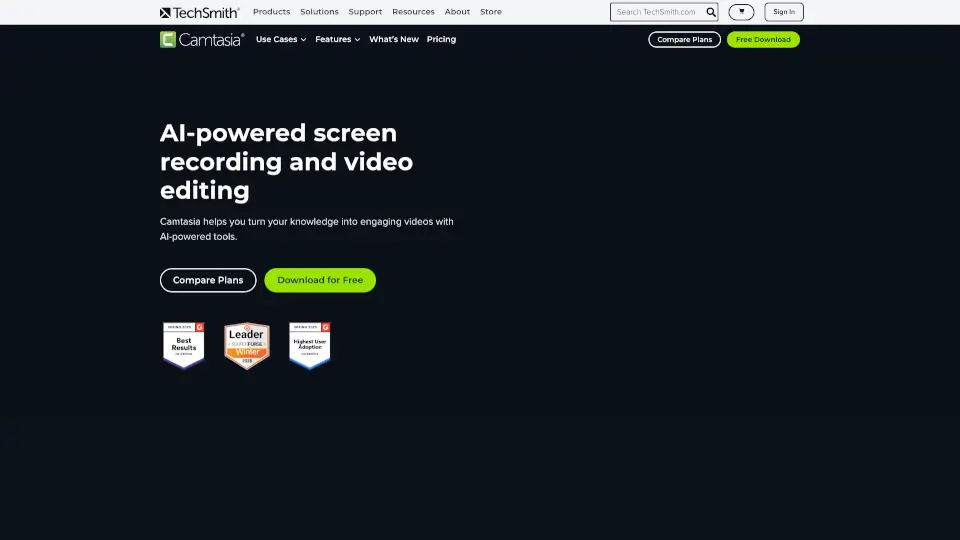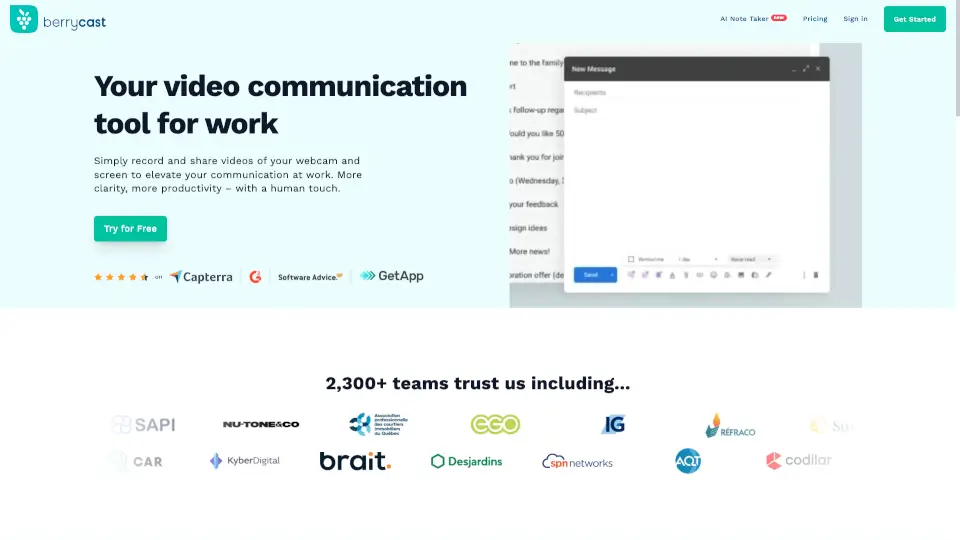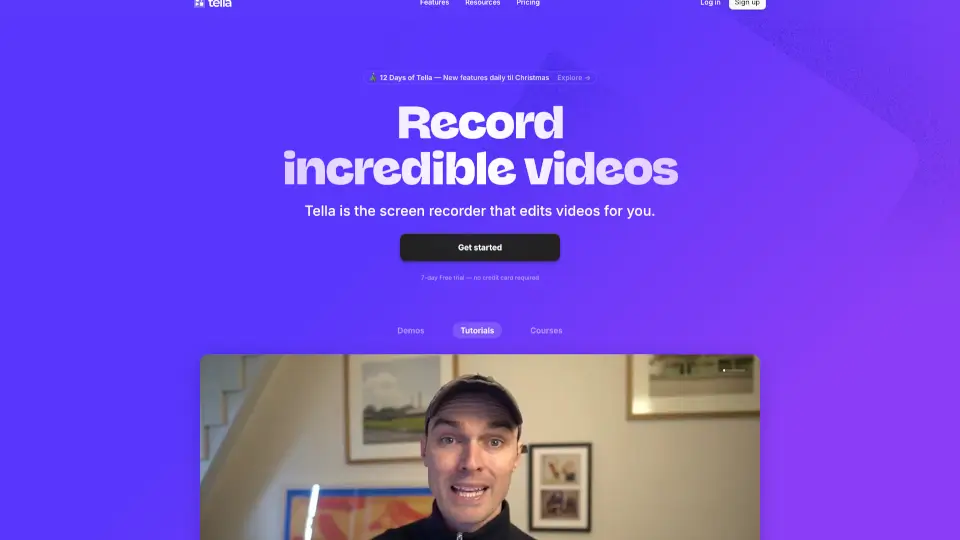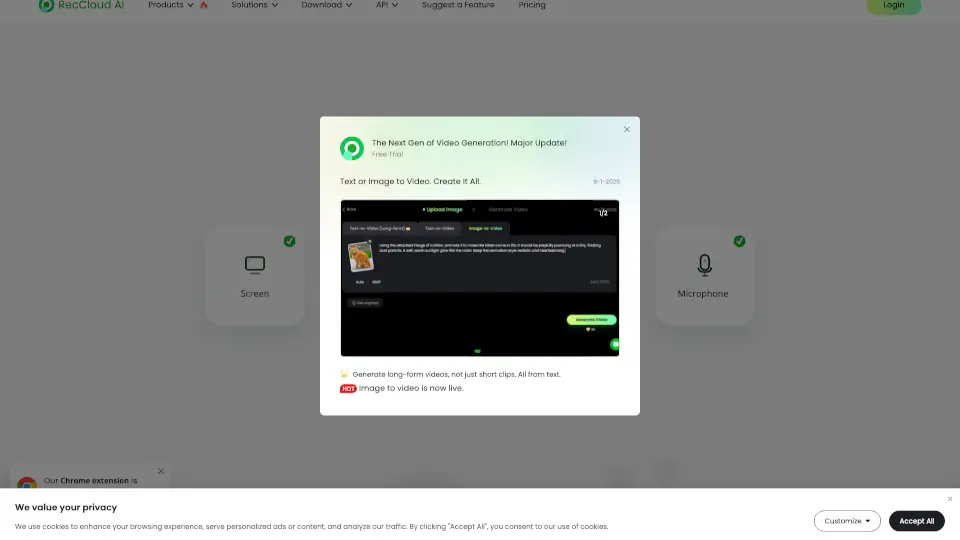

Was ist Camtasia online?
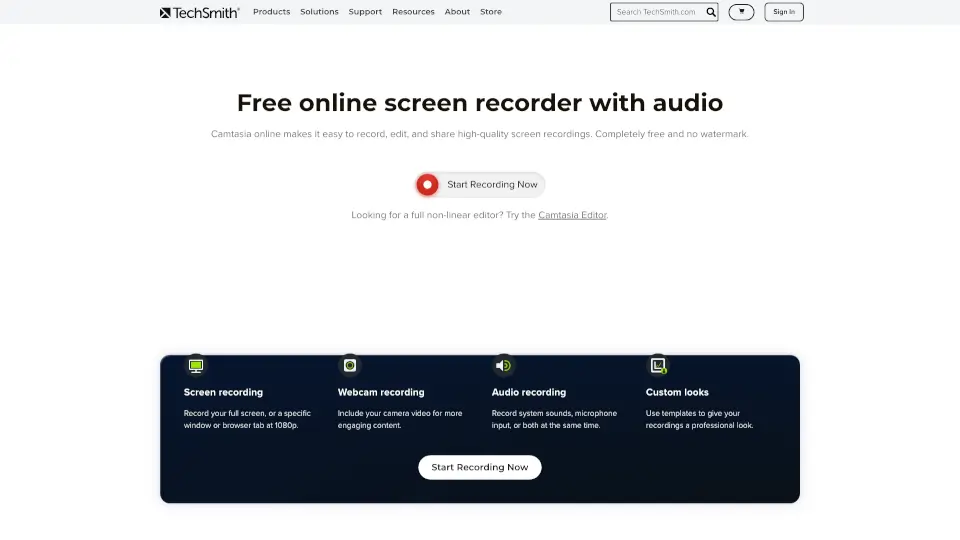
Kostenloser Online-Bildschirmrecorder für Mac & Windows – Erfasse jeden Bereich deines Bildschirms ganz einfach, ohne Wasserzeichen und mit unbegrenzter Aufnahmezeit. Bearbeite und teile deine Videos direkt im Browser, ohne Downloads oder komplizierte Einstellungen.
Was sind die Merkmale von Camtasia online?
- Bildschirmaufnahme: Nimm den gesamten Bildschirm, ein Fenster oder einen Browser-Tab in 1080p auf.
- Webcam-Aufnahme: Füge deine Kamera hinzu für persönlichere Videos.
- Audioaufnahme: Zeichne Systemtöne, Mikrofon oder beides gleichzeitig auf.
- Individuelle Designs: Nutze Vorlagen für einen professionellen Look.
- Direktes Teilen: Teile dein Video sofort per Link oder lade dein Team zur Zusammenarbeit ein.
- Keine Wasserzeichen: Deine Videos bleiben sauber und professionell.
- Unbegrenzte Szenen: Erstelle beliebig viele Szenen in einem Video.
Was sind die Anwendungsfälle von Camtasia online?
- Teams & Unternehmen: Produktdemos, Präsentationen oder Feedback-Videos aufnehmen und direkt teilen.
- Lehrer & Trainer: Tutorials und Schulungsmaterial einfach erstellen und weitergeben.
- Marketing & Vertrieb: Hochwertige Produktvorstellungen und Walkthroughs aufnehmen und sofort teilen.
Wie benutzt man Camtasia online?
- Starte im Browser ohne Download.
- Wähle Bildschirm, Webcam und Audio aus.
- Gestalte dein Layout mit Vorlagen.
- Nimm auf und teile das Video per Link oder lade es zur weiteren Bearbeitung herunter.