
Camtasia online logo

Camtasia online

0
5.0
(0 Reviews)
United States45.69%

TechSmith’s Camtasia online is a free, browser-based screen recorder for Mac and Windows. Record, edit, and share videos with no watermarks or limits.

Added on: 2025.11.10 · Updated on: 2025.11.10
Social Media:
Visit Site
View Alternatives
Camtasia online

Camtasia online Product Information

What is Camtasia online?

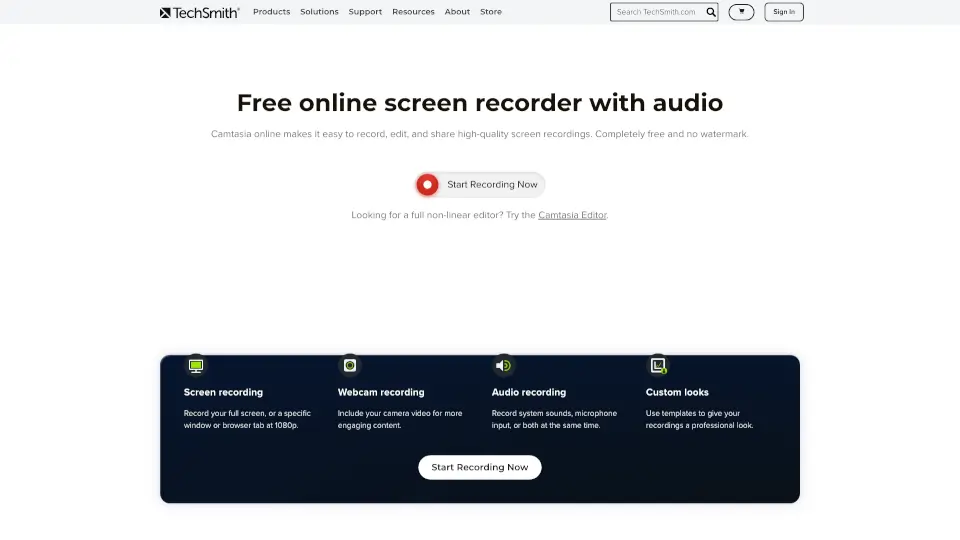
Looking for a free online screen recorder for Mac and Windows? TechSmith’s Camtasia online lets you capture any part of your screen, record audio, and even your webcam—all right from your browser. No downloads, no watermarks, and unlimited recording. Edit and share your videos easily, whether you’re making tutorials, demos, or presentations.

What are the features of Camtasia online?

  • Screen Recording: Capture your full screen, a specific window, or browser tab in crisp 1080p.
  • Webcam Recording: Add your camera feed for more engaging content.
  • Audio Recording: Record system sounds, microphone input, or both at once.
  • Custom Looks: Use templates for a professional finish.
  • Instant Sharing: Share your video with a link or invite others to collaborate.
  • Unlimited Scenes: Record as many scenes as you need in one video.
  • No Watermarks: Your recordings stay clean and professional.
  • Browser-Based: No software downloads required—just launch and start recording.

What are the use cases of Camtasia online?

  • Teams & Business: Record product demos, presentations, or feedback videos and share instantly.
  • Educators & Trainers: Create tutorials and training materials for students or team members.
  • Marketing & Sales: Make high-quality product demos and walkthroughs to boost engagement.
  • Personal Projects: Capture your screen for gaming, how-tos, or sharing with friends.

How to use Camtasia online?

  • Go to the Camtasia online screen recorder page.
  • Click “New Project” to start.
  • Choose what you want to record: screen, webcam, and audio settings.
  • Customize your layout with templates.
  • Hit record and capture your content.
  • Share your video instantly with a link or download it for editing.
Do you like this tool?

Upvote to help others discover it!

Camtasia online Alternatives

Camtasia

Camtasia makes video creation simple with AI tools, multitrack recording, and drag-and-drop editing—ideal for tutorials, training, and demos. Try it free!

US
45.69%
|
1.2M
|
5.0
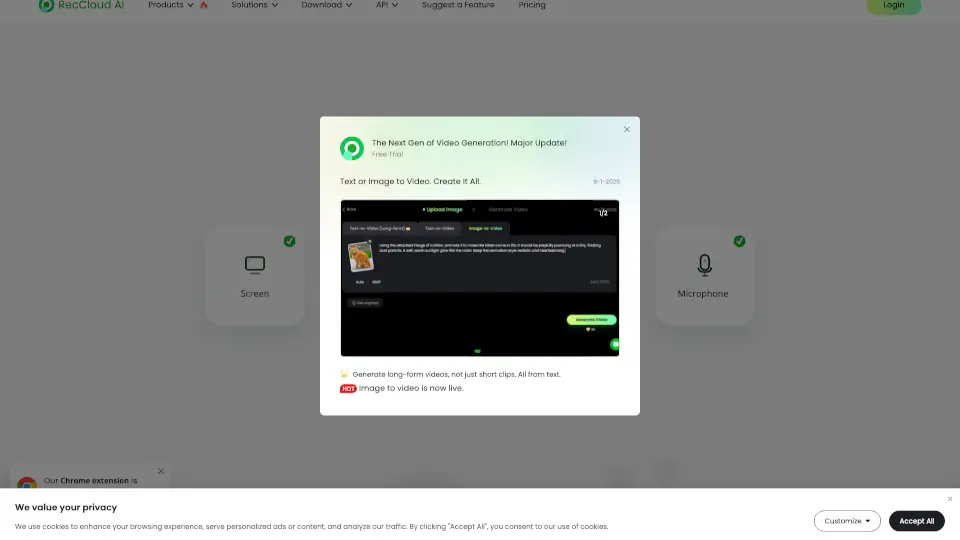
RecCloud

RecCloud Online Screen Recorder is a versatile, no-download solution for all your recording needs, offering a range of AI-powered tools for enhanced media creation.

US
9.83%
|
783.9K
|
5.0
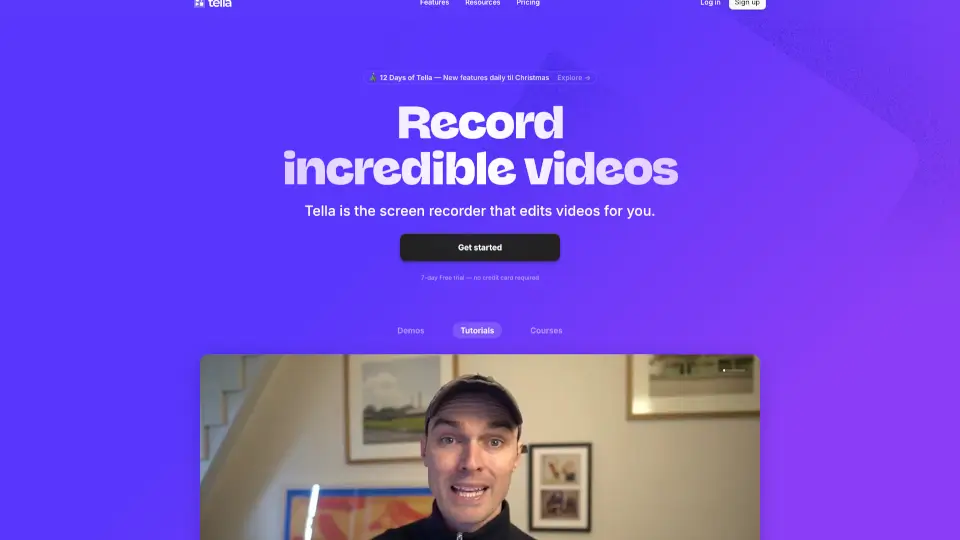
Tella

Tella is the easiest screen recorder for Mac & Windows, perfect for demos, tutorials, and courses. With AI-powered editing and 4K exports, it’s like having a pro editor in your pocket.

US
12.89%
|
377.1K
|
5.0
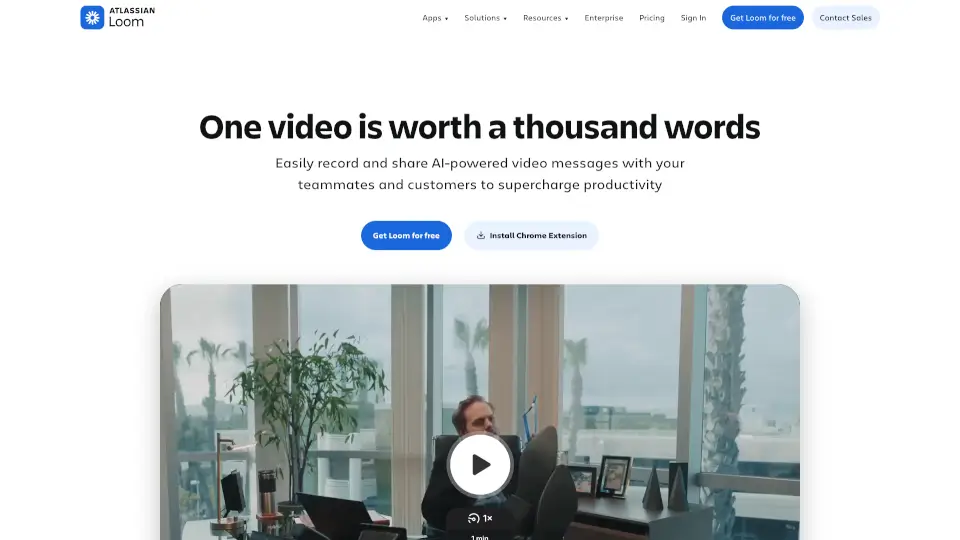
Loom

Loom is a user-friendly screen recorder that simplifies video creation, editing, and sharing for individuals and teams.

US
39.00%
|
19.6M
|
5.0
Komodo

Komodo offers unlimited screen recording and editing, making it easy to create high-quality videos for any purpose.

US
15.96%
|
7.7K
|
3.0
Canvid AI Screen Recorder

Canvid makes screen recording easy and fun, perfect for anyone looking to create engaging videos.

US
21.06%
|
34.2K
|
4.0
FocuSee

FocuSee is an AI-powered screen recorder that automates the editing process, making it easy to create professional-looking videos. With features like auto-zoom, AI virtual avatars, and automatic subtitle generation, FocuSee saves you time and effort while delivering high-quality results. Perfect for product demos, tutorials, and marketing videos, FocuSee is a must-have tool for creators and educators.

US
16.85%
|
98.3K
|
5.0
Supercut

Supercut makes screen recording effortless and professional—perfect for teams who want to communicate clearly without wasting time.

US
17.08%
|
61.4K
|
5.0
Camtasia online Related Other Categories

Camtasia online Traffic Analysis

💡 Insights

📈
High Traffic
Over 1M monthly visits. Widely recognized and stable choice.
➡️
Stable
Traffic remains stable, indicating a mature product.
👍
Good Experience
Bounce rate of 42%. Users are willing to explore features.
🌍
United States Dominant
46% users from United States. Optimized for this market.
  • Monthly Visits

    1.19M

  • Bounce Rate

    42.09%

  • Pages Per Visit

    3.78

  • Visit Duration

    00:01:56

  • Global Rank

    40508

  • Country Rank

    16856

Visits Over Time

Traffic Sources

Direct49.05%
Search42.99%
Referrals5.51%
Social1.45%
Paid0.79%
Mail0.22%

Top Keywords

1
camtasia
CPC$1.61
45.75KTraffic
2
snagit
CPC$2.05
34.34KTraffic
3
techsmith
CPC$4.26
9.13KTraffic
4
snagit download
CPC$2.36
4.68KTraffic
5
camtasia studio
CPC$1.16
4.10KTraffic

Top Regions

RegionPercentage
United States
United States
45.69%
India
India
7.70%
Canada
Canada
2.54%
Germany
Germany
2.35%
United Kingdom
United Kingdom
2.13%
Low
High

Camtasia online FAQ

Will there be a watermark on my recordings?

How do I share my screen recordings?

Is there a recording time limit?

Can I edit my recordings?

How do I record my screen?

What screen recorder should I use?

Why does my screen recording have no sound?

Which screen recorder is totally free?

Which screen recorder is safe?

What screen recorder can record Netflix?

Camtasia online Reviews

0

0

0 Reviews

Write a Review

0

Login to leave a review
Sign In

Recent Reviews

No reviews yet

Camtasia online Embed

Use website badges to drive community support for SeekTool.ai. They are easy to embed in your homepage or footer.

Light
Dark
Camtasia online - Featured on SeekTool.aiCamtasia online - Featured on SeekTool.ai
How to install?

Looking for Camtasia online Alternatives?

Compare top AI tools similar to Camtasia online. Find the best option for your needs.

View Alternatives

Reviews

0.0

Share your experience with this tool...

Trending

Featured

Subscribe to our AI Newsletter

Get the top AI stories delivered to your inbox weekly.