
RecCloudとは何ですか?
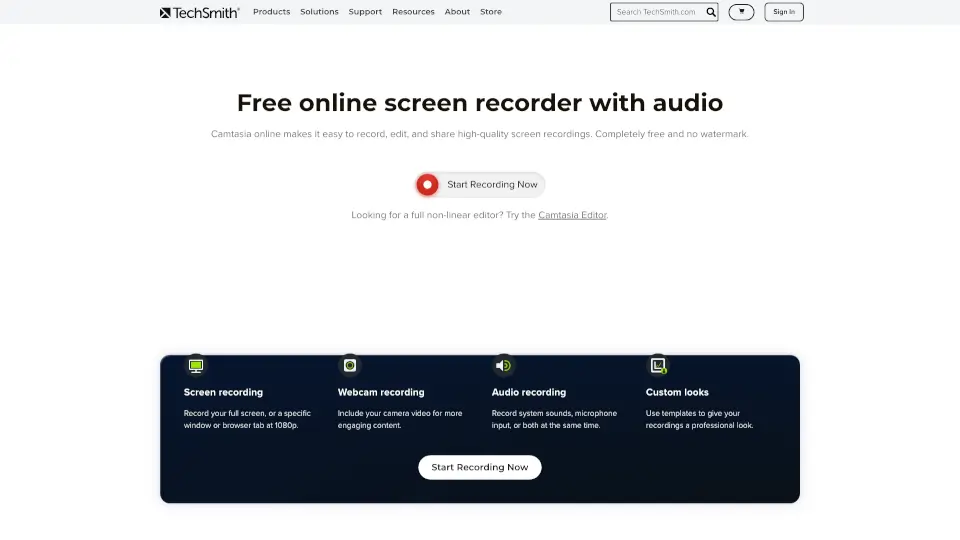
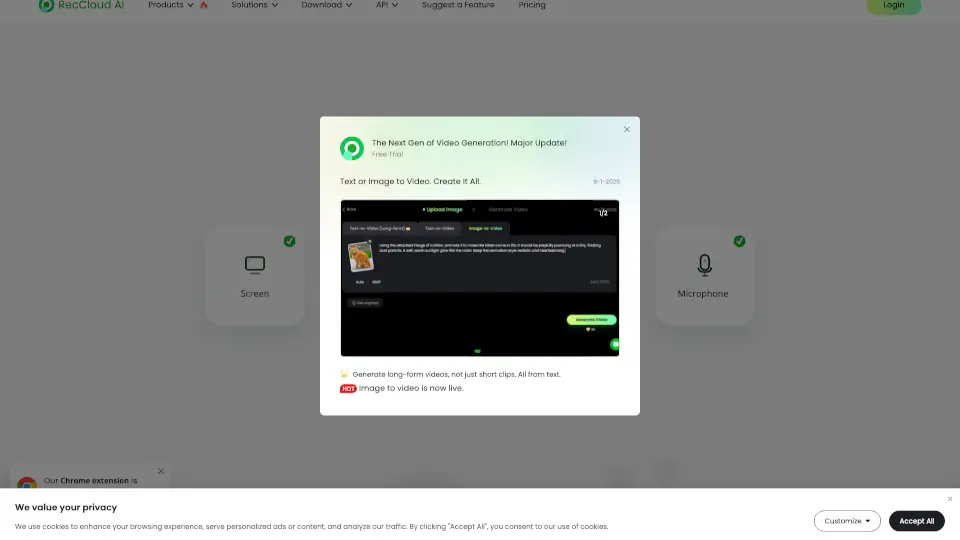
RecCloudは、オンラインで簡単に画面、音声、ウェブカメラを録画できるスクリーンレコーダーです。ダウンロード不要で、ワンクリックで録画を開始できます。AI機能を活用した音声認識や字幕生成など、多様なニーズに対応しています。
RecCloudの特徴は何ですか?
- オンラインスクリーンレコーダー: 画面、ウェブカメラ、システム音声、マイクを簡単に録画。
- AI音声認識: 話し言葉を正確なテキストに変換。
- AIビデオ翻訳: ビデオコンテンツを複数の言語に翻訳。
- AI字幕生成: 自動で正確な字幕を生成。
- AI音声生成: テキストを自然な音声に変換。
- ビデオ/音声要約: 長いビデオを簡潔なハイライトに要約。
- AIビデオ生成: 簡単にAIビデオを作成。
- ボーカル除去: ボーカルを除去してインストゥルメンタルを作成。
RecCloudの使用例は何ですか?
- オンライン授業やプレゼンテーションの録画
- ビデオコンテンツの多言語翻訳
- 字幕付きビデオの作成
- 音声付きスクリーンキャプチャ
- 長いビデオの要約作成
RecCloudの使い方は?
- 録画したい画面を選択。
- 「システム音声を共有」をクリック。
- 「共有」をクリックして録画を開始。