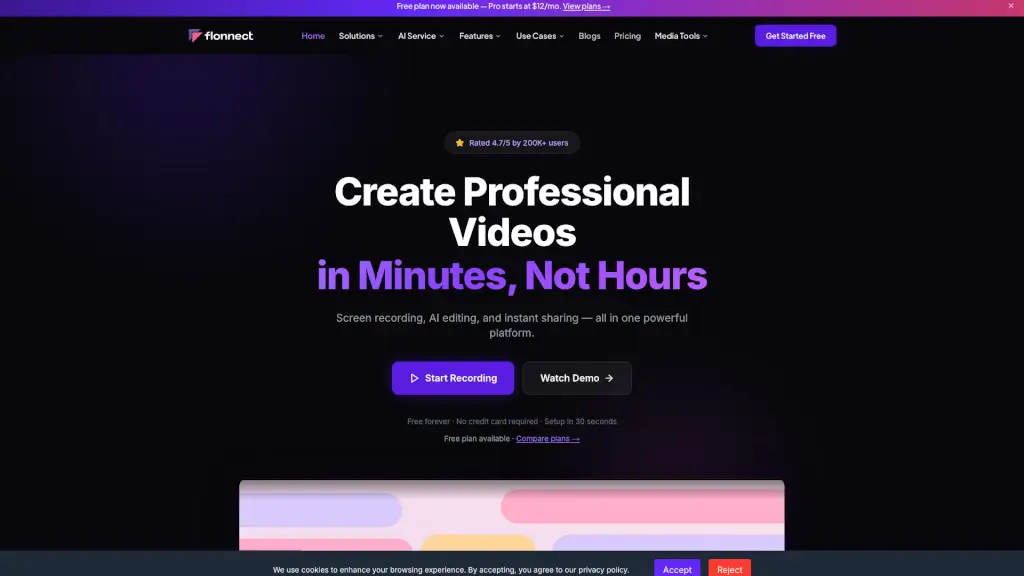
What is Flonnect?
Flonnect is a free, all-in-one video creation platform that makes it easy to record your screen, edit with AI, and share professional-quality videos—no experience needed. Whether you're a student, marketer, developer, or educator, Flonnect helps you create tutorials, demos, meetings, and more in minutes instead of hours.
Trusted by over 200K users across 170+ countries, Flonnect works seamlessly on Windows, macOS, and Chrome, offering powerful tools like HD screen recording, automatic transcription, smart trimming, and instant sharing—all without requiring a credit card to get started.
What are the features of Flonnect?
- Free Screen Recorder: Capture your full screen, a browser tab, or a specific window—with webcam overlay and system audio support.
- AI Video Editing: Automatically transcribe speech in 20+ languages, remove filler words, trim silences, and generate captions with one click.
- Instant Sharing & Analytics: Get a shareable link immediately, add custom branding, embed videos anywhere, and track views and engagement.
- Media Tools Suite: Extract audio, remove metadata, convert formats, trim clips, generate thumbnails, and compress files—all for free.
- Interactive Demos & Bug Reporting: Create clickable product walkthroughs or visual bug reports with annotations to boost clarity and conversions.
- Meeting Copilot: Record meetings and get AI-generated summaries, transcripts, and action items automatically.
What are the use cases of Flonnect?
- Educators recording online lessons with clear audio and webcam for remote students
- Developers submitting visual bug reports with annotated screen recordings
- Marketers creating YouTube thumbnails and short promo videos using AI tools
- Sales teams building personalized demo videos that prospects can interact with
- Customer support agents sharing quick video replies to common questions
- Content creators editing vlogs faster with auto-transcription and smart trimming
How to use Flonnect?
- Install the Chrome extension or download the desktop app for Windows/macOS (takes under 30 seconds).
- Click “Record” to capture your screen, webcam, or both—choose audio sources and recording area.
- After recording, use AI editing to auto-transcribe, trim dead air, and generate subtitles.
- Customize your video with branding, thumbnails, or interactive elements if needed.
- Click “Share” to get a link, embed code, or download the final file—no rendering wait time.
- Track performance with built-in analytics showing views, watch time, and engagement.