What is Vmaker AI?
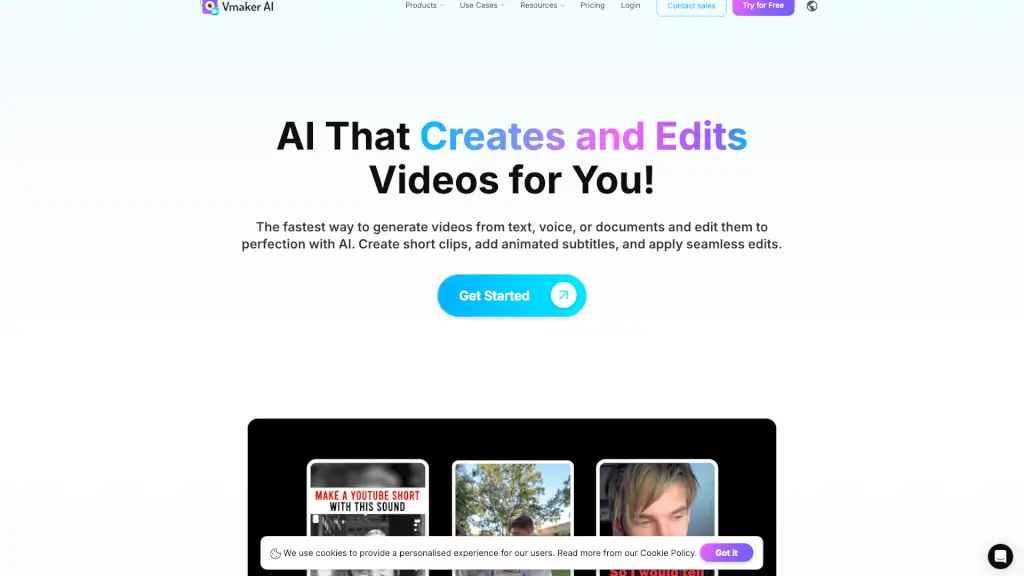
Vmaker AI is your go-to platform for creating and editing videos in a snap. Whether you're a YouTuber, marketer, or just someone who loves making videos, Vmaker AI simplifies the process with its powerful AI tools. From recording and editing to adding subtitles and generating avatars, Vmaker AI makes video creation accessible and fun for everyone. Say goodbye to complicated software and hello to seamless, professional-looking videos in minutes.
What are the features of Vmaker AI?
- AI Video Editor: Turn raw footage into polished, publish-ready videos with AI-powered editing tools.
- Screen Recorder: Record your screen and webcam in 4K resolution, perfect for tutorials and presentations.
- AI Subtitle Generator: Automatically generate subtitles in over 35 languages with stylish animations.
- Text to Video: Transform text into engaging videos with realistic AI avatars.
- Audio to Video: Convert audio files into dynamic videos with lifelike avatars.
- Doc to Video: Create impactful videos from documents, bringing your content to life.
- Video Enhancer: Improve the quality of your videos with AI-driven enhancements.
- Highlight Video Maker: Generate highlight reels from longer videos, perfect for social media sharing.
What are the use cases of Vmaker AI?
- Training Videos: Create detailed training materials with AI avatars and automatic subtitles.
- Marketing Campaigns: Produce high-quality ads, product demos, and promotional videos quickly.
- Tutorials and How-to Guides: Make step-by-step instructional videos with screen recordings and AI voiceovers.
- Social Media Content: Generate short, engaging clips for platforms like TikTok and YouTube.
- Video Presentations: Transform your PowerPoint slides into dynamic, narrated videos.
- Explainer Videos: Simplify complex ideas with animated avatars and clear, concise explanations.
How to use Vmaker AI?
- Start by signing up for a Vmaker AI account and logging in.
- Choose the type of video you want to create (e.g., Text to Video, Screen Recording).
- Follow the on-screen prompts to add your content, such as text, audio, or screen recordings.
- Use the AI tools to enhance your video, like adding subtitles, background removal, or applying filters.
- Preview your video and make any necessary adjustments.
- Once satisfied, export your video in the desired format and share it with your audience.