
Freepik AI Video Generator logo

Freepik AI Video Generator

5.0
(0 Reviews)
Indonesia10.31%

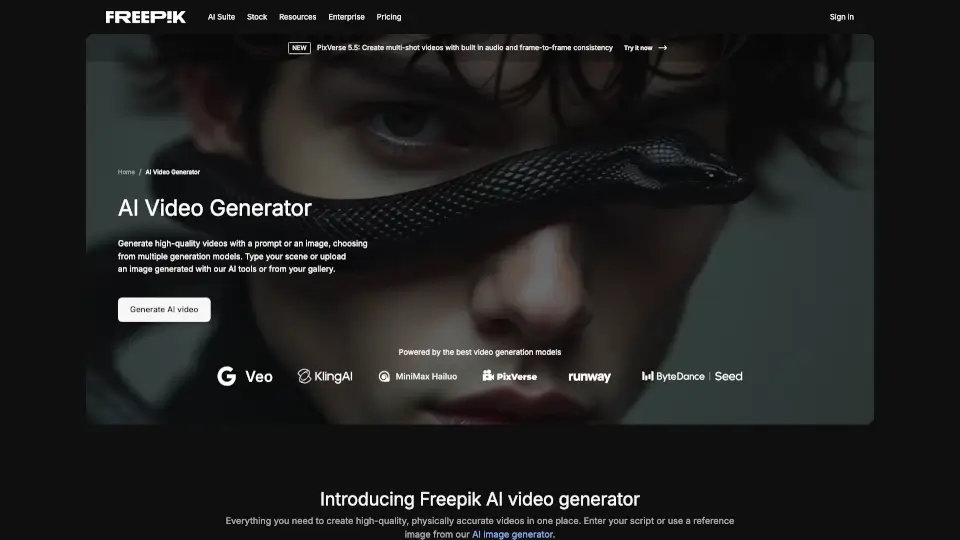
Easily create dynamic videos from text or images with Freepik's AI Video Generator.

Verified by SeekTool
Social Media:
Freepik AI Video Generator

Freepik AI Video Generator Product Information

What is Freepik AI Video Generator?

Introducing Freepik’s AI Video Generator, the ultimate tool for creating stunning videos from text and images! This innovative online platform makes it incredibly easy to bring your ideas to life—all without any complex software. Whether you’re crafting content for social media, marketing, or education, this user-friendly generator has you covered.

What are the features of Freepik AI Video Generator?

  • Text to Video: Simply enter your script or description, and the AI transforms it into engaging visuals and animations.
  • Image to Video: Start with your own images, and watch as AI creates dynamic videos with smooth transitions and movements.
  • Multiple Generation Modes: Choose from several modes (like Luma or Runway) to tailor your video to your specific needs.
  • Voice Over Capabilities: Add realistic voiceovers in various languages, syncing perfectly with your video.
  • Sound Effects: Easily incorporate sound effects or music from Freepik’s extensive library for a professional touch.
  • Customization Options: Craft unique characters and visuals to ensure your video stands out.

What are the use cases of Freepik AI Video Generator?

  • Social Media Content: Create eye-catching posts for platforms like Instagram and TikTok.
  • Product Demos: Showcase your product features in a visually appealing way.
  • Educational Videos: Make learning fun and engaging with animated content.
  • Explainer Videos: Clearly convey complex ideas using visuals and voiceovers.
  • Advertisements: Produce professional ads that grab attention and drive engagement.

How to use Freepik AI Video Generator?

  1. Enter Your Prompt or Image: Start by typing a description or uploading an image as the base for your video.
  2. Choose a Mode: Select a generation mode that fits your vision.
  3. Generate and Download: Once you’re satisfied with the video, simply download it for use.

Do you like this tool?

Upvote to help others discover it!

Freepik AI Video Generator Alternatives

Freepik

Freepik

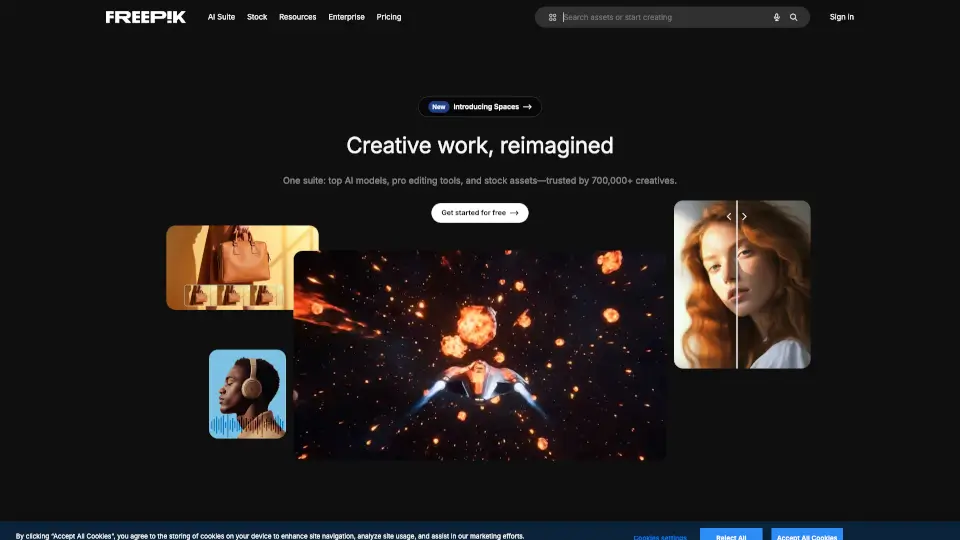
Freepik is an all-in-one AI creative suite offering AI tools, smart features, and high-quality stock assets to design, create, and edit without ever leaving the platform.

ID
10.31%
1.4M
5.0
insMind Text to Video Generator

insMind Text to Video Generator

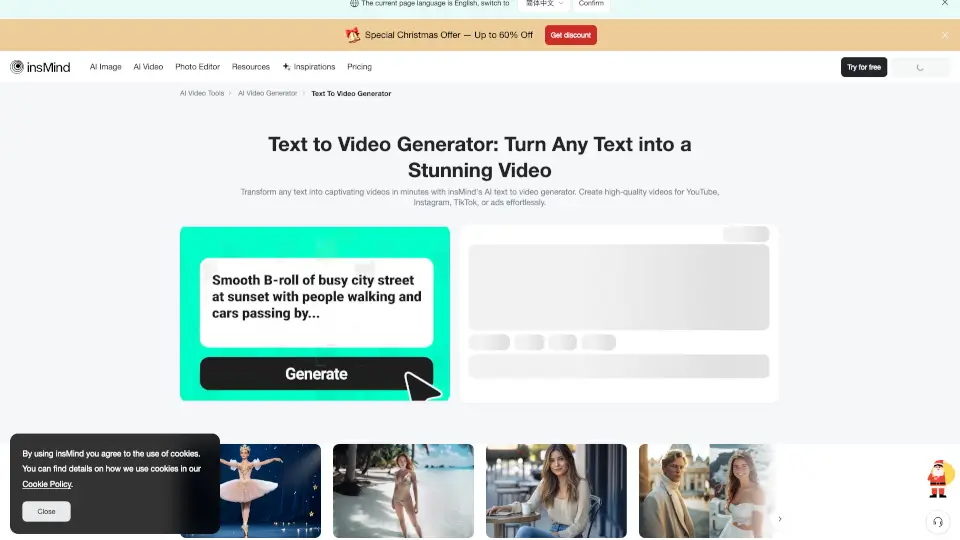
Turn any text into stunning videos instantly with insMind’s free AI text-to-video generator. No editing skills needed—just type, generate, and share.

RU
15.43%
674.4K
5.0
Vidful.ai

Vidful.ai

Create stunning, professional videos effortlessly with Vidful.ai’s AI video generator, powered by cutting-edge technologies like Kuaishou Kling AI and Luma AI Dream Machine.

US
12.64%
346.6K
5.0
AIShowX

AIShowX

AIShowX is the ultimate AI toolkit for creating videos, images, and audio in seconds—no skills required. Perfect for creators, marketers, and anyone who loves easy, powerful editing.

JP
100.00%
824
3.0
ImageToVideo AI

ImageToVideo AI

ImageToVideo AI is a hassle-free way to convert images and text into videos—perfect for social media, work, or fun. No cost, no complications!

FR
22.71%
30.9K
4.0
VideoGPT

VideoGPT

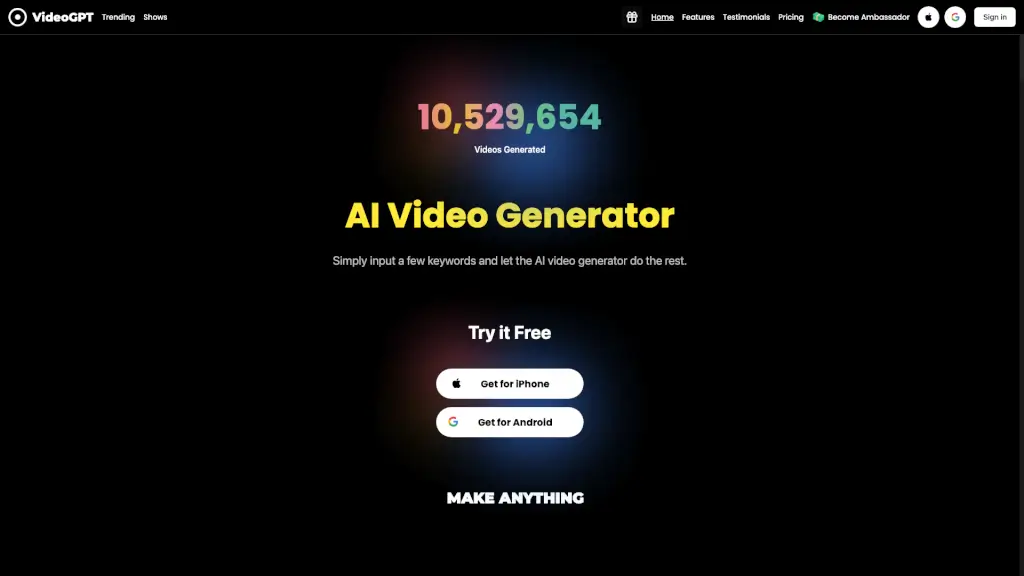
VideoGPT is a free AI video generator app that lets you create stunning, realistic videos, films, and short clips with cinematic effects, realistic voiceovers, and an extensive music library, all in seconds.

US
16.38%
43.4K
4.0
Fliki

Fliki

Fliki is an AI video generator that transforms text, blogs, and scripts into professional, multilingual videos with lifelike voiceovers—fast, easy, and no editing required.

US
11.11%
753.8K
5.0
Vidgo AI

Vidgo AI

Transform photos into stunning videos instantly with Vidgo AI's image to video generator. Free, easy, and high-quality results! ---

BR
11.51%
57.8K
5.0

Freepik AI Video Generator Related Other Categories

Freepik AI Video Generator Traffic Analysis

💡 Insights

📈
High Traffic
Over 1M monthly visits. Widely recognized and stable choice.
📉
Traffic Decline
Significant traffic drop recently. Check for alternatives.
🌐
Global Reach
Balanced user distribution worldwide.
  • Monthly Visits

    1.38M

  • Bounce Rate

    62.05%

  • Pages Per Visit

    1.65

  • Visit Duration

    00:00:50

  • Global Rank

    51380

  • Country Rank

    19492

Visits Over Time

Traffic Sources

Direct45.41%
Search Organic38.58%
Referrals4.74%
Social Organic4.65%
Display Ads3.56%
Gen Ai1.29%
Search Paid1.06%
Mail0.69%
Social Paid0.03%
Affiliate0.00%

Top Keywords

1
freepik
CPC$0.58
32.60KTraffic
2
freepik.com
CPC$0.48
14.53KTraffic
3
freepik contributor
CPC$0.33
4.60KTraffic
4
фрипик
CPC$0.81
3.87KTraffic
5
фрипик для авторов
2.73KTraffic

Top Regions

RegionPercentage
Indonesia
Indonesia
10.31%
Bangladesh
Bangladesh
9.58%
Russia
Russia
5.93%
United States
United States
4.61%
Thailand
Thailand
3.83%
Low
High

Powered by SimilarWeb

Freepik AI Video Generator FAQ

How many credits does the AI Video Generator use?

The AI Video Generator consumes credits per video generation, varying based on the selected mode.

How much does the AI Video Generator cost?

It’s included in Freepik’s Premium subscription plans, with pricing based on the chosen tier.

What types of videos can I create with the AI Video Generator?

You can create social media clips, product demos, educational videos, and more!

Are AI-generated videos copyrighted, and can I use them for professional purposes?

Yes, you can use AI-generated videos for personal and professional purposes as long as you comply with the Terms of Service.

Freepik AI Video Generator Reviews

0

0

0 Reviews
Sign Into leave a review

Recent Reviews

No reviews yet

Freepik AI Video Generator Embed

Use website badges to drive community support for SeekTool.ai. They are easy to embed in your homepage or footer.

Light
Dark
Freepik AI Video Generator - Featured on SeekTool.aiFreepik AI Video Generator - Featured on SeekTool.ai
How to install?