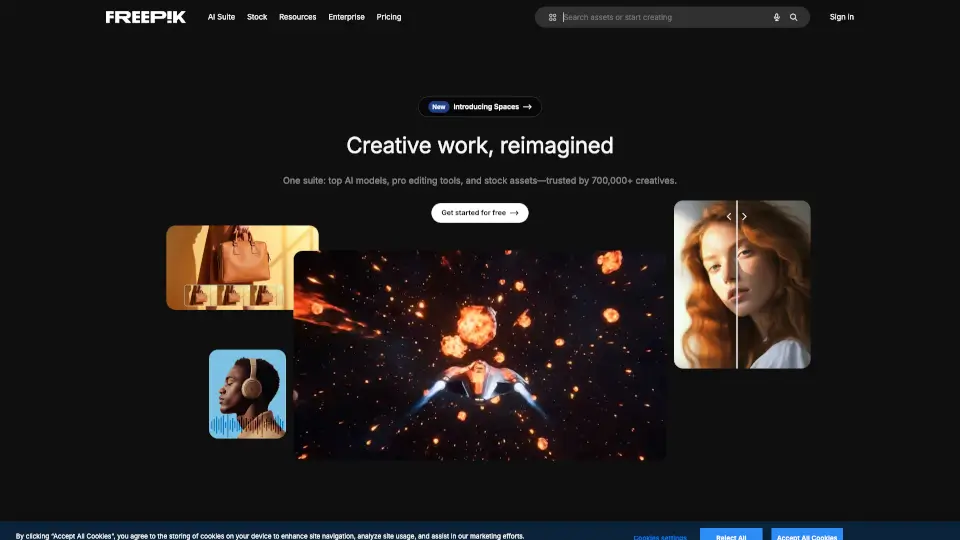

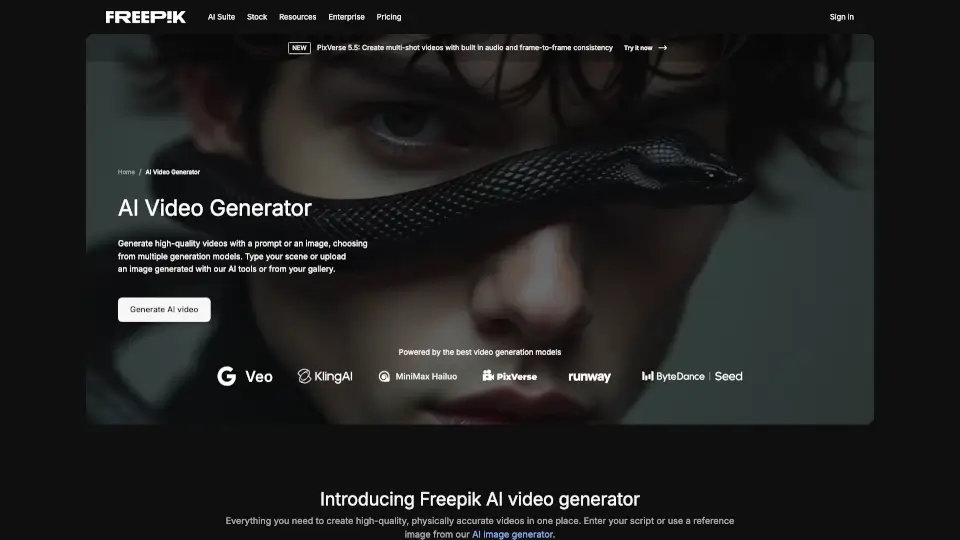
What is Freepik AI Video Generator?
Introducing Freepik’s AI Video Generator, the ultimate tool for creating stunning videos from text and images! This innovative online platform makes it incredibly easy to bring your ideas to life—all without any complex software. Whether you’re crafting content for social media, marketing, or education, this user-friendly generator has you covered.
What are the features of Freepik AI Video Generator?
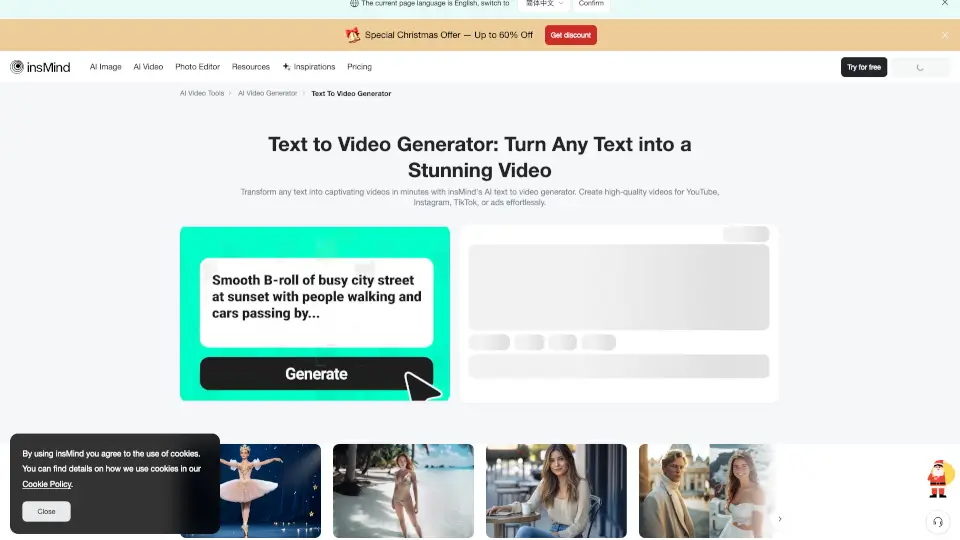
- Text to Video: Simply enter your script or description, and the AI transforms it into engaging visuals and animations.
- Image to Video: Start with your own images, and watch as AI creates dynamic videos with smooth transitions and movements.
- Multiple Generation Modes: Choose from several modes (like Luma or Runway) to tailor your video to your specific needs.
- Voice Over Capabilities: Add realistic voiceovers in various languages, syncing perfectly with your video.
- Sound Effects: Easily incorporate sound effects or music from Freepik’s extensive library for a professional touch.
- Customization Options: Craft unique characters and visuals to ensure your video stands out.
What are the use cases of Freepik AI Video Generator?
- Social Media Content: Create eye-catching posts for platforms like Instagram and TikTok.
- Product Demos: Showcase your product features in a visually appealing way.
- Educational Videos: Make learning fun and engaging with animated content.
- Explainer Videos: Clearly convey complex ideas using visuals and voiceovers.
- Advertisements: Produce professional ads that grab attention and drive engagement.
How to use Freepik AI Video Generator?
- Enter Your Prompt or Image: Start by typing a description or uploading an image as the base for your video.
- Choose a Mode: Select a generation mode that fits your vision.
- Generate and Download: Once you’re satisfied with the video, simply download it for use.