
What is Freepik?
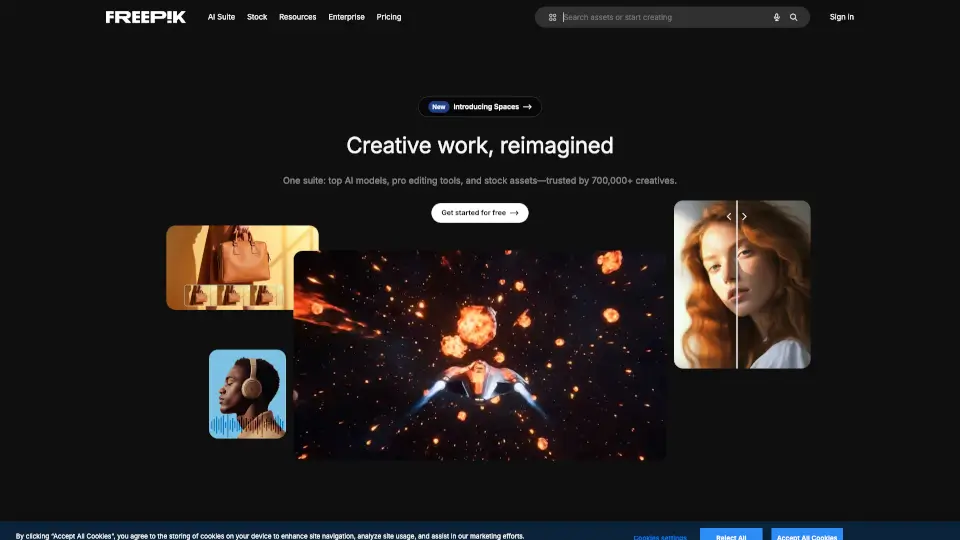
Freepik is your go-to all-in-one AI creative suite, perfect for designers, marketers, and content creators. With a powerful combination of AI tools, smart features, and high-quality stock assets, Freepik lets you design, create, and edit without ever leaving the platform. Whether you're a professional or just starting out, Freepik has everything you need to bring your creative vision to life.
What are the features of Freepik?
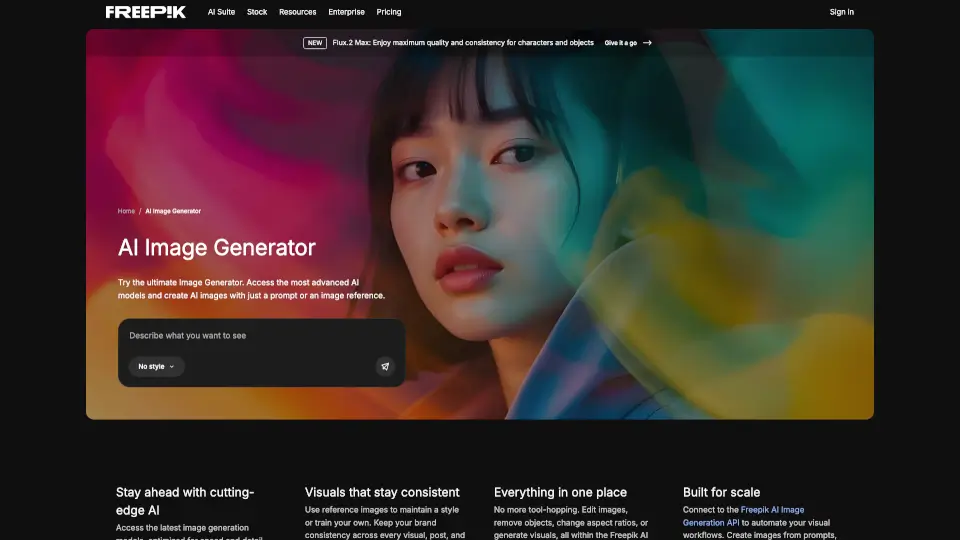
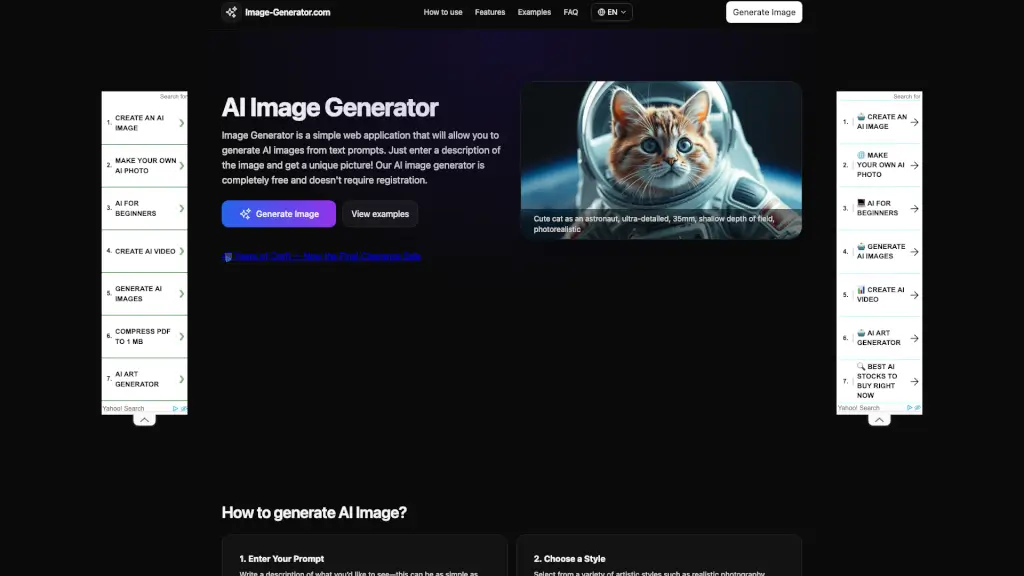
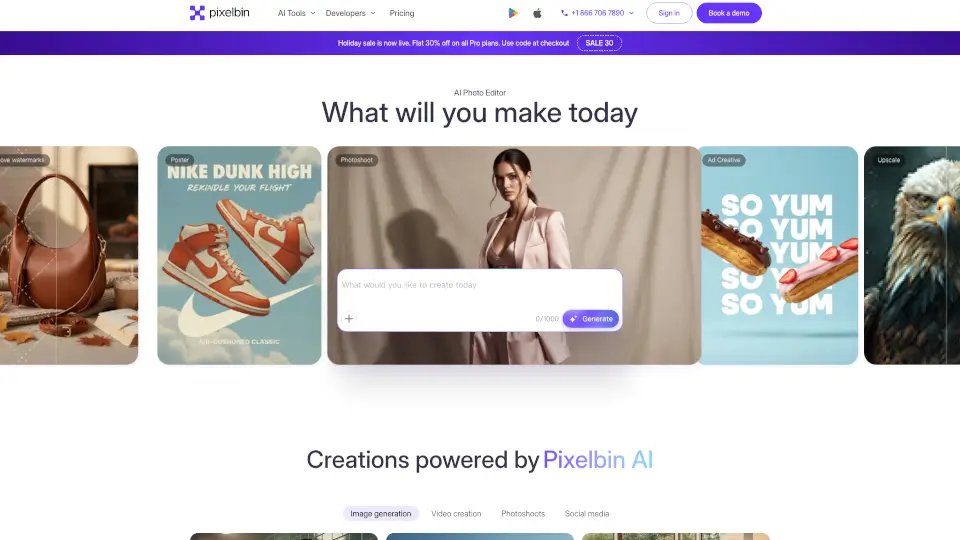
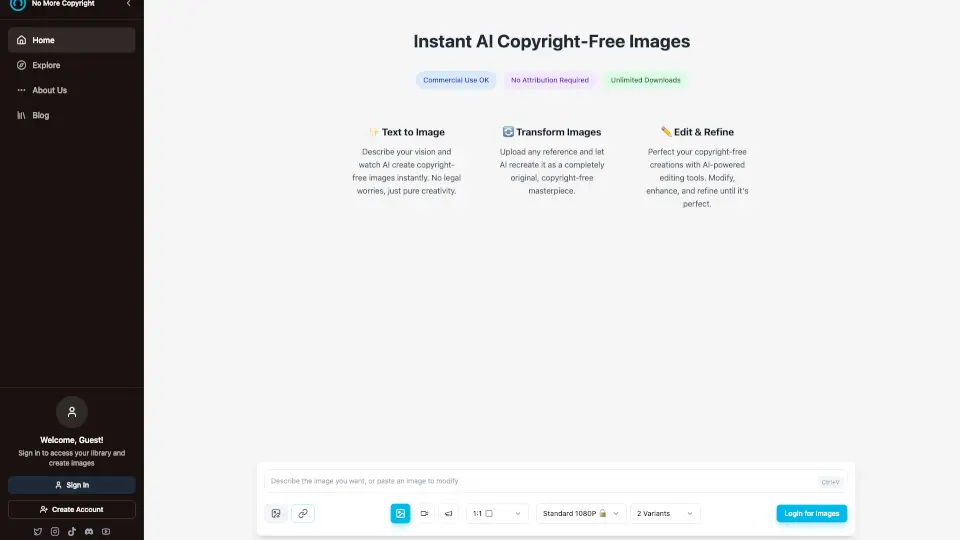
- AI Image Generator: Create stunning images with AI, from realistic compositions to artistic filters.
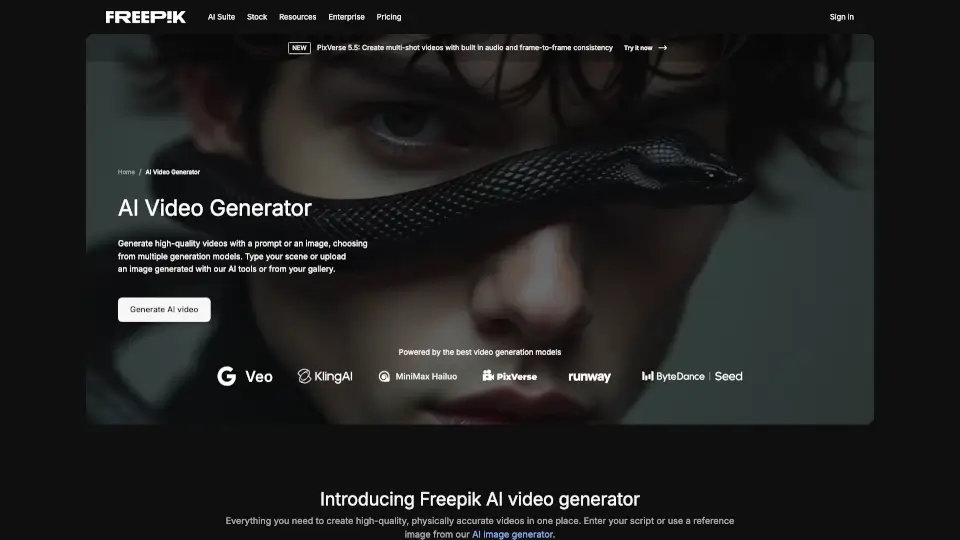
- AI Video Generator: Transform still images into dynamic videos, complete with sound effects and voiceovers.
- Image Editor: Edit and enhance your images with advanced tools, including background removal and upscaling.
- Design Editor: Build on-brand designs with templates, mockups, and icons, all in one place.
- Audio Tools: Generate voiceovers, sound effects, and music to add the perfect audio touch to your projects.
- Stock Assets: Access over 200 million high-quality stock images, vectors, and more, ready for your next project.
What are the use cases of Freepik?
- Social Media Content: Quickly generate eye-catching posts, stories, and reels that match your brand style.
- Advertising Campaigns: Create multiple ad variants for A/B testing and repurpose ads for different channels.
- Photography Projects: Enhance and upscale photos for large prints, portfolios, or client projects.
- Video Production: Turn product photos into dynamic commercial videos and add sound effects to grab attention.
- Branding Materials: Design logos, mockups, and packaging concepts that reflect your brand's identity.
- Educational Materials: Build engaging flashcards, diagrams, and short videos to make lessons more visual and interactive.
How to use Freepik?
- Start by signing up for a Freepik account and exploring the AI tools and stock assets.
- Use the AI Image Generator to create unique images based on your prompts.
- Edit and enhance your images with the Image Editor, removing backgrounds and adding filters.
- For video projects, upload an image and use the AI Video Generator to create dynamic videos.
- Add the final touches with Audio Tools, generating voiceovers and sound effects.
- Save and download your creations, or share them directly from the platform.