
What is VideoMaker.me?
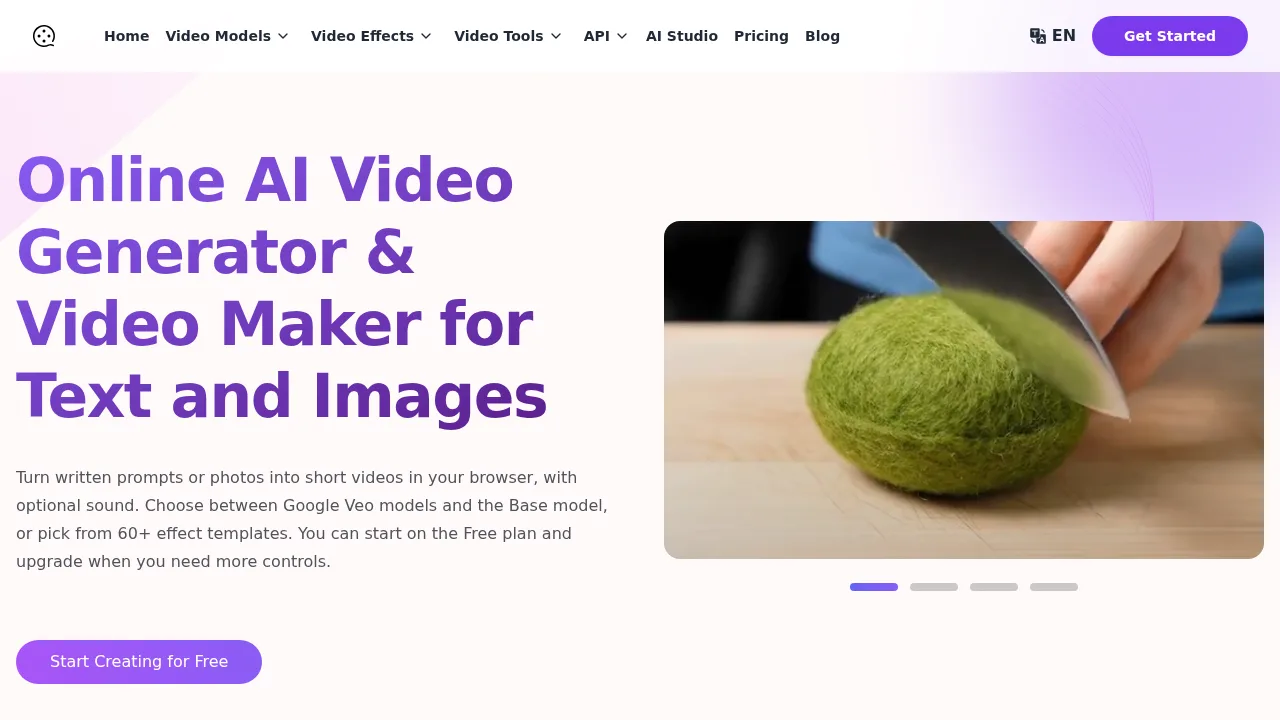
VideoMaker.me is a browser-based tool that generates short videos from text prompts or uploaded images using Google Veo 3 and a Base model. Users can apply over 60 effect templates and add generated audio or speech to clips. Videos created on the Free plan carry a watermark and remain public, while paid plans enable private generations and commercial use rights.
What are the features of VideoMaker.me?
- Text-to-video generationConverts written scene descriptions into video clips using Google Veo 3 Fast, Google Veo 3 Quality (on Pro and Ultra plans), or the Base model with aspect ratio controls.
- Image animationUploads a single photo or illustration to the Base model or preset templates to add motion to portraits, product shots, pets, or artwork.
- Generated audio and speechActivates Auto Sound for generated background audio or Auto Speech to type dialogue for a character when using the Base model; Veo 3 models generate video with audio.
- Selectable length and resolutionProduces 8-second clips via Veo 3 models, or 5-second clips at 360p/540p on the Free plan using the Base model, with paid plans adding 8-second options, 720p, and 1080p.
- Effect templatesApplies over 60 preset styles such as AI Hug, Paw Elegance pet dress-up, Disco Fever dance clips, 360° Spin, and Anime Glow to a single photo without writing a prompt.
- Clip extension and upscalingExtends the duration of a generated clip or increases its resolution within the workspace on paid plans.
What are the use cases of VideoMaker.me?
- Pre-production visualizationTurns rough text prompts or reference sketches into moving clips to compare lighting setups, subjects, and framing before filming.
- Product imagery animationAdds movement to a single still product photo or illustration for online storefronts or presentations without a video shoot.
- Social media marketing clipsGenerates shareable posts using typed character dialogue via Auto Speech or playful effect templates applied to personal or pet photos.
How to use VideoMaker.me?
- Provide inputOpen the web generator and type a text description, upload a single image, or select one of the effect templates.
- Configure settingsChoose Google Veo 3 Fast, Veo 3 Quality (Pro and Ultra only), or the Base model, then set length, resolution, aspect ratio, and toggle Auto Sound or Auto Speech if applicable.
- Generate and previewClick Generate and watch the finished video clip directly in the browser once processing completes.
VideoMaker.me Pricing Information:
- Free planNo stated price; Base model videos are limited to 5 seconds at 360p or 540p. Every video carries a watermark and remains public.
- Basic planNo stated price; removes watermarks, keeps generations private, adds commercial use rights, and unlocks 8-second clips and 720p resolution for the Base model.
- Pro planNo stated price; includes Basic features plus access to the Google Veo 3 Quality model and 1080p resolution for 5-second Base model clips.
- Ultra planNo stated price; includes the same feature access as the Pro plan.