
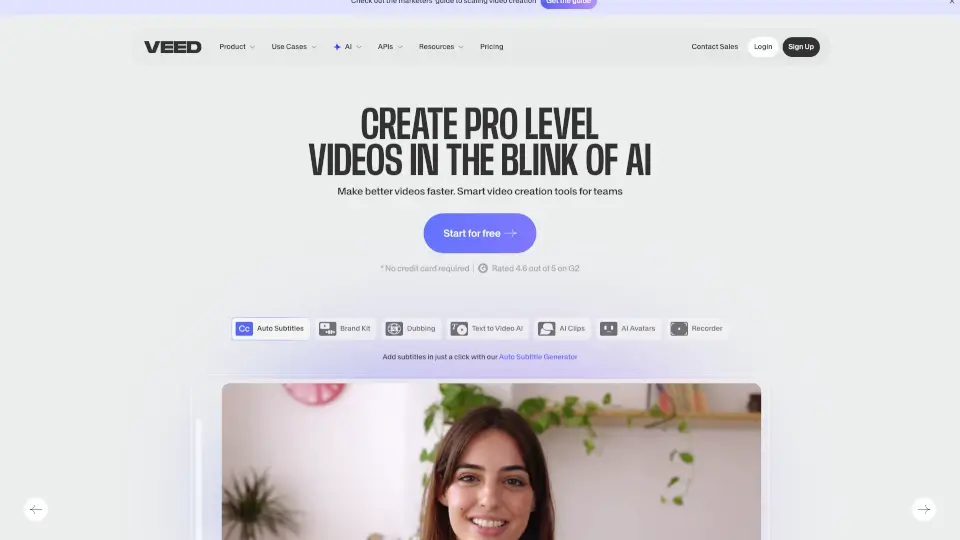
What is Veed.io?
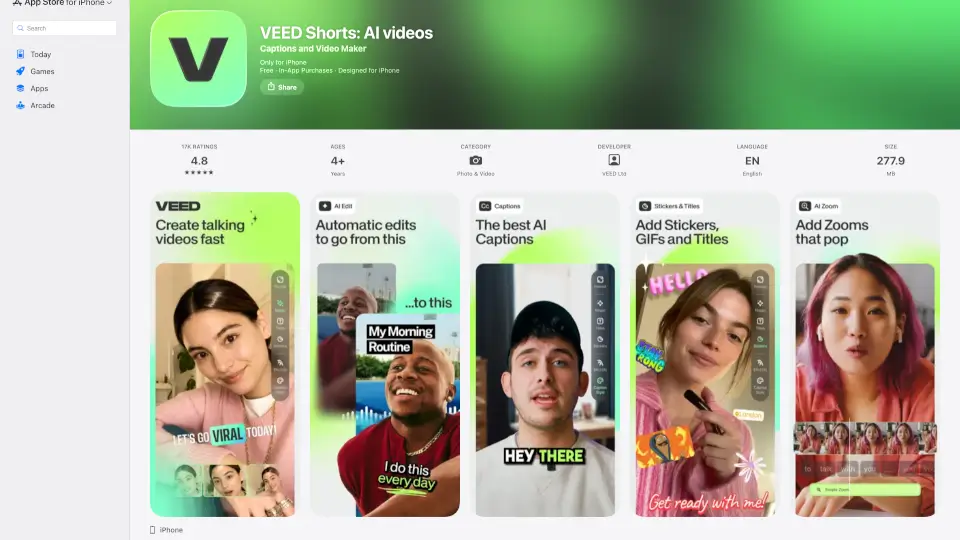
VEED is an AI-powered video creation platform that helps marketers, solopreneurs, and content creators turn ideas into polished, on-brand videos—fast. No camera, fancy gear, or editing experience needed. Whether you're making social clips, product demos, or talking-head videos, VEED handles everything from AI generation to subtitles, dubbing, and branding in one seamless workflow.
Built for speed and simplicity, VEED combines smart AI tools with intuitive editing so you can create feed-ready videos in minutes, not hours. With features like automatic subtitles, eye contact correction, and brand-consistent styling, your videos look professional—not generic AI output. Trusted by millions globally and backed by 1,500+ five-star reviews, VEED makes high-impact video content accessible to everyone.
What are the features of Veed.io?
- AI Video Generation: Turn text prompts into engaging videos with AI avatars or scenes—no filming required.
- Automatic Subtitles: Generate accurate, stylish, and unskippable subtitles that boost viewer retention.
- Brand Consistency Tools: Instantly apply your colors, fonts, logos, and voice across all videos.
- AI Dubbing & Voiceovers: Translate and dub videos into multiple languages with natural-sounding AI voices.
- Eye Contact Correction: Fix off-camera glances in talking-head videos for more authentic engagement.
- Noise Reduction: Clean up background noise in audio and video for crisper, more professional sound.
- All-in-One Editor: Trim, add text, music, captions, and effects without switching between apps.
What are the use cases of Veed.io?
- Create social media ads (like UGC-style promos) with AI avatars and branded visuals.
- Produce product demos quickly using text-to-video prompts and dynamic captions.
- Generate thought leadership content with talking-head videos featuring corrected eye contact.
- Build customer testimonials using AI voiceovers or translated subtitles for global reach.
- Make explainer videos for websites or onboarding without hiring a production team.
- Edit recorded Zoom calls or webinars into shareable clips with auto-subtitles and noise cleanup.
How to use Veed.io?
- Sign up at VEED.io and choose a template or start from scratch.
- Use the AI Video Generator by entering a prompt (e.g., “Product demo for a productivity app”).
- Upload your own footage or select an AI avatar, then customize with your brand kit.
- Add auto-generated subtitles, adjust styling, and enable dynamic highlighting for emphasis.
- Apply noise reduction and eye contact correction under the AI editing tools.
- Export your video in HD—ready to post on LinkedIn, Instagram, TikTok, or YouTube.