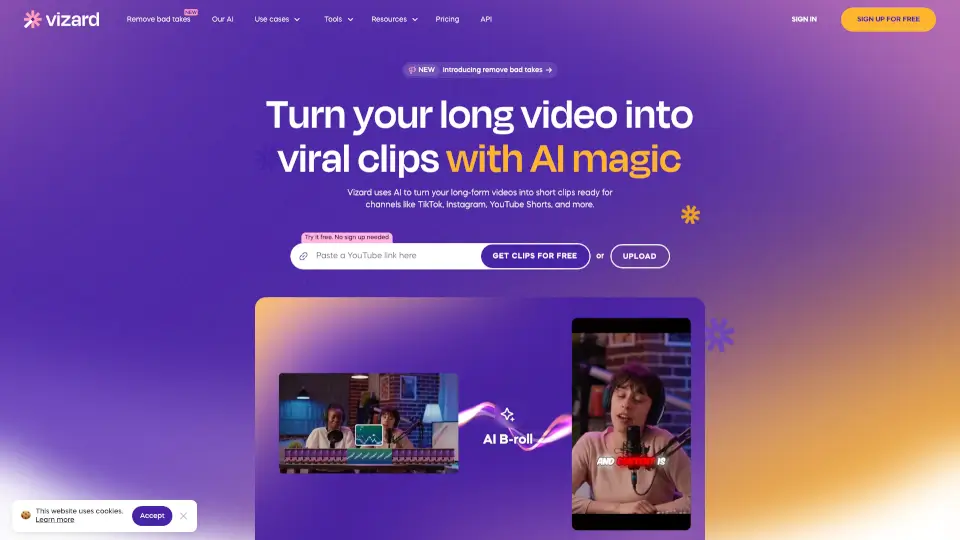
What is Vizard.ai?
Vizard.ai is an AI-powered video creation platform that turns long-form content—like blog posts, podcasts, or Zoom recordings—into engaging short-form videos for social media. It uses artificial intelligence to automatically identify key moments, add captions, and generate ready-to-post clips, saving you hours of manual editing. Whether you're a marketer, creator, or business owner, Vizard helps you scale video content without a production team.
What are the features of Vizard.ai?
- AI Clip Extraction: Automatically finds the most shareable moments from long videos or audio, using speech and scene analysis.
- Auto-Captions & Subtitles: Generates accurate, styled captions with adjustable fonts, colors, and positions to boost accessibility and engagement.
- Multi-Format Export: Exports optimized vertical, square, and horizontal videos for TikTok, Instagram Reels, YouTube Shorts, and LinkedIn.
- Brand Customization: Apply your logo, color palette, and intro/outro templates for consistent branding across all clips.
- Text-to-Video Conversion: Turn a blog post or article script into a narrated video with AI-generated visuals and voiceover.
- One-Click Repurposing: Upload a single long-form recording and get a batch of short clips with just a few clicks.
- Collaboration & Sharing: Share projects with team members for feedback and editing directly in the browser.
What are the use cases of Vizard.ai?
- Social Media Marketers: Quickly create 10+ TikTok and Reel clips from a 30-minute webinar or podcast.
- Content Creators: Repurpose YouTube vlogs into Instagram-friendly shorts with captions and highlights.
- Business Owners: Turn product demos or client testimonials into professional social ads without hiring an editor.
- Educators & Coaches: Break down full course recordings into bite-sized lessons for LinkedIn or YouTube Shorts.
- Agency Teams: Batch-produce branded video content for multiple clients from a single source video.
How to use Vizard.ai?
- Step 1: Sign up at vizard.ai and upload your long-form video, audio file, or pasted text/URL.
- Step 2: Let the AI analyze the content—it will auto-detect highlights, keywords, and natural segment breaks.
- Step 3: Review the suggested clips in the editor. Adjust timestamps, add or remove sections, and tweak captions.
- Step 4: Apply your brand kit (logo, colors, fonts) and choose the aspect ratio for your target platform.
- Step 5: Export your clips as individual videos or as a batch download. They’re ready to post immediately.