
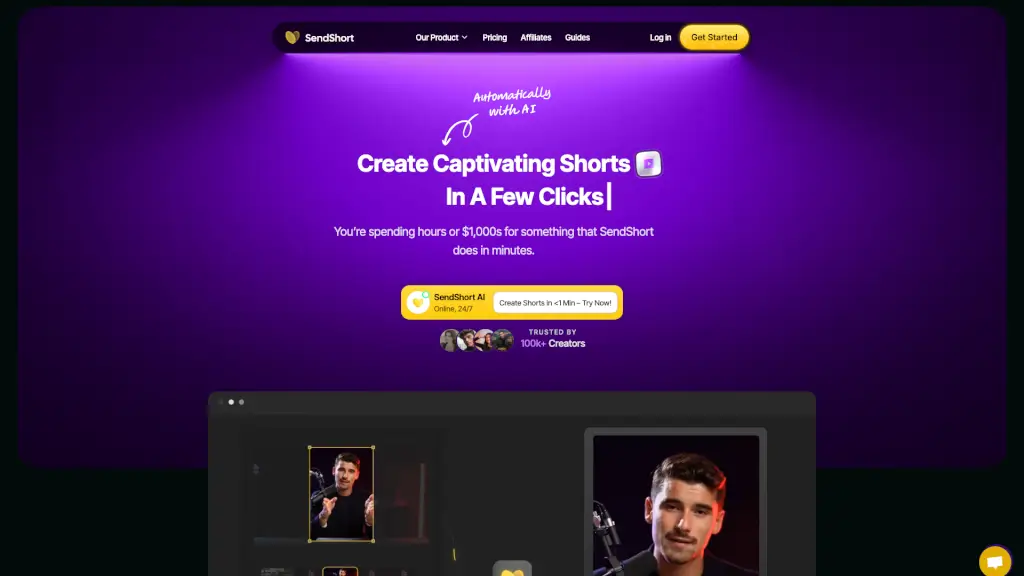
What is SendShort?
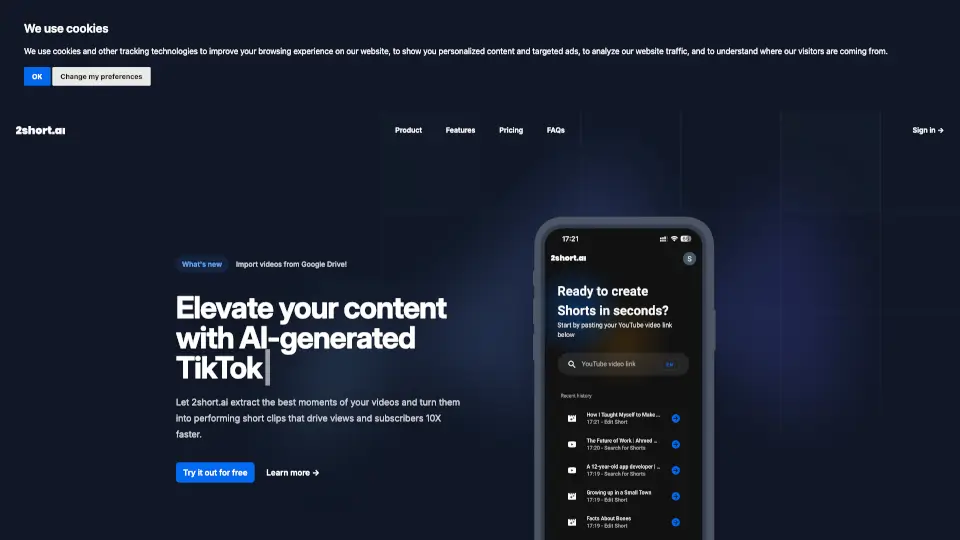
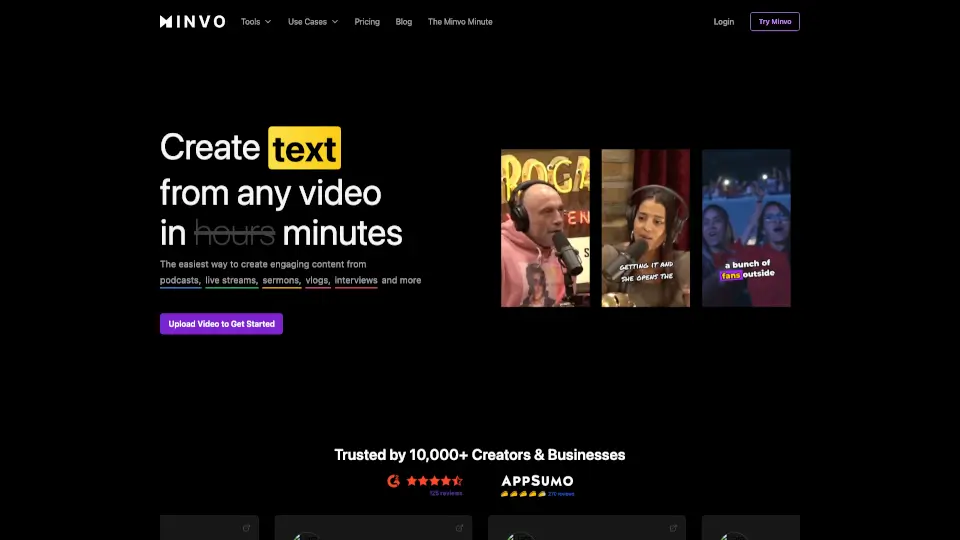
SendShort is a powerful AI tool designed to help creators and businesses turn long videos into engaging short clips instantly. With SendShort, you can save hours of editing time and create viral content that's ready to share on platforms like TikTok, YouTube, and Instagram. Whether you're a content creator, marketer, or business owner, SendShort makes it easy to produce high-quality, attention-grabbing shorts in just minutes. The best part? It's 100% free to try, and no credit card is required.
What are the features of SendShort?
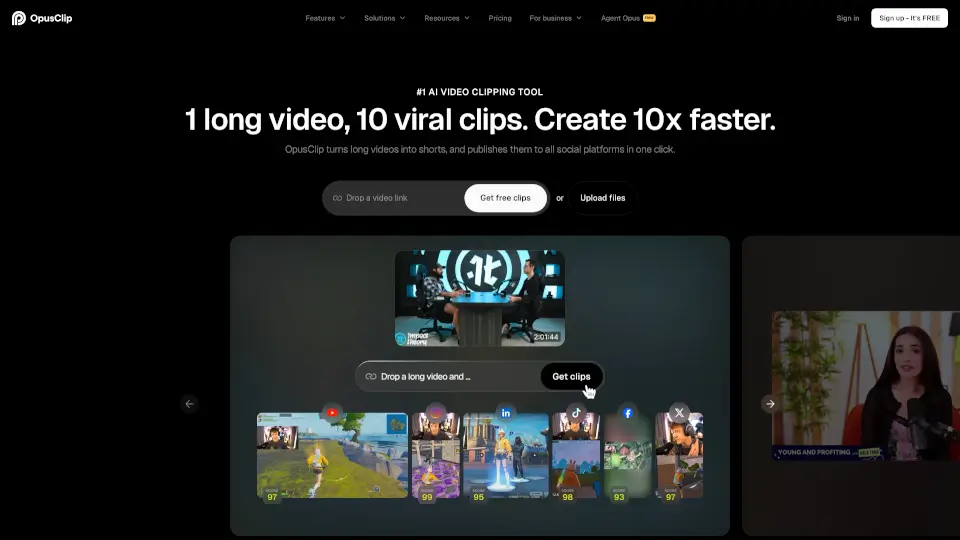
- Turn Long Videos into Shorts: Automatically extract key moments from long videos to create engaging short clips.
- Auto-Generated Captions and Subtitles: Add captions and subtitles with one click, and even translate them into 30+ languages.
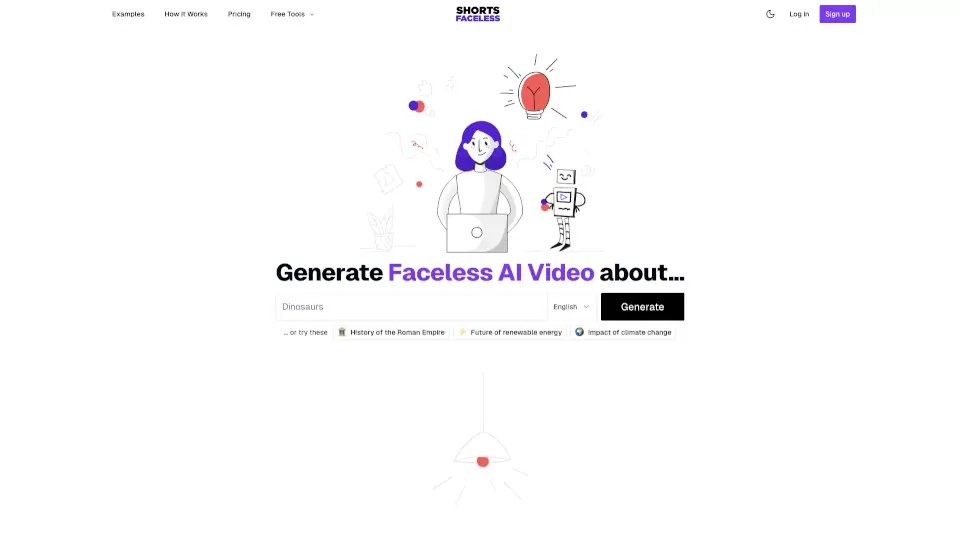
- Faceless Video Creation: Generate professional, engaging videos without showing your face, using AI-generated voiceovers and visuals.
- Auto B-Roll: Elevate your videos with relevant B-roll footage, automatically selected and added by AI.
- Automated Series Creation: Set up and publish faceless video series directly to YouTube or TikTok, keeping your audience engaged without the hassle.
- Video Maker & Scheduler: Schedule your shorts directly to TikTok, YouTube, or other platforms, and set up whether they will be public or unlisted.
What are the use cases of SendShort?
- Content Creators: Turn long-form content into multiple short clips for social media, increasing engagement and reach.
- Marketers: Create quick, impactful ads and promotional videos to boost brand visibility and drive traffic.
- Businesses: Repurpose existing content, such as webinars or product demos, into bite-sized, shareable clips.
- Educators: Break down long lectures or tutorials into shorter, more digestible segments for students.
- Social Media Managers: Automate the creation and scheduling of short-form content across multiple platforms.
- Podcasters: Convert podcast episodes into short, shareable clips to promote on social media.
How to use SendShort?
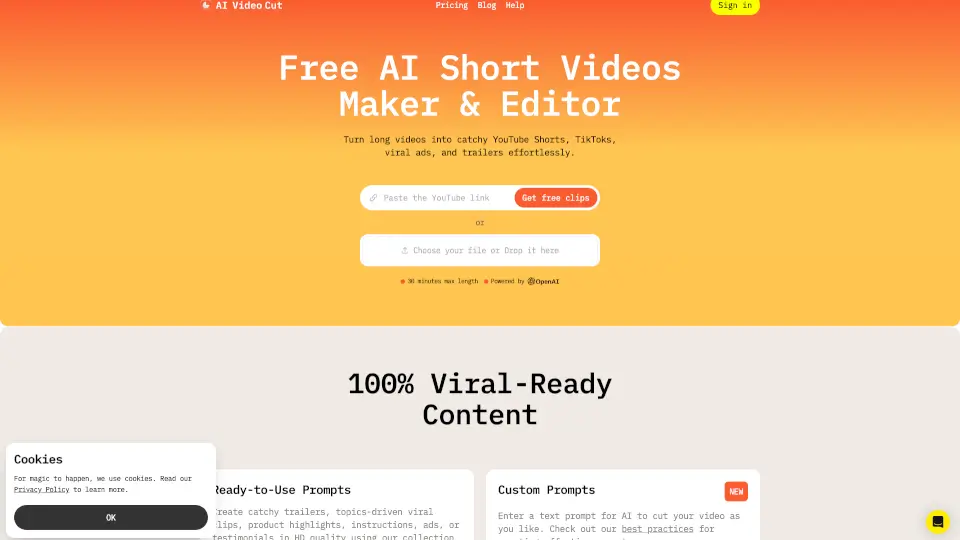
- Upload Your Video: Start by uploading a video file or pasting a YouTube link.
- AI Editing: Let the AI do the work by automatically creating and editing short clips.
- Customize: Add captions, translations, and other effects to enhance your shorts.
- Schedule: Set up a schedule to post your shorts directly to your preferred platforms.
- Export and Share: Download your edited shorts and share them with your audience.