
What is 2short.ai?
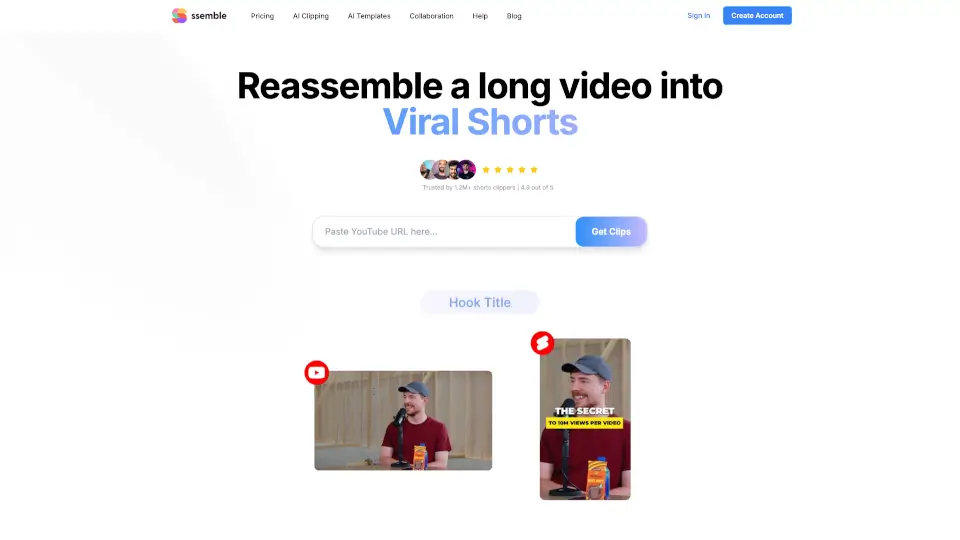
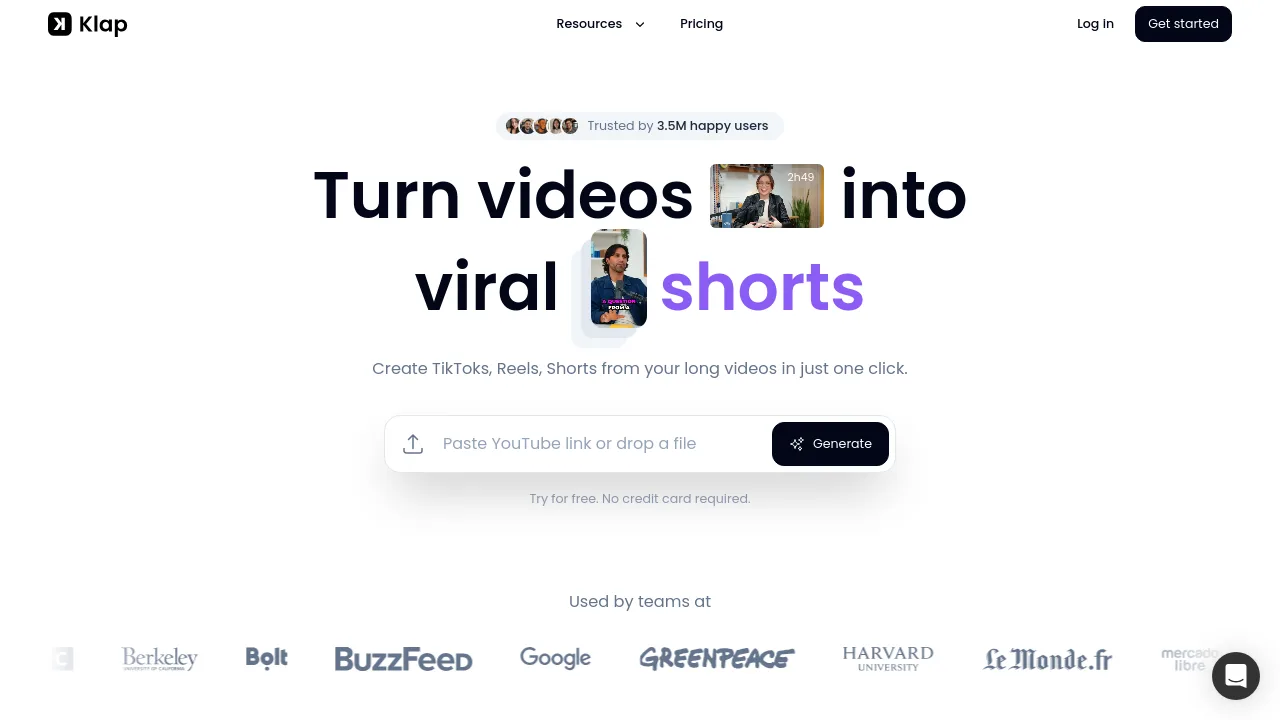
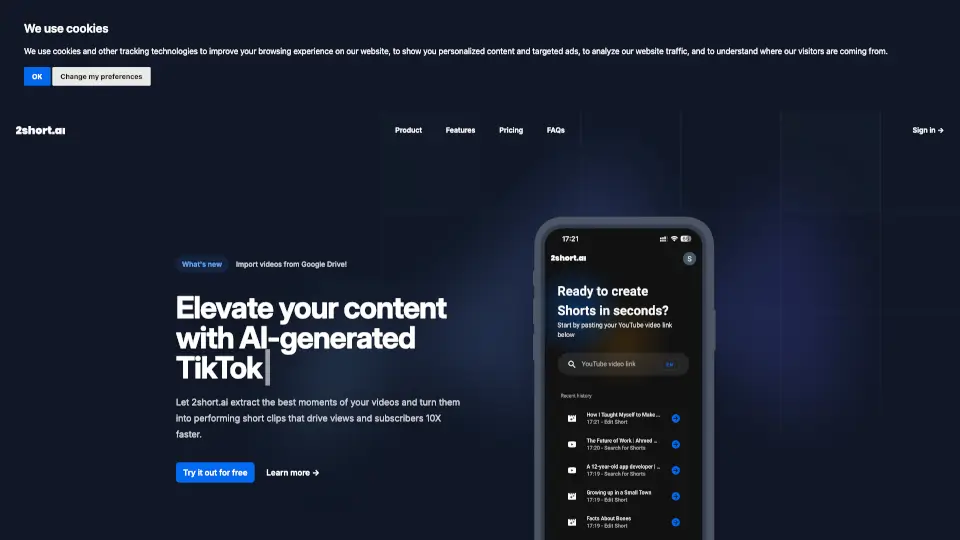
Tired of spending hours editing long YouTube videos into Shorts? 2short.ai is your AI-powered shortcut. It automatically scans your existing content, finds the most engaging moments, and turns them into high-performing YouTube Shorts—fast. Whether you're a podcaster, educator, or reviewer, this tool helps you repurpose content 10X faster without sacrificing quality.
No more guessing what clip will go viral. 2short.ai uses smart AI to detect speech, highlight key segments, and even keep speakers centered using facial tracking. Plus, you get animated subtitles, brand overlays, and watermark-free 1080p exports—all in just a few clicks. Grow your audience while saving precious time.
What are the features of 2short.ai?
- AI-Powered Clip Extraction: Automatically identifies and extracts the most compelling moments from your long-form videos based on spoken content.
- Center Stage Facial Tracking: Keeps active speakers centered in the frame so your audience never loses focus.
- One-Click Animated Subtitles: Boost watch time and accessibility with dynamic, auto-generated subtitles that pop.
- Unlimited High-Quality Exports: Export as many 1080p Shorts as you want—no watermarks, ever.
- Versatile Aspect Ratios: Create vertical, square, or horizontal clips optimized for YouTube Shorts, Instagram Reels, TikTok, and more.
- Brand Presets: Add your logo, colors, or custom overlays to maintain consistent branding across all Shorts.
- Google Drive Integration: Import videos directly from Google Drive or public URLs for seamless workflow.
- Advanced Editing Tools: Fine-tune clips with manual cropping and editing when automatic tracking isn’t enough.
What are the use cases of 2short.ai?
- Turn hour-long podcast episodes into snackable Shorts that drive new listeners to your channel.
- Repurpose educational lectures or tutorials into quick tips that attract students and lifelong learners.
- Convert product reviews into highlight reels showcasing top pros, cons, or unboxing moments.
- Transform motivational speeches or interviews into shareable quotes or emotional hooks.
- Breathe new life into old YouTube videos by auto-generating fresh Shorts without re-editing.
- Scale content output for agencies managing multiple creator accounts using batch processing and brand presets.
How to use 2short.ai?
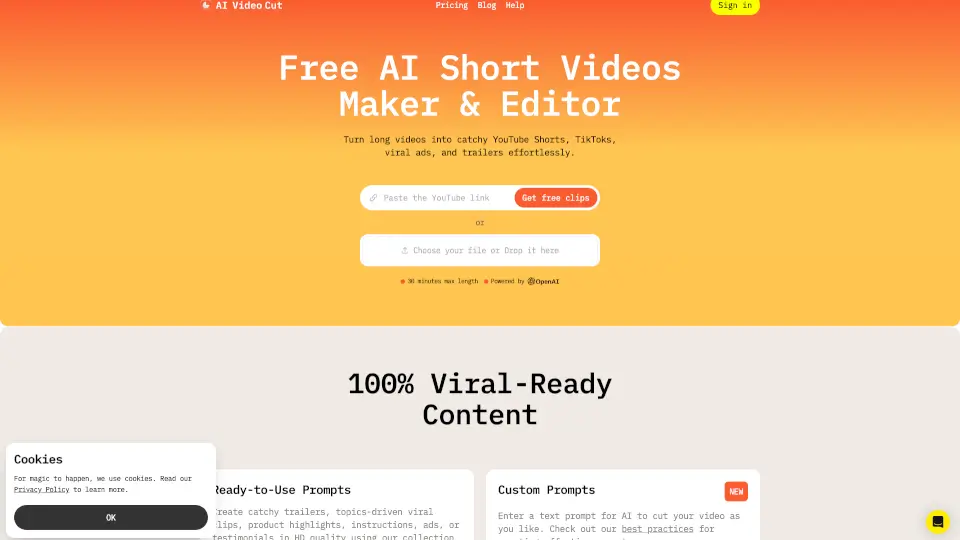
- Copy the URL of your public YouTube video (or upload from Google Drive).
- Paste it into 2short.ai—the AI analyzes your video and suggests the best short clips.
- Preview and customize clips: adjust subtitles, apply brand overlays, or tweak framing.
- Choose your preferred aspect ratio (vertical recommended for YouTube Shorts).
- Export in 1080p quality with one click—no watermark, ready to upload.
- Post your Shorts and watch your views and subscribers grow!