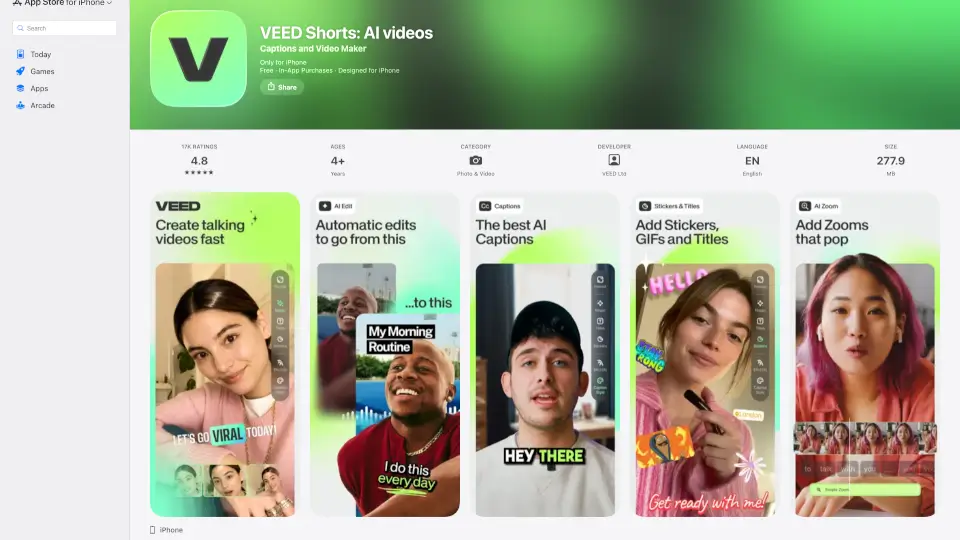
What is Veed?
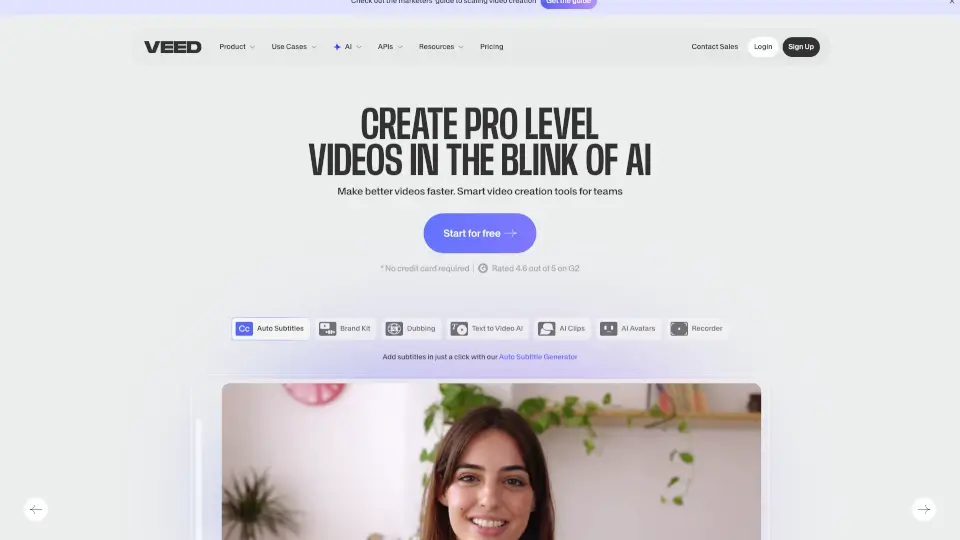
VEED - Captions for Videos is a user-friendly app designed to make video creation stress-free. With AI captions, quick translations, and a suite of editing tools, it’s perfect for businesses, educators, and content creators. Whether you’re making short videos or need subtitles, VEED has got you covered.
What are the features of Veed?
- AI Captions: Automatically add subtitles to your videos with advanced voice recognition.
- Quick Translations: Translate captions into over 100 languages effortlessly.
- Caption Styles: Choose from various styles to make your subtitles stand out.
- Aspect Ratio Adjustment: Resize videos for platforms like TikTok, Instagram, and YouTube.
- Pro Features: Includes 4K support, watermark-free exports, and auto-zoom effects.
What are the use cases of Veed?
- Social Media Content: Create engaging videos with captions for platforms like Instagram and TikTok.
- Educational Videos: Add subtitles to make your content accessible to a wider audience.
- Business Presentations: Use VEED to create professional videos with accurate captions.
How to use Veed?
- Import or Record: Start by importing a video or recording one directly in the app.
- Auto-Caption: Let the AI generate captions for your video.
- Edit & Style: Fix any errors, choose a caption style, and adjust the aspect ratio.
- Share: Export your video and share it on your preferred platform.