
Captions logo

Captions

5.0
(0 Reviews)
United States15.75%

Captions is an AI video editor that transforms raw footage or text into polished, professional-quality videos with auto-captions, custom avatars, and smart editing—fast.

Verified by SeekTool
Social Media:
Captions

Captions Product Information

What is Captions?

Tired of spending hours editing videos only to end up with something that still looks amateur? Captions is an AI-powered video editor that works like a pro—cutting, styling, and polishing your raw footage so you don’t have to. Whether you’re a small business owner, content creator, or just someone with a great idea, Captions helps you turn that idea into a ready-to-share, high-quality video in minutes, no editing skills required.

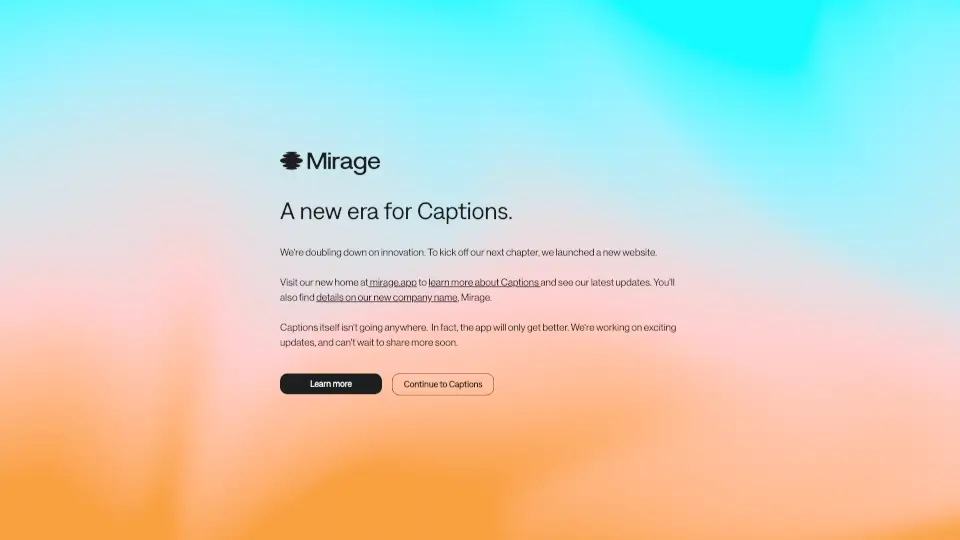
Built by Mirage in New York City, Captions isn’t just about speed—it’s about taste. The AI doesn’t just slap effects on your clips; it intelligently selects cuts, adds relevant B-roll, syncs captions, and even adjusts eye contact for a natural look. Plus, with tools like custom AI avatars and script-to-video conversion, you can scale your content without hiring a film crew.

What are the features of Captions?

  • AI Video Editing: Automatically trims clips, adds transitions, overlays B-roll, and applies professional-grade styling based on your chosen template.
  • Custom AI Avatars: Create lifelike talking-head videos from a selfie—then reuse your AI actor across multiple videos with different outfits, backgrounds, or product placements.
  • Auto Captions & Subtitles: Generate accurate, synced captions in seconds, perfect for social media accessibility and engagement.
  • Eye Contact Correction: Fixes awkward glances so your on-camera presence feels direct and engaging—even if you were looking at your phone while recording.
  • Script-to-Video & Prompt-to-Video: Turn written scripts or simple text prompts into fully edited vertical videos optimized for TikTok, Instagram Reels, and YouTube Shorts.
  • Multi-Platform Optimization: Export videos formatted specifically for Facebook, Instagram, LinkedIn, TikTok, YouTube, and more.

What are the use cases of Captions?

  • A real estate agent creates polished property tour videos with voiceover, captions, and branded styling—without hiring a videographer.
  • An online fitness coach uses a custom AI avatar to quickly produce weekly workout tips, swapping backgrounds and outfits to keep content fresh.
  • An e-commerce brand turns customer testimonials into scroll-stopping short-form ads with auto-synced captions and dynamic B-roll.
  • A life coach records one raw talking-head video and uses Captions to generate 10+ platform-specific clips with tailored messaging and subtitles.
  • Educators convert lecture notes into engaging, captioned how-to videos for flipped classrooms or YouTube tutorials.
  • Nonprofits rapidly produce emotional storytelling videos from smartphone footage for fundraising campaigns on social media.

How to use Captions?

  • Upload your raw video (or start from a script) directly in the Captions web app or mobile app.
  • Choose a visual style from templates like Prism Pro, Film, Magazine, or Sketch to match your brand vibe.
  • Let the AI auto-edit your footage—or fine-tune cuts, captions, and avatars manually using the intuitive timeline.
  • Add or adjust AI-generated captions for clarity and accessibility; translate them into other languages if needed.
  • Preview your video, then export it in the ideal format for your target platform (TikTok, Instagram, YouTube, etc.).
  • Reuse your AI avatar or editing style across future projects to maintain consistency and save time.

Do you like this tool?

Upvote to help others discover it!

Captions Alternatives

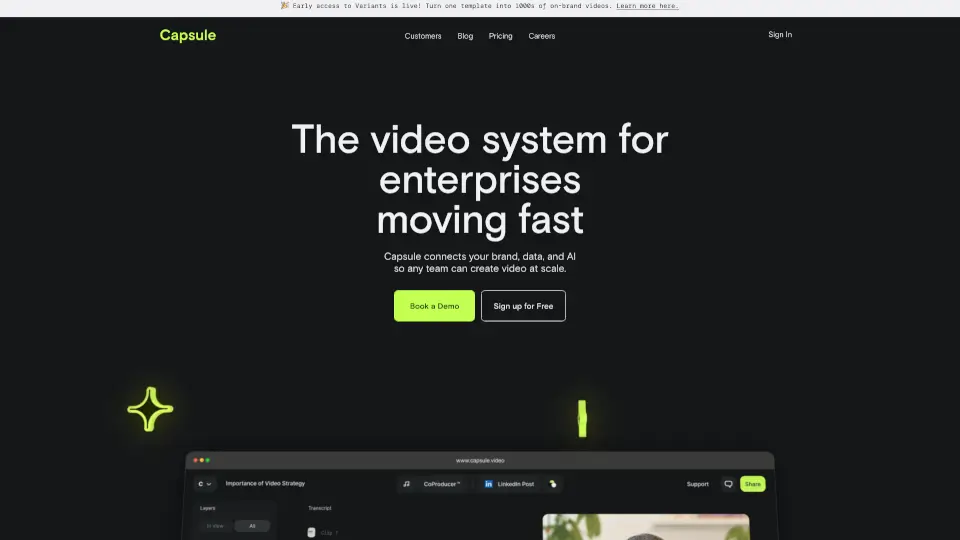
Capsule

Capsule

Capsule is an AI-powered video editor that helps enterprise teams create professional videos 10x faster. With motion graphics templates, real-time collaboration, and AI tools, it’s perfect for social media, paid ads, trainings, and more.

US
20.62%
24.8K
4.0
CapCut

CapCut

CapCut is an AI-powered video editor that simplifies editing with smart tools like text-to-speech, auto-captions, and video upscaling. Perfect for creators of all levels, CapCut helps you make stunning videos faster and easier.

US
12.63%
52.5M
5.0
ZapCap

ZapCap

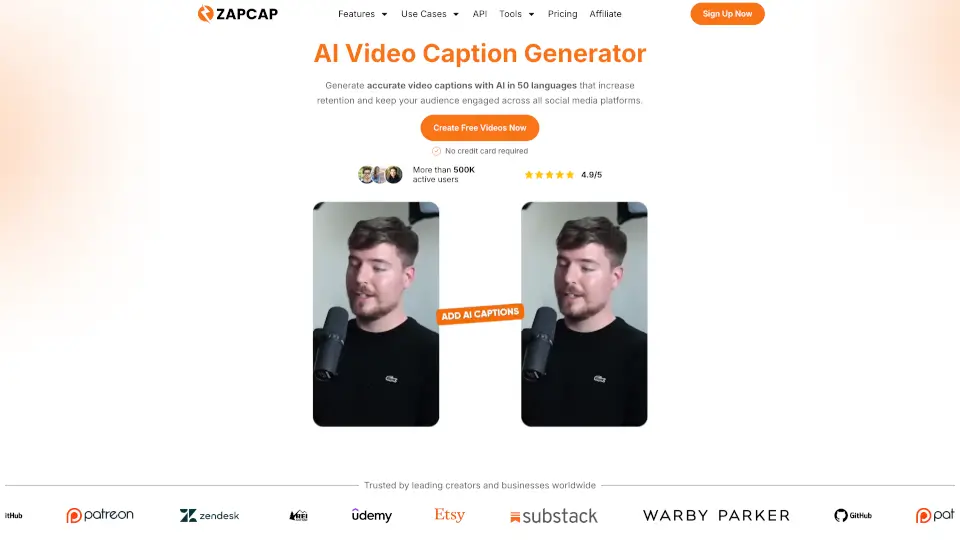
ZapCap is the fastest way to add captions, B-roll, and transitions to videos—helping creators save time and grow their audience.

GB
13.07%
221.6K
5.0
AutoCaption

AutoCaption

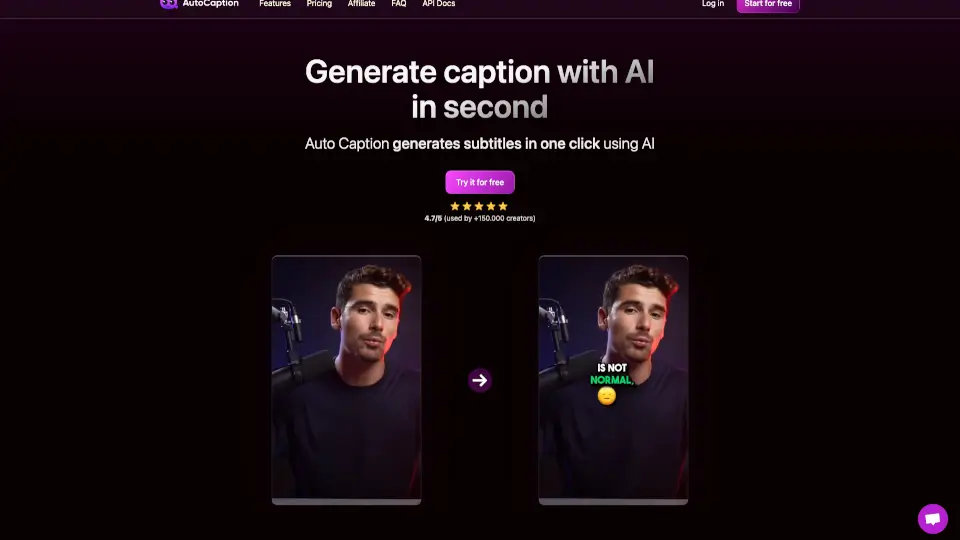
AutoCaption is an AI caption generator that adds animated subtitles, emojis, and translations to your videos in seconds for TikTok, Reels, and Shorts.

IN
12.56%
126.6K
5.0
ByteCap

ByteCap

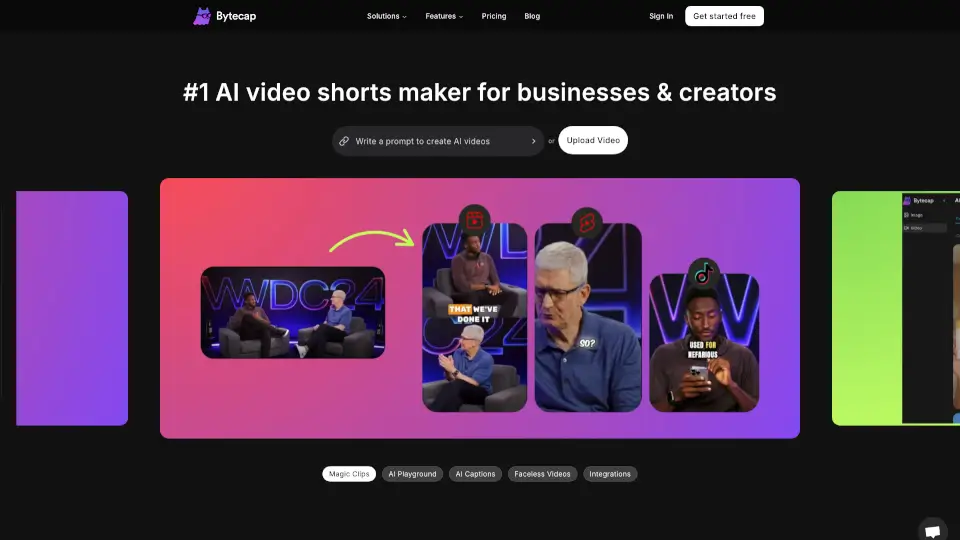
Bytecap is the ultimate tool for creating viral AI videos with ease. From AI captions to custom audio, it’s packed with features to boost engagement and maximize viewership. Perfect for creators, marketers, and educators alike.

US
17.85%
22.6K
4.0
imagetocaption.ai

imagetocaption.ai

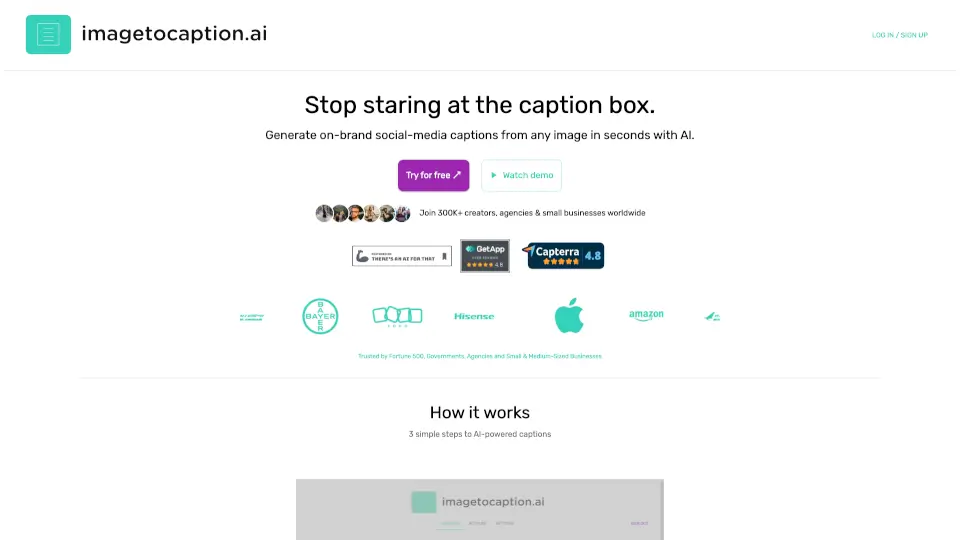
imagetocaption.ai is an AI caption generator that turns any image into on-brand social media captions for Instagram, TikTok, LinkedIn, and Facebook.

IN
94.02%
1.5K
3.0
Descript

Descript

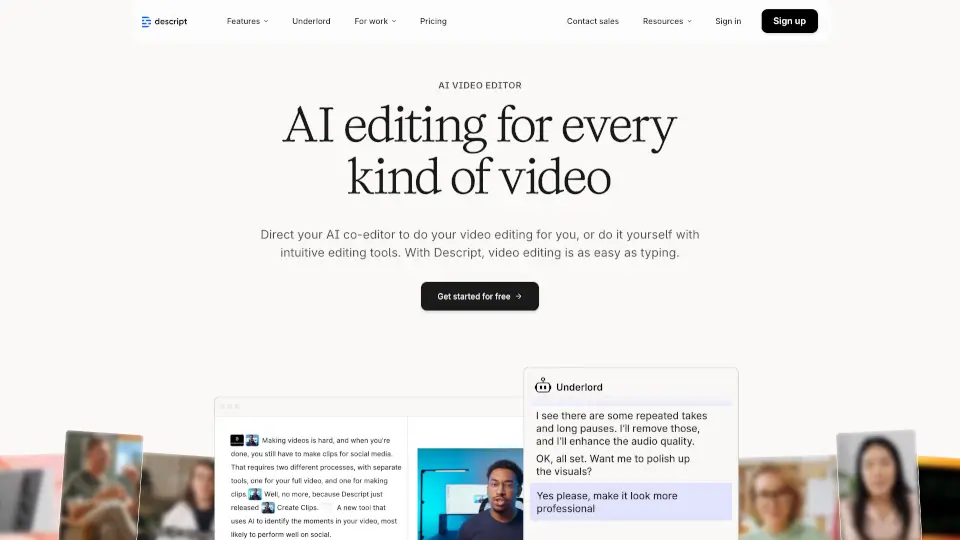
Descript is an AI-powered video and podcast editor that lets you edit by editing text, making professional content creation fast, easy, and accessible to everyone.

US
36.92%
3.4M
5.0
FireCut AI

FireCut AI

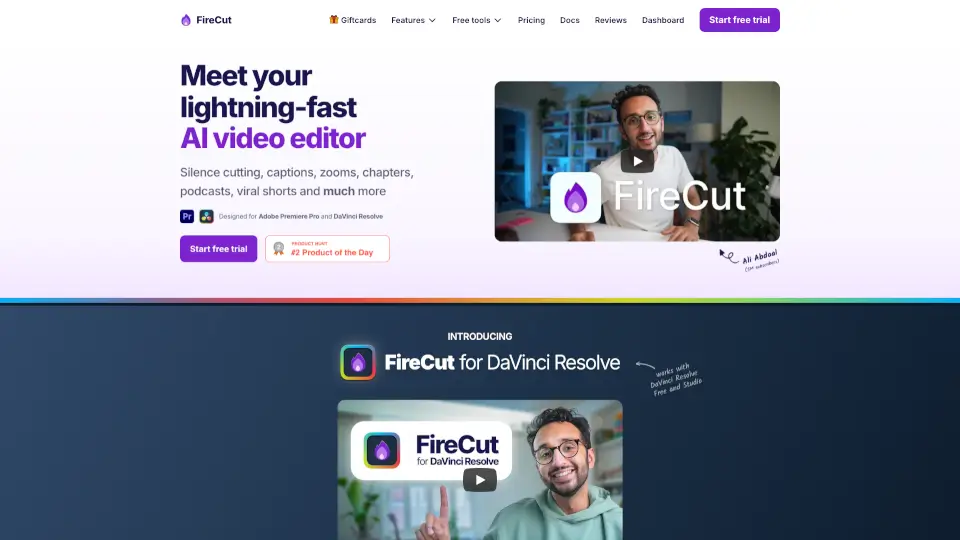
FireCut is an AI video editing plugin for Premiere Pro and DaVinci Resolve that automates silence cutting, captions, zoom cuts, chapters, and more for creators and editors.

IN
15.53%
142.5K
5.0

Captions Related Other Categories

Captions Traffic Analysis

💡 Insights

Medium Scale
100K-1M monthly visits. Growing tool with active development.
⚠️
Slight Decline
Traffic has slightly decreased recently.
💎
High Stickiness
Low bounce rate (39%) and deep engagement (4.1 pages/visit). Excellent user experience.
🌐
Global Reach
Balanced user distribution worldwide.
  • Monthly Visits

    955.16K

  • Bounce Rate

    38.81%

  • Pages Per Visit

    4.08

  • Visit Duration

    00:03:35

  • Global Rank

    47773

  • Country Rank

    16106

Visits Over Time

Traffic Sources

Direct46.80%
SearchOrganic36.33%
SocialOrganic5.01%
GenAi3.59%
Referrals3.04%
SearchPaid2.12%
DisplayAds1.78%
Mail1.12%
SocialPaid0.11%
Affiliate0.10%

Top Keywords

1
captions
CPC$0.68
75.78KTraffic
2
captions ai
CPC$0.64
47.80KTraffic
3
caption ai
CPC$0.58
14.58KTraffic
4
captions app
CPC$2.19
11.19KTraffic
5
caption
CPC$0.54
10.07KTraffic

Top Regions

RegionPercentage
United States
United States
15.75%
Brazil
Brazil
15.24%
India
India
11.71%
Mexico
Mexico
3.89%
Italy
Italy
3.05%
Low
High

Powered by SimilarWeb

Captions FAQ

How does Captions edit videos like a professional?

Captions uses advanced AI to mimic human editorial judgment—it trims filler words, selects impactful shots, adds relevant B-roll, applies color grading, and ensures smooth pacing, all while maintaining your intended message.

Can I create videos without filming anything?

Yes! You can generate talking-head videos using a custom AI avatar created from a selfie, or go from text prompt or script directly to a finished video with visuals, voiceover, and captions.

Does Captions support multiple languages?

Yes—you can auto-generate captions in English and translate your videos into other languages, making your content accessible to global audiences.

Is there a mobile app for Captions?

Yes! Captions is available both as a web app and a downloadable mobile app, so you can edit on the go.

What platforms are the videos optimized for?

Captions exports videos in formats perfect for TikTok, Instagram Reels, YouTube Shorts, Facebook, LinkedIn, and standard YouTube—ensuring your content looks great everywhere.

Do I own the videos I create with Captions?

Yes, you retain full rights to the videos you make. By uploading content, you agree to Captions’ Terms and Privacy Policy, but your final output belongs to you.

Captions Reviews

0

0

0 Reviews
Sign Into leave a review

Recent Reviews

No reviews yet

Captions Embed

Use website badges to drive community support for SeekTool.ai. They are easy to embed in your homepage or footer.

Light
Dark
Captions - Featured on SeekTool.aiCaptions - Featured on SeekTool.ai
How to install?