
What is imagetocaption.ai?
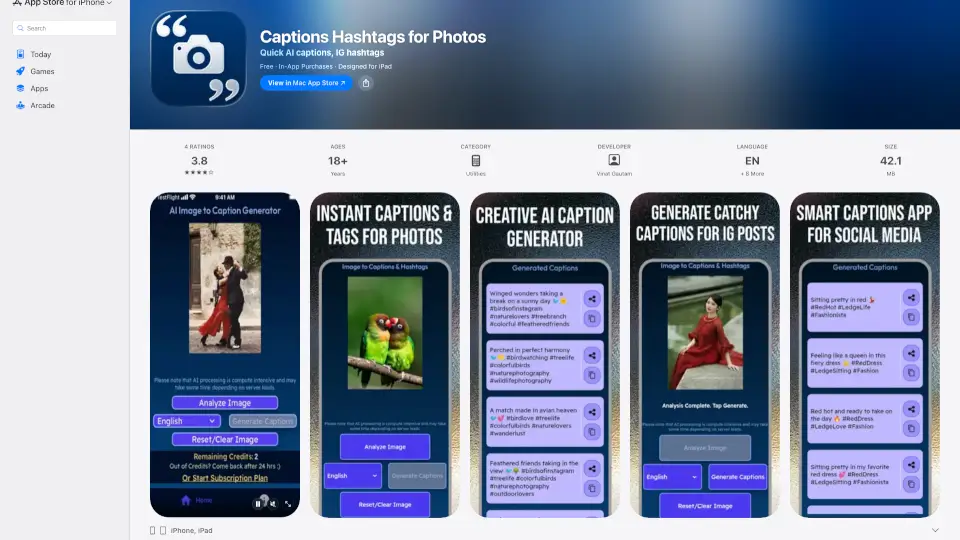
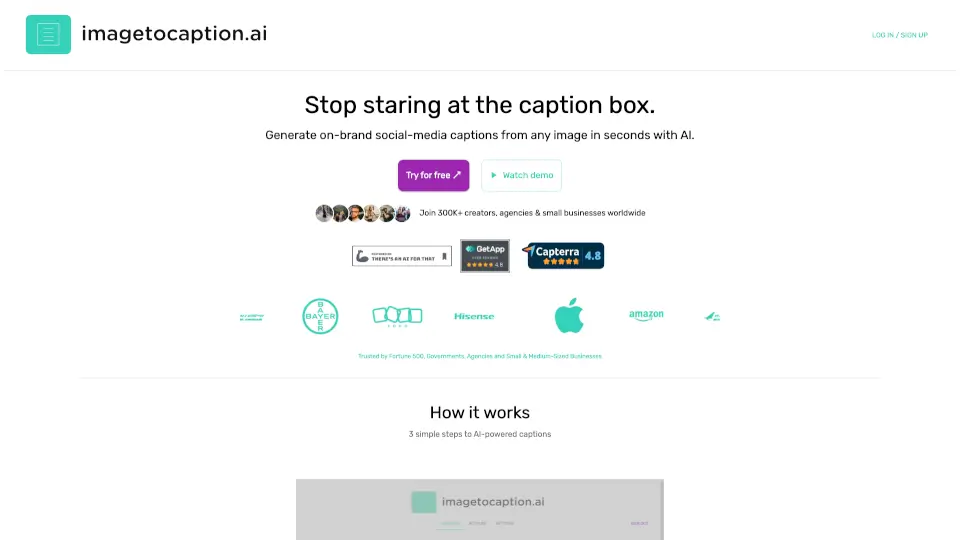
imagetocaption.ai is an AI-powered tool that generates social media captions from any image or video. It helps creators, marketers, and small businesses produce on-brand captions for Instagram, TikTok, LinkedIn, and Facebook. Users set their brand voice, upload media, and receive a ready caption with hashtags in seconds. The tool supports 27+ languages and offers a free 10-day trial without requiring a credit card. It is designed for individuals and teams who need consistent, platform-optimized captions without manual rewriting.
What are the features of imagetocaption.ai?
- Brand Voice Customization: Paste guidelines or link past posts to mirror your tone, word choice, and emoji style across all channels.
- Multi-Platform Caption Generation: Generate captions tailored for Instagram, TikTok, LinkedIn, Facebook, Reels, and videos with platform-specific hashtags.
- Unlimited Media Uploads: Drag in photos, carousels, or Reels at any resolution. Videos up to 2GB and 3 minutes (Plus/Elite plans).
- Multilingual Support: Publish in 27+ languages including English, German, French, Spanish, Arabic, Hindi, and more with native-level nuance.
- Hashtag Freshness: Models are updated regularly to suggest trending hashtags aimed at increasing reach.
- Credit-Based Usage: Images cost 1 credit per caption; videos cost a minimum of 3 credits plus extra for longer duration.
What are the use cases of imagetocaption.ai?
- Social media managers creating Instagram captions for multiple clients with consistent brand voice.
- E-commerce businesses generating product captions for Shopify or online store posts across platforms.
- Personal brands and influencers producing TikTok or Reel captions that match their unique tone.
- Photography studios writing descriptive captions for portfolio images on Instagram and Facebook.
- Agencies handling LinkedIn and Facebook posts for corporate clients requiring multilingual captions.
How to use imagetocaption.ai?
- Set your brand voice by pasting guidelines or examples from past posts.
- Upload your image or video (MP4 format) – unlimited uploads, any resolution.
- Select the target platform (Instagram, TikTok, LinkedIn, etc.) and optional parameters like language, tone, and hashtags.
- Click "Generate caption" and copy, tweak, or publish the result directly.
- If the caption doesn’t fit, regenerate as many times as needed with different parameters.