
What is Captions?
Tired of spending hours editing videos only to end up with something that still looks amateur? Captions is an AI-powered video editor that works like a pro—cutting, styling, and polishing your raw footage so you don’t have to. Whether you’re a small business owner, content creator, or just someone with a great idea, Captions helps you turn that idea into a ready-to-share, high-quality video in minutes, no editing skills required.
Built by Mirage in New York City, Captions isn’t just about speed—it’s about taste. The AI doesn’t just slap effects on your clips; it intelligently selects cuts, adds relevant B-roll, syncs captions, and even adjusts eye contact for a natural look. Plus, with tools like custom AI avatars and script-to-video conversion, you can scale your content without hiring a film crew.
What are the features of Captions?
- AI Video Editing: Automatically trims clips, adds transitions, overlays B-roll, and applies professional-grade styling based on your chosen template.
- Custom AI Avatars: Create lifelike talking-head videos from a selfie—then reuse your AI actor across multiple videos with different outfits, backgrounds, or product placements.
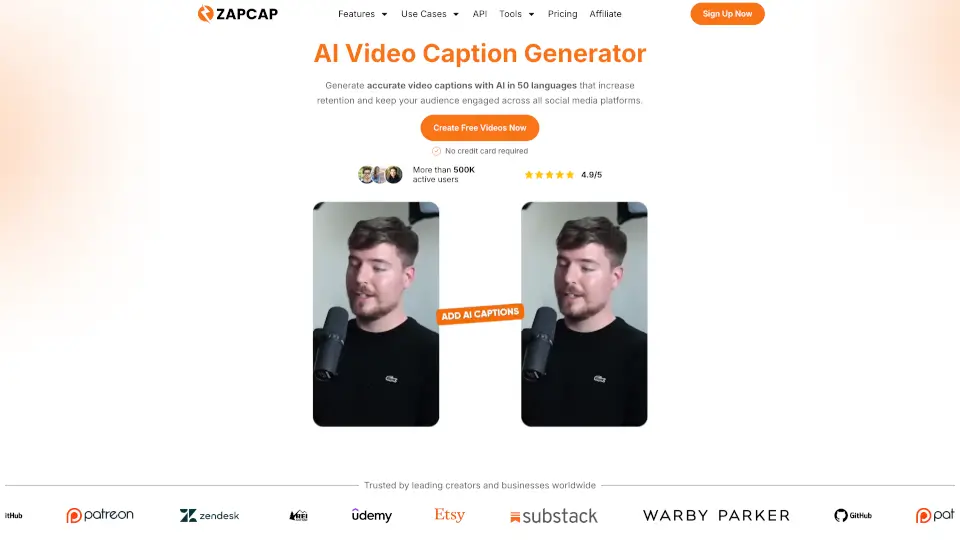
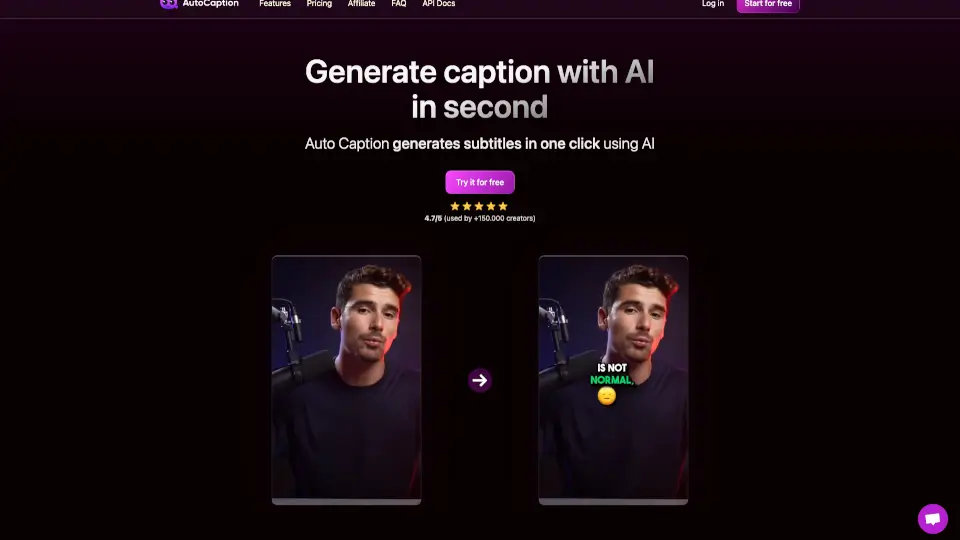
- Auto Captions & Subtitles: Generate accurate, synced captions in seconds, perfect for social media accessibility and engagement.
- Eye Contact Correction: Fixes awkward glances so your on-camera presence feels direct and engaging—even if you were looking at your phone while recording.
- Script-to-Video & Prompt-to-Video: Turn written scripts or simple text prompts into fully edited vertical videos optimized for TikTok, Instagram Reels, and YouTube Shorts.
- Multi-Platform Optimization: Export videos formatted specifically for Facebook, Instagram, LinkedIn, TikTok, YouTube, and more.
What are the use cases of Captions?
- A real estate agent creates polished property tour videos with voiceover, captions, and branded styling—without hiring a videographer.
- An online fitness coach uses a custom AI avatar to quickly produce weekly workout tips, swapping backgrounds and outfits to keep content fresh.
- An e-commerce brand turns customer testimonials into scroll-stopping short-form ads with auto-synced captions and dynamic B-roll.
- A life coach records one raw talking-head video and uses Captions to generate 10+ platform-specific clips with tailored messaging and subtitles.
- Educators convert lecture notes into engaging, captioned how-to videos for flipped classrooms or YouTube tutorials.
- Nonprofits rapidly produce emotional storytelling videos from smartphone footage for fundraising campaigns on social media.
How to use Captions?
- Upload your raw video (or start from a script) directly in the Captions web app or mobile app.
- Choose a visual style from templates like Prism Pro, Film, Magazine, or Sketch to match your brand vibe.
- Let the AI auto-edit your footage—or fine-tune cuts, captions, and avatars manually using the intuitive timeline.
- Add or adjust AI-generated captions for clarity and accessibility; translate them into other languages if needed.
- Preview your video, then export it in the ideal format for your target platform (TikTok, Instagram, YouTube, etc.).
- Reuse your AI avatar or editing style across future projects to maintain consistency and save time.