Flonnect logo

Flonnect

5.0
(0 Reviews)
India23.91%

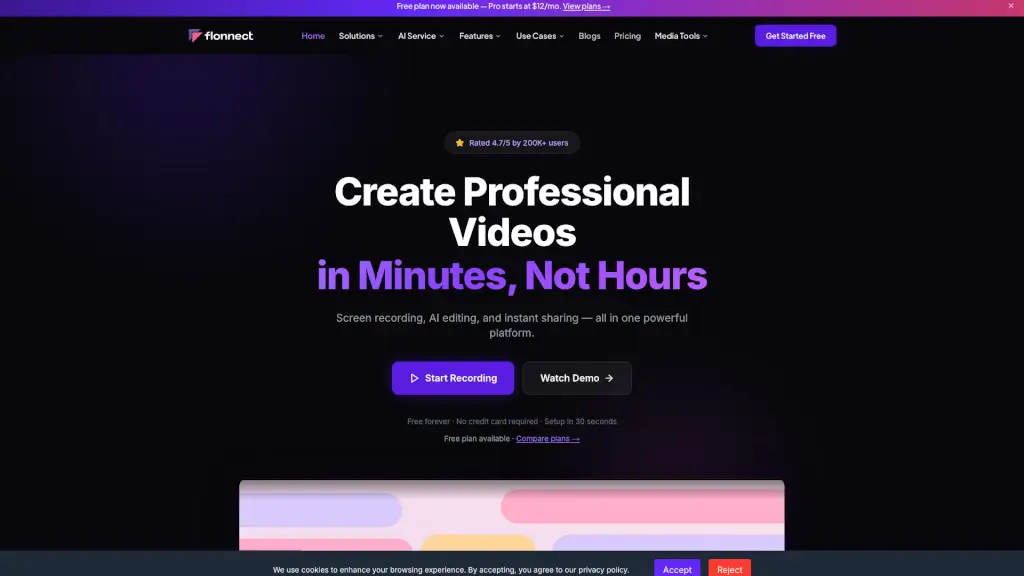
Flonnect is a free, AI-powered screen recorder and video creation tool that helps anyone make professional videos fast—perfect for tutorials, demos, meetings, and more.

Verified by SeekTool
Social Media:
Flonnect

Flonnect Product Information

What is Flonnect?

Flonnect is a free, all-in-one video creation platform that makes it easy to record your screen, edit with AI, and share professional-quality videos—no experience needed. Whether you're a student, marketer, developer, or educator, Flonnect helps you create tutorials, demos, meetings, and more in minutes instead of hours.

Trusted by over 200K users across 170+ countries, Flonnect works seamlessly on Windows, macOS, and Chrome, offering powerful tools like HD screen recording, automatic transcription, smart trimming, and instant sharing—all without requiring a credit card to get started.

What are the features of Flonnect?

  • Free Screen Recorder: Capture your full screen, a browser tab, or a specific window—with webcam overlay and system audio support.
  • AI Video Editing: Automatically transcribe speech in 20+ languages, remove filler words, trim silences, and generate captions with one click.
  • Instant Sharing & Analytics: Get a shareable link immediately, add custom branding, embed videos anywhere, and track views and engagement.
  • Media Tools Suite: Extract audio, remove metadata, convert formats, trim clips, generate thumbnails, and compress files—all for free.
  • Interactive Demos & Bug Reporting: Create clickable product walkthroughs or visual bug reports with annotations to boost clarity and conversions.
  • Meeting Copilot: Record meetings and get AI-generated summaries, transcripts, and action items automatically.

What are the use cases of Flonnect?

  • Educators recording online lessons with clear audio and webcam for remote students
  • Developers submitting visual bug reports with annotated screen recordings
  • Marketers creating YouTube thumbnails and short promo videos using AI tools
  • Sales teams building personalized demo videos that prospects can interact with
  • Customer support agents sharing quick video replies to common questions
  • Content creators editing vlogs faster with auto-transcription and smart trimming

How to use Flonnect?

  • Install the Chrome extension or download the desktop app for Windows/macOS (takes under 30 seconds).
  • Click “Record” to capture your screen, webcam, or both—choose audio sources and recording area.
  • After recording, use AI editing to auto-transcribe, trim dead air, and generate subtitles.
  • Customize your video with branding, thumbnails, or interactive elements if needed.
  • Click “Share” to get a link, embed code, or download the final file—no rendering wait time.
  • Track performance with built-in analytics showing views, watch time, and engagement.
Do you like this tool?

Upvote to help others discover it!

Flonnect Alternatives

Loom

Loom

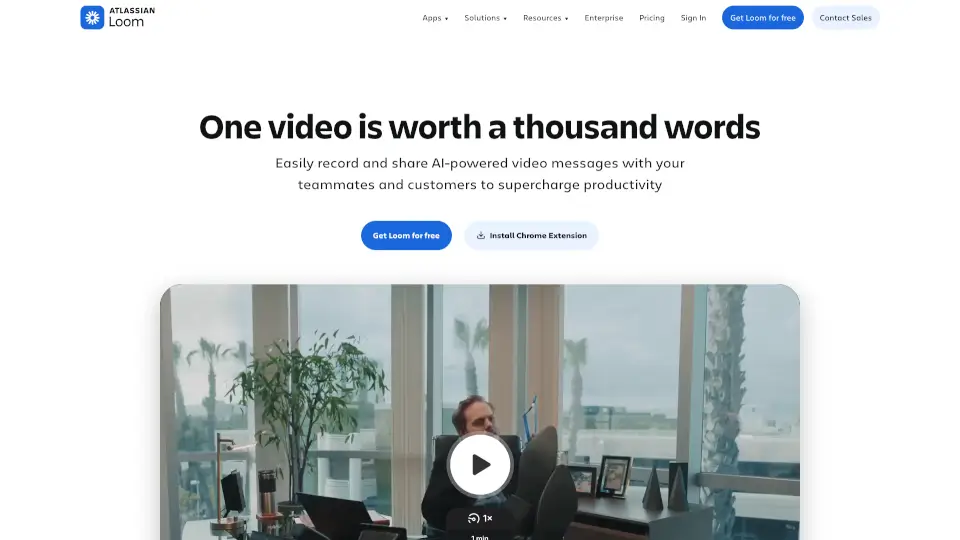
Loom is a user-friendly screen recorder that simplifies video creation, editing, and sharing for individuals and teams.

US
42.91%
17.4M
5.0
FocuSee

FocuSee

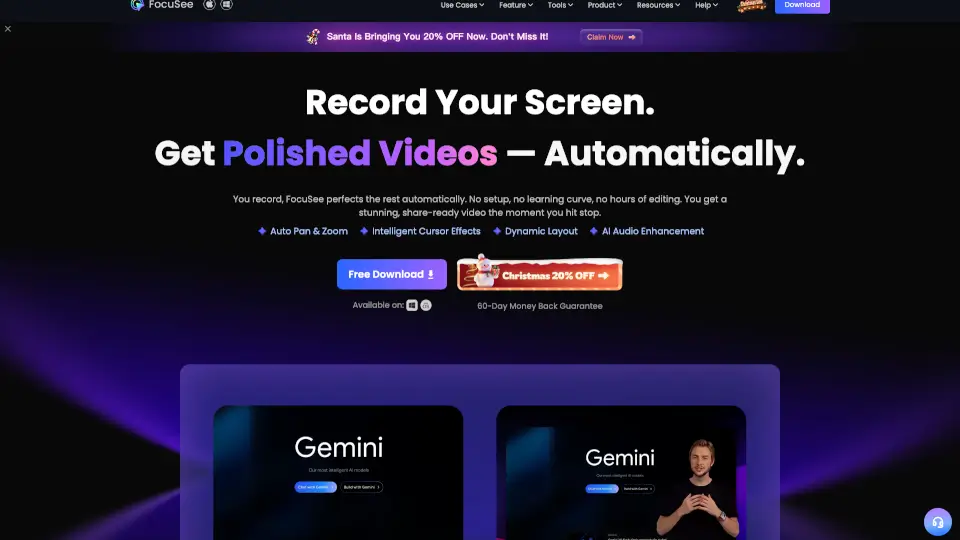
FocuSee is an AI-powered auto-editing screen recorder that turns raw screen captures into polished, share-ready videos with automatic zoom, cursor tracking, and audio enhancement for Windows and Mac.

IN
20.08%
66.1K
5.0
Flixier

Flixier

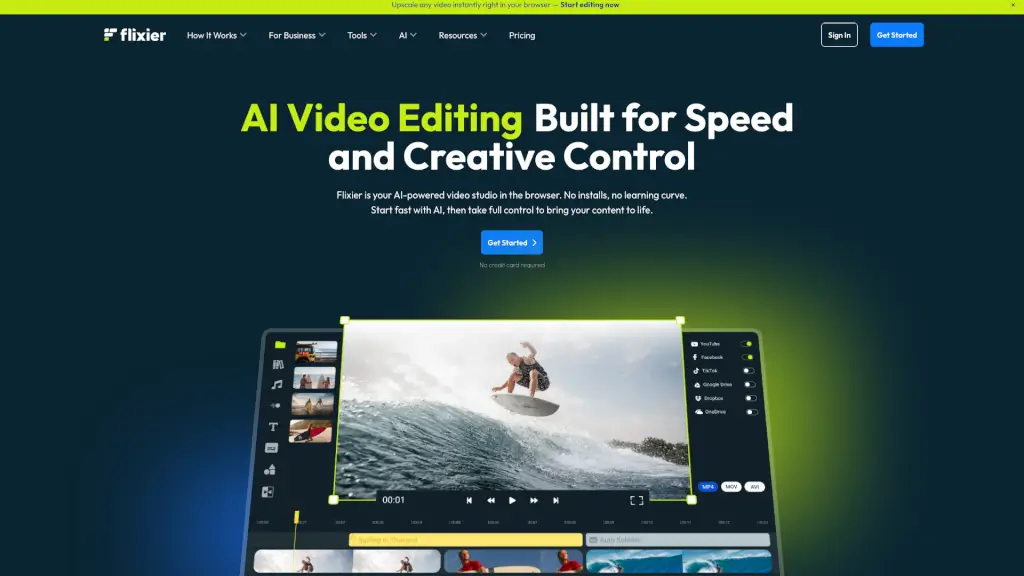
Flixier is a powerful, free online video editor that combines AI-powered tools, real-time collaboration, and fast rendering, making it perfect for creators of all levels.

US
18.45%
1.5M
5.0
Screenapp

Screenapp

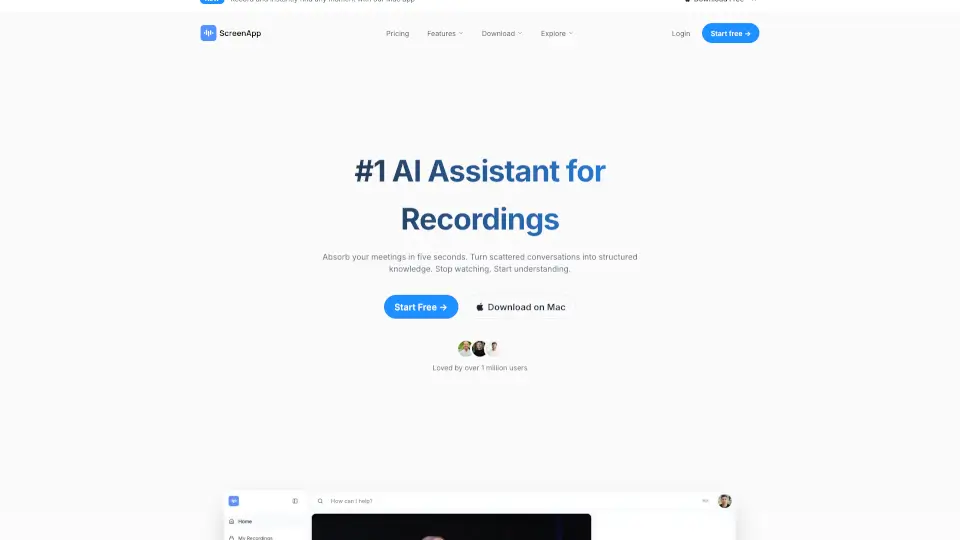
ScreenApp is an AI notetaker that transforms audio and video into searchable transcripts, smart summaries, and actionable insights—boosting productivity for professionals, educators, and teams.

US
9.15%
1.5M
5.0
Berrycast

Berrycast

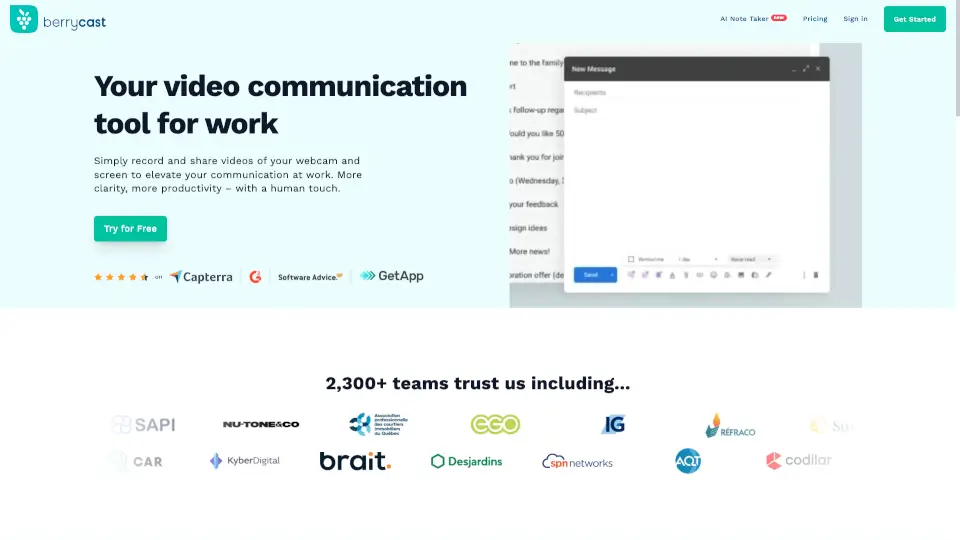
Berrycast is the best free screen recorder for Windows and Mac, combining easy video messaging with AI-powered transcripts and summaries for clearer, faster work communication.

CO
13.90%
32.6K
4.0
Camtasia

Camtasia

Camtasia makes video creation simple with AI tools, multitrack recording, and drag-and-drop editing—ideal for tutorials, training, and demos. Try it free!

US
44.61%
945.7K
5.0
Vmaker AI

Vmaker AI

Vmaker AI is an all-in-one video creation and editing platform that makes it easy to produce stunning, professional videos in minutes.

IN
13.75%
418.1K
5.0
Komodo

Komodo

Kommodo is an AI screen recorder that automatically transcribes recordings, generates meeting summaries, and creates step-by-step guides, trusted by 100,000+ users with no watermarks or time limits.

US
37.99%
19.9K
4.0

Flonnect Related Other Categories

Flonnect Traffic Analysis

💡 Insights

Medium Scale
100K-1M monthly visits. Growing tool with active development.
📊
Steady Growth
Recent growth of 43%. Product is in a healthy upward trend.
👍
Good Experience
Bounce rate of 45%. Users are willing to explore features.
🎯
Strong Brand
52% direct traffic. High user loyalty.
  • Monthly Visits

    282.44K

  • Bounce Rate

    45.47%

  • Pages Per Visit

    1.73

  • Visit Duration

    00:00:57

  • Global Rank

    194013

  • Country Rank

    47371

Visits Over Time

Traffic Sources

Direct51.96%
Search Organic38.64%
Referrals4.76%
Social Organic2.84%
Gen Ai1.55%
Mail0.26%
Search Paid0.00%
Social Paid0.00%
Affiliate0.00%

Top Keywords

1
extract audio from video
CPC$0.29
19.05KTraffic
2
video to audio
CPC$0.16
2.80KTraffic
3
download audio from video
CPC$0.23
1.98KTraffic
4
audio extractor from video
CPC$0.29
1.89KTraffic
5
audio extract from video
CPC$0.15
1.64KTraffic

Top Regions

RegionPercentage
India
India
23.91%
United States
United States
17.51%
Philippines
Philippines
4.45%
United Kingdom
United Kingdom
4.20%
Mexico
Mexico
2.74%
Low
High

Powered by SimilarWeb

Flonnect FAQ

Is Flonnect really free to use?

Yes! Flonnect offers a free plan forever with 20 lifetime recordings, 1 GB storage, and access to core tools like screen recording and media utilities—no credit card required.

Can I record my screen and webcam at the same time?

Absolutely. Flonnect supports simultaneous screen and webcam recording, with options to position your webcam overlay anywhere on the screen.

Does Flonnect work on Mac and Windows?

Yes—it’s available as a desktop app for both Windows and macOS, plus a Chrome extension for quick browser-based recording.

How does the AI editing work?

Flonnect’s AI can auto-transcribe your video in 20+ languages, remove “ums” and pauses, trim silent sections, and generate captions—all with one click.

Can I remove metadata from my video files?

Yes! Use Flonnect’s free “Remove Meta Data” tool in the Media Tools section to strip hidden info like location or device details for privacy.

What’s included in the Pro plan?

The Pro plan ($12/month) gives you 30 videos/month, 50 AI credits, 10 meeting recordings, and 10 GB storage—ideal for regular creators and small teams.

Do I need to install software to use Flonnect?

You can start instantly with the Chrome extension, but for full features like system audio on Mac or advanced editing, we recommend the desktop app.

Flonnect Reviews

0

0

0 Reviews
Sign Into leave a review

Recent Reviews

No reviews yet

Flonnect Embed

Use website badges to drive community support for SeekTool.ai. They are easy to embed in your homepage or footer.

Light
Dark
Flonnect - Featured on SeekTool.aiFlonnect - Featured on SeekTool.ai
How to install?