

What is Diffusion Studio?
Welcome to Diffusion Studio, the all-in-one online video editor that makes creating professional videos a breeze. With powerful AI tools and a user-friendly interface, you can trim clips, add auto captions, and export up to 4K without any installations or watermarks. Whether you're a seasoned pro or just starting out, Diffusion Studio is designed to help you move from idea to final video in minutes, not hours. Say goodbye to clunky software and hello to seamless, browser-based editing.
What are the features of Diffusion Studio?
- AI-Assisted Edits: Use AI to create rough cuts, generate b-roll, and add auto captions, making your editing process faster and more efficient.
- Instant Preview and Export: Edit, preview, and export your videos instantly, with support for up to 4K 60 fps, all within your browser.
- No Installations Required: Start editing right away without any downloads or device licenses, and enjoy a completely free experience.
- Resize and Export for Any Platform: Easily resize and export your videos for different platforms, with options for H.264, H.265, and AV1 codecs in MP4 and WebM formats.
- Text to Speech: Generate voiceovers, music, and sound effects on demand, eliminating the need for extra tools.
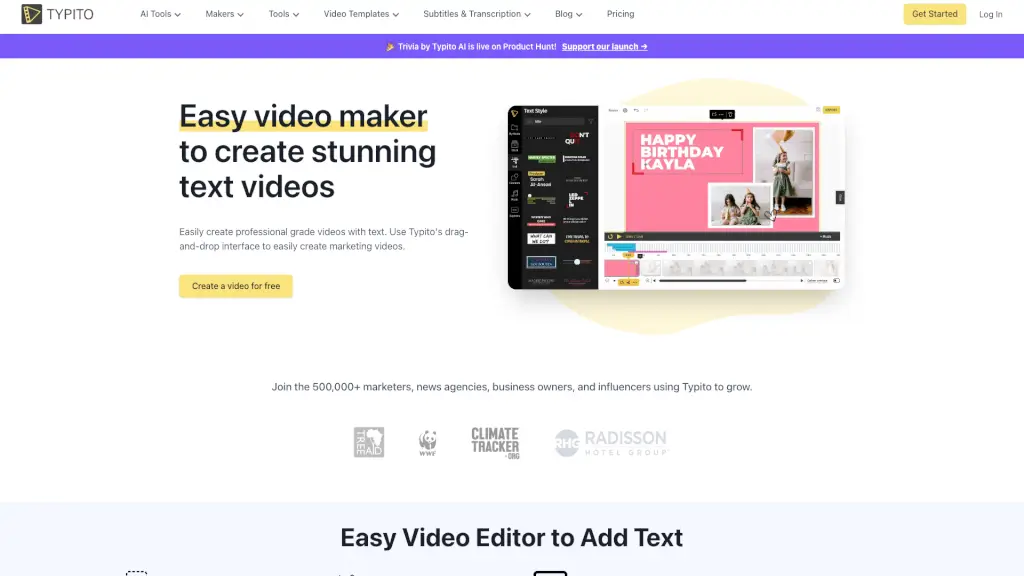
- Drag and Drop Timeline: Simply drag and drop your files into an easy-to-use timeline and start editing immediately.
What are the use cases of Diffusion Studio?
- Professional Video Editors: Quickly edit and export high-quality videos, with instant previews and 4K 60 fps support.
- Marketers: Generate voiceovers, resize videos for various social media platforms, and export them on the spot.
- Content Creators: Turn raw clips into polished videos with AI-assisted edits and auto captions, perfect for YouTube, TikTok, and other platforms.
- Educators: Create engaging educational content with auto captions and text-to-speech features, making your videos accessible to a wider audience.
- Teams and Collaborators: Work together seamlessly, with no need for software installations, and easily share and export your projects.
How to use Diffusion Studio?
- Open Editor: Go to the Diffusion Studio website and click "Open Editor" to start.
- Upload Your Files: Drag and drop your video files into the timeline.
- Use AI Tools: Utilize AI features like auto captions, b-roll generation, and text-to-speech to enhance your video.
- Edit and Trim: Trim, cut, and arrange your clips using the intuitive timeline.
- Preview and Adjust: Preview your video and make any necessary adjustments.
- Export Your Video: Choose your desired format and resolution, then export your video directly from the browser.