
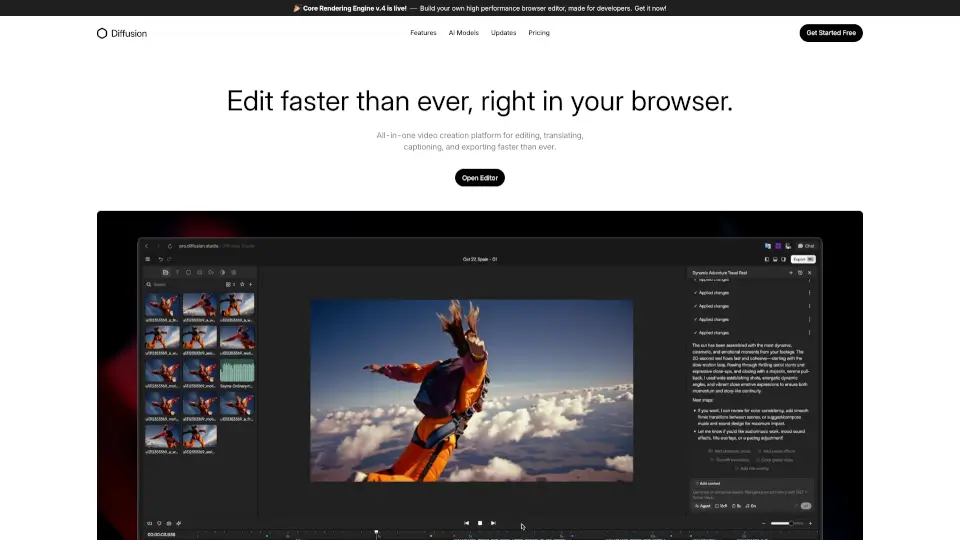
Diffusion Studio logo

Diffusion Studio

5.0
(0 Reviews)
Brazil29.10%

Diffusion Studio is an all-in-one online video editor that lets you create, edit, and export professional videos in your browser, with AI-assisted features and no installations required.

Verified by SeekTool
Social Media:
Diffusion Studio

Diffusion Studio Product Information

What is Diffusion Studio?

Welcome to Diffusion Studio, the all-in-one online video editor that makes creating professional videos a breeze. With powerful AI tools and a user-friendly interface, you can trim clips, add auto captions, and export up to 4K without any installations or watermarks. Whether you're a seasoned pro or just starting out, Diffusion Studio is designed to help you move from idea to final video in minutes, not hours. Say goodbye to clunky software and hello to seamless, browser-based editing.

What are the features of Diffusion Studio?

  • AI-Assisted Edits: Use AI to create rough cuts, generate b-roll, and add auto captions, making your editing process faster and more efficient.
  • Instant Preview and Export: Edit, preview, and export your videos instantly, with support for up to 4K 60 fps, all within your browser.
  • No Installations Required: Start editing right away without any downloads or device licenses, and enjoy a completely free experience.
  • Resize and Export for Any Platform: Easily resize and export your videos for different platforms, with options for H.264, H.265, and AV1 codecs in MP4 and WebM formats.
  • Text to Speech: Generate voiceovers, music, and sound effects on demand, eliminating the need for extra tools.
  • Drag and Drop Timeline: Simply drag and drop your files into an easy-to-use timeline and start editing immediately.

What are the use cases of Diffusion Studio?

  • Professional Video Editors: Quickly edit and export high-quality videos, with instant previews and 4K 60 fps support.
  • Marketers: Generate voiceovers, resize videos for various social media platforms, and export them on the spot.
  • Content Creators: Turn raw clips into polished videos with AI-assisted edits and auto captions, perfect for YouTube, TikTok, and other platforms.
  • Educators: Create engaging educational content with auto captions and text-to-speech features, making your videos accessible to a wider audience.
  • Teams and Collaborators: Work together seamlessly, with no need for software installations, and easily share and export your projects.

How to use Diffusion Studio?

  • Open Editor: Go to the Diffusion Studio website and click "Open Editor" to start.
  • Upload Your Files: Drag and drop your video files into the timeline.
  • Use AI Tools: Utilize AI features like auto captions, b-roll generation, and text-to-speech to enhance your video.
  • Edit and Trim: Trim, cut, and arrange your clips using the intuitive timeline.
  • Preview and Adjust: Preview your video and make any necessary adjustments.
  • Export Your Video: Choose your desired format and resolution, then export your video directly from the browser.

Do you like this tool?

Upvote to help others discover it!

Diffusion Studio Alternatives

CapCut

CapCut

CapCut is an AI-powered video editor that simplifies editing with smart tools like text-to-speech, auto-captions, and video upscaling. Perfect for creators of all levels, CapCut helps you make stunning videos faster and easier.

US
13.86%
49.6M
5.0
HitPaw Edimakor

HitPaw Edimakor

HitPaw Edimakor is an intuitive AI video editor that transforms ideas into professional-quality videos fast—perfect for creators, educators, and businesses.

US
16.39%
952.1K
5.0
Eddie AI

Eddie AI

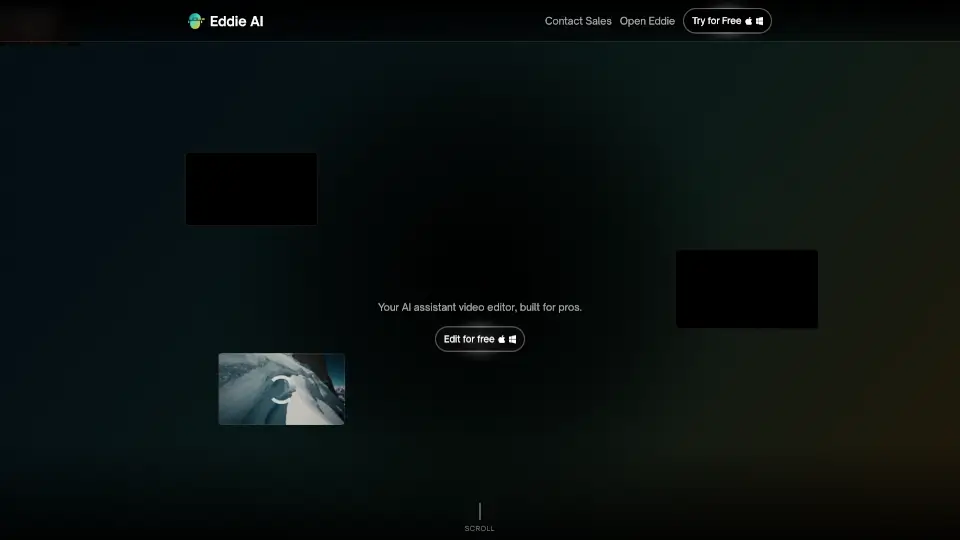
Eddie is an easy-to-use AI video editor that helps you quickly cut and refine videos from interviews or any footage. Export your work to popular formats and enjoy a smooth editing experience whether on desktop or web.

US
22.58%
86.1K
5.0
PixelBin

PixelBin

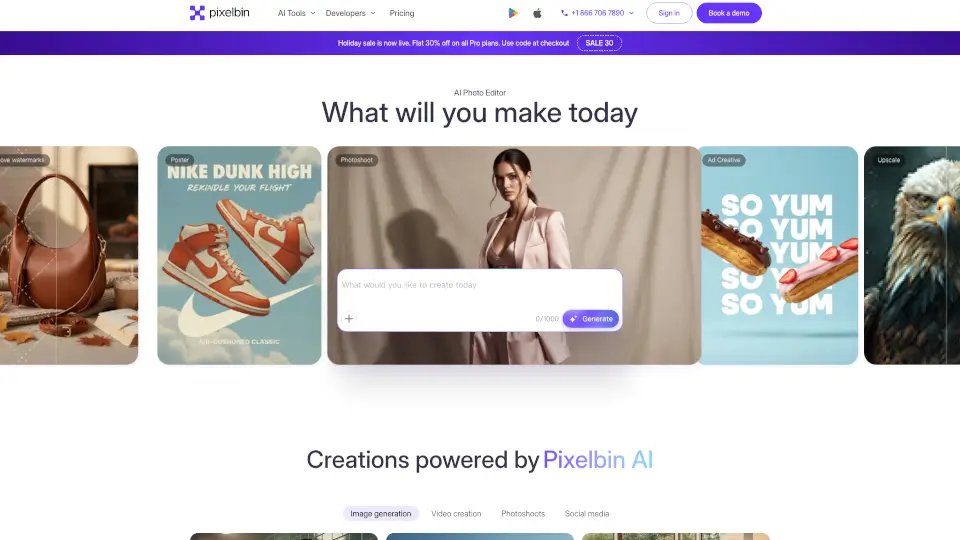
Pixelbin AI Studio is a free, all-in-one AI-powered platform for generating, editing, and enhancing images and videos with simple text prompts or one-click tools.

US
16.32%
2.3M
5.0
DeepBrain AI

DeepBrain AI

AI STUDIO makes studio-quality videos accessible to everyone. Just type, click, and go—no hassle, no steep learning curve.

BR
10.50%
1.1M
5.0
Typito

Typito

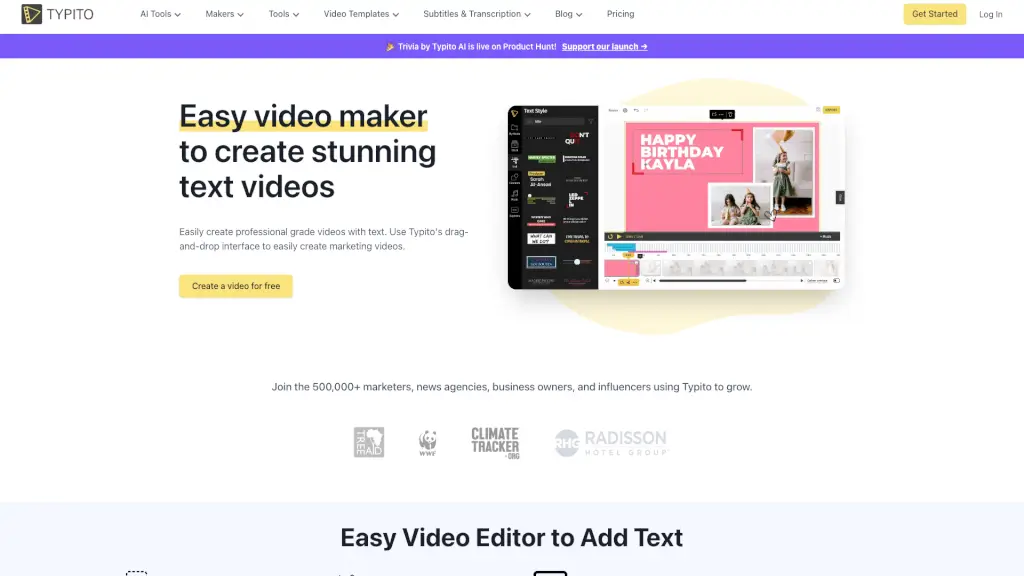
Typito is a user-friendly online video editor that makes it simple to create stunning text videos with a drag-and-drop interface, AI captions, and 500+ free templates.

US
13.76%
168.7K
5.0
Creati Studio

Creati Studio

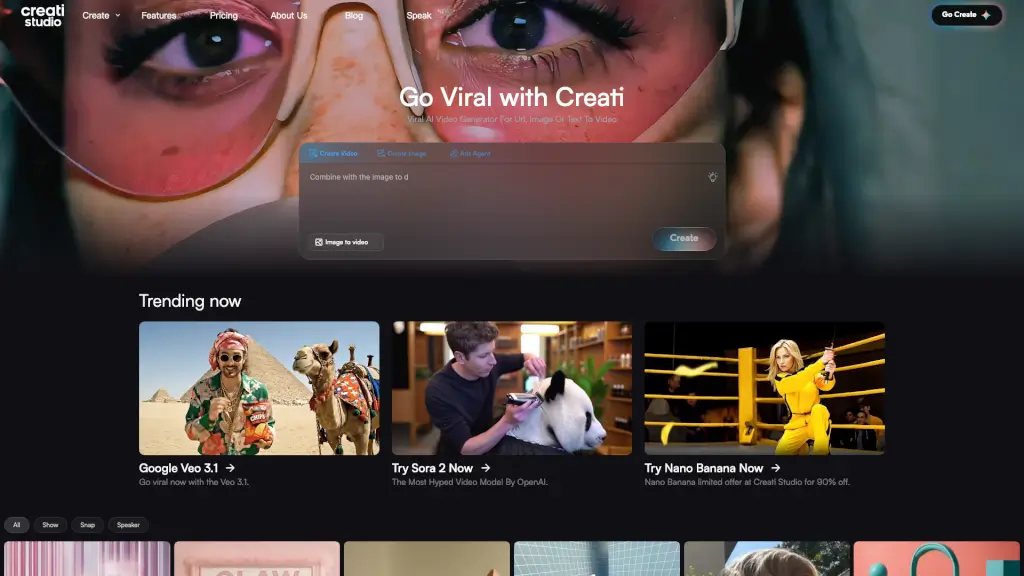
Creati Studio is an AI-powered platform that turns product links, images, or text into high-impact, scroll-stopping videos, perfect for e-commerce, social media, and brand promotion.

US
13.38%
61.2K
5.0
Vidful.ai

Vidful.ai

Create stunning, professional videos effortlessly with Vidful.ai’s AI video generator, powered by cutting-edge technologies like Kuaishou Kling AI and Luma AI Dream Machine.

US
12.64%
346.6K
5.0

Diffusion Studio Related Other Categories

Diffusion Studio Traffic Analysis

💡 Insights

🌱
Emerging Tool
10K-100K monthly visits. Niche or new tool with potential unique value.
📉
Traffic Decline
Significant traffic drop recently. Check for alternatives.
👍
Good Experience
Bounce rate of 41%. Users are willing to explore features.
🎯
Strong Brand
61% direct traffic. High user loyalty.
  • Monthly Visits

    51.72K

  • Bounce Rate

    40.69%

  • Pages Per Visit

    2.40

  • Visit Duration

    00:00:43

  • Global Rank

    614717

  • Country Rank

    102074

Visits Over Time

Traffic Sources

Direct61.20%
Search Organic20.29%
Referrals12.08%
Social Organic3.92%
Gen Ai2.05%
Mail0.39%
Display Ads0.07%
Search Paid0.00%
Social Paid0.00%
Affiliate0.00%

Top Keywords

1
diffusion studio
CPC$0.17
3.95KTraffic
2
pro diffusion studio
CPC$0.09
350Traffic
3
pro diffusion
300Traffic
4
difusion studio pro
200Traffic
5
difusion studio
CPC$0.20
180Traffic

Top Regions

RegionPercentage
Brazil
Brazil
29.10%
India
India
21.57%
United States
United States
6.33%
Spain
Spain
5.00%
Vietnam
Vietnam
4.95%
Low
High

Powered by SimilarWeb

Diffusion Studio FAQ

Can I use Diffusion Studio without installing any software?

Yes, Diffusion Studio runs entirely in your browser, so there's no need to install any software.

What video formats and resolutions does Diffusion Studio support?

You can export videos in up to 4K 60 fps, with options for H.264, H.265, and AV1 codecs in MP4 and WebM file types.

Does Diffusion Studio offer auto captioning?

Yes, Diffusion Studio includes an AI-powered auto captioning feature to generate captions instantly.

Is there a free version of Diffusion Studio?

Yes, Diffusion Studio offers a free version with full access to its features, including AI tools and 4K exports.

Can I resize my videos for different platforms?

Absolutely! Diffusion Studio allows you to easily resize and export your videos for various platforms, such as YouTube, Instagram, and TikTok.

How do I add voiceovers to my videos?

You can use the text-to-speech feature to generate voiceovers directly within Diffusion Studio, without needing any additional tools.

Diffusion Studio Reviews

0

0

0 Reviews
Sign Into leave a review

Recent Reviews

No reviews yet

Diffusion Studio Embed

Use website badges to drive community support for SeekTool.ai. They are easy to embed in your homepage or footer.

Light
Dark
Diffusion Studio - Featured on SeekTool.aiDiffusion Studio - Featured on SeekTool.ai
How to install?