Typito logo

Typito

5.0
(0 Reviews)
United States13.76%

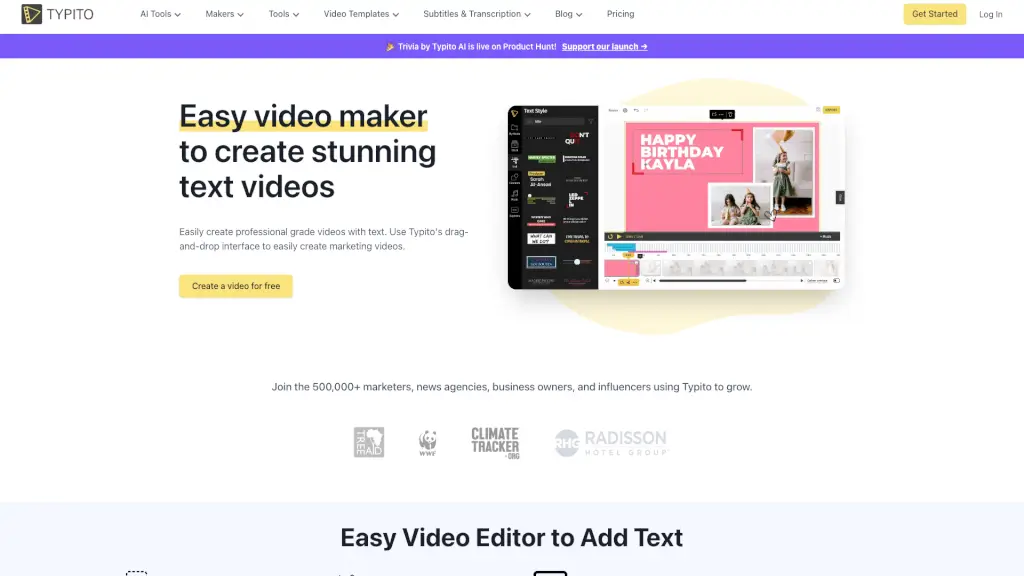
Typito is a user-friendly online video editor that makes it simple to create stunning text videos with a drag-and-drop interface, AI captions, and 500+ free templates.

Verified by SeekTool
Social Media:
Typito

Typito Product Information

What is Typito?

Typito is a user-friendly online video editing tool that makes it easy for anyone to create stunning text videos, even if you have no experience with video editing. Whether you're a student, a small business owner, or a content creator, Typito offers a simple drag-and-drop interface that lets you add beautiful text, images, and basic graphics to your videos. With a wide range of templates and tools, you can quickly produce professional-grade videos for YouTube, Vimeo, social media, and more. Say goodbye to complicated software and hello to effortless, eye-catching videos.

What are the features of Typito?

  • Drag-and-Drop Editor: Easily create stunning videos without needing advanced video editing skills.
  • AI Captions: Automatically generate perfectly synced captions for your videos.
  • 20+ Video Formats: Choose from various aspect ratios like 1:1 square, 9:16 vertical, and 16:9 widescreen.
  • Brand Kit: Customize your videos with your own brand colors, fonts, and logo.
  • 500+ Free Templates: Access a library of motion graphic templates inspired by popular brands.
  • Live Video Preview: Get a real-time preview of your video as you edit, so there are no surprises after export.

What are the use cases of Typito?

  • Marketing Videos: Create engaging ads and promotional videos for your business.
  • YouTube Content: Add professional-looking text and graphics to your YouTube videos.
  • Social Media Posts: Optimize your videos for platforms like Instagram, Facebook, and Twitter.
  • Explainer Videos: Make educational and informative videos to explain complex ideas.
  • Event Promotions: Design eye-catching invitations and promotions for events.
  • Personal Projects: Create memorable videos for birthdays, weddings, and other special occasions.

How to use Typito?

  • Choose a Template: Start by selecting a template that fits your video's purpose.
  • Upload Your Media: Add your video clips, images, and audio files to the editor.
  • Add Text and Graphics: Use the drag-and-drop feature to add and customize text, images, and graphics.
  • Customize with Brand Kit: Apply your brand colors, fonts, and logo to keep your videos on-brand.
  • Preview and Edit: Use the live preview to make sure everything looks perfect before exporting.
  • Export and Share: Once you're happy with your video, export it and share it on your preferred platform.

Typito Contact Email:

support@typito.com

Do you like this tool?

Upvote to help others discover it!

Typito Alternatives

Diffusion Studio

Diffusion Studio

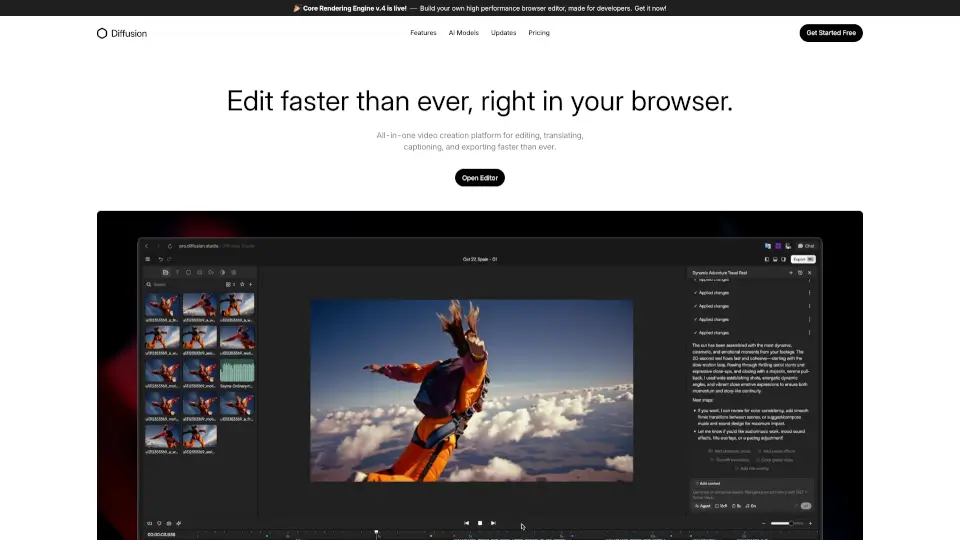
Diffusion Studio is an all-in-one online video editor that lets you create, edit, and export professional videos in your browser, with AI-assisted features and no installations required.

BR
29.10%
51.7K
5.0
CapCut

CapCut

CapCut is an AI-powered video editor that simplifies editing with smart tools like text-to-speech, auto-captions, and video upscaling. Perfect for creators of all levels, CapCut helps you make stunning videos faster and easier.

US
13.86%
49.6M
5.0
Capsule

Capsule

Capsule is an AI-powered video editor that helps enterprise teams create professional videos 10x faster. With motion graphics templates, real-time collaboration, and AI tools, it’s perfect for social media, paid ads, trainings, and more.

US
31.23%
22.7K
4.0
Clipchamp

Clipchamp

Clipchamp is a user-friendly video editor that makes creating professional videos a breeze. With AI-powered tools and royalty-free content, it’s perfect for social media, business, and personal projects.

US
16.88%
6.9M
5.0
HitPaw Edimakor

HitPaw Edimakor

HitPaw Edimakor is an intuitive AI video editor that transforms ideas into professional-quality videos fast—perfect for creators, educators, and businesses.

US
16.39%
952.1K
5.0
Captions

Captions

Captions is an AI video editor that transforms raw footage or text into polished, professional-quality videos with auto-captions, custom avatars, and smart editing—fast.

IN
14.16%
1.1M
5.0
Vimeo AI

Vimeo AI

Vimeo’s AI-powered video tools let anyone create, edit, and share professional-quality videos in one take—fast, easy, and without prior experience.

US
38.20%
53.2M
5.0
Flixier

Flixier

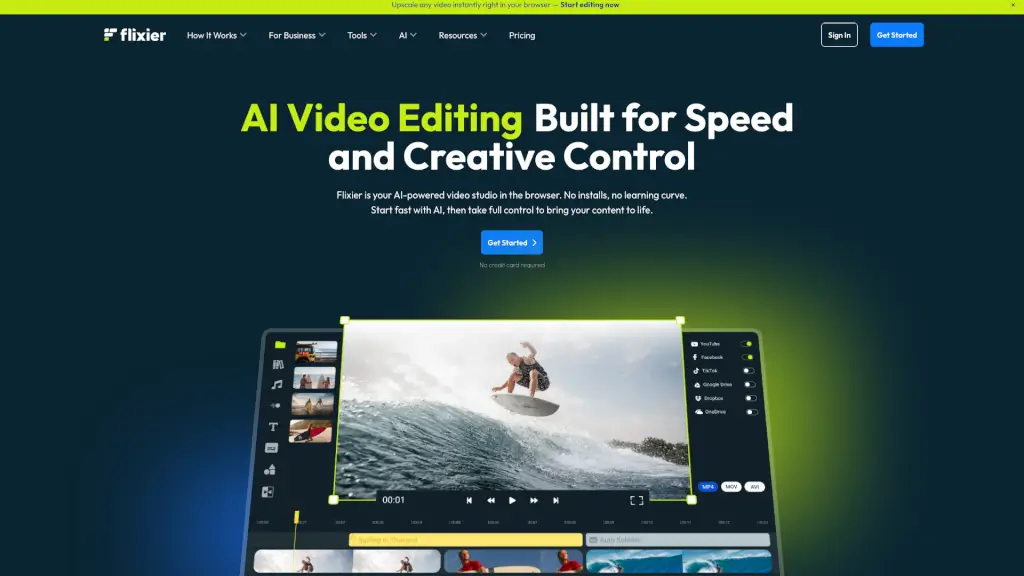
Flixier is a powerful, free online video editor that combines AI-powered tools, real-time collaboration, and fast rendering, making it perfect for creators of all levels.

US
18.45%
1.5M
5.0

Typito Related Other Categories

Typito Traffic Analysis

💡 Insights

Medium Scale
100K-1M monthly visits. Growing tool with active development.
➡️
Stable
Traffic remains stable, indicating a mature product.
👍
Good Experience
Bounce rate of 38%. Users are willing to explore features.
🌐
Global Reach
Balanced user distribution worldwide.
  • Monthly Visits

    168.66K

  • Bounce Rate

    37.89%

  • Pages Per Visit

    2.36

  • Visit Duration

    00:00:25

  • Global Rank

    246564

  • Country Rank

    27146

Visits Over Time

Traffic Sources

Search Organic76.30%
Direct18.72%
Referrals2.47%
Social Organic0.93%
Mail0.66%
Search Paid0.58%
Display Ads0.34%
Gen Ai0.00%
Social Paid0.00%
Affiliate0.00%

Top Keywords

1
typito
CPC$0.19
400Traffic
2
video cropper
CPC$0.69
250Traffic
3
video resolutions
CPC$2.87
250Traffic
4
portrait to landscape video converter
CPC$0.19
210Traffic
5
video portrait to landscape converter
CPC$0.16
210Traffic

Top Regions

RegionPercentage
United States
United States
13.76%
India
India
10.96%
Indonesia
Indonesia
4.13%
Philippines
Philippines
3.72%
United Kingdom
United Kingdom
3.68%
Low
High

Powered by SimilarWeb

Typito FAQ

Can I use Typito to create videos for different social media platforms?

Yes, Typito supports 20+ video formats and aspect ratios, making it easy to optimize your videos for platforms like YouTube, Instagram, Facebook, and Twitter.

How does the AI caption feature work?

The AI caption feature automatically generates captions that are perfectly synced with your video, saving you time and effort in creating accurate subtitles.

Is Typito suitable for beginners?

Absolutely! Typito is designed to be user-friendly, with a simple drag-and-drop interface that requires no prior video editing experience.

Can I customize my videos with my own brand elements?

Yes, you can use the Brand Kit to customize your videos with your own brand colors, fonts, and logo, ensuring that your videos are consistent with your brand identity.

Are there any free templates available?

Yes, Typito offers over 500 free templates inspired by popular brands, covering a wide range of categories such as events, news, food vlogging, and more.

Can I get a real-time preview of my video while editing?

Yes, Typito provides a live video preview feature, allowing you to see how your final video will look in real-time as you make changes.

What kind of support does Typito offer?

Typito offers 5-star rated support, and their stellar support team is always ready to help you with any questions or issues you may have.

Typito Reviews

0

0

0 Reviews
Sign Into leave a review

Recent Reviews

No reviews yet

Typito Embed

Use website badges to drive community support for SeekTool.ai. They are easy to embed in your homepage or footer.

Light
Dark
Typito - Featured on SeekTool.aiTypito - Featured on SeekTool.ai
How to install?