
What is ChatCut?
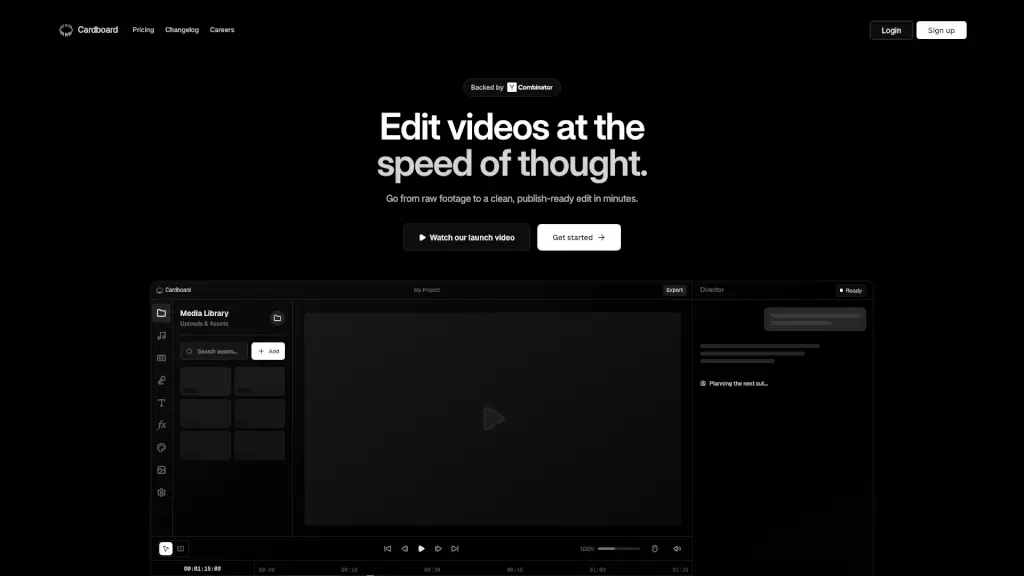
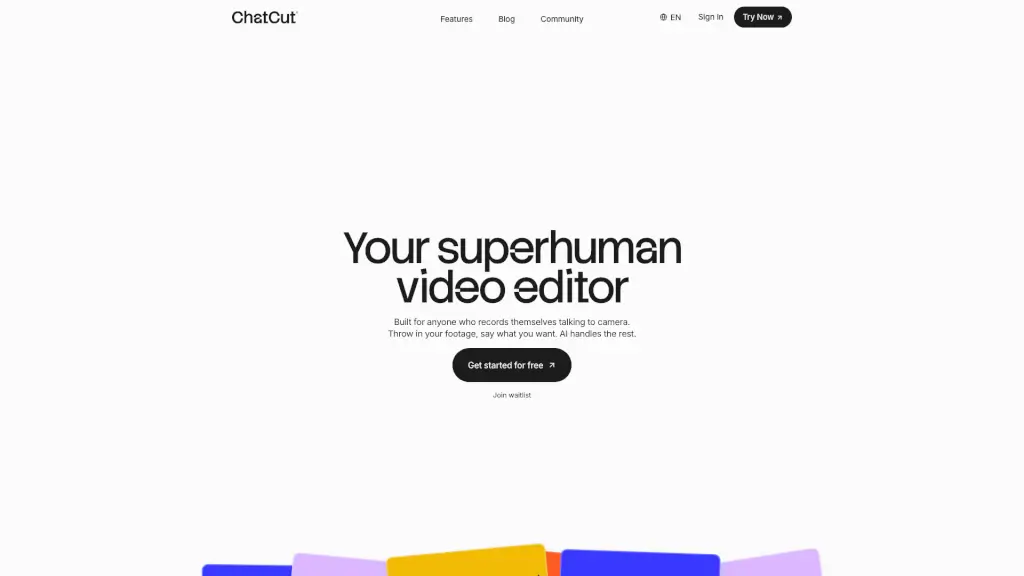
ChatCut is your go-to AI video editor that makes editing a breeze. Whether you're a content creator, vlogger, or just someone who records themselves talking to the camera, ChatCut simplifies the process. Just upload your footage and tell the AI what you want—no more staring at a blank timeline or spending hours on edits. ChatCut's smart agents handle everything from removing filler words to adding motion graphics, so you can focus on creating amazing content.
What are the features of ChatCut?
- Natural Language Editing: Edit videos using simple text prompts. Just type what you want, and ChatCut does the rest.
- AI-Powered Agents: ChatCut's agents, like the Editor Agent, Visual Agent, and Motion Agent, work together to clean up takes, add captions, and generate motion graphics.
- Highlight Reel Creation: Automatically find the best moments in your footage and create a publish-ready video in seconds.
- Filler Word Removal: Say goodbye to "um's" and "ah's" as ChatCut's speech understanding technology cleans up your audio.
- Motion Graphics: Request lower thirds, callouts, and visualized data with ease, no keyframes or plugins needed.
- Manual Edits: Still have full control over your final cut if you need to make any tweaks.
What are the use cases of ChatCut?
- Content Creators: Perfect for YouTubers, TikTokers, and other social media creators who need to quickly edit their videos.
- Vloggers: Ideal for travel vloggers and lifestyle bloggers who want to share their experiences without spending hours on editing.
- Educational Content: Great for teachers and educators who record lectures and tutorials and need to make them engaging and professional.
- Business Presentations: Useful for professionals who need to create polished presentations and training videos.
- Event Recaps: Quickly create highlight reels from events, conferences, and meetups.
How to use ChatCut?
- Upload your video footage to ChatCut.
- Type in your editing instructions or use natural language prompts.
- Let ChatCut's AI agents do the heavy lifting, from removing filler words to adding motion graphics.
- Review the first cut and make any manual adjustments if needed.
- Export your final video and share it with your audience.