
Cardboard logo

Cardboard

5.0
(0 Reviews)
India68.92%

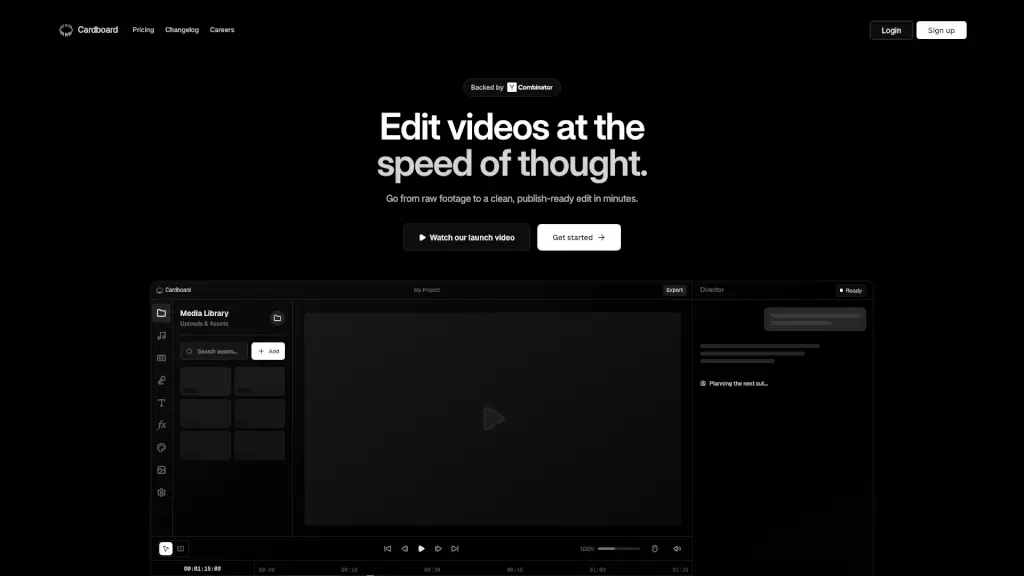
Cardboard is an agentic video editor that helps you create stunning content 10x faster, with AI-powered features and live collaboration.

Verified by SeekTool
Social Media:
Cardboard

Cardboard Product Information

What is Cardboard?

Cardboard is a browser-based, agentic video editor that makes creating, cutting, and composing videos a breeze. With the power of AI, you can go from raw footage to a polished, publish-ready edit in just minutes. No need for downloads or installations—just open your browser and start editing. Whether you're a content creator, vlogger, or just someone who wants to make great videos, Cardboard is designed to help you do it faster and more collaboratively.

What are the features of Cardboard?

  • AI-Powered Editing: Automatically generates strong first passes, tight pacing, and clean captions, making your editing process smoother and quicker.
  • Live Collaboration: Review, tweak, and finalize edits together in real-time, eliminating the back-and-forth.
  • Semantic Understanding: Understands the meaning behind your requests and maps them to complex timeline operations, saving you time and effort.
  • Search by Content: Find clips based on what happened in the video, not just filenames, making it easier to locate the right moments.
  • Smart Trim and Silence Removal: Automatically removes unnecessary parts and silences, keeping your video tight and engaging.
  • Color Grading and Voiceovers: Apply professional color grading and add expressive voiceovers to enhance the quality of your videos.

What are the use cases of Cardboard?

  • Talking Heads: Quickly frame and add captions to interviews or presentations.
  • Vlogs: Automatically create compelling stories from your footage.
  • Montages: Turn raw videos into polished montages with music, voiceovers, and transitions.
  • Podcast Clipping: Extract the best moments from long conversations.
  • Launch Videos: Create stylish product pitches.
  • Explainers: Break down complex topics with clear visuals and concise explanations.

How to use Cardboard?

  • Upload Your Footage: Start by uploading your video files to the Media Library.
  • Select a Template or Start from Scratch: Choose a template that fits your needs or start with a blank canvas.
  • Use AI for First Pass: Let the AI generate a strong first pass, then refine it to your liking.
  • Collaborate Live: Invite team members to review and tweak the edit in real-time.
  • Add Final Touches: Apply color grading, add voiceovers, and fine-tune the captions.
  • Export and Share: Export your video in a share-ready format and distribute it to your audience.
Do you like this tool?

Upvote to help others discover it!

Cardboard Alternatives

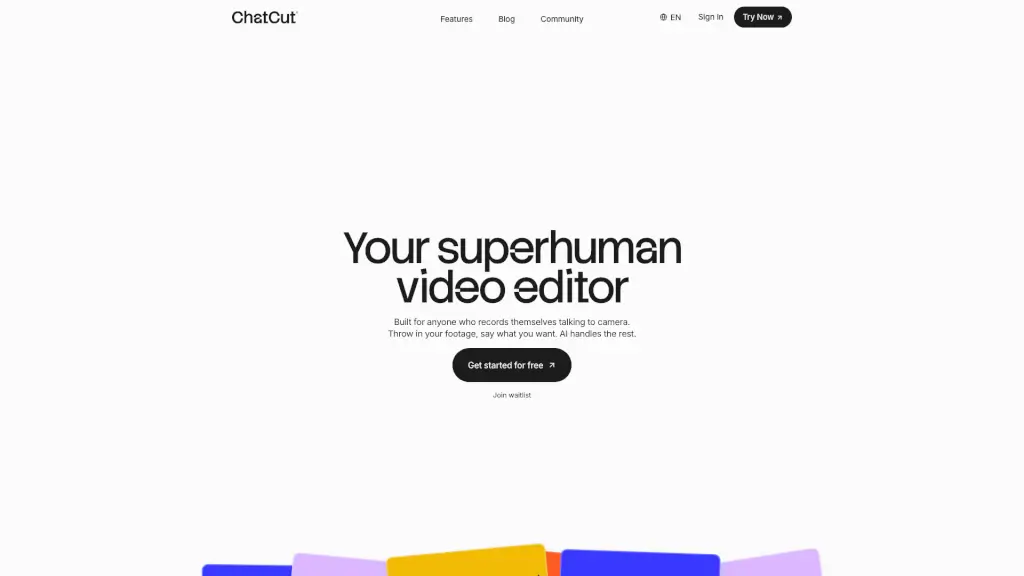
ChatCut

ChatCut

ChatCut is your superhuman AI video editor that simplifies the editing process, allowing you to create polished videos with just a few text prompts.

CN
23.58%
389.7K
5.0
Eddie AI

Eddie AI

Eddie is an easy-to-use AI video editor that helps you quickly cut and refine videos from interviews or any footage. Export your work to popular formats and enjoy a smooth editing experience whether on desktop or web.

US
22.62%
85.4K
5.0
Capsule

Capsule

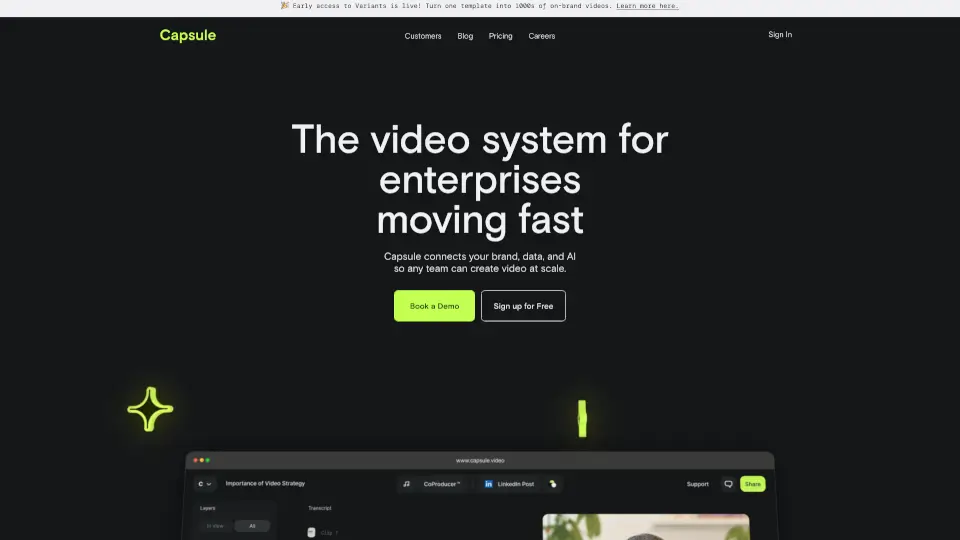
Capsule is an AI-powered video editor that helps enterprise teams create professional videos 10x faster. With motion graphics templates, real-time collaboration, and AI tools, it’s perfect for social media, paid ads, trainings, and more.

US
44.12%
18.3K
4.0
Diffusion Studio

Diffusion Studio

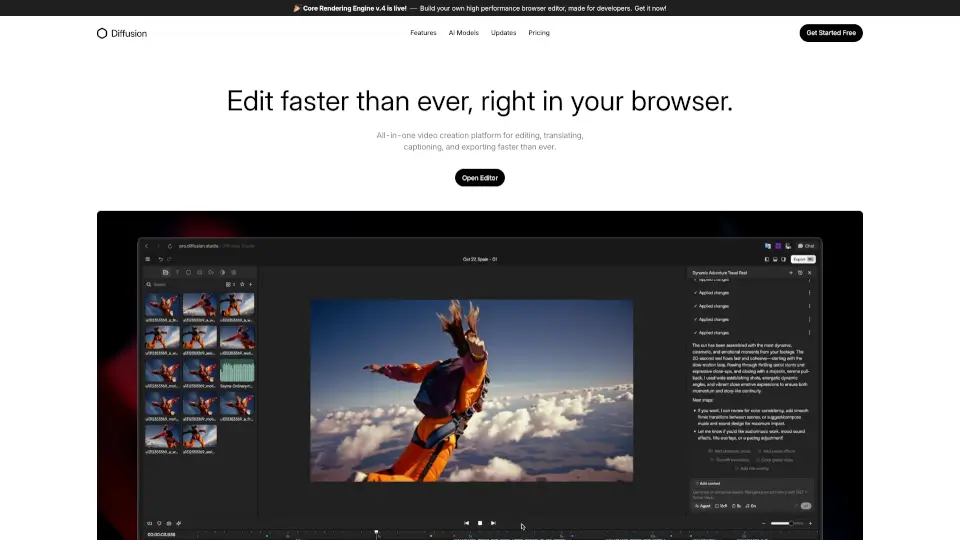
Diffusion Studio is an all-in-one online video editor that lets you create, edit, and export professional videos in your browser, with AI-assisted features and no installations required.

US
34.53%
39.3K
4.0
Video Candy

Video Candy

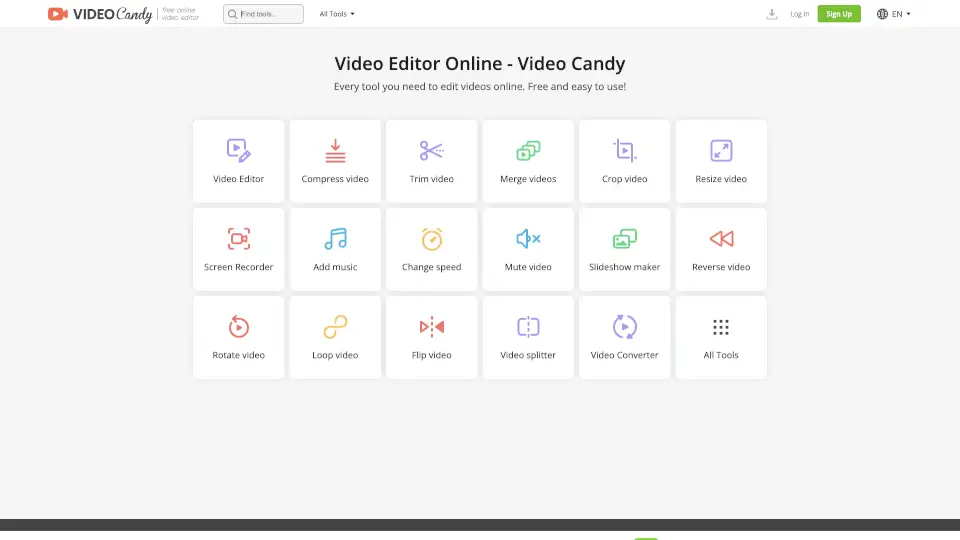
Video Candy is a free, browser-based online video editor offering 70+ tools for trimming, merging, compressing, and enhancing videos without watermarks.

CO
12.02%
560.6K
5.0
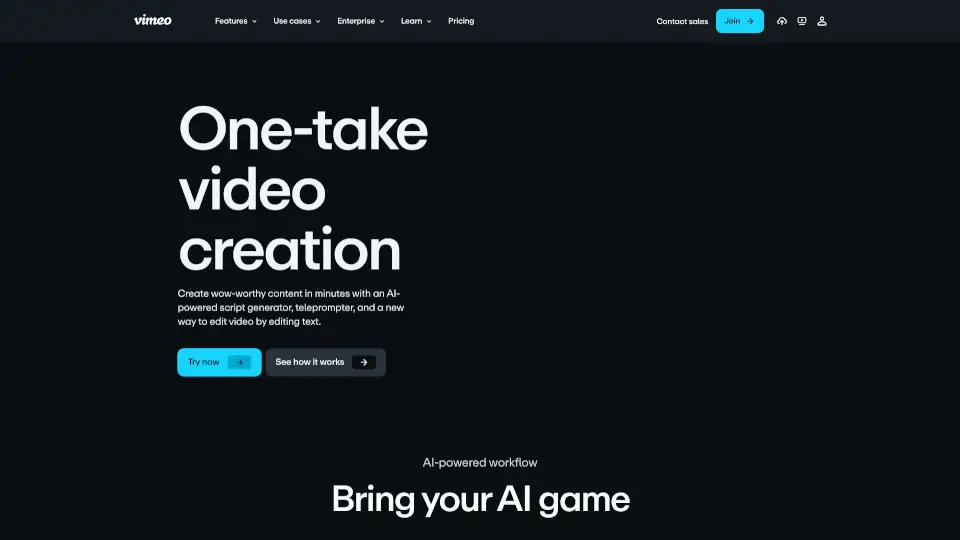
Vimeo AI

Vimeo AI

Vimeo’s AI-powered video tools let anyone create, edit, and share professional-quality videos in one take—fast, easy, and without prior experience.

US
39.11%
52.8M
5.0
CapCut

CapCut

CapCut is an AI-powered video editor that simplifies editing with smart tools like text-to-speech, auto-captions, and video upscaling. Perfect for creators of all levels, CapCut helps you make stunning videos faster and easier.

US
13.59%
49.1M
5.0
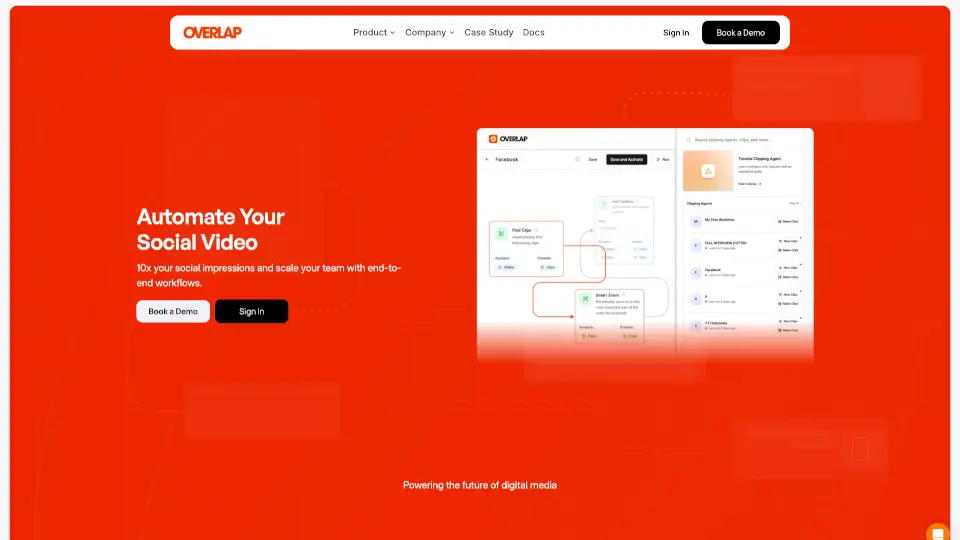
Overlap

Overlap

Overlap’s AI video agent automates editing, boosts engagement, and saves hours. Perfect for creators and marketers who want pro-quality clips—fast.

US
34.39%
29.0K
4.0

Cardboard Related Other Categories

Cardboard Traffic Analysis

💡 Insights

🌱
Emerging Tool
10K-100K monthly visits. Niche or new tool with potential unique value.
📊
Steady Growth
Recent growth of 40%. Product is in a healthy upward trend.
👍
Good Experience
Bounce rate of 38%. Users are willing to explore features.
🎯
Strong Brand
51% direct traffic. High user loyalty.
  • Monthly Visits

    99.92K

  • Bounce Rate

    37.65%

  • Pages Per Visit

    2.44

  • Visit Duration

    00:00:51

  • Global Rank

    368722

  • Country Rank

    31118

Visits Over Time

Traffic Sources

Direct50.56%
Search Organic25.20%
Social Organic15.08%
Mail3.07%
Social Paid2.78%
Referrals2.37%
Gen Ai0.90%
Search Paid0.04%
Display Ads0.00%
Affiliate0.00%

Top Keywords

1
cardboard ai
CPC$0.75
2.08KTraffic
2
usecardboard
1.00KTraffic
3
cardboard
CPC$0.66
800Traffic
4
cardboard video editor
240Traffic
5
cardboard.ai
230Traffic

Top Regions

RegionPercentage
India
India
68.92%
United States
United States
17.59%
Nigeria
Nigeria
3.22%
Brazil
Brazil
2.10%
Spain
Spain
1.30%
Low
High

Powered by SimilarWeb

Cardboard FAQ

How does Cardboard help with video editing?

Cardboard uses AI to speed up the editing process, providing a strong first pass, automatic captioning, and smart trimming. It also allows for live collaboration, making it easy to work with others in real-time.

Can I use Cardboard without downloading any software?

Yes, Cardboard is a browser-based video editor, so you don't need to download or install anything. Just open your browser and start editing.

What types of videos can I create with Cardboard?

You can create a variety of videos, including talking heads, vlogs, montages, podcast clips, launch videos, and explainers. The AI features make it easy to produce high-quality content quickly.

How does the live collaboration feature work?

The live collaboration feature allows you and your team to review, tweak, and finalize edits in real-time. This eliminates the need for back-and-forth communication and speeds up the editing process.

Is there a free trial available for Cardboard?

(Not available) Please check the official website for the latest information on trials and pricing.

How much does Cardboard cost?

Pricing starts at $60/month. For more detailed plans, visit the official website.

Cardboard Reviews

0
0 Reviews
Sign Into leave a review

Recent Reviews

No reviews yet

Cardboard Embed

Use website badges to drive community support for SeekTool.ai. They are easy to embed in your homepage or footer.

Light
Dark
Cardboard - Featured on SeekTool.aiCardboard - Featured on SeekTool.ai
How to install?

Category Rankings

Ranked by monthly traffic