Video Candy logo

Video Candy

138
5.0
(0 Reviews)
United States13.21%

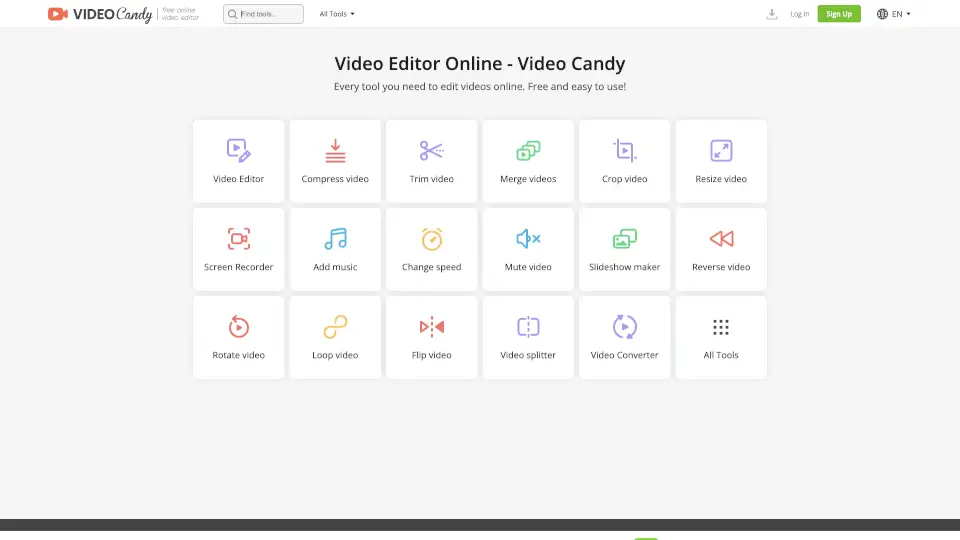
Video Candy is a free, browser-based online video editor offering 70+ tools for trimming, merging, compressing, and enhancing videos without watermarks.

Added on: 2025.03.14 · Updated on: 2026.06.03
Video Candy

Video Candy Product Information

What is Video Candy?

Video Candy is a free online video editor that puts powerful editing tools right in your browser—no downloads, no watermarks on basic features, and no experience needed. Whether you're trimming a clip for social media, merging vacation footage, or compressing a large file to send via email, Video Candy handles it all with a clean, intuitive interface.

What makes Video Candy stand out is its all-in-one approach: instead of juggling multiple apps, you get over 70 tools—from screen recording and slideshow creation to flipping, rotating, or even reversing videos—all in one place. It’s perfect for students, content creators, marketers, and anyone who needs quick, reliable edits without the learning curve of professional software.

What are the features of Video Candy?

  • Free Online Video Editor: Edit videos directly in your browser with no installation required.
  • 70+ Editing Tools: Includes trim, merge, compress, crop, resize, add text, blur, adjust speed, and more.
  • No Watermark (on free tier): Basic edits come without forced branding—unlike many competitors.
  • High File Support: Free users can process files up to 8 GB with paid plans offering priority handling.
  • Screen Recorder: Capture your screen directly within the platform for tutorials or demos.
  • Audio Controls: Easily increase volume, mute tracks, or add background music.
  • Cross-Device Compatibility: Works seamlessly on Windows, Mac, Chromebook, and mobile browsers.

What are the use cases of Video Candy?

  • Quickly trim a long Zoom recording to share only the key moments.
  • Merge multiple clips from a phone into one smooth highlight reel for Instagram.
  • Compress a large 4K video so it uploads faster to YouTube or emails without lag.
  • Add subtitles or captions to educational videos for better accessibility.
  • Create a looping GIF-style video for TikTok or Reels using the loop tool.
  • Blur sensitive info like license plates or faces in public-facing content.
  • Flip or rotate smartphone footage shot in the wrong orientation.

How to use Video Candy?

  • Go to the Video Candy website and select the tool you need (e.g., “Trim video” or “Merge videos”).
  • Upload your file(s)—the free version supports files up to 8 GB.
  • Use the simple drag-and-drop interface to make your edits (adjust sliders, type text, etc.).
  • Preview your result before processing to ensure it looks right.
  • Click “Process” and wait for completion—files are available for 120 minutes after creation.
  • Download your finished video instantly; no account needed for basic use (but signing in saves your history).

Do you like this tool?

Upvote to help others discover it!

Video Candy Alternatives

Clipchamp

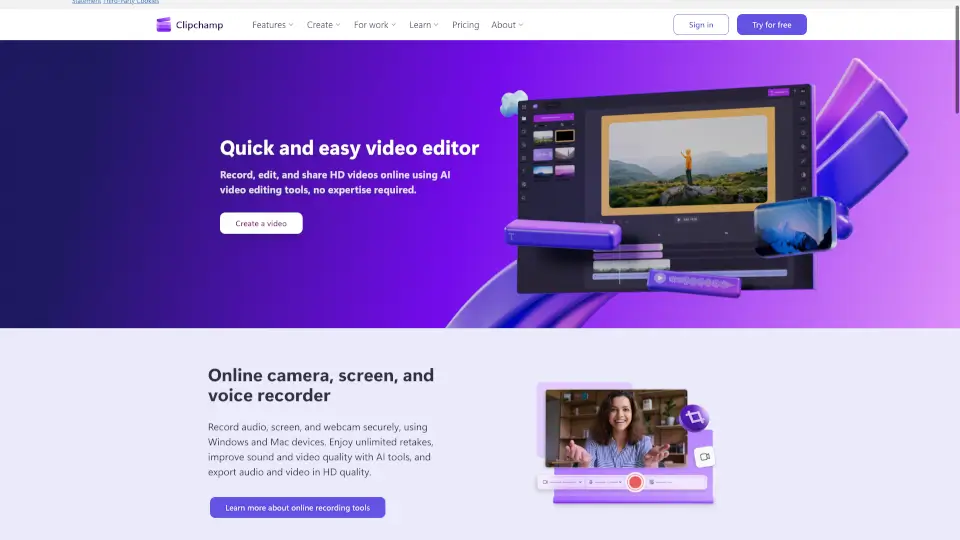
Clipchamp is a user-friendly video editor that makes creating professional videos a breeze. With AI-powered tools and royalty-free content, it’s perfect for social media, business, and personal projects.

US
14.94%
|
7.2M
|
5.0
Clideo

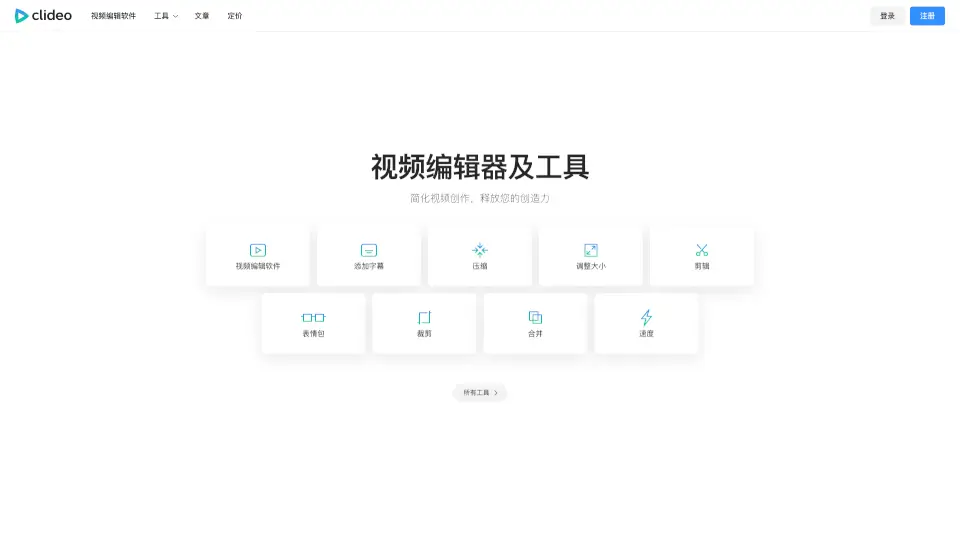
Clideo is the easiest way to edit videos, GIFs, and images online—free, fast, and user-friendly. Perfect for creators, students, and businesses.

IN
9.89%
|
10.9M
|
5.0
Bith.ai

Bith.ai is a powerful, free video editor with AI tools for effortless content creation. Perfect for creators at any level!

SA
35.72%
|
43.1K
|
4.0
Veed.io

VEED is an all-in-one AI video creation platform that turns ideas into branded, engaging videos with auto-subtitles, dubbing, and editing—perfect for marketers and solopreneurs.

IN
12.58%
|
9.8M
|
5.0
Flixier

Flixier is a powerful, free online video editor that combines AI-powered tools, real-time collaboration, and fast rendering, making it perfect for creators of all levels.

US
19.06%
|
1.6M
|
5.0
Video Face Swap

VideoFaceSwap offers high-quality, unlimited, and free video face swapping, making it easy and fun to create seamless, realistic face-swapped videos.

US
41.24%
|
86.6K
|
5.0
Eddie AI

Eddie is an easy-to-use AI video editor that helps you quickly cut and refine videos from interviews or any footage. Export your work to popular formats and enjoy a smooth editing experience whether on desktop or web.

US
29.10%
|
80.4K
|
5.0
PowerDirector

PowerDirector 365 is a versatile video editor that uses AI tools to simplify editing and create stunning videos for all skill levels.

JP
42.00%
|
3.8M
|
5.0
Video Candy Related Other Categories

Video Candy Traffic Analysis

💡 Insights

Medium Scale
100K-1M monthly visits. Growing tool with active development.
⚠️
Slight Decline
Traffic has slightly decreased recently.
💎
High Stickiness
Low bounce rate (36%) and deep engagement (3.3 pages/visit). Excellent user experience.
🌐
Global Reach
Balanced user distribution worldwide.
  • Monthly Visits

    558.21K

  • Bounce Rate

    35.89%

  • Pages Per Visit

    3.32

  • Visit Duration

    00:06:34

  • Global Rank

    84014

  • Country Rank

    97711

Visits Over Time

Traffic Sources

SearchOrganic51.09%
Direct39.46%
SocialOrganic4.58%
Referrals4.12%
Mail0.34%
GenAi0.28%
DisplayAds0.12%
SearchPaid0.00%
SocialPaid0.00%
Affiliate0.00%

Top Keywords

1
videocandy
CPC$0.40
3.76KTraffic
2
video candy
CPC$2.13
3.61KTraffic
3
candy video
2.98KTraffic
4
comprimir video
CPC$0.12
2.40KTraffic
5
online video player
CPC$2.48
2.09KTraffic

Top Regions

RegionPercentage
United States
United States
13.21%
Colombia
Colombia
11.23%
France
France
6.57%
Italy
Italy
4.34%
Russia
Russia
4.02%
Low
High

Video Candy FAQ

Is Video Candy really free to use?

How long are my files stored after editing?

Do I need to install anything to use Video Candy?

What’s the maximum file size I can upload?

Can I reverse a video with Video Candy?

Is there a mobile app for Video Candy?

What happens if I forget my password?

Video Candy Reviews

0

0

0 Reviews
Sign Into leave a review

Recent Reviews

No reviews yet

Video Candy Pricing

Yearly

$3/month $12/month 75% OFF
$3/month
  • No watermark applied
  • Video editor + 70 tools
  • Unlimited downloads
  • Upload files up to 4 GB
  • High priority processing
  • 20 min processing time limit

Monthly

$8/month $12/month
$8/month
  • No watermark applied
  • Video editor + 70 tools
  • Unlimited downloads
  • Upload files up to 4 GB
  • High priority processing
  • 20 min processing time limit

Lifetime

$79 pay once
$79
  • No watermark applied
  • Video editor + 70 tools
  • Unlimited downloads
  • Upload files up to 4 GB
  • High priority processing
  • 20 min processing time limit

Video Candy Embed

Use website badges to drive community support for SeekTool.ai. They are easy to embed in your homepage or footer.

Light
Dark
Video Candy - Featured on SeekTool.aiVideo Candy - Featured on SeekTool.ai
How to install?

Looking for Video Candy Alternatives?

Compare top AI tools similar to Video Candy. Find the best option for your needs.

View Alternatives

Reviews

0.0

Share your experience with this tool...

Trending

Featured

Subscribe to our AI Newsletter

Get the top AI stories delivered to your inbox weekly.