
What is Wondershare Filmora?
Wondershare Filmora is a powerful yet easy-to-use video editing software designed for creators at every level—from beginners making their first TikTok to professionals crafting polished YouTube content. With its clean interface and smart AI tools, Filmora removes the intimidation often associated with video editing, letting you focus on storytelling instead of technical hurdles.
Whether you're on Windows, Mac, iOS, or Android, Filmora syncs your workflow across devices so you can start a project on your laptop and fine-tune it on your phone. Packed with over 2.9 million royalty-free assets, AI-powered enhancements, and pro-level features like dual-timeline editing and planar tracking, it delivers studio-quality results without requiring a film degree.
What are the features of Wondershare Filmora?
- AI Video Extend: Automatically extend short clips to fit your timeline using intelligent AI generation.
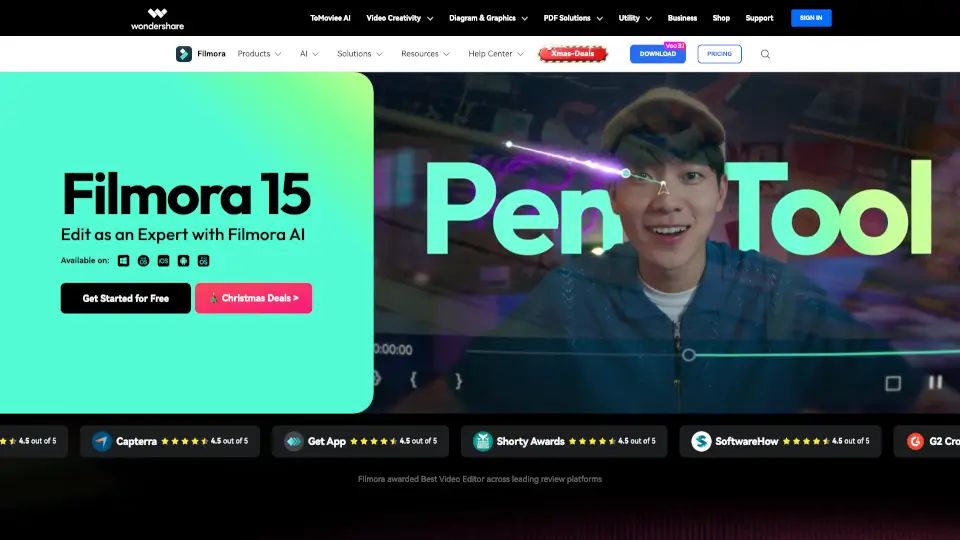
- Pen Tool: Draw custom motion paths with speed control for smooth, cinematic animations.
- Dual-Timeline Editing: Preview source footage and edited sequences side-by-side for precise cuts and syncing.
- AI Object Remover & Portrait Cutout: Erase unwanted elements or isolate subjects with one-click AI precision.
- Auto Caption & Text-to-Speech: Generate accurate subtitles and voiceovers instantly—great for accessibility and social media.
- Animated Charts: Turn raw data into engaging visuals by simply dragging in your numbers.
- Audio Ducking & Beat Sync: Automatically lower background music when dialogue plays and sync cuts to music rhythm.
- 2.9M+ Creative Assets: Access templates, filters, transitions, music, and effects—all built-in and ready to use.
What are the use cases of Wondershare Filmora?
- Create TikTok or Instagram Reels with trending templates and auto-captions in minutes.
- Edit YouTube videos with professional color grading, multi-track audio, and seamless transitions.
- Build marketing product demos using screen recording, animated charts, and voiceovers.
- Make personal vlogs or travel videos with beautification tools and cinematic filters.
- Design lyric videos or fan edits using text animation and music-synced effects.
- Produce video resumes or portfolio reels that stand out with dynamic titles and clean layouts.
- Develop educational content with clear captions, screen recordings, and visual aids.
How to use Wondershare Filmora?
- Download Filmora for desktop (Windows/Mac) or mobile (iOS/Android) and sign in with your Wondershare account.
- Start a new project and drag your video clips onto the timeline—no need to pre-organize.
- Use AI tools like Auto Caption or Beat Sync from the toolbar to save time on repetitive tasks.
- Browse the built-in asset library (templates, music, effects) to enhance your video without leaving the app.
- Preview your edit in real time, then export in MP4, MOV, or platform-optimized formats (e.g., for YouTube or TikTok).
- Optionally, upload directly to YouTube using Filmora’s integrated export option with recommended settings.