
Wondershare Filmora logo

Wondershare Filmora

5.0
(0 Reviews)
India28.92%

Wondershare Filmora is an intuitive, AI-powered video editor that helps anyone create professional-quality videos quickly with 2.9M+ built-in assets and smart automation tools.

Verified by SeekTool
Social Media:

Wondershare Filmora Product Information

What is Wondershare Filmora?

Wondershare Filmora is a powerful yet easy-to-use video editing software designed for creators at every level—from beginners making their first TikTok to professionals crafting polished YouTube content. With its clean interface and smart AI tools, Filmora removes the intimidation often associated with video editing, letting you focus on storytelling instead of technical hurdles.

Whether you're on Windows, Mac, iOS, or Android, Filmora syncs your workflow across devices so you can start a project on your laptop and fine-tune it on your phone. Packed with over 2.9 million royalty-free assets, AI-powered enhancements, and pro-level features like dual-timeline editing and planar tracking, it delivers studio-quality results without requiring a film degree.

What are the features of Wondershare Filmora?

  • AI Video Extend: Automatically extend short clips to fit your timeline using intelligent AI generation.
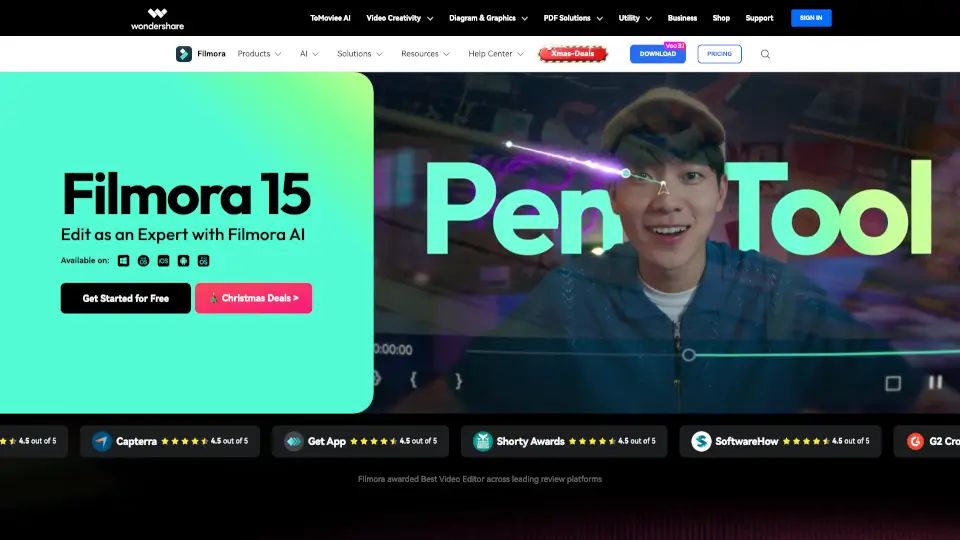
  • Pen Tool: Draw custom motion paths with speed control for smooth, cinematic animations.
  • Dual-Timeline Editing: Preview source footage and edited sequences side-by-side for precise cuts and syncing.
  • AI Object Remover & Portrait Cutout: Erase unwanted elements or isolate subjects with one-click AI precision.
  • Auto Caption & Text-to-Speech: Generate accurate subtitles and voiceovers instantly—great for accessibility and social media.
  • Animated Charts: Turn raw data into engaging visuals by simply dragging in your numbers.
  • Audio Ducking & Beat Sync: Automatically lower background music when dialogue plays and sync cuts to music rhythm.
  • 2.9M+ Creative Assets: Access templates, filters, transitions, music, and effects—all built-in and ready to use.

What are the use cases of Wondershare Filmora?

  • Create TikTok or Instagram Reels with trending templates and auto-captions in minutes.
  • Edit YouTube videos with professional color grading, multi-track audio, and seamless transitions.
  • Build marketing product demos using screen recording, animated charts, and voiceovers.
  • Make personal vlogs or travel videos with beautification tools and cinematic filters.
  • Design lyric videos or fan edits using text animation and music-synced effects.
  • Produce video resumes or portfolio reels that stand out with dynamic titles and clean layouts.
  • Develop educational content with clear captions, screen recordings, and visual aids.

How to use Wondershare Filmora?

  • Download Filmora for desktop (Windows/Mac) or mobile (iOS/Android) and sign in with your Wondershare account.
  • Start a new project and drag your video clips onto the timeline—no need to pre-organize.
  • Use AI tools like Auto Caption or Beat Sync from the toolbar to save time on repetitive tasks.
  • Browse the built-in asset library (templates, music, effects) to enhance your video without leaving the app.
  • Preview your edit in real time, then export in MP4, MOV, or platform-optimized formats (e.g., for YouTube or TikTok).
  • Optionally, upload directly to YouTube using Filmora’s integrated export option with recommended settings.


Do you like this tool?

Upvote to help others discover it!

Wondershare Filmora Alternatives

HitPaw Edimakor

HitPaw Edimakor

HitPaw Edimakor is an intuitive AI video editor that transforms ideas into professional-quality videos fast—perfect for creators, educators, and businesses.

US
16.39%
952.1K
5.0
PowerDirector

PowerDirector

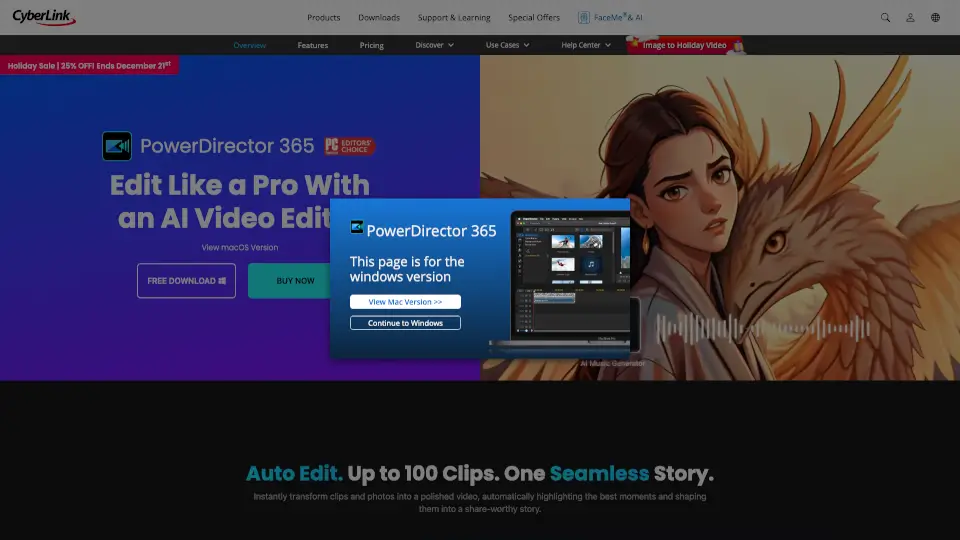
PowerDirector is an AI-powered video editing software that helps creators make professional videos faster with smart automation, pro tools, and 130M+ royalty-free assets.

JP
37.07%
1.7M
5.0
Wondershare

Wondershare

Wondershare's AI-powered platform combines video editing, document management, and diagramming tools to simplify creative and professional workflows for every creator.

US
18.79%
8.0M
5.0
CapCut

CapCut

CapCut is an AI-powered video editor that simplifies editing with smart tools like text-to-speech, auto-captions, and video upscaling. Perfect for creators of all levels, CapCut helps you make stunning videos faster and easier.

US
13.86%
49.6M
5.0
KineMaster

KineMaster

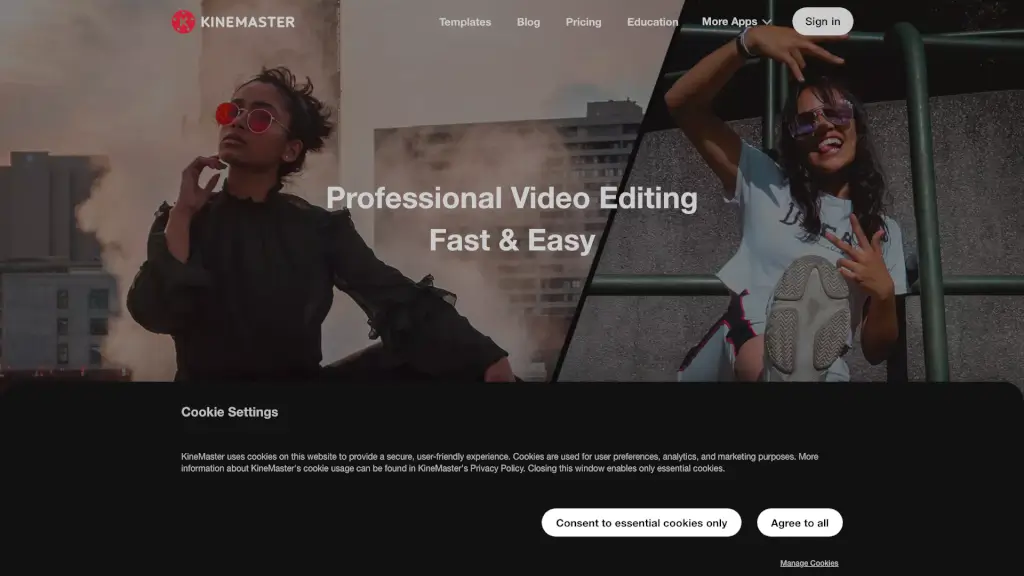
KineMaster is the ultimate mobile video editing app, offering a wide range of features and high-quality templates to help you create stunning videos for social media and beyond.

US
34.58%
325.8K
5.0
Flixier

Flixier

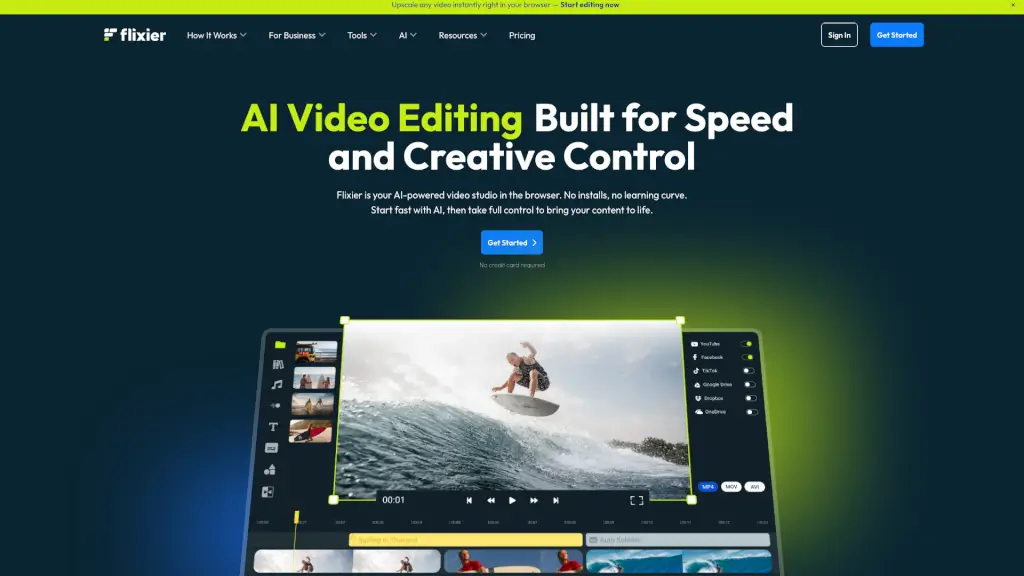
Flixier is a powerful, free online video editor that combines AI-powered tools, real-time collaboration, and fast rendering, making it perfect for creators of all levels.

US
18.45%
1.5M
5.0
WonderShare ToMoviee AI

WonderShare ToMoviee AI

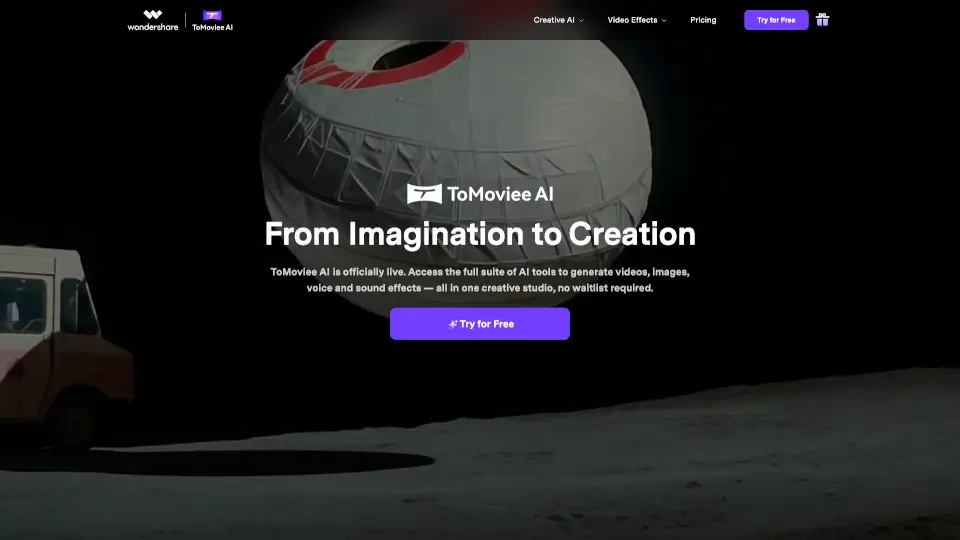
ToMoviee AI is a fast, easy-to-use creative studio that helps you make videos, images, music, and sound effects with full control and realistic results. Perfect for creators and teams who want to bring ideas to life quickly.

IN
15.41%
98.9K
5.0
Videoleap

Videoleap

Videoleap is an easy video editor and maker packed with AI tools, templates, and pro features to help anyone create standout social media videos fast.

US
18.21%
92.2K
5.0

Wondershare Filmora Related Other Categories

Wondershare Filmora Traffic Analysis

💡 Insights

📈
High Traffic
Over 1M monthly visits. Widely recognized and stable choice.
⚠️
Slight Decline
Traffic has slightly decreased recently.
  • Monthly Visits

    1.63M

  • Bounce Rate

    66.90%

  • Pages Per Visit

    1.87

  • Visit Duration

    00:01:35

  • Global Rank

    0

  • Country Rank

    0

Visits Over Time

Traffic Sources

Search Organic42.24%
Direct33.11%
Social Organic5.87%
Social Paid5.00%
Search Paid3.75%
Referrals3.57%
Display Ads3.36%
Affiliate1.52%
Gen Ai1.02%
Mail0.56%

Top Keywords

1
filmora
CPC$1.10
108.26KTraffic
2
wondershare filmora
CPC$1.40
23.61KTraffic
3
free anime websites
CPC$2.20
4.94KTraffic
4
anime websites
CPC$1.63
4.64KTraffic
5
filmora ai
CPC$0.46
4.25KTraffic

Top Regions

RegionPercentage
India
India
28.92%
United States
United States
18.19%
Indonesia
Indonesia
4.10%
Pakistan
Pakistan
3.52%
Philippines
Philippines
3.09%
Low
High

Powered by SimilarWeb

Wondershare Filmora FAQ

Why should I choose Filmora Video Editor?

Millions of creators choose Filmora because it’s easy to use yet packed with pro features. It offers over 2.9 million built-in assets, AI-powered automation, drag-and-drop editing, and custom templates—making it perfect for both beginners and experienced editors who want fast, high-quality results.

Can the resources of Filmora be used for commercial purposes?

It depends. Non-AI resources labeled “commercially available” (like certain music, transitions, and effects) can be used commercially. However, AI-generated content—including AI images, stickers, text-to-video, and AI sound effects—is for non-commercial use only due to licensing uncertainties around training data.

Does Filmora support Metal rendering?

Yes! Filmora for Mac supports Metal rendering, Apple’s high-performance graphics API. This enables smoother playback, faster rendering, and better performance—especially when editing 4K videos or using complex effects—by fully utilizing your Mac’s GPU.

Can I export videos directly to YouTube from Filmora?

Yes. Filmora includes a “YouTube Upload” export mode that compresses your video using YouTube’s recommended settings. You can also use the Social Video Planner to schedule uploads in advance for consistent posting.

I purchased Filmora from the Google Store or Apple Store, but why can't I get authorization after logging in?

If you bought Filmora through Google Play or the Apple App Store, you must log in using your Google or Apple account within the app. For refunds, contact Google or Apple support directly, as they manage all purchases made through their platforms.

Does Filmora support GPU acceleration?

Yes, Filmora supports GPU acceleration on compatible systems, which significantly speeds up rendering, playback, and export times—especially for HD and 4K projects.

What formats does Filmora support for video export?

Filmora supports MP4, MOV, AVI, MKV, MPEG, and more. It also offers platform-specific presets optimized for YouTube, Vimeo, TikTok, Instagram, and other social media sites.

Wondershare Filmora Reviews

0

0

0 Reviews
Sign Into leave a review

Recent Reviews

No reviews yet

Wondershare Filmora Embed

Use website badges to drive community support for SeekTool.ai. They are easy to embed in your homepage or footer.

Light
Dark
Wondershare Filmora - Featured on SeekTool.aiWondershare Filmora - Featured on SeekTool.ai
How to install?

Category Rankings

Ranked by monthly traffic