
KineMaster logo

KineMaster

0
5.0
(0 Reviews)
India13.24%

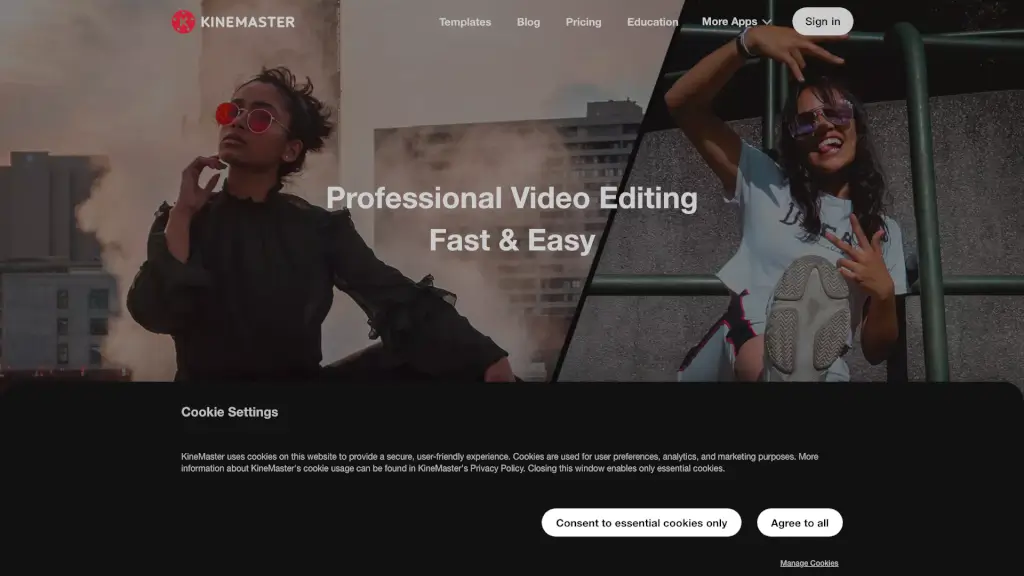
KineMaster is the ultimate mobile video editing app, offering a wide range of features and high-quality templates to help you create stunning videos for social media and beyond.

Added on: 2026.02.05 · Updated on: 2026.02.05
Social Media:
Visit Site
View Alternatives
KineMaster

KineMaster Product Information

What is KineMaster?

KineMaster is the go-to mobile video editing app for both iOS and Android, making it super easy to create stunning videos right from your phone or tablet. Whether you're a content creator, a student, or just someone who loves to capture and share moments, KineMaster has got you covered. With its user-friendly interface and a plethora of features, you can add effects, graphics, animations, and sound effects to your clips and photos, turning them into YouTube, Instagram, or TikTok-worthy masterpieces. Plus, with thousands of high-quality templates, you can get started quickly and easily, even if you're new to video editing.

What are the features of KineMaster?

  • High-Quality Templates: KineMaster offers a vast library of trending video templates that are perfect for social media platforms like YouTube, TikTok, and Instagram.
  • Full Screen Timeline Editing: Edit complex projects with multiple layers effortlessly, thanks to the intuitive Full Screen Timeline.
  • Chroma Key and Magic Remover: Use Chroma Key to composite green screen videos and Magic Remover to remove backgrounds with just a few taps.
  • AI-Powered Enhancements: Improve low-resolution media with AI-powered Super Resolution and apply cutting-edge AI filters to transform your videos.
  • Powerful Audio Editor: Adjust pitch, volume, and add effects like reverb and voice modulation to enhance your audio tracks.
  • 4K Exporting: Create and export videos in up to 4K resolution and 60 FPS, ensuring your content looks sharp and professional.
  • Cloud Project Saving: Save your projects in the cloud, so you can continue editing on any device and even share them with friends.

What are the use cases of KineMaster?

  • Social Media Content Creation: Perfect for creating engaging content for platforms like YouTube, Instagram, and TikTok.
  • Personal Projects: Ideal for editing family videos, travel vlogs, and personal memories.
  • Educational Videos: Great for students and teachers to create educational content with ease.
  • Marketing and Promotions: Businesses can use KineMaster to create professional-looking promotional videos and ads.
  • Event Highlights: Quickly edit and share highlights from events like weddings, parties, and sports games.
  • Travel Vlogs: Capture and edit your travel adventures on the go, adding music, effects, and transitions to make them more engaging.

How to use KineMaster?

  • Choose a Template: Start by selecting a template from the Mix screen that suits your project.
  • Add Your Media: Import your video clips, photos, and audio files into the timeline.
  • Edit and Customize: Use the timeline to trim, cut, and arrange your media. Add effects, text, and transitions to enhance your video.
  • Adjust Settings: Fine-tune the color, speed, and audio settings to get the perfect look and feel.
  • Preview and Export: Preview your video to make sure everything looks good, then export it in your desired format and resolution.
  • Save and Share: Save your project in the cloud and share it directly to social media or with friends via messaging apps.

Do you like this tool?

Upvote to help others discover it!

KineMaster Alternatives

Videoleap

Videoleap is a powerful yet easy-to-use video editor packed with AI tools, templates, and advanced features, perfect for creating standout content for social media, business, or personal use.

US
13.89%
|
174.1K
|
5.0
SuperCreator

Create authentic short videos quickly with Supercreator’s AI tools.

US
35.60%
|
9.7K
|
3.0
Recast Studio

Recast Studio simplifies video editing for marketing teams, enabling them to create engaging content quickly and easily.

US
26.76%
|
32.2K
|
4.0
Animaker ai

Animaker is an easy-to-use platform for creating animated and live-action videos, perfect for everyone from beginners to professionals.

IN
17.56%
|
1.4M
|
5.0
Krotos Studio

Krotos Studio is an AI-powered app and plugin that lets you create, edit, and customize high-quality sound effects and music in real time, with seamless integration into popular editing software.

US
11.96%
|
88.5K
|
5.0
Latte

Latte Social is your go-to AI video editor for creating engaging, professional-quality videos in minutes. Perfect for creators and businesses alike.

IN
41.75%
|
15.3K
|
4.0
Detail

Detail: Effortlessly create, edit, and share videos and podcasts with AI-powered tools, all from your iOS or macOS device.

US
18.07%
|
64.1K
|
5.0
PowerDirector

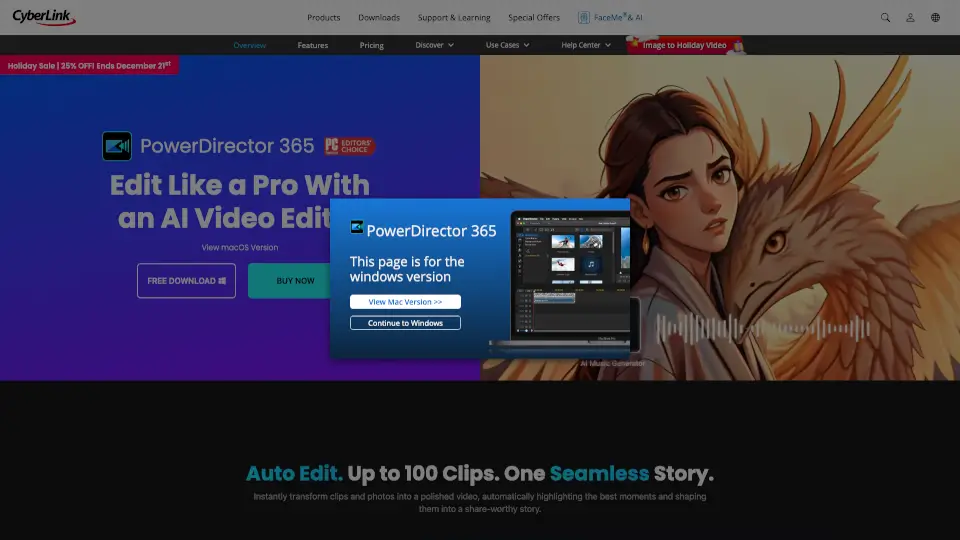
PowerDirector 365 is a versatile video editor that uses AI tools to simplify editing and create stunning videos for all skill levels.

JP
41.38%
|
5.0M
|
5.0
KineMaster Related Other Categories

KineMaster Traffic Analysis

💡 Insights

Medium Scale
100K-1M monthly visits. Growing tool with active development.
➡️
Stable
Traffic remains stable, indicating a mature product.
👍
Good Experience
Bounce rate of 53%. Users are willing to explore features.
🔎
SEO Driven
59% traffic from search. High organic visibility.
  • Monthly Visits

    411.54K

  • Bounce Rate

    53.49%

  • Pages Per Visit

    3.70

  • Visit Duration

    00:01:07

  • Global Rank

    102501

  • Country Rank

    39120

Visits Over Time

Traffic Sources

Search58.59%
Direct31.59%
Referrals6.25%
Social2.52%
Paid0.89%
Mail0.10%

Top Keywords

1
kinemaster
CPC$0.28
12.09KTraffic
2
kinemaster for pc
CPC$0.18
1.59KTraffic
3
kinemaster pc
CPC$0.21
930Traffic
4
kine master
CPC$0.25
650Traffic
5
klasky csupo kinemaster
440Traffic

Top Regions

RegionPercentage
India
India
13.24%
Brazil
Brazil
9.61%
United States
United States
7.98%
Brunei
Brunei
7.25%
Philippines
Philippines
4.08%
Low
High

KineMaster FAQ

What makes KineMaster stand out from other mobile video editing apps?

Can I use KineMaster to edit videos for social media platforms like TikTok and Instagram?

How do I save my projects in the cloud with KineMaster?

Does KineMaster support 4K video exporting?

Are there any advanced audio editing features in KineMaster?

Can I use KineMaster to remove backgrounds from my videos?

Is KineMaster free to use?

Can I share my own video templates with other KineMaster users?

KineMaster Reviews

0

0

0 Reviews

Write a Review

0

Login to leave a review
Sign In

Recent Reviews

No reviews yet

KineMaster Embed

Use website badges to drive community support for SeekTool.ai. They are easy to embed in your homepage or footer.

Light
Dark
KineMaster - Featured on SeekTool.aiKineMaster - Featured on SeekTool.ai
How to install?

Looking for KineMaster Alternatives?

Compare top AI tools similar to KineMaster. Find the best option for your needs.

View Alternatives

Trending

Featured

Subscribe to our AI Newsletter

Get the top AI stories delivered to your inbox weekly.