
What is KineMaster?
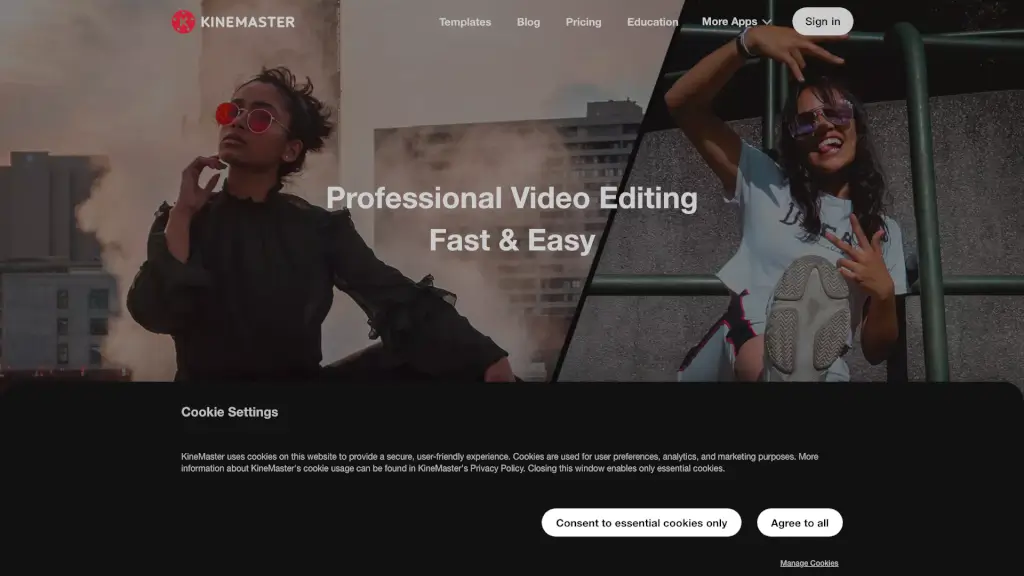
KineMaster is the go-to mobile video editing app for both iOS and Android, making it super easy to create stunning videos right from your phone or tablet. Whether you're a content creator, a student, or just someone who loves to capture and share moments, KineMaster has got you covered. With its user-friendly interface and a plethora of features, you can add effects, graphics, animations, and sound effects to your clips and photos, turning them into YouTube, Instagram, or TikTok-worthy masterpieces. Plus, with thousands of high-quality templates, you can get started quickly and easily, even if you're new to video editing.
What are the features of KineMaster?
- High-Quality Templates: KineMaster offers a vast library of trending video templates that are perfect for social media platforms like YouTube, TikTok, and Instagram.
- Full Screen Timeline Editing: Edit complex projects with multiple layers effortlessly, thanks to the intuitive Full Screen Timeline.
- Chroma Key and Magic Remover: Use Chroma Key to composite green screen videos and Magic Remover to remove backgrounds with just a few taps.
- AI-Powered Enhancements: Improve low-resolution media with AI-powered Super Resolution and apply cutting-edge AI filters to transform your videos.
- Powerful Audio Editor: Adjust pitch, volume, and add effects like reverb and voice modulation to enhance your audio tracks.
- 4K Exporting: Create and export videos in up to 4K resolution and 60 FPS, ensuring your content looks sharp and professional.
- Cloud Project Saving: Save your projects in the cloud, so you can continue editing on any device and even share them with friends.
What are the use cases of KineMaster?
- Social Media Content Creation: Perfect for creating engaging content for platforms like YouTube, Instagram, and TikTok.
- Personal Projects: Ideal for editing family videos, travel vlogs, and personal memories.
- Educational Videos: Great for students and teachers to create educational content with ease.
- Marketing and Promotions: Businesses can use KineMaster to create professional-looking promotional videos and ads.
- Event Highlights: Quickly edit and share highlights from events like weddings, parties, and sports games.
- Travel Vlogs: Capture and edit your travel adventures on the go, adding music, effects, and transitions to make them more engaging.
How to use KineMaster?
- Choose a Template: Start by selecting a template from the Mix screen that suits your project.
- Add Your Media: Import your video clips, photos, and audio files into the timeline.
- Edit and Customize: Use the timeline to trim, cut, and arrange your media. Add effects, text, and transitions to enhance your video.
- Adjust Settings: Fine-tune the color, speed, and audio settings to get the perfect look and feel.
- Preview and Export: Preview your video to make sure everything looks good, then export it in your desired format and resolution.
- Save and Share: Save your project in the cloud and share it directly to social media or with friends via messaging apps.