What is Prequel?
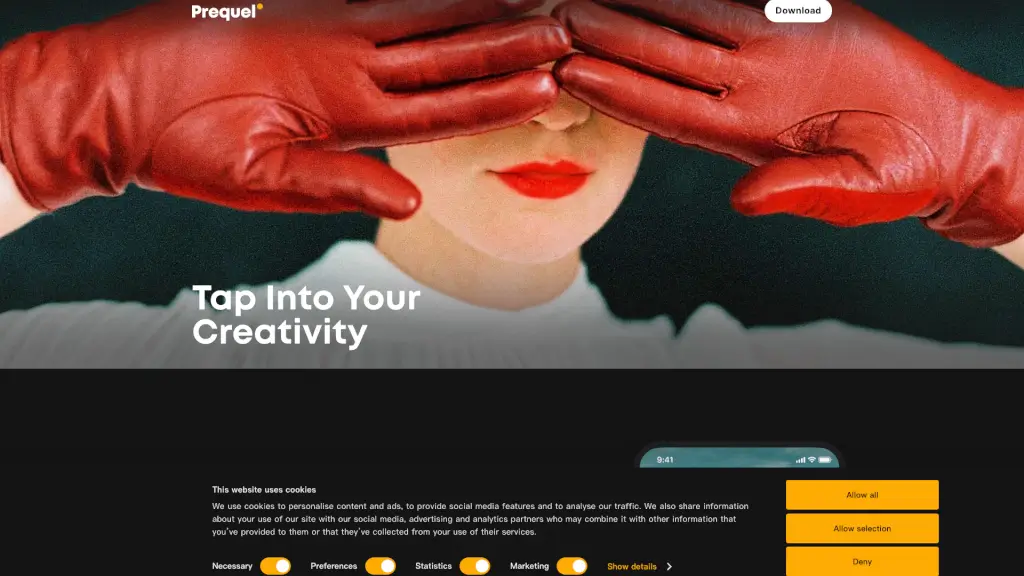
Prequel: Photo & Video Editor is your go-to app for creating stunning and unique visual content. Whether you're a social media enthusiast, a content creator, or just someone who loves to play with photos and videos, Prequel offers a user-friendly toolkit that lets you bring your creative vision to life. With a wide range of effects, filters, and AI-powered features, you can transform your everyday moments into something extraordinary.
What are the features of Prequel?
- Effects: Enhance your creations with over 800 top-notch effects, including D3D, AR objects, and captions.
- AI-Powered Effects: Create eye-catching profile pictures and turn your selfies into works of art with AI.
- Retouch Tools: Achieve the perfect look by smoothing out skin, whitening teeth, and reshaping your face.
- Filters: Choose from a variety of color-correcting filters to highlight your moods and aesthetics.
- Advanced Editing: Go beyond basic filters with tools to adjust contrast, brightness, saturation, warmth, and sharpness.
- Video Templates: Access intros, outros, and background music to elevate your video content without starting from scratch.
What are the use cases of Prequel?
- Social Media Content Creation: Perfect for influencers and content creators looking to stand out on platforms like Instagram and TikTok.
- Personal Projects: Ideal for anyone who wants to add a personal touch to their photos and videos, whether it's for a family album or a special event.
- Business Promotion: Small business owners can create professional-looking promotional content to attract more customers.
- Artistic Expression: Artists and photographers can experiment with different styles and effects to showcase their creativity.
- Travel Memories: Capture and enhance your travel experiences with vintage, retro, or Y2K filters.
- Event Coverage: Make your event coverage more engaging with advanced editing and video templates.
How to use Prequel?
- Start with a Clear Vision: Decide on the mood and style you want to achieve before diving into the editing process.
- Explore Effects and Filters: Browse through the extensive library of effects and filters to find the ones that best suit your vision.
- Use AI-Powered Tools: Experiment with AI features to create unique and eye-catching edits.
- Fine-Tune Your Edits: Use the advanced editing tools to adjust the details and make your content pop.
- Add Music and Templates: For videos, use the built-in templates and music options to give your content a professional touch.
- Save and Share: Once you’re happy with your creation, save it and share it directly from the app.