Prequel logo

Prequel

0
5.0
(0 Reviews)
United States12.99%

Prequel: Photo & Video Editor is a powerful and easy-to-use app that lets you create stunning visual content with a wide range of effects, filters, and AI-powered tools.

Verified by SeekTool
Social Media:
Prequel

Prequel Product Information

What is Prequel?

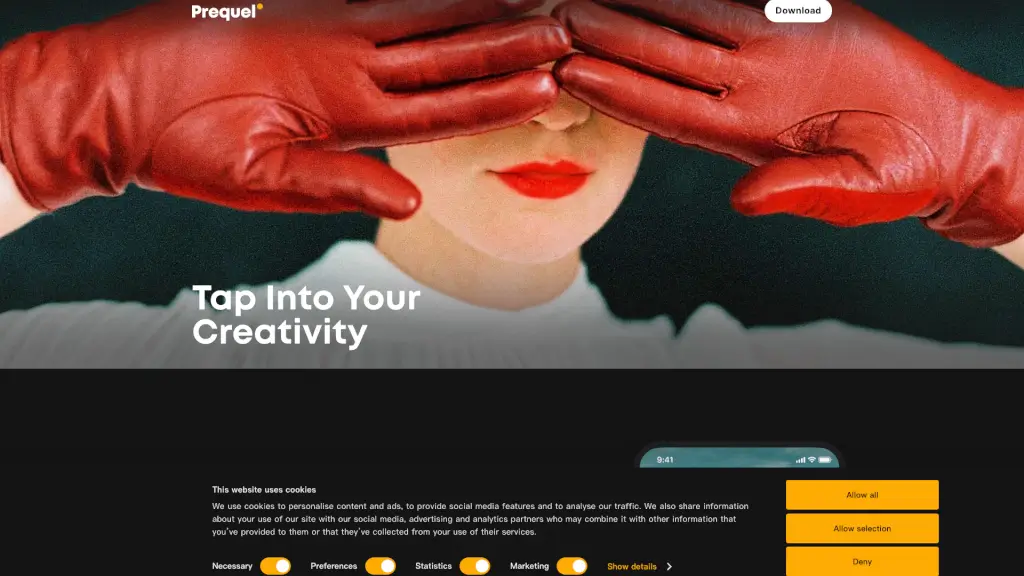
Prequel: Photo & Video Editor is your go-to app for creating stunning and unique visual content. Whether you're a social media enthusiast, a content creator, or just someone who loves to play with photos and videos, Prequel offers a user-friendly toolkit that lets you bring your creative vision to life. With a wide range of effects, filters, and AI-powered features, you can transform your everyday moments into something extraordinary.

What are the features of Prequel?

  • Effects: Enhance your creations with over 800 top-notch effects, including D3D, AR objects, and captions.
  • AI-Powered Effects: Create eye-catching profile pictures and turn your selfies into works of art with AI.
  • Retouch Tools: Achieve the perfect look by smoothing out skin, whitening teeth, and reshaping your face.
  • Filters: Choose from a variety of color-correcting filters to highlight your moods and aesthetics.
  • Advanced Editing: Go beyond basic filters with tools to adjust contrast, brightness, saturation, warmth, and sharpness.
  • Video Templates: Access intros, outros, and background music to elevate your video content without starting from scratch.

What are the use cases of Prequel?

  • Social Media Content Creation: Perfect for influencers and content creators looking to stand out on platforms like Instagram and TikTok.
  • Personal Projects: Ideal for anyone who wants to add a personal touch to their photos and videos, whether it's for a family album or a special event.
  • Business Promotion: Small business owners can create professional-looking promotional content to attract more customers.
  • Artistic Expression: Artists and photographers can experiment with different styles and effects to showcase their creativity.
  • Travel Memories: Capture and enhance your travel experiences with vintage, retro, or Y2K filters.
  • Event Coverage: Make your event coverage more engaging with advanced editing and video templates.

How to use Prequel?

  • Start with a Clear Vision: Decide on the mood and style you want to achieve before diving into the editing process.
  • Explore Effects and Filters: Browse through the extensive library of effects and filters to find the ones that best suit your vision.
  • Use AI-Powered Tools: Experiment with AI features to create unique and eye-catching edits.
  • Fine-Tune Your Edits: Use the advanced editing tools to adjust the details and make your content pop.
  • Add Music and Templates: For videos, use the built-in templates and music options to give your content a professional touch.
  • Save and Share: Once you’re happy with your creation, save it and share it directly from the app.
Do you like this tool?

Upvote to help others discover it!

Prequel Alternatives

InShot

InShot - Video Editor & Maker is a powerful and user-friendly app for creating and editing videos and photos, packed with professional features and a vast music library.

IN
24.75%
|
502.7K
|
5.0
BeautyPlus

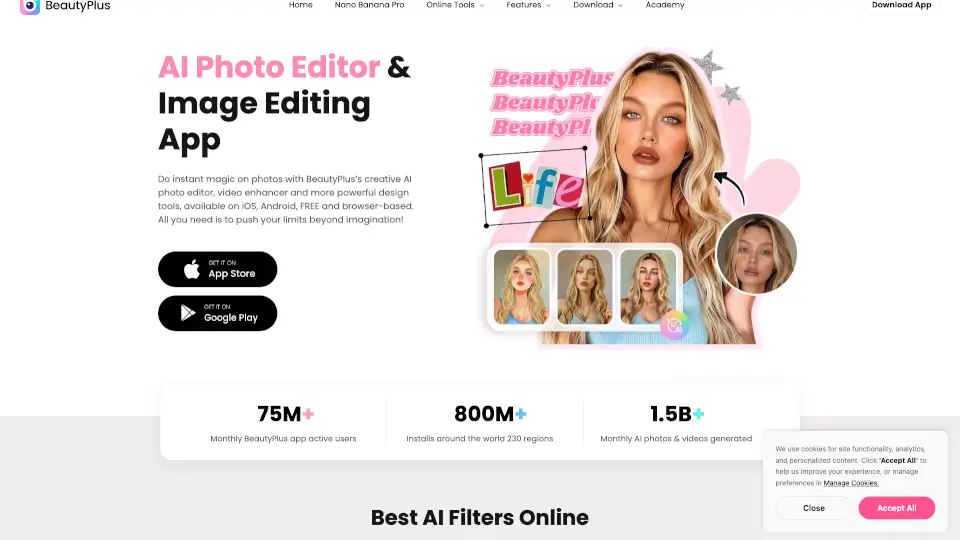
BeautyPlus is a free, user-friendly AI editor for photos and videos, offering anime filters, portrait retouching, and background removal—perfect for social media or pro edits!

VN
14.21%
|
944.2K
|
5.0
Prisma

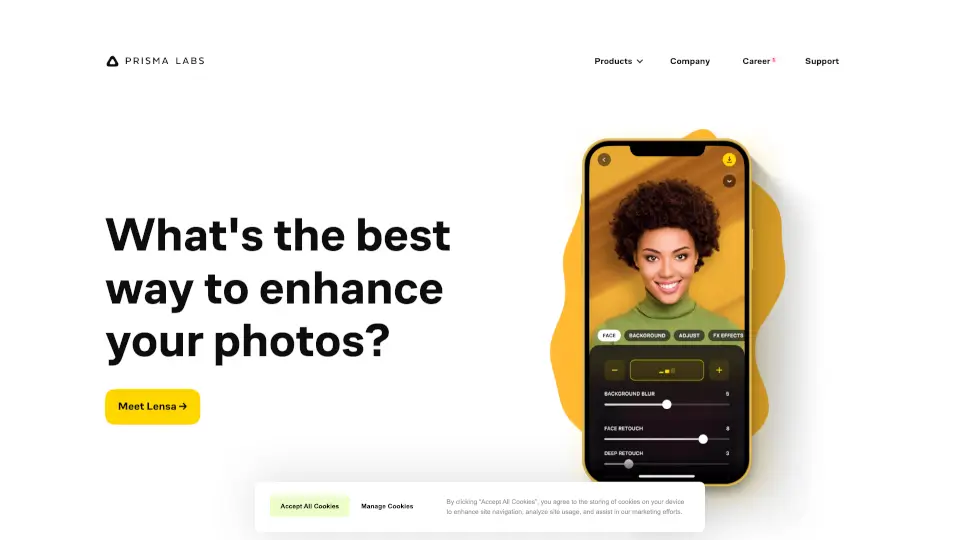
Prisma Labs offers easy-to-use AI photo and video editing apps that deliver professional-quality results in seconds—no skills required.

US
8.55%
|
52.0K
|
5.0
Lensa

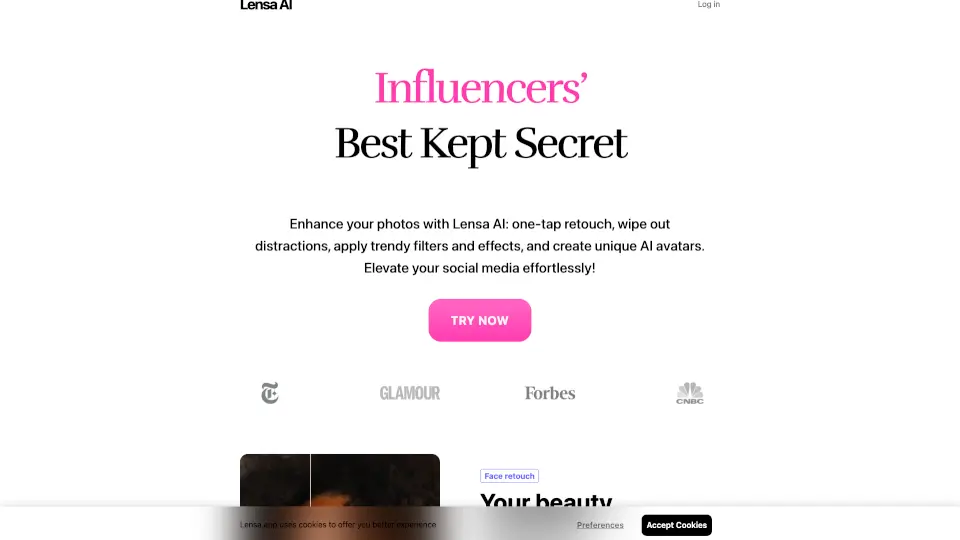
Lensa is the ultimate AI photo editor, offering powerful tools for effortless photo enhancement, object removal, and unique avatar creation. Perfect for social media, professional portraits, and personal projects.

RU
55.18%
|
49.6K
|
4.0
KineMaster

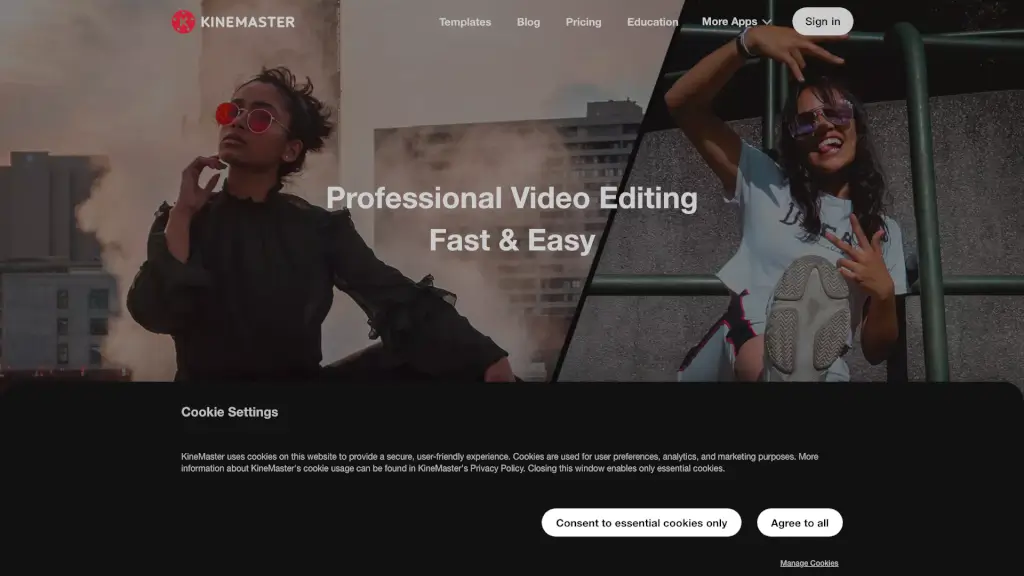
KineMaster is the ultimate mobile video editing app, offering a wide range of features and high-quality templates to help you create stunning videos for social media and beyond.

US
28.90%
|
363.5K
|
5.0
Facetune

Facetune is the ultimate photo & video editor with AI tools for effortless, pro-level edits. Perfect for social media, headshots, or just having fun!

US
36.05%
|
452.9K
|
5.0
SnapEdit

SnapEdit is a powerful, user-friendly photo editor that uses AI to enhance, retouch, and transform your photos. Perfect for photographers, ecommerce, and casual users alike.

RU
19.14%
|
1.4M
|
5.0

Prequel Related Other Categories

Prequel Traffic Analysis

💡 Insights

🌱
Emerging Tool
10K-100K monthly visits. Niche or new tool with potential unique value.
⚠️
Slight Decline
Traffic has slightly decreased recently.
👍
Good Experience
Bounce rate of 41%. Users are willing to explore features.
🌐
Global Reach
Balanced user distribution worldwide.
  • Monthly Visits

    61.03K

  • Bounce Rate

    40.67%

  • Pages Per Visit

    1.96

  • Visit Duration

    00:00:12

  • Global Rank

    571734

  • Country Rank

    72284

Visits Over Time

Traffic Sources

GenAi0.00%
DisplayAds0.00%
SocialOrganic0.00%
Mail0.00%
SearchPaid0.00%
SocialPaid0.00%
Referrals0.00%
Affiliate0.00%
SearchOrganic0.00%
Direct0.00%

Top Keywords

1
prequel
CPC$0.48
4.91KTraffic
2
prequel app
CPC$0.73
1.04KTraffic
3
prequel pc
170Traffic
4
prequel for desktop?
170Traffic
5
프리퀄 앱 피씨버전
130Traffic

Top Regions

RegionPercentage
United States
United States
12.99%
India
India
10.04%
Brazil
Brazil
8.48%
Vietnam
Vietnam
6.25%
Germany
Germany
5.31%
Low
High

Powered by SimilarWeb

Prequel FAQ

What kind of effects does Prequel offer?

Prequel offers over 800 top-notch effects, including D3D, AR objects, and captions, allowing you to enhance your photos and videos in countless ways.

Can I use AI to edit my photos?

Yes, Prequel includes AI-powered effects that can help you create eye-catching profile pictures and transform your selfies into works of art.

How can I retouch my photos in Prequel?

You can use the retouch tools to smooth out your skin, whiten your teeth, and even reshape your face, giving you complete control over your appearance.

Are there any video templates available?

Yes, Prequel provides a variety of video templates, including intros, outros, and background music, to help you create professional-looking videos without starting from scratch.

Can I adjust the brightness and contrast of my photos?

Absolutely! Prequel’s advanced editing tools allow you to fine-tune the contrast, brightness, saturation, warmth, and sharpness of your images.

Is Prequel suitable for social media content?

Yes, Prequel is perfect for social media content creators. It offers a wide range of effects, filters, and templates to help you stand out on platforms like Instagram and TikTok.

Can I download Prequel on both iOS and Android?

Yes, Prequel is available for download on both the App Store and Google Play, making it accessible to users on both iOS and Android devices.

Prequel Reviews

0

0

0 Reviews
Sign Into leave a review

Recent Reviews

No reviews yet

Prequel Embed

Use website badges to drive community support for SeekTool.ai. They are easy to embed in your homepage or footer.

Light
Dark
Prequel - Featured on SeekTool.aiPrequel - Featured on SeekTool.ai
How to install?

Looking for Prequel Alternatives?

Compare top AI tools similar to Prequel. Find the best option for your needs.

View Alternatives

Reviews

0.0

Share your experience with this tool...

Trending

Featured

Subscribe to our AI Newsletter

Get the top AI stories delivered to your inbox weekly.