
What is Videoleap?
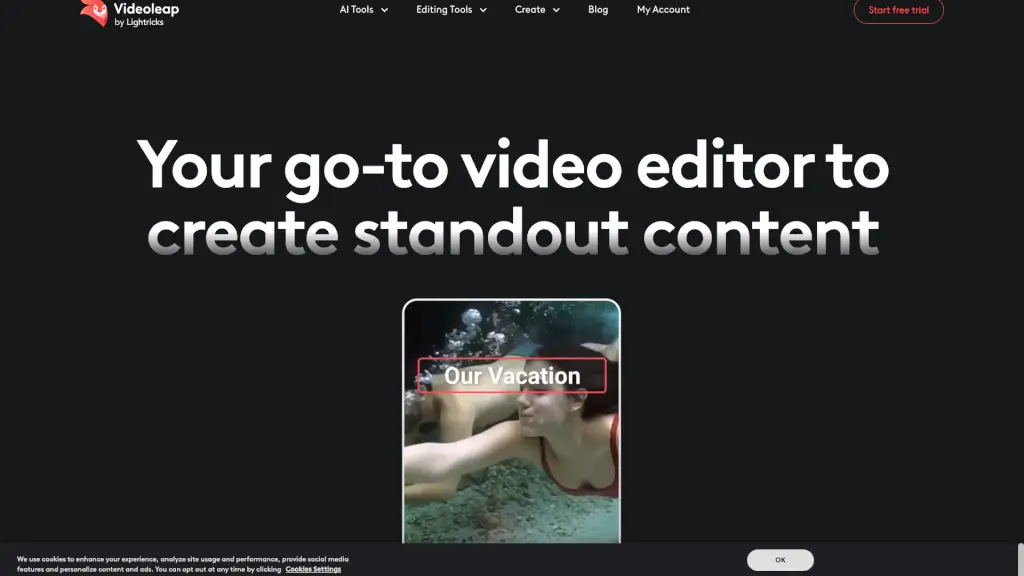
Videoleap is an easy video editor and maker designed for creators of all skill levels—from beginners making their first TikTok to pros crafting polished brand content. With a clean, intuitive interface and powerful AI tools, it turns your ideas into standout videos fast. Whether you're on mobile (iOS or Android) or editing online, Videoleap puts professional-grade features at your fingertips without the learning curve.
What sets Videoleap apart is its smart blend of premade templates, AI-powered editing, and social-media-ready tools. Need to remove a background, erase an object, or generate a dreamy infinite zoom effect from a single photo? Done in seconds. It’s built for today’s fast-paced content world—perfect for Reels, YouTube Shorts, ads, and personal memories alike.
What are the features of Videoleap?
- AI Selfie & AI Transform: Instantly apply artistic styles or enhance selfies with smart AI filters.
- AI Background Generator: Replace or remove video backgrounds effortlessly—no green screen needed.
- Remove Objects from Video: Clean up distractions or unwanted elements with one-click AI removal.
- AI Infinite Zoom: Create mesmerizing zoom effects from any still image or video frame.
- Video Templates: Access thousands of trending, ready-to-customize templates for Instagram, TikTok, and YouTube.
- Text-to-Video & AI Image Generator: Turn words into visuals or expand images beyond their original borders.
- All-in-One Editing Tools: Trim, merge, reverse, loop, add music, blur, resize, and more—all in one place.
What are the use cases of Videoleap?
- Creating viral TikTok or Instagram Reels using trending AI templates.
- Making professional YouTube intros or Shorts with branded visuals and smooth transitions.
- Producing social media ads quickly with the AI Ads Generator and custom branding.
- Turning family photos into emotional slideshow videos with music and text for birthdays or holidays.
- Removing background noise or swapping scenes for clean, engaging tutorial videos.
- Generating unique AI avatars or fantasy scenes for gaming, storytelling, or D&D content.
- Editing on-the-go with the mobile app for iPhone or Android when inspiration strikes.
How to use Videoleap?
- Start with a template or upload your own video/photo to begin editing instantly.
- Use AI tools like “Remove Background” or “AI Infinite Zoom” from the toolbar for quick enhancements.
- Customize your video by adding text, music, filters, or adjusting speed and orientation.
- Preview your edit in real time, then resize it to fit Instagram, TikTok, YouTube, or other platforms.
- Tap “Start free trial” to unlock all premium features for 7 days—no credit card required upfront.
- Export and share directly to social media or save to your device in high quality.