Video Candy logo

Video Candy

138
5.0
(0 Reviews)
United States12.03%

Video Candy is a free, browser-based online video editor offering 70+ tools for trimming, merging, compressing, and enhancing videos without watermarks.

Verified by SeekTool
Video Candy

Video Candy Product Information

What is Video Candy?

Video Candy is a free online video editor that puts powerful editing tools right in your browser—no downloads, no watermarks on basic features, and no experience needed. Whether you're trimming a clip for social media, merging vacation footage, or compressing a large file to send via email, Video Candy handles it all with a clean, intuitive interface.

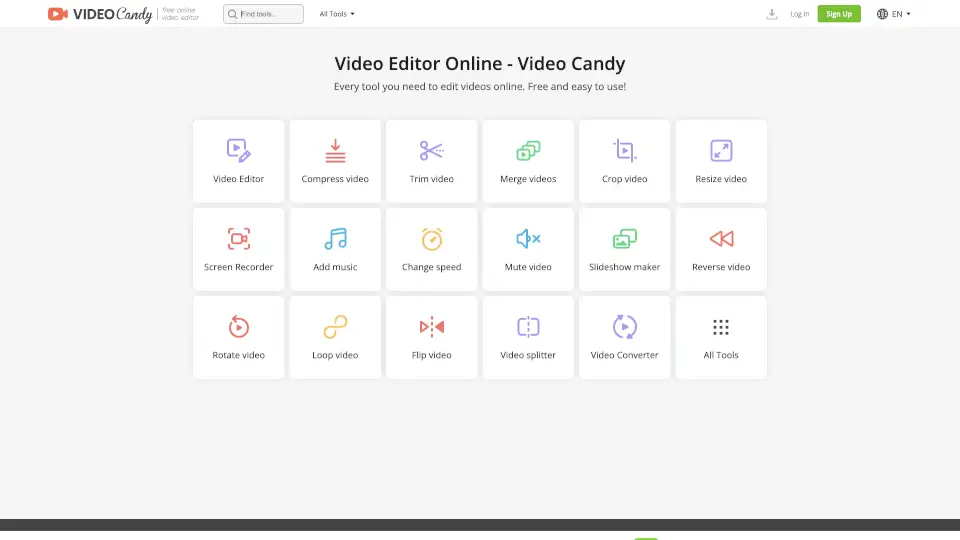
What makes Video Candy stand out is its all-in-one approach: instead of juggling multiple apps, you get over 70 tools—from screen recording and slideshow creation to flipping, rotating, or even reversing videos—all in one place. It’s perfect for students, content creators, marketers, and anyone who needs quick, reliable edits without the learning curve of professional software.

What are the features of Video Candy?

  • Free Online Video Editor: Edit videos directly in your browser with no installation required.
  • 70+ Editing Tools: Includes trim, merge, compress, crop, resize, add text, blur, adjust speed, and more.
  • No Watermark (on free tier): Basic edits come without forced branding—unlike many competitors.
  • High File Support: Free users can process files up to 8 GB with paid plans offering priority handling.
  • Screen Recorder: Capture your screen directly within the platform for tutorials or demos.
  • Audio Controls: Easily increase volume, mute tracks, or add background music.
  • Cross-Device Compatibility: Works seamlessly on Windows, Mac, Chromebook, and mobile browsers.

What are the use cases of Video Candy?

  • Quickly trim a long Zoom recording to share only the key moments.
  • Merge multiple clips from a phone into one smooth highlight reel for Instagram.
  • Compress a large 4K video so it uploads faster to YouTube or emails without lag.
  • Add subtitles or captions to educational videos for better accessibility.
  • Create a looping GIF-style video for TikTok or Reels using the loop tool.
  • Blur sensitive info like license plates or faces in public-facing content.
  • Flip or rotate smartphone footage shot in the wrong orientation.

How to use Video Candy?

  • Go to the Video Candy website and select the tool you need (e.g., “Trim video” or “Merge videos”).
  • Upload your file(s)—the free version supports files up to 8 GB.
  • Use the simple drag-and-drop interface to make your edits (adjust sliders, type text, etc.).
  • Preview your result before processing to ensure it looks right.
  • Click “Process” and wait for completion—files are available for 120 minutes after creation.
  • Download your finished video instantly; no account needed for basic use (but signing in saves your history).

Do you like this tool?

Upvote to help others discover it!

Video Candy Alternatives

Image Candy

Image Candy is a free, easy-to-use online image editor packed with tools for converting, resizing, and enhancing photos. Perfect for personal and professional use.

IN
20.64%
|
181.5K
|
5.0
PDF Candy

PDF Candy is a free, all-in-one PDF toolkit with over 80 tools for editing, converting, and managing PDFs. It’s perfect for students, professionals, and anyone who works with PDFs daily.

RU
32.80%
|
2.4M
|
5.0
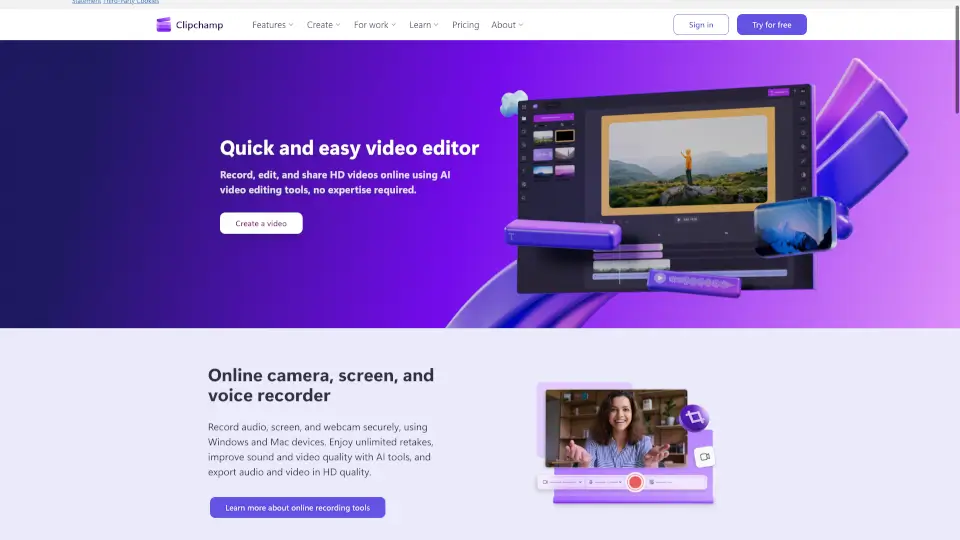
Clipchamp

Clipchamp is a user-friendly video editor that makes creating professional videos a breeze. With AI-powered tools and royalty-free content, it’s perfect for social media, business, and personal projects.

US
16.05%
|
7.0M
|
5.0
Flixier

Flixier is a powerful, free online video editor that combines AI-powered tools, real-time collaboration, and fast rendering, making it perfect for creators of all levels.

US
19.45%
|
1.4M
|
5.0
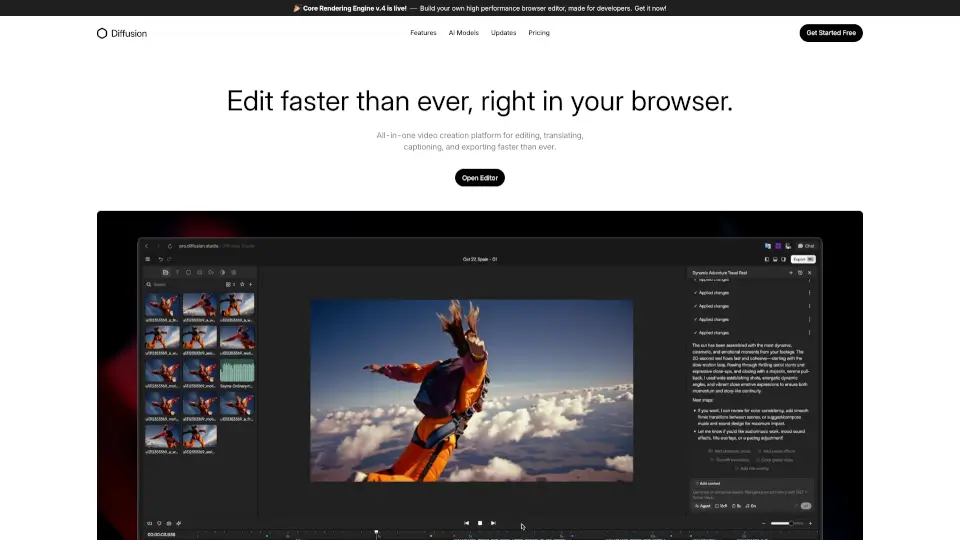
Diffusion Studio

Diffusion Studio is an all-in-one online video editor that lets you create, edit, and export professional videos in your browser, with AI-assisted features and no installations required.

IN
21.15%
|
73.7K
|
5.0
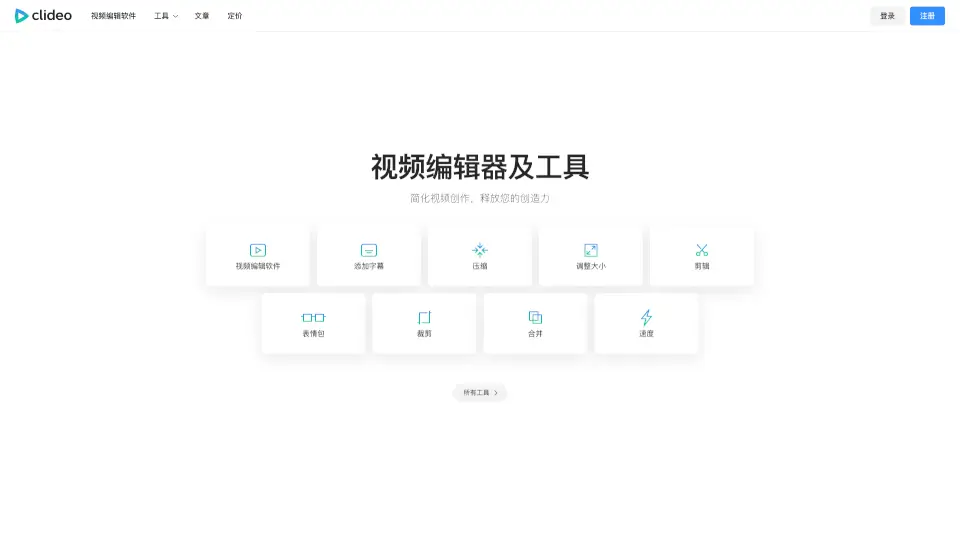
Clideo

Clideo is the easiest way to edit videos, GIFs, and images online—free, fast, and user-friendly. Perfect for creators, students, and businesses.

IN
10.30%
|
10.8M
|
5.0
HitPaw Edimakor

HitPaw Edimakor is an intuitive AI video editor that transforms ideas into professional-quality videos fast—perfect for creators, educators, and businesses.

US
16.27%
|
902.0K
|
5.0
CapCut

CapCut is an AI-powered video editor that simplifies editing with smart tools like text-to-speech, auto-captions, and video upscaling. Perfect for creators of all levels, CapCut helps you make stunning videos faster and easier.

US
12.63%
|
52.5M
|
5.0

Video Candy Related Other Categories

Video Candy Traffic Analysis

💡 Insights

Medium Scale
100K-1M monthly visits. Growing tool with active development.
⚠️
Slight Decline
Traffic has slightly decreased recently.
💎
High Stickiness
Low bounce rate (36%) and deep engagement (3.2 pages/visit). Excellent user experience.
🌐
Global Reach
Balanced user distribution worldwide.
  • Monthly Visits

    532.48K

  • Bounce Rate

    36.00%

  • Pages Per Visit

    3.23

  • Visit Duration

    00:04:45

  • Global Rank

    85567

  • Country Rank

    31893

Visits Over Time

Traffic Sources

SearchOrganic50.24%
Direct39.53%
SocialOrganic5.33%
Referrals4.20%
GenAi0.28%
Mail0.26%
DisplayAds0.13%
SocialPaid0.03%
SearchPaid0.00%
Affiliate0.00%

Top Keywords

1
online video player
CPC$1.75
3.27KTraffic
2
estrai audio da video
CPC$0.25
2.14KTraffic
3
videocandy
CPC$0.53
2.04KTraffic
4
mkv to mp4
CPC$0.35
1.85KTraffic
5
compress mp4
CPC$0.32
1.77KTraffic

Top Regions

RegionPercentage
United States
United States
12.03%
Colombia
Colombia
9.05%
India
India
5.51%
France
France
4.90%
Italy
Italy
4.56%
Low
High

Powered by SimilarWeb

Video Candy FAQ

Is Video Candy really free to use?

Yes! Video Candy offers a robust free tier with access to all core editing tools and no watermark on exported videos. Paid plans unlock perks like unlimited downloads and faster processing.

How long are my files stored after editing?

Your edited files remain available for download for 120 minutes after processing. For longer storage, consider signing in or upgrading to a paid plan.

Do I need to install anything to use Video Candy?

No installation is required. Video Candy runs entirely in your web browser—just open it and start editing.

What’s the maximum file size I can upload?

Both free and paid users can upload files up to 8 GB, which covers most HD and even 4K videos.

Can I reverse a video with Video Candy?

Yes! Use the “Reverse video” tool to play your clip backward—a popular effect for creative content.

Is there a mobile app for Video Candy?

There’s no dedicated app, but the website is fully responsive and works well on smartphones and tablets through any modern browser.

What happens if I forget my password?

Click “Forgot password?” on the sign-in page, enter your email, and you’ll receive a reset link immediately.

Video Candy Reviews

0

0

0 Reviews
Sign Into leave a review

Recent Reviews

No reviews yet

Video Candy Pricing

Yearly

$3/month $12/month 75% OFF
$3/month
  • No watermark applied
  • Video editor + 70 tools
  • Unlimited downloads
  • Upload files up to 4 GB
  • High priority processing
  • 20 min processing time limit

Monthly

$8/month $12/month
$8/month
  • No watermark applied
  • Video editor + 70 tools
  • Unlimited downloads
  • Upload files up to 4 GB
  • High priority processing
  • 20 min processing time limit

Lifetime

$79 pay once
$79
  • No watermark applied
  • Video editor + 70 tools
  • Unlimited downloads
  • Upload files up to 4 GB
  • High priority processing
  • 20 min processing time limit

Video Candy Embed

Use website badges to drive community support for SeekTool.ai. They are easy to embed in your homepage or footer.

Light
Dark
Video Candy - Featured on SeekTool.aiVideo Candy - Featured on SeekTool.ai
How to install?

Looking for Video Candy Alternatives?

Compare top AI tools similar to Video Candy. Find the best option for your needs.

View Alternatives

Reviews

0.0

Share your experience with this tool...

Category Rankings

Ranked by monthly traffic

Trending

Featured

Subscribe to our AI Newsletter

Get the top AI stories delivered to your inbox weekly.