
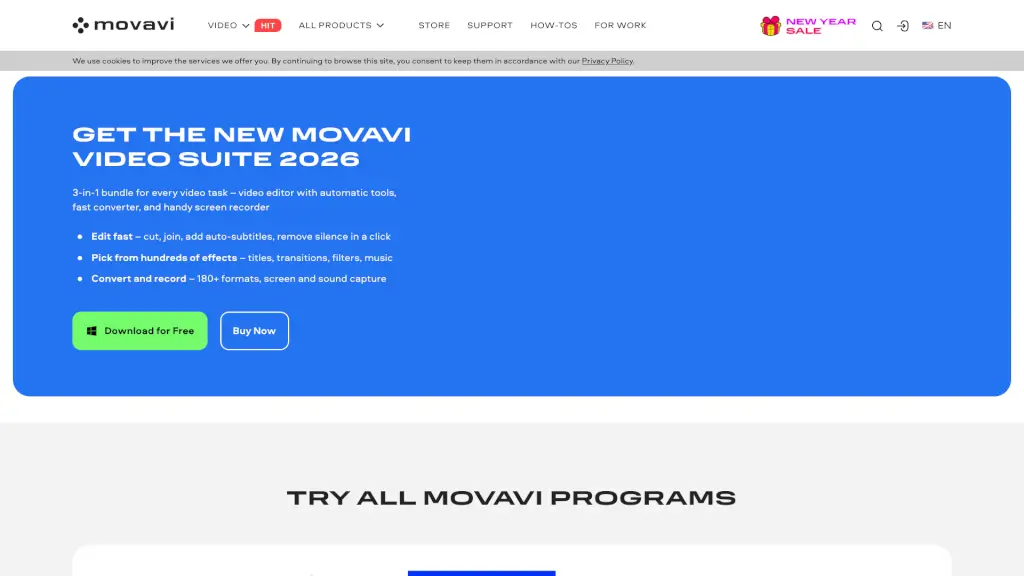
Movavi Video Editor 2026 logo

Movavi Video Editor 2026

5.0
(0 Reviews)
United States18.30%

Movavi Video Suite is an all-in-one multimedia software that includes a video editor, fast converter, and screen recorder, making it easy to create, convert, and record stunning videos with AI-powered tools and hundreds of effects.

Verified by SeekTool
Social Media:
Movavi Video Editor 2026

Movavi Video Editor 2026 Product Information

What is Movavi Video Editor 2026?

Movavi Video Suite is a comprehensive multimedia software designed to make video editing, conversion, and screen recording a breeze. Whether you're a beginner or a seasoned pro, this all-in-one solution offers a user-friendly interface and powerful tools to help you create stunning videos. With features like automatic subtitles, fast file conversion, and a handy screen recorder, Movavi Video Suite is perfect for anyone looking to enhance their video content without the steep learning curve.

What are the features of Movavi Video Editor 2026?

  • Video Editor: A simple yet powerful editor that lets you cut, join, add auto-subtitles, and remove silence with just a click.
  • Fast Converter: Convert media files to over 180 formats in seconds, ensuring compatibility across all your devices.
  • Screen Recorder: Capture your screen, webcam, and audio with ease, making it ideal for tutorials, presentations, and more.
  • AI Tools: Utilize AI-powered features like motion tracking, background removal, and noise reduction to elevate your videos.
  • Effects and Transitions: Choose from hundreds of effects, titles, transitions, and filters to give your videos a professional touch.
  • Music and Audio Effects: Access over 1,500 music tracks and audio effects to set the perfect mood for your projects.

What are the use cases of Movavi Video Editor 2026?

  • Creating Tutorials and Presentations: Use the screen recorder and video editor to create engaging educational content.
  • Editing Home Videos: Cut, join, and add effects to your family videos to preserve memories in a polished way.
  • Social Media Content: Quickly edit and share videos on platforms like YouTube, TikTok, and Instagram.
  • Business and Marketing Videos: Produce high-quality promotional videos with professional-looking effects and transitions.
  • Gaming Highlights: Record and edit your gaming sessions, adding commentary and highlights for your audience.
  • Travel Vlogs: Edit and share your travel experiences with vibrant effects and smooth transitions.

How to use Movavi Video Editor 2026?

  • Import Your Media: Start by importing your video clips, photos, and audio files into the project.
  • Edit Your Video: Use the intuitive timeline to cut, join, and arrange your clips. Add effects, transitions, and text as needed.
  • Add Music and Audio: Choose from the built-in library of music tracks and audio effects to enhance your video.
  • Use AI Tools: Apply AI-powered features like auto-subtitles, noise removal, and background replacement to save time.
  • Export Your Project: Once you're satisfied, export your video in the desired format and resolution.
  • Share Your Creation: Share your finished video on social media, YouTube, or any other platform.

Do you like this tool?

Upvote to help others discover it!

Movavi Video Editor 2026 Alternatives

HitPaw Edimakor

HitPaw Edimakor

HitPaw Edimakor is an intuitive AI video editor that transforms ideas into professional-quality videos fast—perfect for creators, educators, and businesses.

US
16.27%
902.0K
5.0
Vmaker AI

Vmaker AI

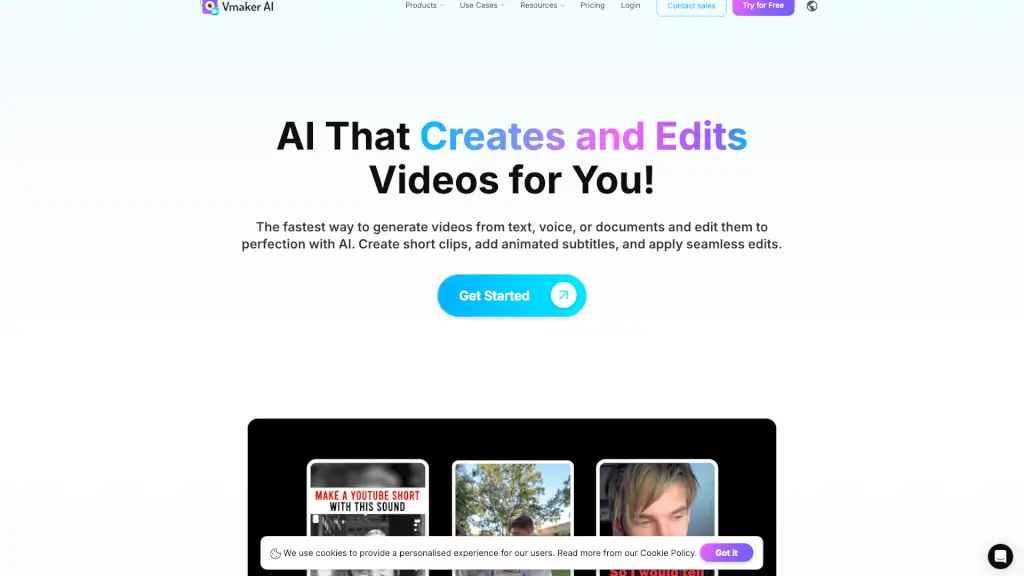
Vmaker AI is an all-in-one video creation and editing platform that makes it easy to produce stunning, professional videos in minutes.

IN
13.56%
422.2K
5.0
EaseUS

EaseUS

EaseUS offers a range of tools to recover, backup, and manage your data, along with multimedia solutions to enhance your creativity.

US
18.12%
4.9M
5.0
PowerDirector

PowerDirector

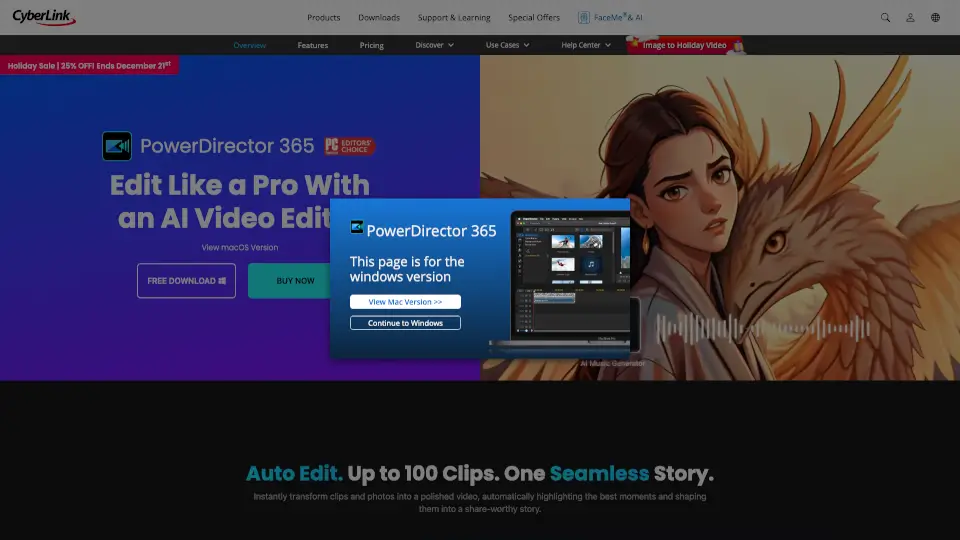
PowerDirector is an AI-powered video editing software that helps creators make professional videos faster with smart automation, pro tools, and 130M+ royalty-free assets.

JP
36.98%
2.1M
5.0
Wondershare Filmora

Wondershare Filmora

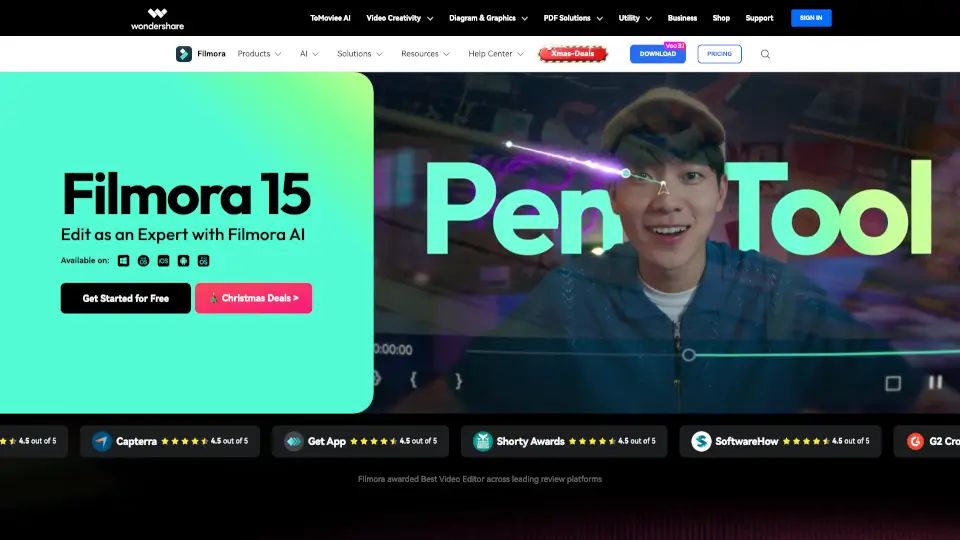
Wondershare Filmora is an intuitive, AI-powered video editor that helps anyone create professional-quality videos quickly with 2.9M+ built-in assets and smart automation tools.

IN
29.90%
1.7M
5.0
Camtasia

Camtasia

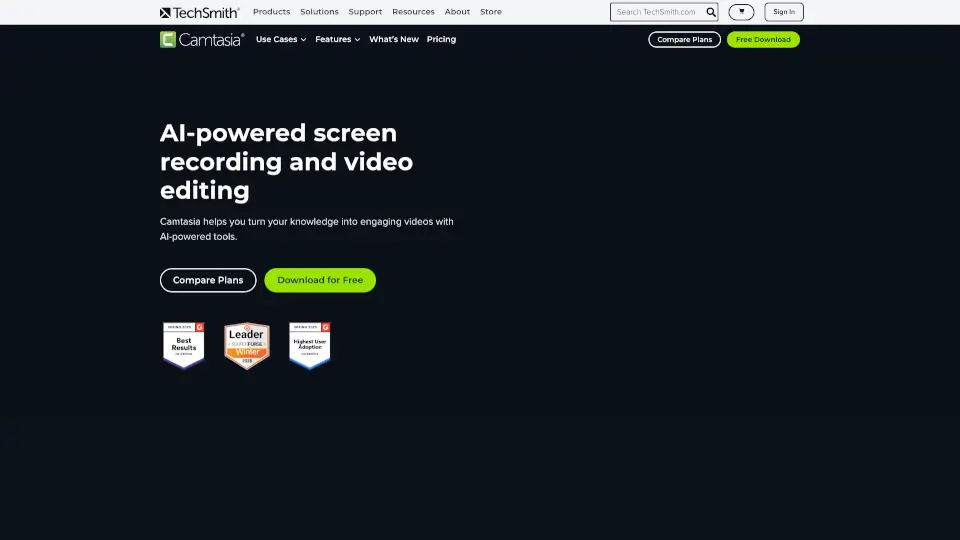
Camtasia makes video creation simple with AI tools, multitrack recording, and drag-and-drop editing—ideal for tutorials, training, and demos. Try it free!

US
44.76%
827.3K
5.0
Wondershare UniConverter

Wondershare UniConverter

Wondershare UniConverter 17 is an all-in-one AI video converter and enhancer that converts, upscales, compresses, and records 4K/8K videos with pro-quality results and unmatched speed.

US
24.51%
1.5M
5.0
CapCut

CapCut

CapCut is an AI-powered video editor that simplifies editing with smart tools like text-to-speech, auto-captions, and video upscaling. Perfect for creators of all levels, CapCut helps you make stunning videos faster and easier.

US
12.63%
52.5M
5.0

Movavi Video Editor 2026 Related Other Categories

Movavi Video Editor 2026 Traffic Analysis

💡 Insights

📈
High Traffic
Over 1M monthly visits. Widely recognized and stable choice.
⚠️
Slight Decline
Traffic has slightly decreased recently.
👍
Good Experience
Bounce rate of 51%. Users are willing to explore features.
🌐
Global Reach
Balanced user distribution worldwide.
  • Monthly Visits

    2.13M

  • Bounce Rate

    51.44%

  • Pages Per Visit

    2.48

  • Visit Duration

    00:02:37

  • Global Rank

    28202

  • Country Rank

    27685

Visits Over Time

Traffic Sources

SearchPaid58.06%
SearchOrganic22.78%
Direct7.08%
DisplayAds4.72%
SocialOrganic2.60%
Referrals1.84%
Mail1.34%
SocialPaid0.80%
Affiliate0.49%
GenAi0.30%

Top Keywords

1
davinci resolve
CPC$0.83
153.42KTraffic
2
capcut
CPC$0.22
71.33KTraffic
3
movavi
CPC$1.23
35.81KTraffic
4
handbrake
CPC$0.54
26.54KTraffic
5
movavi video editor
CPC$1.11
21.13KTraffic

Top Regions

RegionPercentage
United States
United States
18.30%
Brazil
Brazil
8.53%
Russia
Russia
4.86%
India
India
4.19%
Japan
Japan
3.67%
Low
High

Powered by SimilarWeb

Movavi Video Editor 2026 FAQ

How can I safely edit videos for free?

You can use Movavi Video Editor, which is 100% safe and easy to use. The free version has some limitations, such as a Movavi watermark, 60-second video or half audio length, and locked advanced features when exporting files. If you like the software, you can buy a lifetime license or annual subscription to the full version.

Which is the best video editor for beginners?

Movavi Video Editor is one of the best video editors for beginners. It's designed to be intuitive and easy to use, even if you've never edited videos before. The easy-to-follow interface, handy tooltips, and support team make it a great choice for newcomers.

How can I download a video editor for free?

You can download Movavi Video Editor for free. It’s a solid choice with awesome intro presets, tons of eye-catching effects and transitions, and an intuitive interface. After 7 days, you’ll need to buy the full version to continue using all features.

How do I add transitions in a video editor?

In Movavi Video Editor, adding a transition is as simple as dragging and dropping the transition you want between the clips. It takes just a few seconds and doesn’t require complex manuals or instructions.

What are the system requirements for Movavi Video Editor?

Movavi Video Editor requires macOS® 12.0 or higher, a 64-bit Intel® processor or Apple M1 or higher, a graphics card with up-to-date drivers, 1280 × 800 screen resolution, 32-bit color, and 4 GB RAM. You also need 400 MB of available hard disk space for installation and 600 MB for ongoing operations.

Movavi Video Editor 2026 Reviews

0

0

0 Reviews
Sign Into leave a review

Recent Reviews

No reviews yet

Movavi Video Editor 2026 Embed

Use website badges to drive community support for SeekTool.ai. They are easy to embed in your homepage or footer.

Light
Dark
Movavi Video Editor 2026 - Featured on SeekTool.aiMovavi Video Editor 2026 - Featured on SeekTool.ai
How to install?