
Mava logo

Mava

4.0
(0 Reviews)
Vereinigte Staaten28.10%

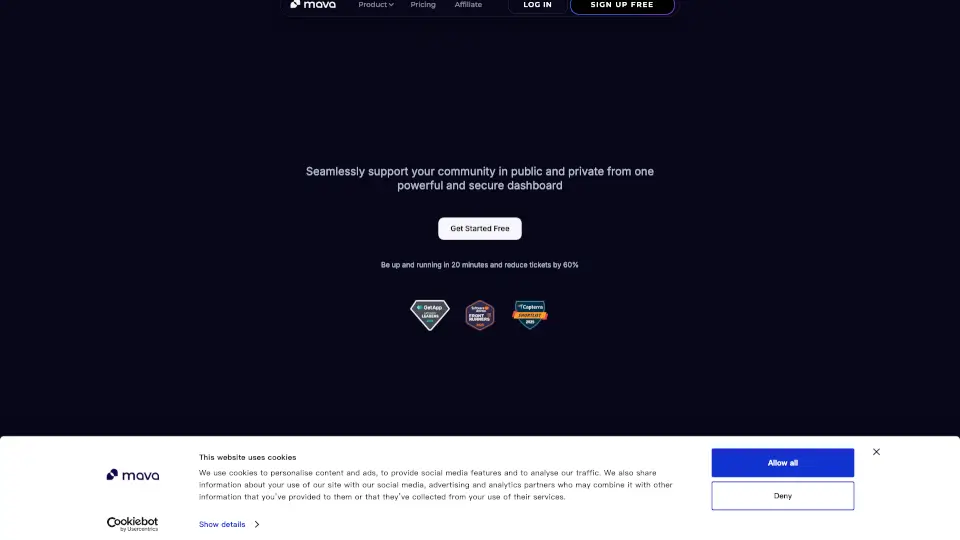
Mava is an AI-powered community support platform that unifies Discord, Telegram, Slack, and web chat tickets in one shared inbox with instant AI responses and unlimited agents.

Von SeekTool verifiziert
Soziale Medien:
Mava

Mava Produktinformationen

What is Mava?

Mava is an AI-powered support platform built specifically for community-driven companies. It helps you manage support tickets across Discord, Telegram, Slack, web chat, and email from one shared inbox. With instant AI responses trained on your existing knowledge base, Mava can resolve up to 60% of repetitive questions automatically—freeing your team to focus on complex issues. Whether you run a small Discord server or a large Telegram community, Mava gives you the tools to scale support without hiring extra agents.

What are the features of Mava?

  • Shared Inbox: View and respond to all tickets from Discord, Telegram, Slack, email, and web chat in one unified dashboard – no more switching between apps.
  • AI Support Agent: Train Mava’s AI in minutes using your website, Google Docs, GitBook, or other content. It answers questions in public channels and private tickets, with seamless human handover.
  • Community Channel Integrations: Native integrations with Discord, Telegram, Slack, plus a customizable web chat widget and email support.
  • Analytics Dashboard: Track ticket volume, AI resolution rates, response times, and customer satisfaction – all built-in.
  • Workflow Automations: Set up custom views, status tracking, and automations to streamline your support process.
  • No Per-Seat Limits: Add unlimited agents on any plan – your whole team can collaborate without extra costs.

What are the use cases of Mava?

  • Scaling Discord support for a large gaming community – Let AI handle common questions about rules, updates, and troubleshooting, while agents focus on complex player issues.
  • Managing Telegram support for a crypto project – Automate responses to frequent questions about tokenomics, wallet setup, and airdrops across public groups and private tickets.
  • Unifying Slack support for an internal product team – Collect bug reports, feature requests, and user questions from Slack channels into one shared inbox with AI triage.
  • Adding a web chat to your SaaS website – Embed Mava’s customizable widget to engage visitors in real time, boosting conversions and satisfaction.

How to use Mava?

  • Step 1: Sign up for a free Mava account and connect your community channels (Discord, Telegram, Slack, or web chat).
  • Step 2: Train your AI by uploading content from your website, Google Docs, GitBook, or by manually adding Q&A pairs.
  • Step 3: Test the AI in the Mava dashboard to ensure it answers correctly before going live.
  • Step 4: Set up your shared inbox – invite your team members (no per-seat limit) and configure ticket statuses, automations, and custom views.
  • Step 5: Let Mava’s AI handle repetitive questions automatically, with human agents stepping in when the AI can’t resolve the issue.

Gefällt Ihnen dieses Tool?

Stimmen Sie ab, damit andere es leichter entdecken!

Mava Alternativen

Mavenoid

Mavenoid

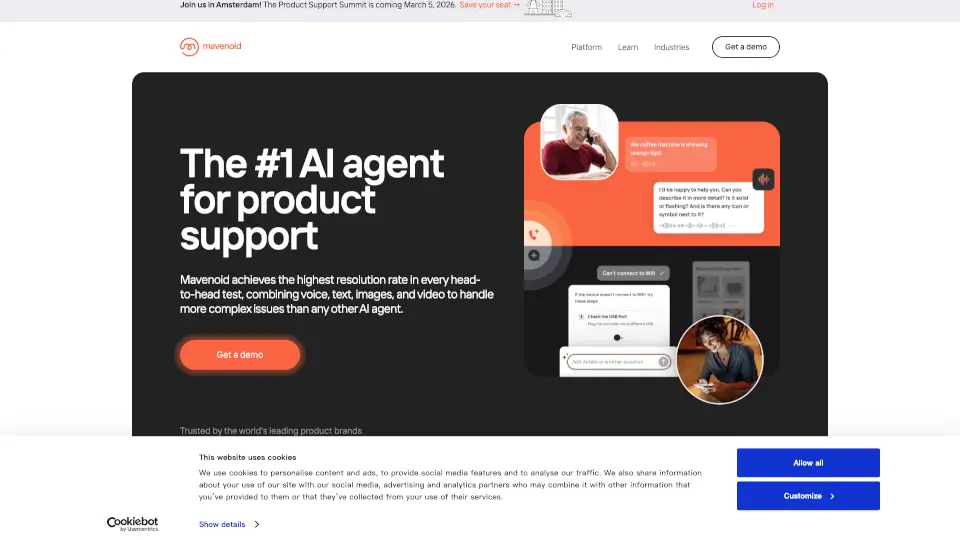
Mavenoid ist der KI-Agent für Produktsupport mit der höchsten Lösungsrate, der Voice, Text, Bilder und Video kombiniert, um komplexe Probleme zu lösen.

GB
28.22%
73.6K
5.0
Jarvis

Jarvis

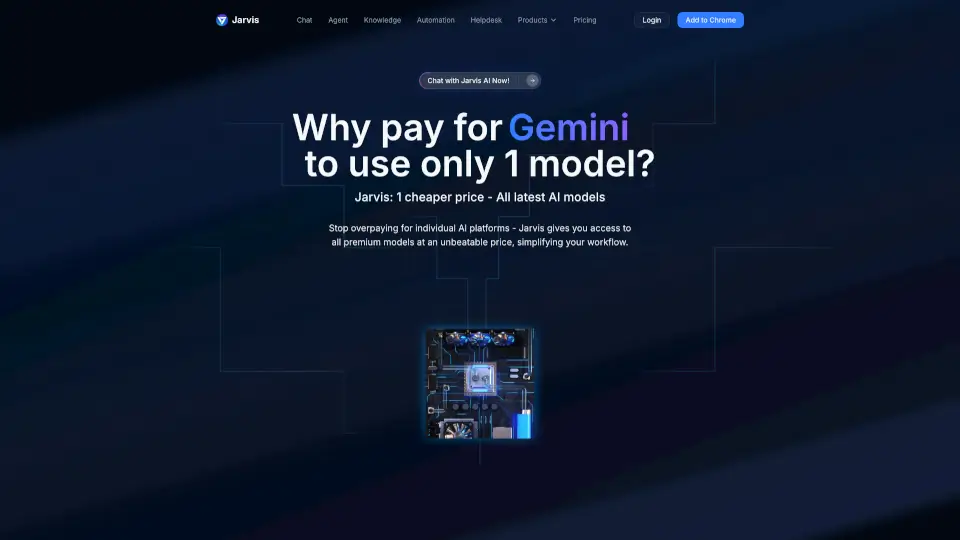
Mit Jarvis Helpdesk automatisieren Unternehmen den Kundenservice über 10+ Kanäle: KI löst 80% der Anfragen sofort und senkt Kosten um das 8-fache.

IN
8.22%
228.8K
5.0
CommunityOne Discord AI Bot & Discord Analytics

CommunityOne Discord AI Bot & Discord Analytics

CommunityOne ist der ultimative Discord AI Bot für KI-gestützte Moderation, Gamification und Community-Analytics, der dir hilft, deine Community mühelos zu schützen, zu begeistern und zu vergrößern.

US
36.71%
395.8K
5.0
Macha AI

Macha AI

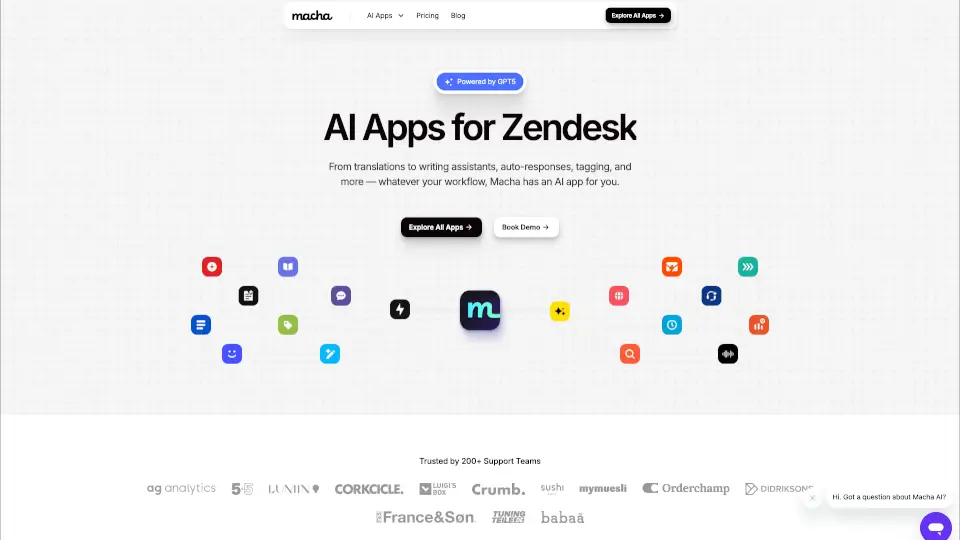
Macha AI bietet eine leistungsstarke KI-App-Suite für Zendesk, die Support-Teams hilft, schneller, effizienter und mehrsprachig zu arbeiten – ohne zusätzlichen Aufwand.

US
26.34%
41.0K
4.0
Maven AGI

Maven AGI

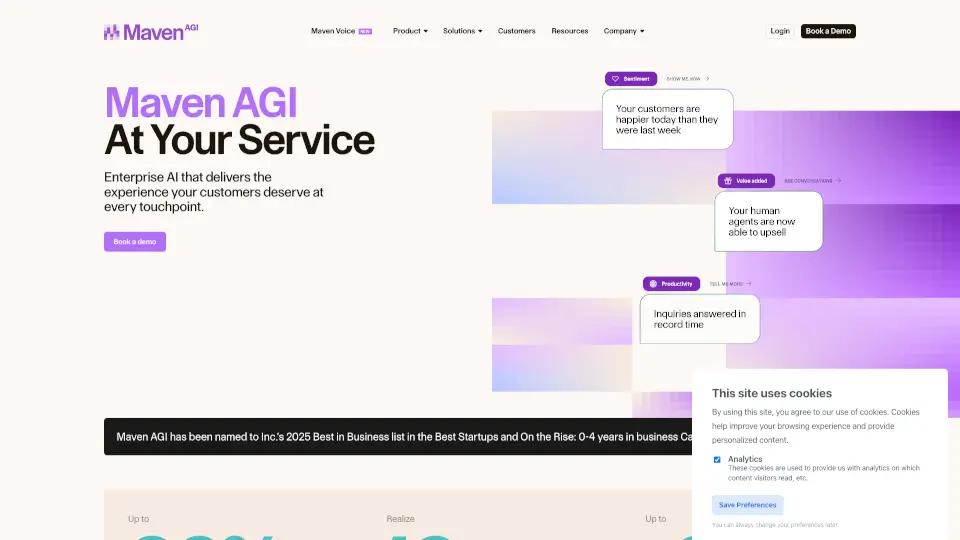
MavenAGI ist eine KI-Plattform, die Unternehmen dabei unterstützt, Kundensupport zu automatisieren, Effizienz zu steigern und Kundenzufriedenheit zu verbessern.

US
78.19%
46.4K
4.0
Chatbase

Chatbase

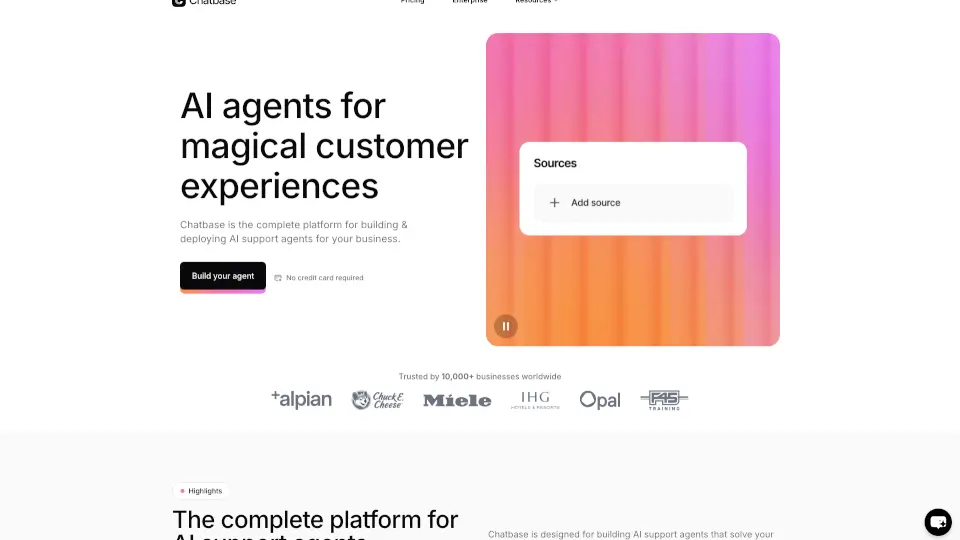
Chatbase ist die ideale Plattform, um KI-basierte Chat-Agenten zu erstellen, die deine Kunden unterstützen und dein Geschäft voranbringen.

US
15.40%
394.4K
5.0
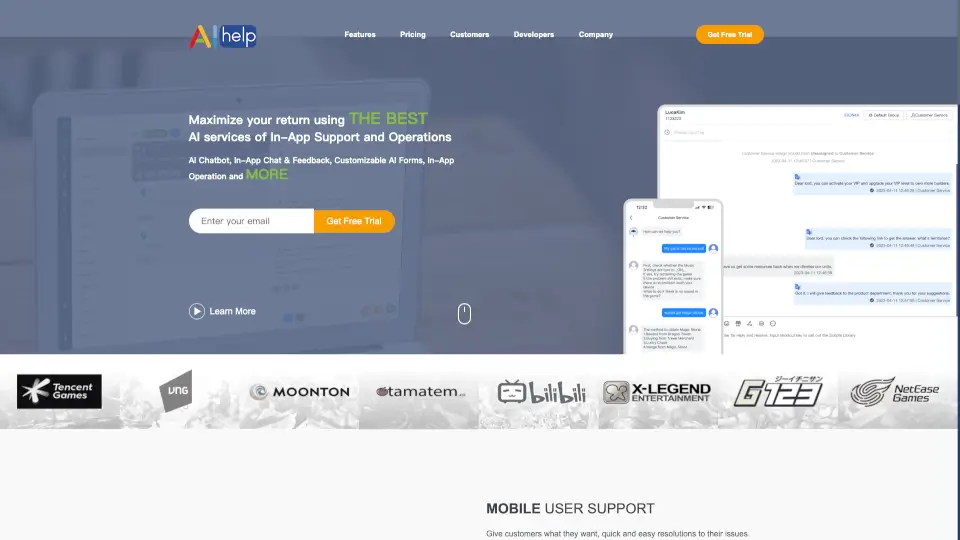
AIHelp

AIHelp

AIHelp ist die führende In-App-Support-Plattform mit KI-Chatbot, In-App-Chat und automatisierten Formularen, um Kundenzufriedenheit zu steigern und Support-Kosten zu senken.

CN
100.00%
4.5K
3.0
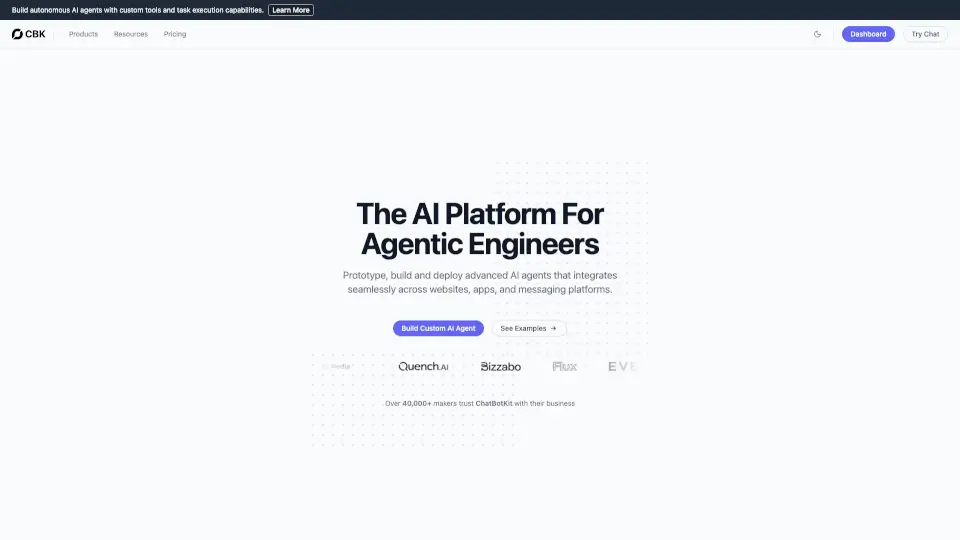
Chatbotkit

Chatbotkit

ChatBotKit ermöglicht es dir, maßgeschneiderte KI-Bots zu erstellen, die natürliche Gespräche führen und in verschiedene Plattformen integriert werden können.

US
20.02%
40.2K
4.0

Mava Verwandte andere Kategorien

Mava Verkehrsanalyse

💡 Einblicke

🌱
Aufstrebendes Tool
10K-100K monatliche Besuche. Nischen- oder neues Tool mit potenziellem Mehrwert.
⚠️
Leichter Rückgang
Traffic ist kürzlich leicht zurückgegangen.
👍
Gute Erfahrung
Absprungrate von 48%. Nutzer erkunden gerne die Funktionen.
🎯
Starke Marke
53% Direktverkehr. Hohe Nutzertreue.
  • Monatliche Besuche

    40.76K

  • Absprungrate

    48.12%

  • Seiten pro Besuch

    2.16

  • Besuchsdauer

    00:00:34

  • Globaler Rang

    786397

  • Länderrang

    173923

Besuche im Zeitverlauf

Verkehrsquellen

Direkt53.38%
Empfehlungen20.39%
Search Organic17.18%
Social Organic4.06%
Gen Ai3.44%
E-Mail1.55%
Search Paid0.00%
Social Paid0.00%
Affiliate0.00%

Top-Schlüsselwörter

1
mava app
260Verkehr
2
what is the best discord app to block spam bots
260Verkehr
3
mava
CPC$0.08
230Verkehr
4
user vs role vs channel permissions discord
210Verkehr
5
best discord ticket bot
170Verkehr

Top-Regionen

RegionProzentsatz
Vereinigte Staaten
Vereinigte Staaten
28.10%
Deutschland
Deutschland
10.38%
Vietnam
Vietnam
6.84%
Indien
Indien
5.54%
Nigeria
Nigeria
5.53%
Niedrig
Hoch

Powered by SimilarWeb

Mava Häufig gestellte Fragen

Is there a free plan for Mava?

Yes. Mava offers a free plan that includes support across Discord, Telegram, and Slack, along with AI-powered responses. It is ideal for smaller communities getting started with automated support.

How many agents can I add to Mava?

Mava has no limit on the number of agents you can add on any plan. Your entire team can access the shared inbox and collaborate on tickets without per-seat restrictions. AI support is included on all plans.

Do you provide moderators or support agents?

No, Mava is a software platform designed for your internal team to optimize support operations. While we don't provide outsourcing services directly, we’d be happy to connect you with trusted partners who specialize in outsourced support. Feel free to reach out.

Can I test AI before going live?

Yes, after training the AI using your knowledge base, you can test questions directly in the Mava dashboard, allowing you to identify and fill any gaps.

What makes Mava different from Ticket Tool or other Discord bots?

Mava is more than a Discord ticket bot. It is a full community support platform with AI-powered responses, a shared inbox across Discord, Telegram, Slack, web chat, and email, and analytics to track your team's performance. Unlike simple ticket bots, Mava's AI can answer repetitive questions automatically in both public channels and private tickets, with seamless handover to human agents when needed.

How is Mava different from a simple ticket bot?

Mava is a full AI-powered community support platform, not just a ticket bot. Unlike simple ticket bots, Mava offers AI-powered automatic responses in both public channels and private tickets, a shared inbox across Discord, Telegram, Slack, web chat, and email, built-in analytics to track support performance, and seamless human handover when AI cannot resolve an issue.

How quickly can I get started with Mava?

You can be up and running in 20 minutes. After signing up, connect your channels and train your AI – Mava’s onboarding is designed for speed.

Mava Bewertungen

0

0

0 Bewertungen
Anmeldento leave a review

Neueste Bewertungen

Noch keine Bewertungen

Mava Preisgestaltung

Free

Ideal für kleinere Gemeinschaften
$0
  • Mava Dashboard
  • 100 Supportanfragen / Monat
  • 2 KI-Trainingsquellen
  • Discord, Slack & TG Öffentlicher KI-Bot
  • Discord, TG, Web Chat Ticket KI-Bot
  • TG-Gruppen-Ticketing - 10 Gruppen
  • Unbegrenzte Agenten
  • 5 Vorlagenantworten
  • Konversationsformulare

Bullish

Monatlicher Plan
$99
  • Alles in Starter
  • 500 Supportanfragen / Monat
  • 5 KI-Trainingsquellen
  • Automatisches Training des KI auf Discord-Antworten
  • TG-Gruppen-Ticketing - 20 Gruppen
  • Web-Chat-Anpassung
  • Analysen (90-Tage-Verlauf)
  • Unbegrenzte Vorlagenantworten

Diamond

Monatlicher Plan
$199
  • Alles in Bullish
  • 2.000 Supportanfragen / Monat
  • 10 KI-Trainingsquellen
  • TG-Gruppen-Ticketing - 100 Gruppen
  • Integration mit Drittanbieter-Apps über Webhooks
  • Ticket- und Benutzerattribute
  • Mehrsprachiger KI-Bot
  • Priorisierter Support
  • Analysen (gesamter Verlauf)

Whale

Monatlicher Plan
$599
  • Alles in Diamond
  • 10.000 Supportanfragen / Monat
  • 20 KI-Trainingsquellen
  • TG-Gruppen-Ticketing - 250 Gruppen
  • Integration mit Drittanbieter-Apps über Webhooks
  • Zeitbasierte Automatisierungen

Bullish

Jährlicher Plan
$83
  • Alles in Starter
  • 6.000 Supportanfragen / Jahr
  • 5 KI-Trainingsquellen
  • Automatisches Training des KI auf Discord-Antworten
  • TG-Gruppen-Ticketing - 20 Gruppen
  • Web-Chat-Anpassung
  • Analysen (90-Tage-Verlauf)
  • Unbegrenzte Vorlagenantworten

Diamond

Jährlicher Plan
$166
  • Alles in Bullish
  • 24.000 Supportanfragen / Jahr
  • 10 KI-Trainingsquellen
  • TG-Gruppen-Ticketing - 100 Gruppen
  • Integration mit Drittanbieter-Apps über Webhooks
  • Ticket- und Benutzerattribute
  • Mehrsprachiger KI-Bot
  • Priorisierter Support
  • Analysen (gesamter Verlauf)

Whale

Jährlicher Plan
$499
  • Alles in Diamond
  • 120.000 Supportanfragen / Jahr
  • 20 KI-Trainingsquellen
  • TG-Gruppen-Ticketing - 250 Gruppen
  • Zeitbasierte Automatisierungen

Mava Einbetten

Verwenden Sie Website-Badges, um Community-Unterstützung für SeekTool.ai zu fördern. Sie lassen sich einfach in Ihre Homepage oder Fußzeile einbetten.

Hell
Dunkel
Mava - Featured on SeekTool.aiMava - Featured on SeekTool.ai
Wie installieren?

Kategorie-Rankings

Nach monatlichem Traffic sortiert