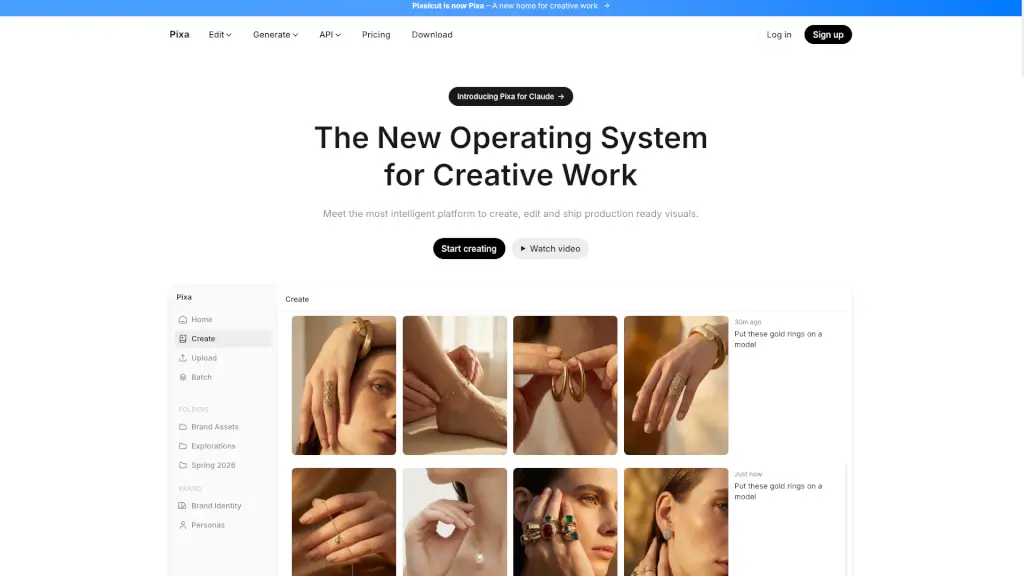
TensorPix makes video enhancement easy and free. Boost quality, fix flaws, and share sharper videos in seconds—no hassle.
Best TensorPix Alternatives & Competitors 2026
A popular Video Enhancer tool with 357.7K monthly visits. We've analyzed 20 similar AI tools to help you compare features, popularity, and ratings. Find the perfect alternative for your needs.
Quick Comparison
(Top 5 by Traffic)| Tool | Visits | Top Market | Growth | Rating | Insight | Description |
|---|---|---|---|---|---|---|

TensorPixCurrent | 357.7K | 🇺🇸 United States21.1% | +22.4% | - | 📊Steady Growth Recent growth of 22%. Product is in a healthy upward trend. | TensorPix makes video enhancement easy and free. Boost quality, fix flaws, and share sharper videos in seconds—no hassle. |

Fotor Video Enhancer | 8.0M | 🇷🇺 Russia20.2% | -13.5% | - | 📈High Traffic Over 1M monthly visits. Widely recognized and stable choice. | Fotor’s AI Video Enhancer Online instantly improves video quality—boosting resolution, color, and clarity—without downloads or editing skills. |

PixelBin | 2.2M | 🇮🇳 India14.9% | -18.2% | - | 📈High Traffic Over 1M monthly visits. Widely recognized and stable choice. | Pixelbin AI Studio is a free, all-in-one AI-powered platform for generating, editing, and enhancing images and videos with simple text prompts or one-click tools. |
AnyEnhancer | 1.1M | 🇺🇸 United States17.5% | -16.5% | - | 📈High Traffic Over 1M monthly visits. Widely recognized and stable choice. | AnyEnhancer is the easiest way to upgrade videos with AI—perfect for creators, families, and film lovers. Try it today! |
Unblurimage AI | 652.7K | 🇺🇸 United States20.9% | -15.8% | - | ⭐Medium Scale 100K-1M monthly visits. Growing tool with active development. | UnblurImage AI makes blurry photos sharp and clear—free, fast, and no sign-up. Perfect for social media, shopping, or printing! |
MagicStock | 487.4K | 🇺🇸 United States16.9% | +12.9% | - | ⭐Medium Scale 100K-1M monthly visits. Growing tool with active development. | TensorPix is an all-in-one AI tool for generating, enhancing, and transforming images and videos. From creating unique visuals to upscaling and background removal, it’s designed to make your creative process seamless and efficient. |
Closest Match
Tools that are functionally closest to TensorPix, ranked by semantic similarity and category relevance.
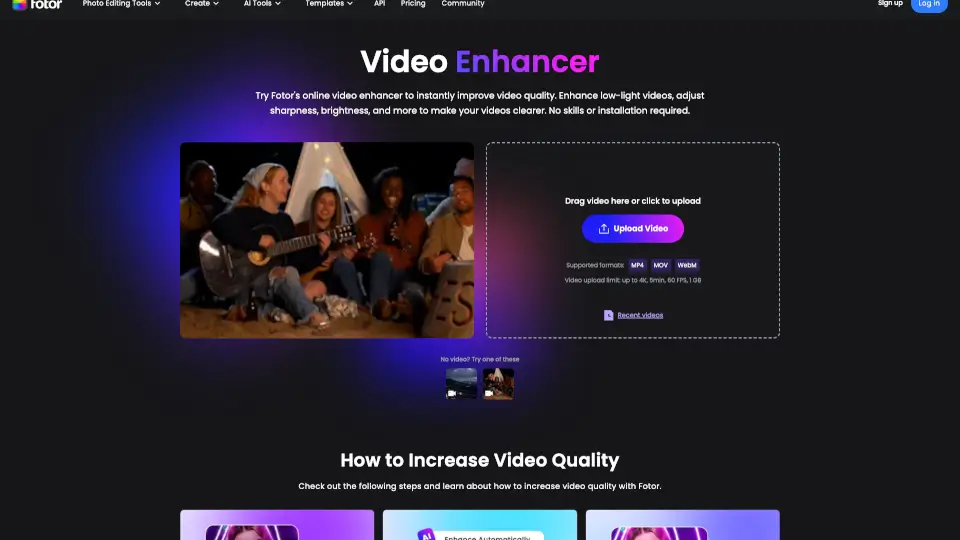

Fotor’s AI Video Enhancer Online instantly improves video quality—boosting resolution, color, and clarity—without downloads or editing skills.

TensorPix is an all-in-one AI tool for generating, enhancing, and transforming images and videos. From creating unique visuals to upscaling and background removal, it’s designed to make your creative process seamless and efficient.

UniFab Free Online AI Video Enhancer instantly upscales and restores videos to 4K quality in your browser—no install, no GPU, and free to start.
Pixelfox AI is the ultimate free online photo and video editor powered by AI. Remove backgrounds, enhance images, swap faces, and more—all in seconds. No downloads, no fees, just professional edits made easy.
Similar Traffic Scale
Alternatives with comparable monthly traffic to TensorPix, useful for comparing peers at a similar market stage.
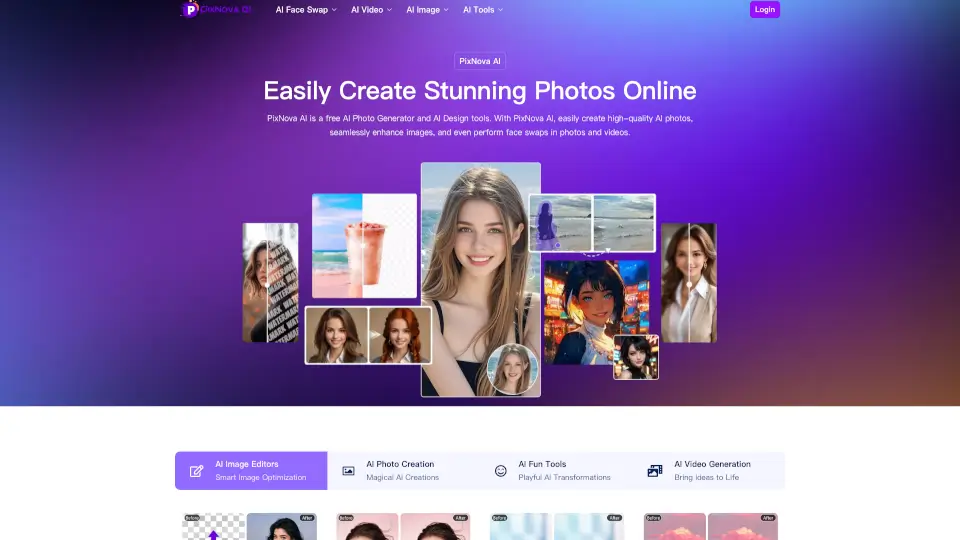

PxBee is the easiest way to edit photos like a pro—remove backgrounds, enhance quality, and create stunning visuals—all with free AI tools. Perfect for beginners and pros alike!
PIXEL DOJO makes AI art easy and affordable—pro visuals in seconds, no skills needed.
Gigapixel AI makes image enhancement easy with AI—upscale, edit, or create visuals in clicks. Free trials available!

Create stunning, professional videos effortlessly with Vidful.ai’s AI video generator, powered by cutting-edge technologies like Kuaishou Kling AI and Luma AI Dream Machine.
Fast Growing Alternatives
Similar tools with stronger recent traffic growth, highlighting alternatives that may be gaining momentum.


RemoveBackgroundAI.com is a free, no-signup AI tool that instantly removes backgrounds from images and videos with professional precision.

AIShowX is the ultimate AI toolkit for creating videos, images, and audio in seconds—no skills required. Perfect for creators, marketers, and anyone who loves easy, powerful editing.

Enhance and transform your images and videos with Image Upscaler, the AI-powered platform for upscaling, unblurring, and more.

Perfectly Clear Video is an automatic AI video enhancer that instantly improves video quality for businesses—frame by frame, with no manual editing required.
Top 20 Alternatives to TensorPix
Sorted by Similarity


Fotor’s AI Video Enhancer Online instantly improves video quality—boosting resolution, color, and clarity—without downloads or editing skills.

TensorPix is an all-in-one AI tool for generating, enhancing, and transforming images and videos. From creating unique visuals to upscaling and background removal, it’s designed to make your creative process seamless and efficient.

UniFab Free Online AI Video Enhancer instantly upscales and restores videos to 4K quality in your browser—no install, no GPU, and free to start.
Pixelfox AI is the ultimate free online photo and video editor powered by AI. Remove backgrounds, enhance images, swap faces, and more—all in seconds. No downloads, no fees, just professional edits made easy.

AnyEnhancer is the easiest way to upgrade videos with AI—perfect for creators, families, and film lovers. Try it today!

X-Design AI Video Enhancer is a powerful tool that transforms low-quality videos into high-resolution masterpieces, perfect for e-commerce, branding, and content creation.

Pixop is a cloud-based AI video enhancer that helps professionals and businesses improve video quality and resolution effortlessly.

UnblurImage AI makes blurry photos sharp and clear—free, fast, and no sign-up. Perfect for social media, shopping, or printing!
Pixelbin AI Studio is a free, all-in-one AI-powered platform for generating, editing, and enhancing images and videos with simple text prompts or one-click tools.

HitPaw Online Video Enhancer is a powerful, user-friendly tool that brings your videos to life with AI-powered upscaling, noise reduction, and color restoration. Perfect for both casual users and professionals!

Pix2Pix Video makes video editing as easy as typing a sentence—perfect for creators, meme lovers, and artists.

HitPaw VikPea is the easiest way to upscale, sharpen, and restore videos using AI. Perfect for nostalgia buffs, creators, and pros who want cinematic quality without the hassle.

Pixlr is a free, browser-based AI photo editor and image generator that lets anyone create, edit, and enhance visuals with professional AI tools—no cost or installation needed.

insMind’s Free AI Photo Enhancer quickly improves image quality, sharpens details, and upscales photos to 8K—all online and free. Perfect for anyone wanting better-looking pictures.

Topaz Labs delivers professional AI-powered photo and video enhancement for stunning noise reduction, upscaling, sharpening, and restoration.

HitPaw FotorPea is your go-to AI photo enhancer for sharpening, upscaling, and restoring images effortlessly. Perfect for pros and beginners alike!

ImageToVideo AI is a hassle-free way to convert images and text into videos—perfect for social media, work, or fun. No cost, no complications!

Pixa, the free AI photo editor, offers powerful and easy-to-use tools for creating, editing, and sharing high-quality visuals, making it perfect for small businesses and creatives alike.

VidHex uses AI to enhance, upscale, colorize, and restore videos with ease. Perfect for anyone wanting professional-quality videos in just a few clicks.

AIShowX is the ultimate AI toolkit for creating videos, images, and audio in seconds—no skills required. Perfect for creators, marketers, and anyone who loves easy, powerful editing.
Frequently Asked Questions
How we find and rank alternatives to TensorPix
We generate a semantic embedding (vector) for every AI tool in our database. Alternatives are found by first narrowing candidates to tools in the same categories, then ranking by cosine similarity score. Only tools with a similarity score ≥ 0.52 make the cut — ensuring every recommendation is genuinely related, not just popular in the same broad category.
The full list (up to 20 tools) is ordered by semantic similarity — the most functionally similar tools appear first. "Quick Comparison" goes one step further: it takes the top candidates from that list and re-ranks them by monthly traffic, giving you a fast snapshot of the most widely-used options right now.
Quick Comparison has fewer slots and adds a traffic threshold on top of similarity. A tool can be highly similar to the one you are looking at but still have lower monthly traffic than other candidates — it stays in the full list where you can still discover and evaluate it.
Monthly visits, growth rates, and regional distribution data are sourced from SimilarWeb via our licensed API. SimilarWeb is the industry-standard web analytics service used by analysts, investors, and product teams worldwide. The data month is displayed at the bottom of the Quick Comparison table.
Similarity relationships are recalculated periodically as new tools are added to our database. Traffic metrics (visits, growth rate, top market) are refreshed monthly from SimilarWeb. The exact data month is always shown at the bottom of the Quick Comparison table so you know how fresh the numbers are.
No. The order of results is determined entirely by our similarity algorithm and third-party traffic data. We do not sell placement positions in alternative lists or Quick Comparison tables. If a tool is listed here, it earned its place through data — not through advertising spend.
Traffic data (visits, growth, top market) sourced from SimilarWeb licensed API · Similarity scores computed by our in-house vector engine